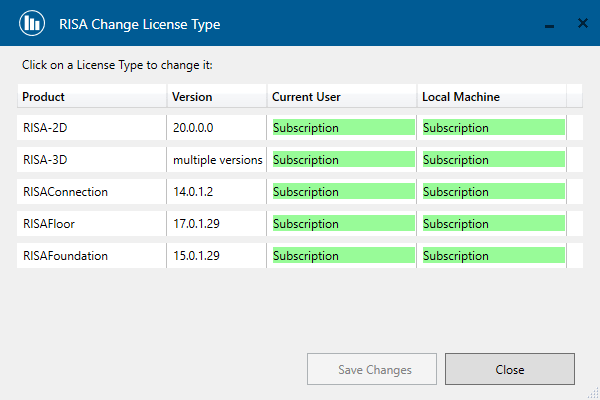
How To: Change your License Type
In the ever-evolving landscape of software and technology, change is constant. One shift is RISA's upcoming transition from traditional software...

Try the Complete RISA Suite for
10 Days FREE

RISA Education

Video Library

Online Help

Get Support

About Us
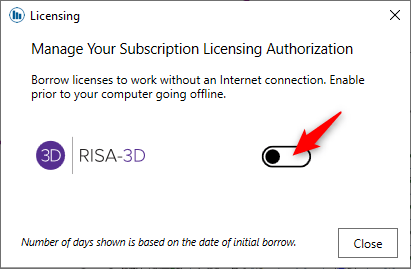
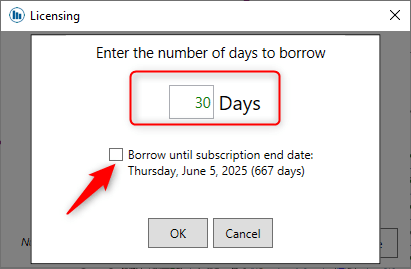
RISA software products allow users to borrow a subscription licenses for a specified period of time, giving users if they are going off-site. To borrow a license follow the steps below.
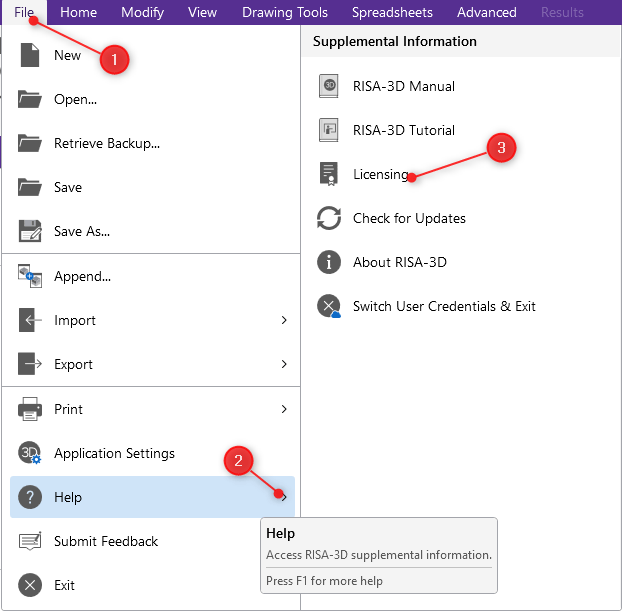
STEP 1: Open RISA-3D. Then navigate to File > Help > Licensing.

If you need to return the license before the check-out date, check it back in by flipping the switch off.
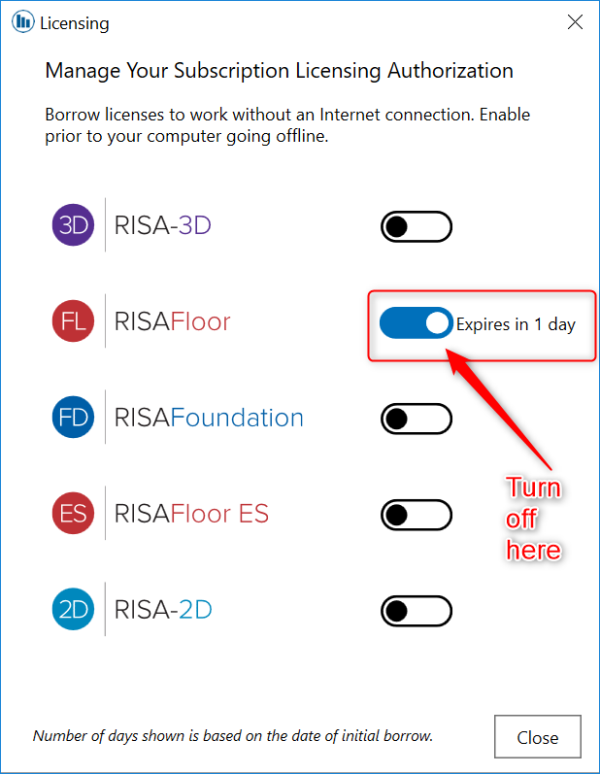
Please note that to borrow and return a license you will need to be connected to the internet. After the initial borrowing license steps, you will be able to use the license offline until expiration.
In the ever-evolving landscape of software and technology, change is constant. One shift is RISA's upcoming transition from traditional software...
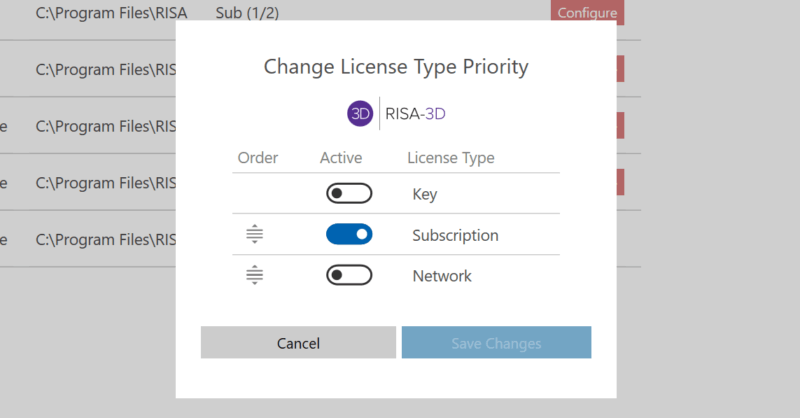
The RISA licensing dashboard allows users to convert existing licensing keys from one type to the other. Before using the licensing dashboard to...
Occasionally, you will find the need to change your server from an old computer to a new one, or perhaps you simply want to move your RISA...