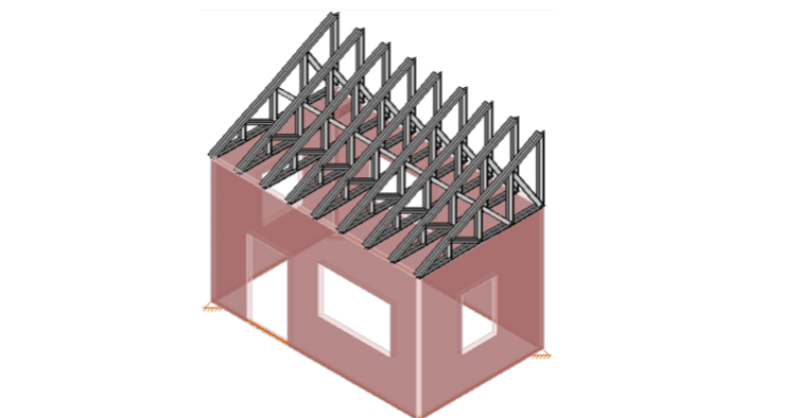
How to Append or Merge Multiple Models Together in RISA-3D
RISA-3D allows you to append, or merge, multiple models into a single model file. This may be helpful if you model single floors in separate files...

Steel
Wood
Concrete
Education
RISA-3D
RISAFloor
RISAConnection
ADAPT-Builder
RISACalc
RISAFoundation
ADAPT-PT/RC
RISASection
RISA-2D
ADAPT-Felt
Link Utilities
![]()
Try the Complete RISA Suite for
10 Days FREE

Training
Webinars
Reach an Engineer
Tips & Tricks
Design Codes
Case Studies
New Features
Cloud Licensing

RISA Education
Video Library
Downloads
Licensing Support
Customer Portal
Product Documentation
System Requirements
Specifications
Online Help
Get Support
Contact
Careers
Employee Spotlight
Nemetschek
License Agreement
Privacy Policy
Open BIM
Partners

About Us
Introducing RISA-3D v22.0, the latest milestone in structural engineering innovation! One of the standout features of this release is the ability to move nodes with a simple mouse gesture in the 3D graphical view. This intuitive functionality revolutionizes your design process, allowing for seamless adjustments and precise control over your structural model. Say goodbye to tedious manual input and hello to effortless manipulation of nodes. Experience the power of RISA-3D v22.0 and take your structural designs to new heights!
RISA-3D allows you to append, or merge, multiple models into a single model file. This may be helpful if you model single floors in separate files...
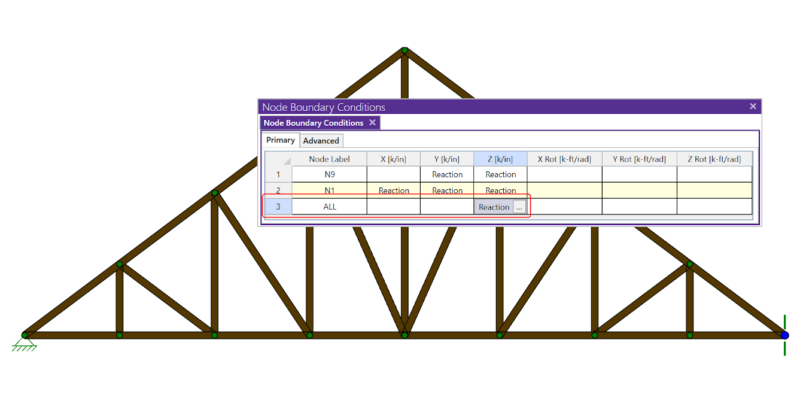
If you have ever tried to solve a two-dimensional model in RISA-3D, you have ultimately run into instabilities in your model because your model...
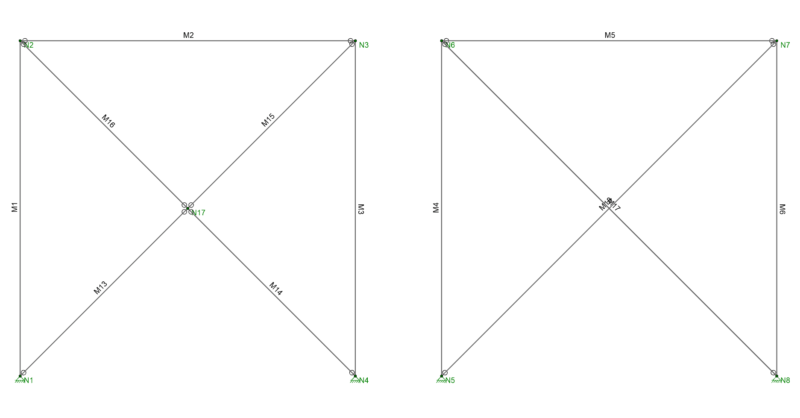
There are several tips to modeling X-Bracing within RISA-3D that can help the model solve faster and give you better results.