 By: Admin

How to Get a Code Check for Custom Cold Formed Steel Shapes
In order to get code calculations, RISA-3D and RISA-2D need to know what type of shape would be most similar to yours. This is because the program...

Try the Complete RISA Suite for
10 Days FREE

RISA Education

Video Library

Online Help

Get Support

About Us
The latest version of RISASection, includes a powerful new DXF import feature. This feature allows the user to import any 2D geometry into RISASection for the calculation of the cross-sectional properties and the import into RISA-2D, RISA-3D or RISAFloor for use in the larger model.
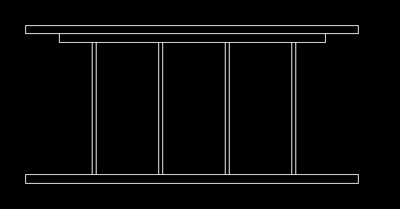
Simply start by modeling the 2D section in your CAD program:
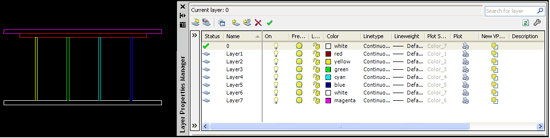
If you want to model multiple shapes to create a built-up section, it is best to model each shape on separate layers in order to ensure that the import correctly recognizes each shape’s outline:
Save the file as a DXF, then open RISASection.
Note: You may open a new file or an existing file. If you want to add the section to an existing file, it will simply import as a new section.
Go to File > Import DXF File, and then browse to select your file.
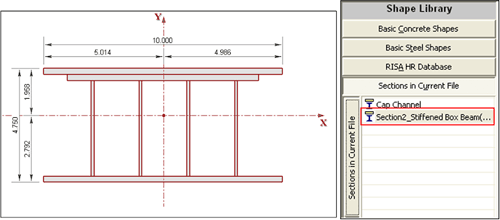
Now you may review the calculated properties and save the section for import into RISA-2D, RISA-3D, and RISAFloor.

In order to get code calculations, RISA-3D and RISA-2D need to know what type of shape would be most similar to yours. This is because the program...
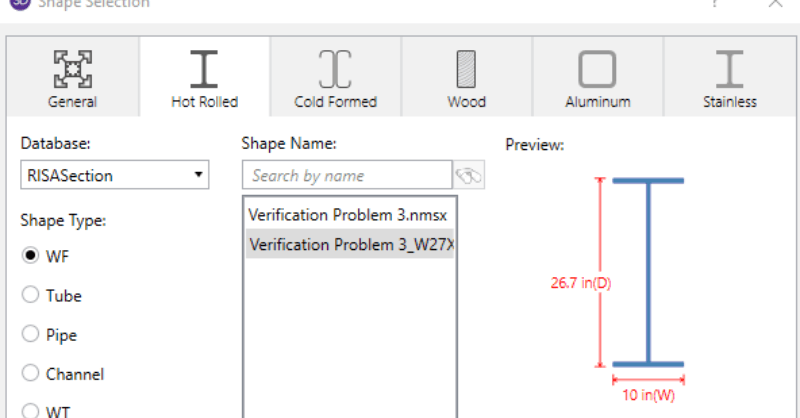
When using RISA Integration between RISASection and RISA-3D, RISA-2D and/or RISAFloor, there are a few common mistakes that people make when...
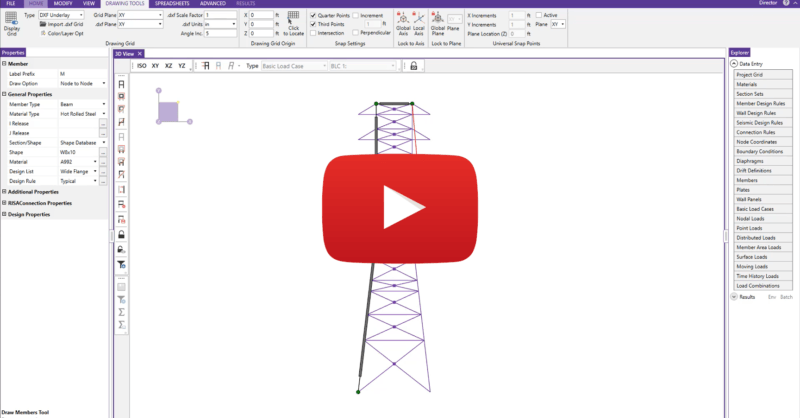
RISA-3D allows users to import dxf files directly from software like AutoCAD, Microstation and ArchiCAD. Upon import, the files can be used either...