 By: Admin
Passive Resistance for Mat Slabs
RISAFoundation includes the added ability to enter a passive pressure for slabs. The passive pressure represents soil pressure along the perimeter...

Try the Complete RISA Suite for
10 Days FREE

RISA Education

Video Library

Online Help

Get Support

About Us
RISAFoundation has the capability to report soil bearing pressures, and check them against allowable pressures.
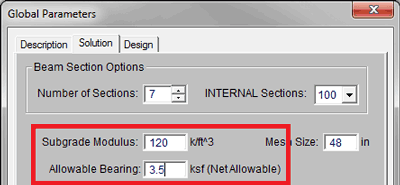
In the Global Parameters, under the Solution tab, be sure to set an Allowable Bearing pressure. This allowable bearing will be used as a default for your entire RISAFoundation model, unless overridden by a soil region in a particular location. Note that the Subgrade Modulus will affect load distribution within the soil, so it is important as well.
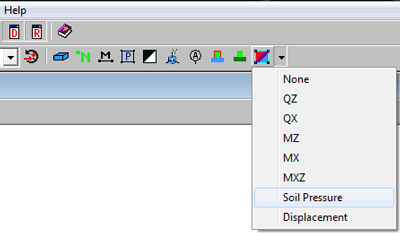
After solving, click on the dropdown next to the slab contours button, and choose Soil Pressure.
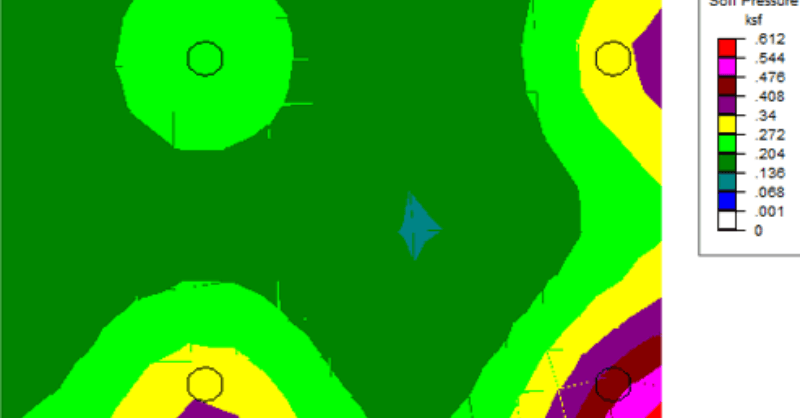
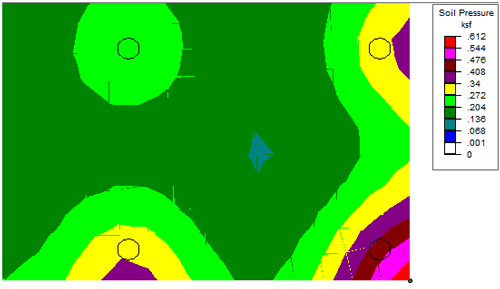
The slabs are now shown with color contours representing the soil pressure. A color coding legend also appears in the upper right corner. Note that contours which are colored white have no soil pressure, and therefore represent areas of net uplift.
For more detailed soil pressure results, check the Soil Pressures spreadsheet, which also includes a ratio of actual to allowable bearing.
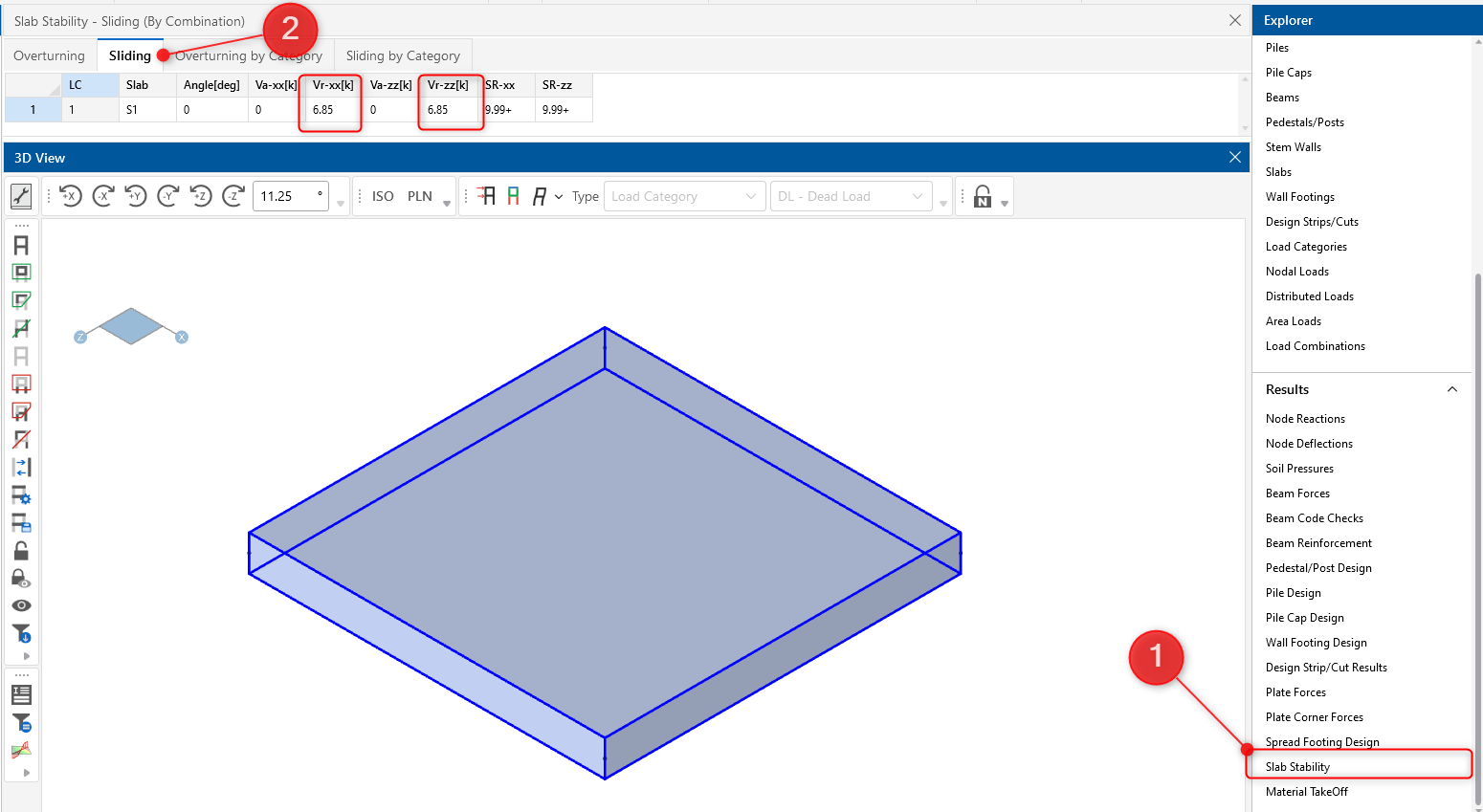
RISAFoundation includes the added ability to enter a passive pressure for slabs. The passive pressure represents soil pressure along the perimeter...
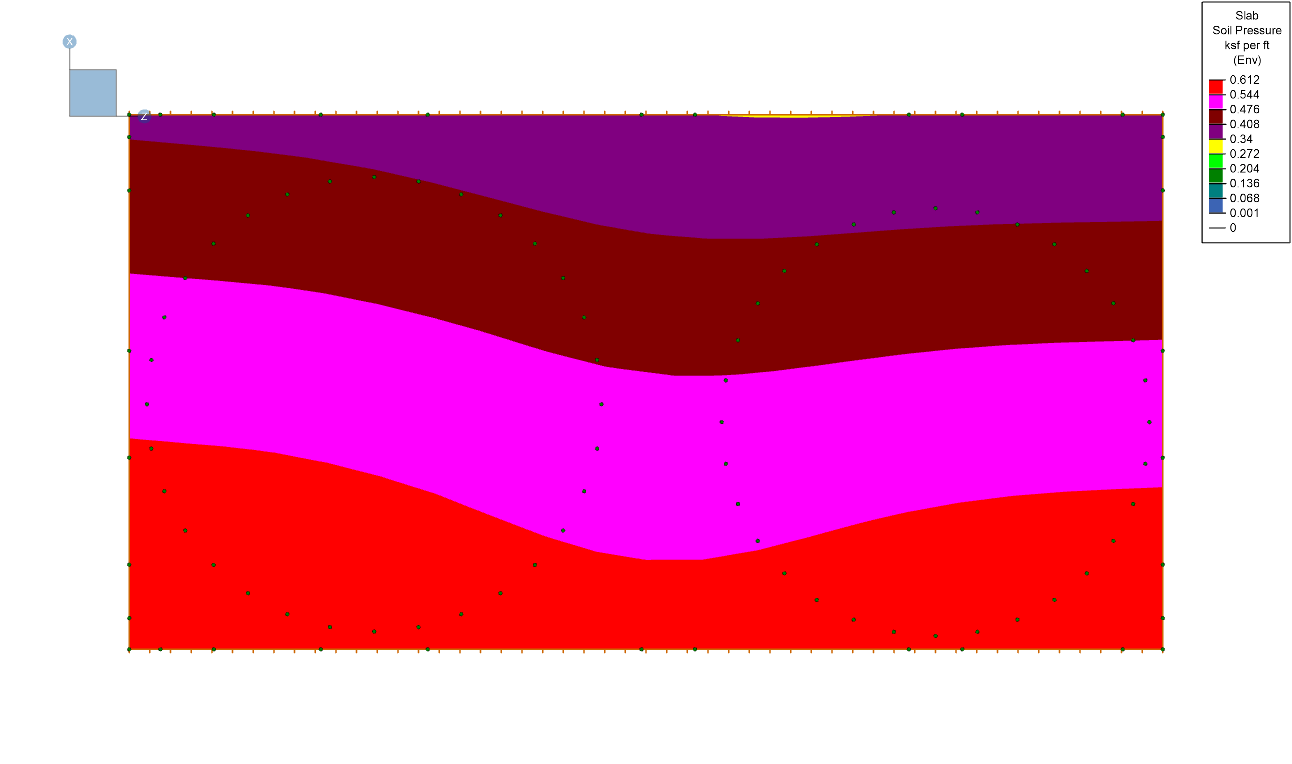
RISAFoundation has the ability to display the enveloped contour diagram results for soil pressure. The graphical display of enveloped soil...
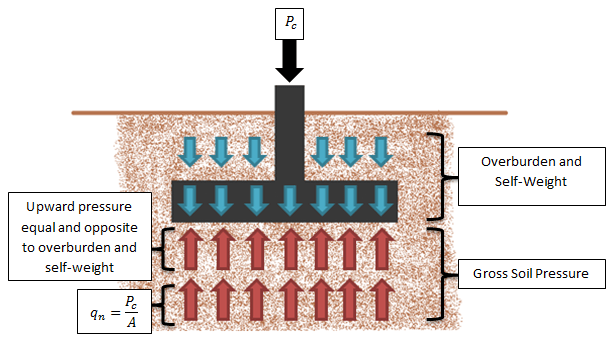
In RISAFoundation, the Allowable Soil Bearing value is controlled by the Soil Region. This value is always taken as a Gross allowable soil...