 By: Admin

Slab Modifications in RISAFoundation
This video shows how slab modifications can used to add an opening or change the thickness of a portion of the slab in RISAFoundation.

Try the Complete RISA Suite for
10 Days FREE

RISA Education

Video Library

Online Help

Get Support

About Us
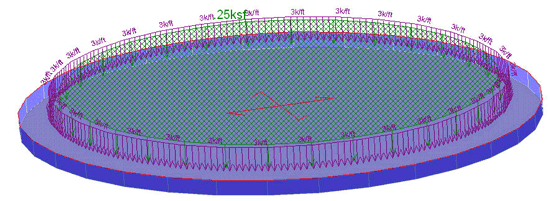
RISAFoundation now has the ability to automatically generate a circular slab with just a few easy clicks. Using the generator the program will create the mat slab and tank loading all in one easy step. Go to the Insert menu and select "Circular Foundation".
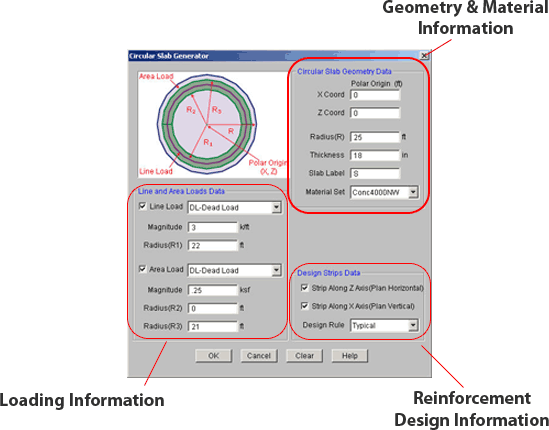
Once the slab is created you can add any additional loading or pedestals and quickly produce the full analysis results and reinforcement design.
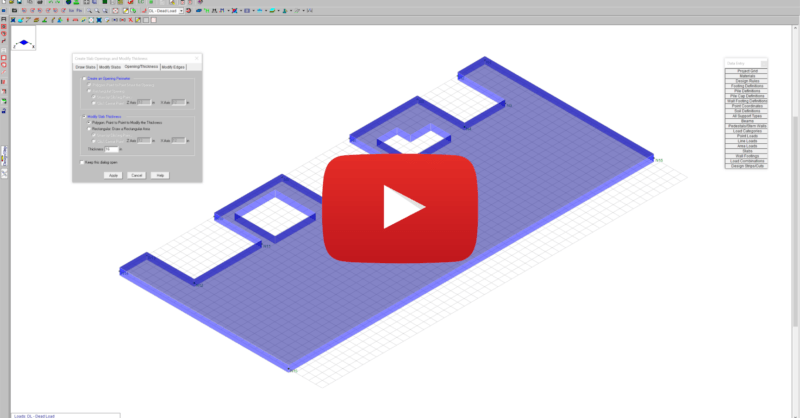
This video shows how slab modifications can used to add an opening or change the thickness of a portion of the slab in RISAFoundation.
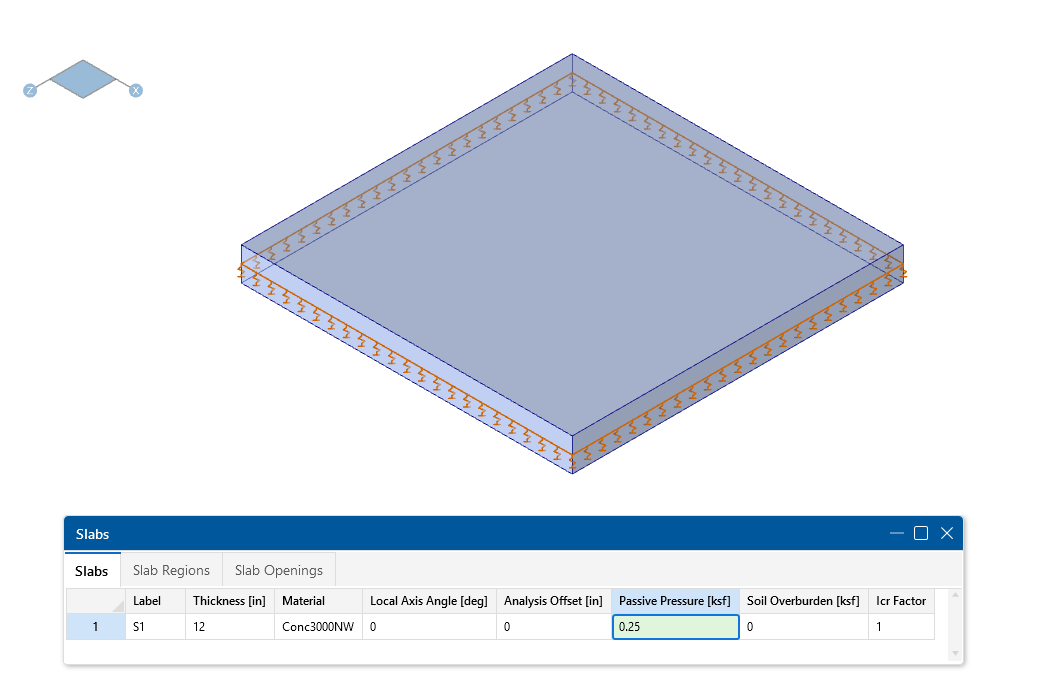
In this video, we’ll take a look at the modeling and analysis of a mat slab in RISAFoundation. We’ll specify design parameters and soil properties...
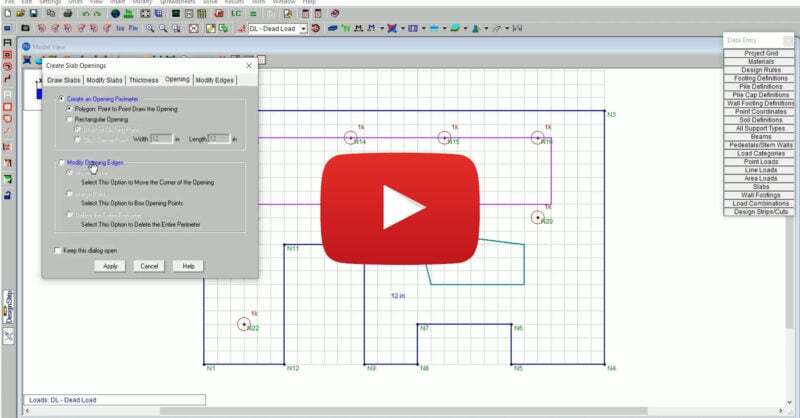
RISAFoundation Version 14 includes new and improved tools for the modification of slab edges, openings and thickness. The new version allows users...