 By: Admin
Video: Composite Steel Beam Design in RISACalc
Learn how to load and design individual composite beams according to AISC and CSA design codes in RISACalc.

Try the Complete RISA Suite for
10 Days FREE

RISA Education

Video Library

Online Help

Get Support

About Us
Composite steel beam design is now available in RISACalc per the AISC and CSA steel design manuals with the following supported steel codes:
AISC 15th (360-16): ASD & LRFD
AISC 14th (360-10): ASD & LRFD
AISC 13th (360-05): ASD & LRFD
AISC 9th: ASD
AISC 3rd: LRFD
AISC 2nd: LRFD
CSA S16-14
CSA S16-09
CSA S16-05
CSA S16-01
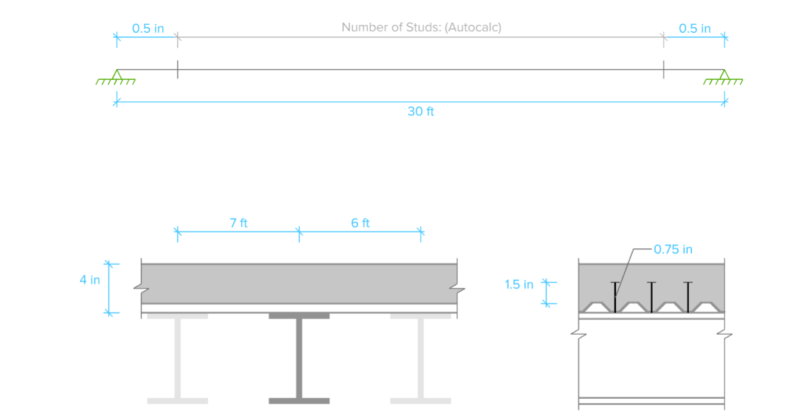
Within the RISACalc interface, you can easily set up all the parameters necessary to perform composite steel beam design, including member size, camber criteria, steel deck information, headed stud and information about the adjacent framing. Each of the parameters can also be viewed graphically, providing instant feedback of the complete design criteria.

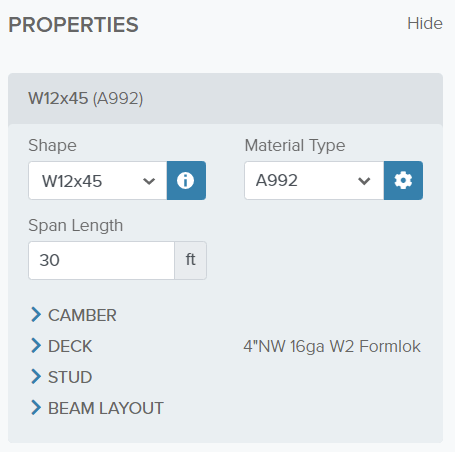
To begin defining the properties, users can quickly choose the required beam shape from the drop down menu or can easily type in the size of the member under consideration.
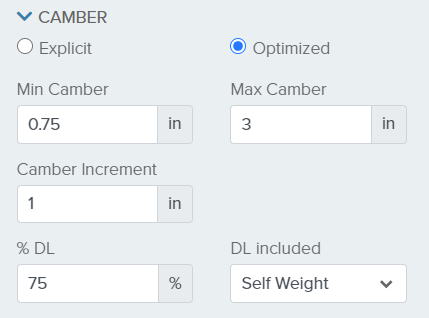
In the case of camber, RISACalc allows for optimization or explicit definition in the case where an existing member needs to be evaluated.
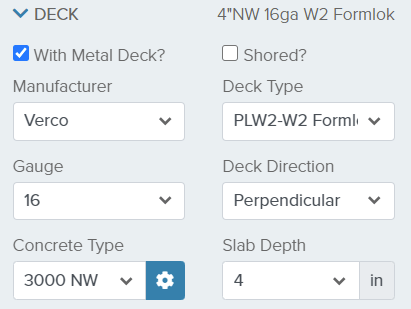
Additionally, metal deck profiles from the Verco or Vulcraft catalogs are specified along with the deck angle and concrete properties. Users can also uncheck the metal deck option if their system consists of concrete only on top of the steel beam.
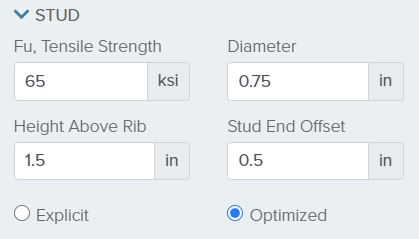
Finally, the stud properties can be established such that users can analyze an existing beam by specifying an explicit number of studs or allow the program optimize the number of studs required.
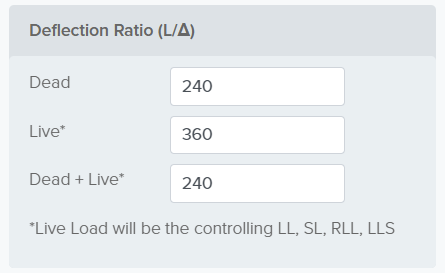
For serviceability checks, deflection ratio limits are established and deflection ratio results will be color coded as passing or failing based on these limits.
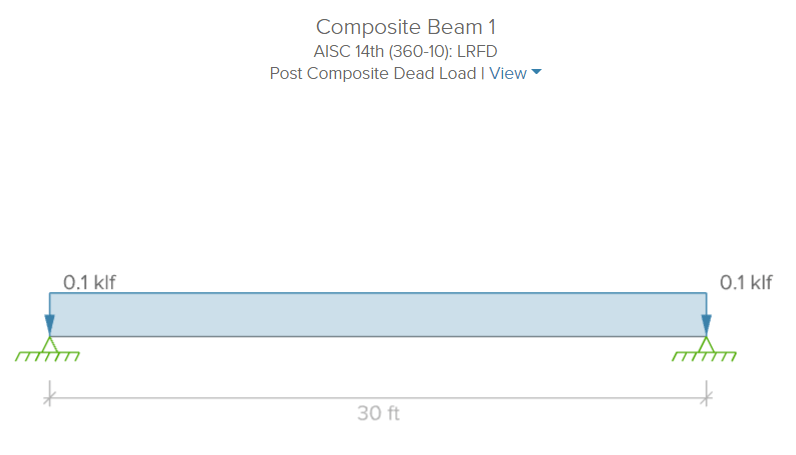
After setting up the design properties, users can switch to the Loads section where the individual point and line loads are applied and graphically on the beam. You can use the View options to toggle between the different load categories.
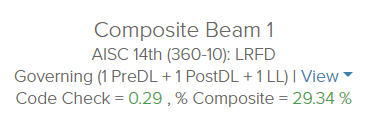
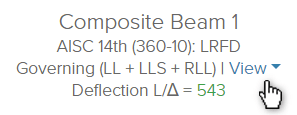
Within the main view, users can quickly identify the governing code check and deflection ratio. These values are based on the selected load combination which can be changed using the View dropdown.
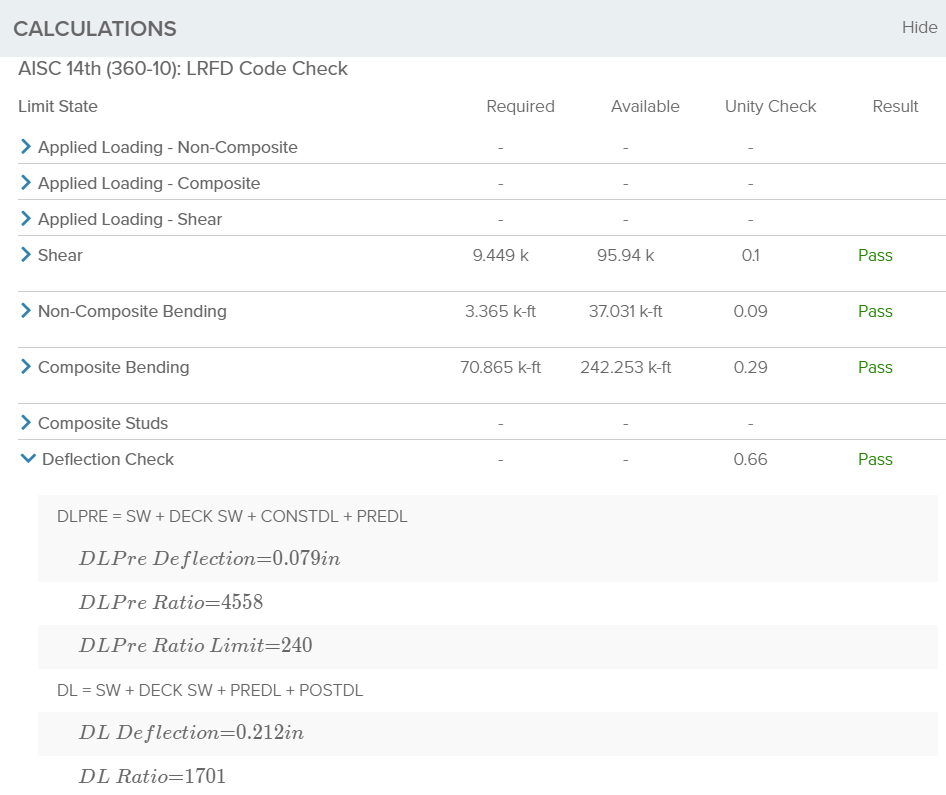
Finally, the Detail Report, located near the bottom of the main window, provides a consolidated view of all the input and output information needed for a calculation package. All the information regarding properties, loads, and load combinations are reported as well as detailed calculations and deflection results.
For more information about composite steel beam design in RISACalc, click on the Help button found in the upper right hand corner of the application.


Learn how to load and design individual composite beams according to AISC and CSA design codes in RISACalc.
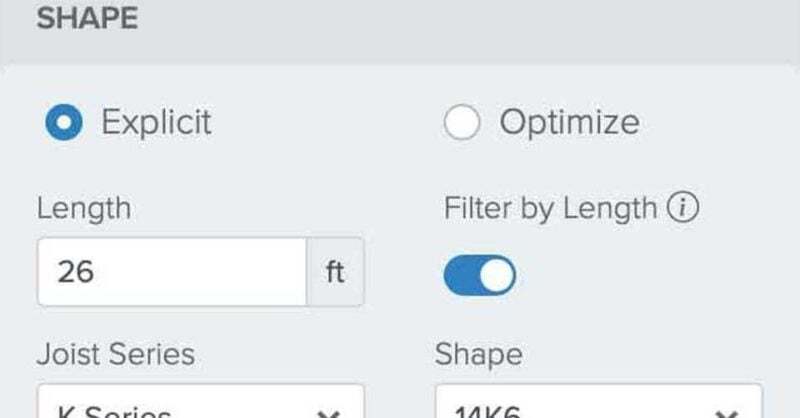
Open web steel joist design is now available in RISACalc per the SJI 43rd/44th and 42nd Editions! The available joist series include K-Series,...
RISAFloor now includes the ability for engineers to model with and design CJ-Series composite steel joists according to SJI 200-2015 and including...