 By: Admin
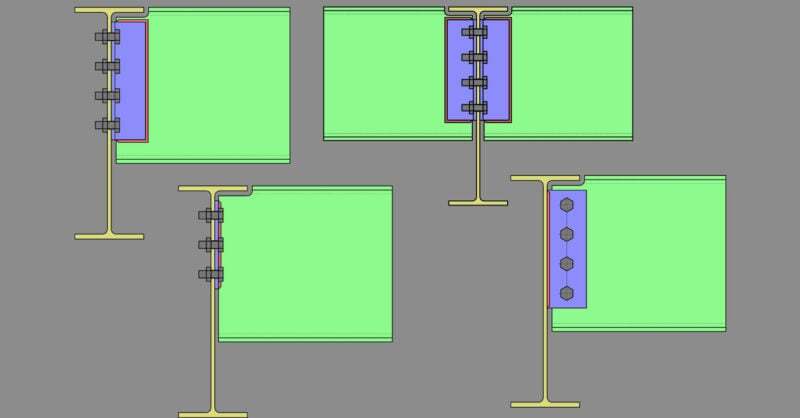
Defining Connections: Column to Beam Connections
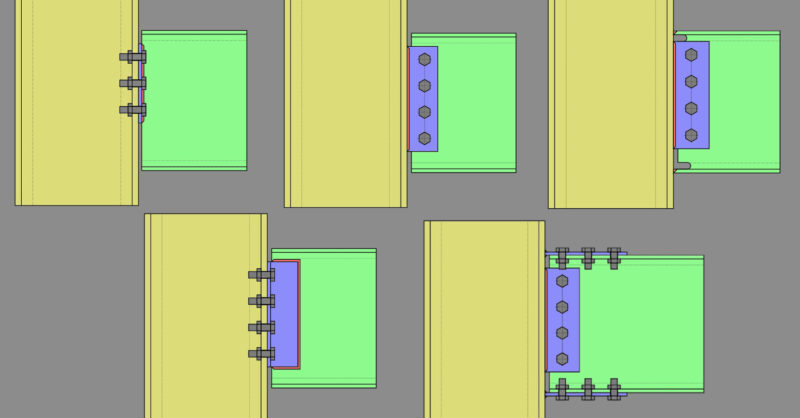
Member Configuration The connection rule must be applied at the end of the beam (not the column).

Try the Complete RISA Suite for
10 Days FREE

RISA Education

Video Library

Online Help

Get Support

About Us
The connection rule must be applied at the end of the beam (not the continuous girder).
Beam Shear Connections Only: (Shear tab, Clip angle, End plate)
Single Clip Angle (One Side) Shear Connection
Double Clip Angle (One Side) Shear Connection
Double Clip Angle (Two-Sided) Shear Connection
End Plate Shear Connection
Shear Tab Shear Connection
Girders may only be Wide Flanges.
Beams may be Wide Flanges. Tapered Wide Flanges or Channels (except for end plate shear)
Double-sided connections available for clip angle shear connections into the girder web.
Skewed connections available for Shear Tab (maximum beam skew angle is 45 degrees)
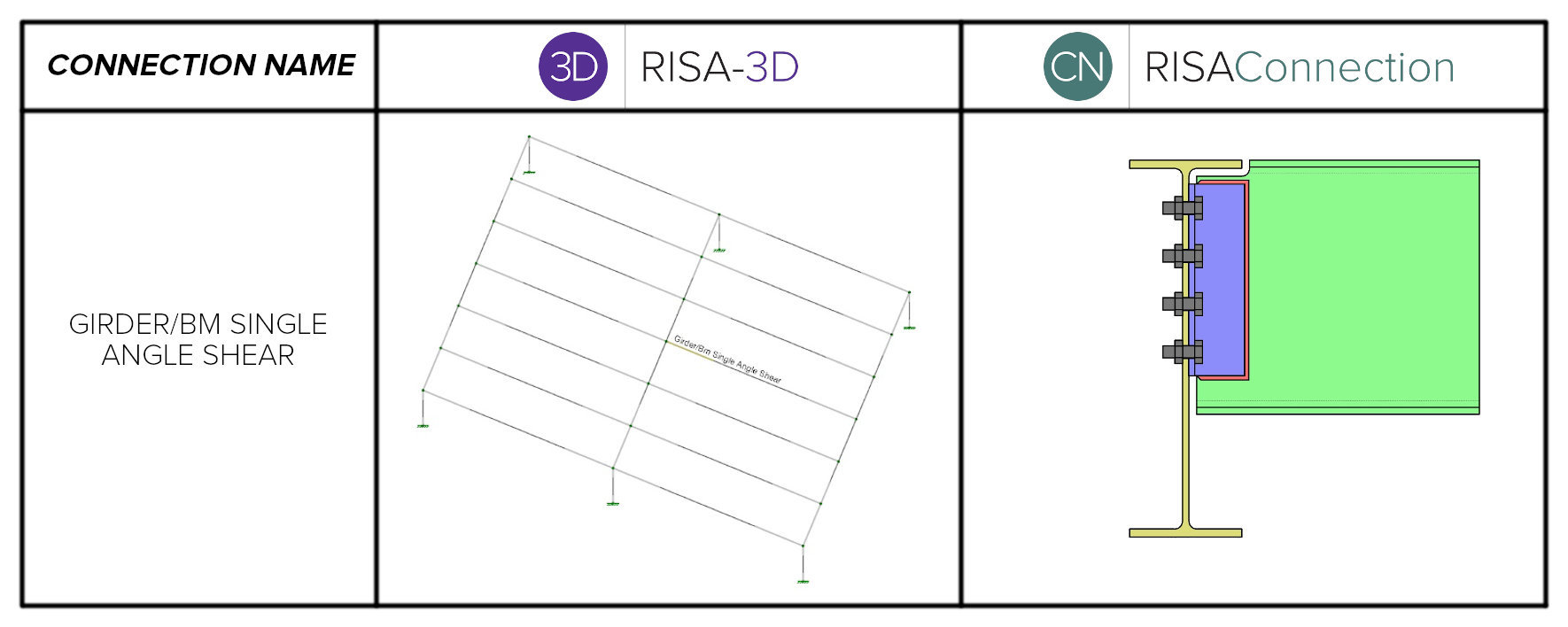
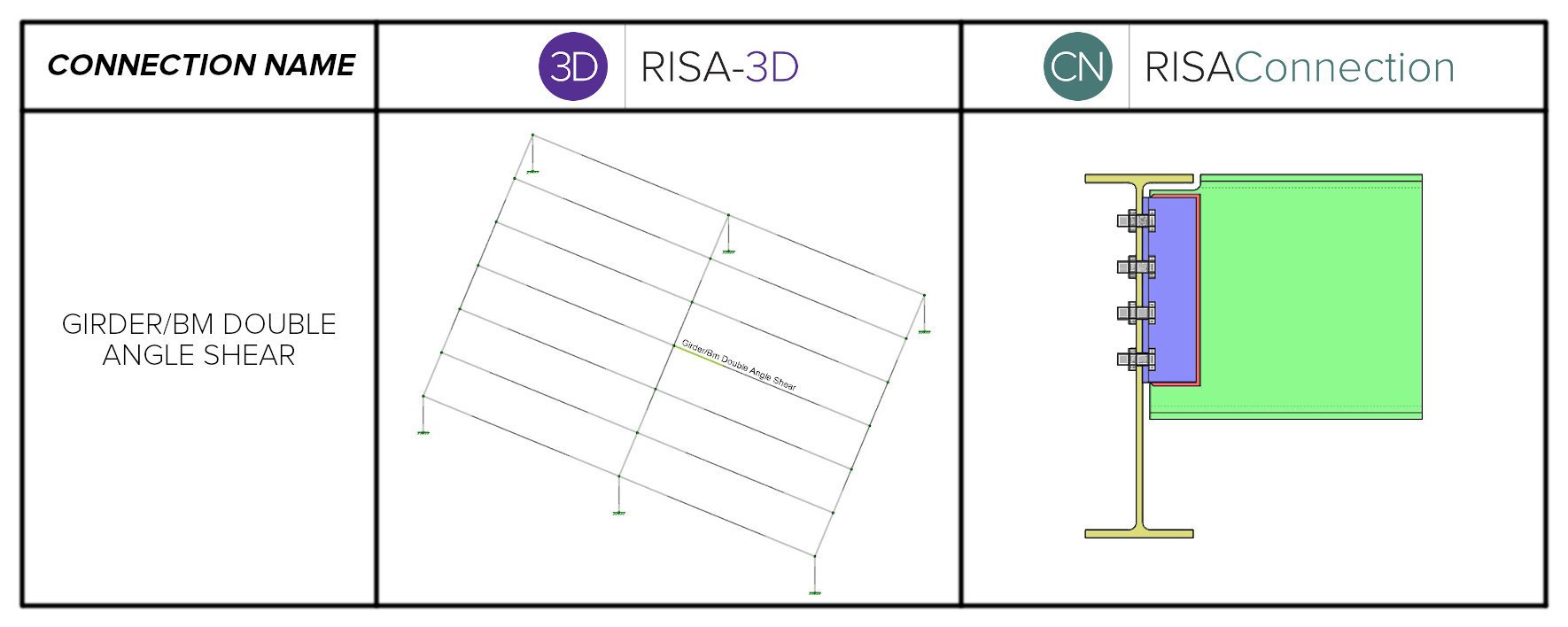
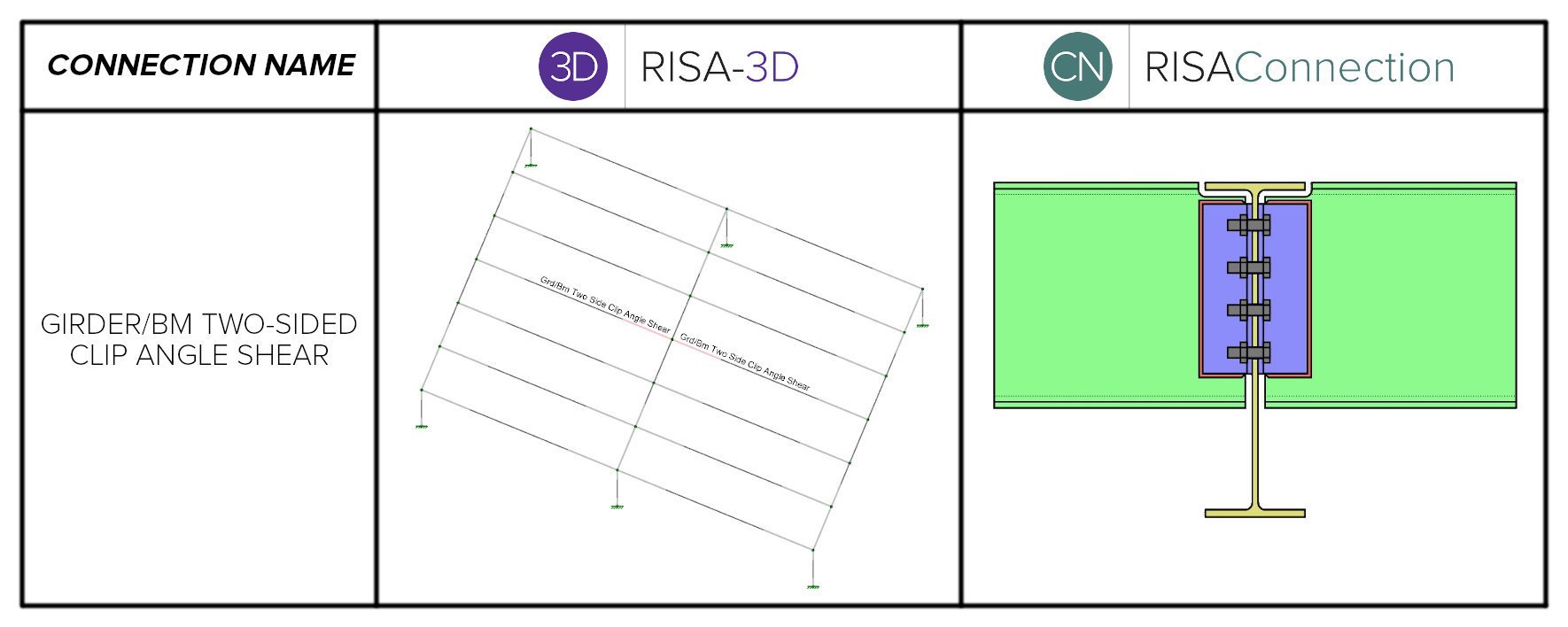
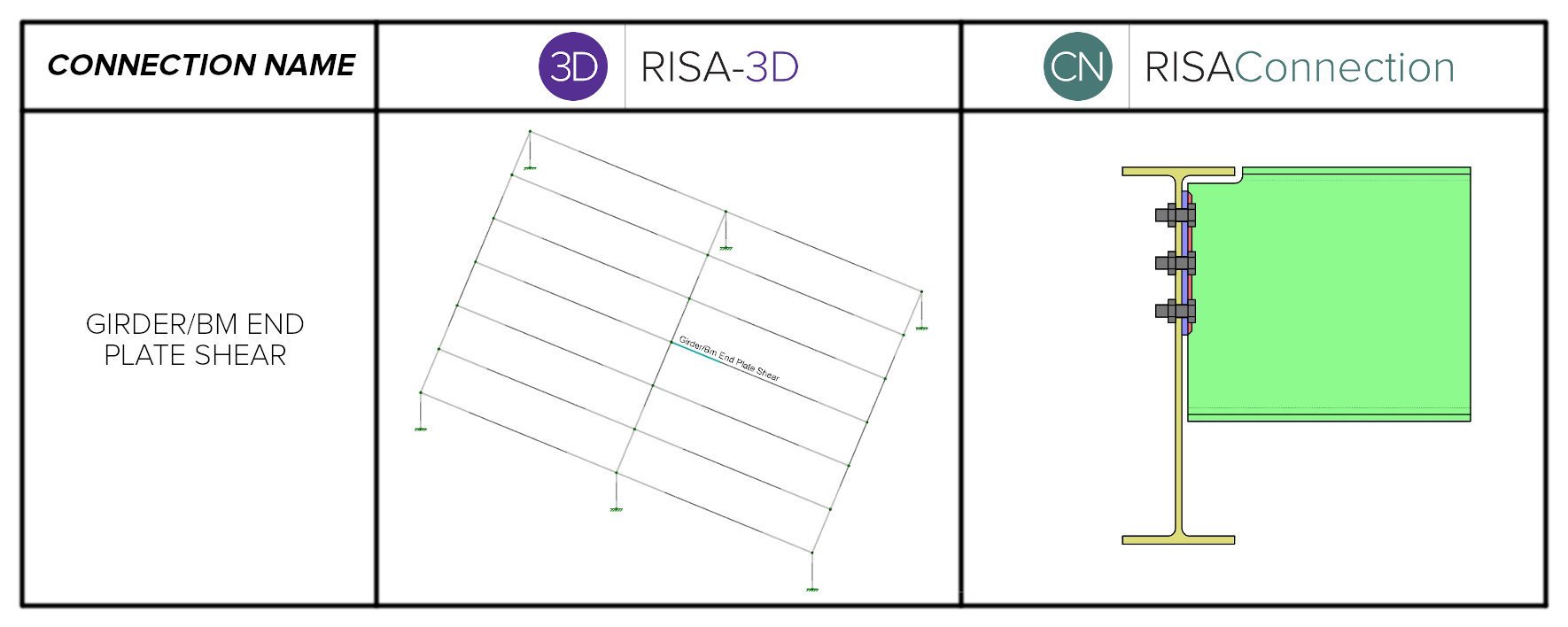
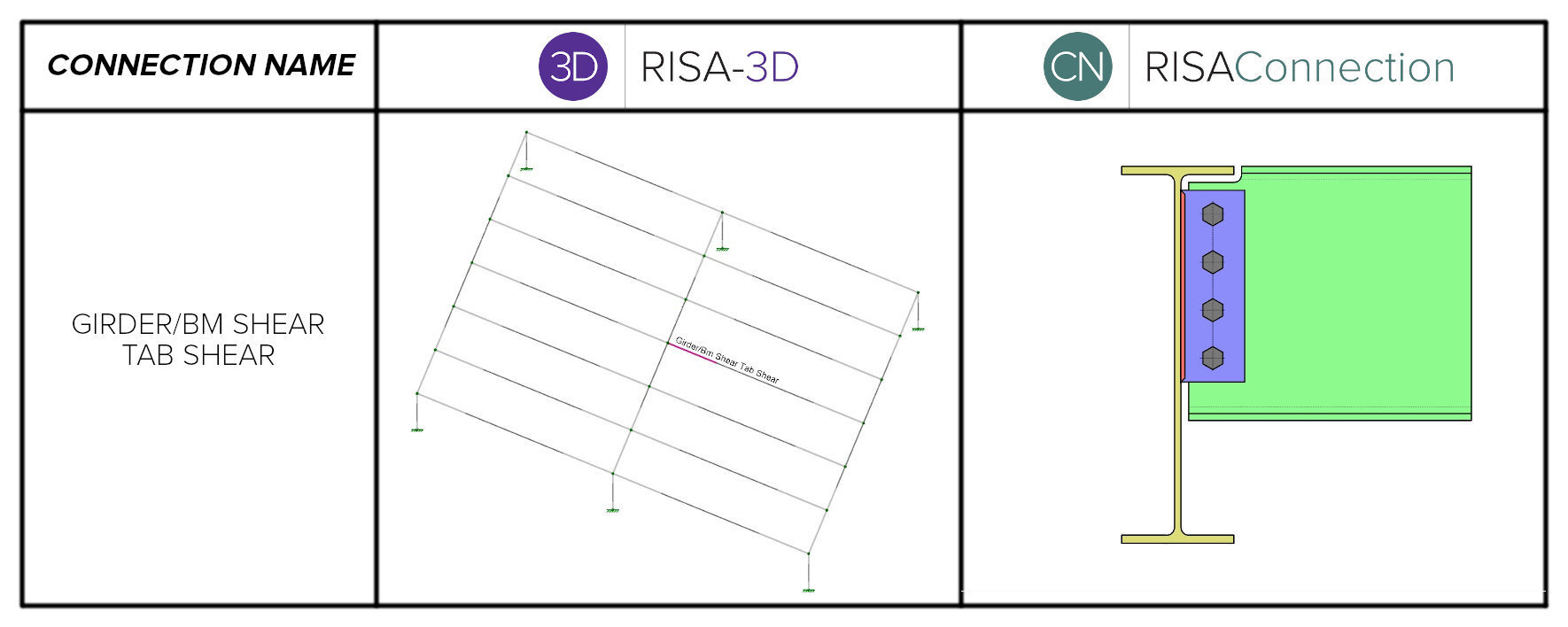
To learn more about the process of defining connections in RISA-3D or to review information about other connection types, check out the main article in this series (link below):
Related Articles: 
Member Configuration The connection rule must be applied at the end of the beam (not the column).
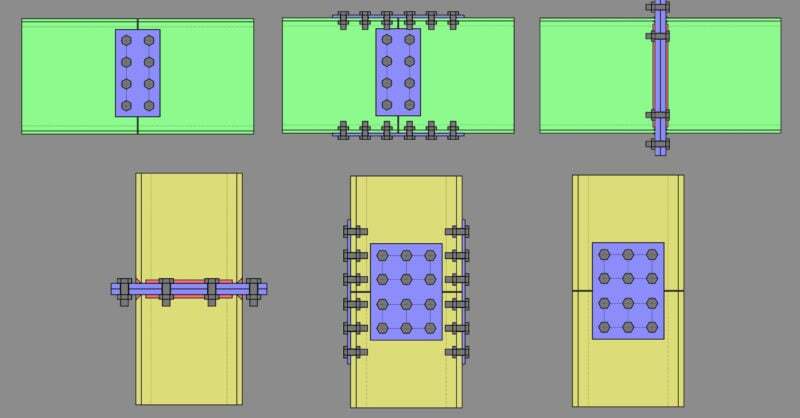
Member Configuration The connection rule must be applied to both sides of the splice (either beam to beam or column to column)
One of the advantages of the RISA Building System is the ability to utilize and share model information (geometry, loading, etc.) between software...