Viewing Connection Details and Defaults in RISAConnection
The new connection details view, and defaults viewer in RISAConnection Version 13 provides engineers with enhanced control over individual...

Try the Complete RISA Suite for
10 Days FREE

RISA Education

Video Library

Online Help

Get Support

About Us
We're excited to announce the release of RISAConnection v15, featuring enhanced weld calculations for improved design accuracy and efficiency. In this article, we'll delve into the details of these enhancements and how they address previous conservative calculation issues.
Previous Calculation Methodology:
In previous versions of RISAConnection, there were challenges related to conservative weld calculations when using HSS type columns in base plate connections. The previous approach distributed the moment demand along only two faces of the HSS column, potentially underutilizing the full strength of the weld area.
In response to the need for more accurate and optimized weld designs, we've enhanced the weld calculations in RISAConnection v15. The revised calculations provide a more accurate assessment of weld strength, taking into account the entire perimeter of the HSS column and displaying ru and r0 values for added transparency.
Key Features of Enhanced Weld Calculations:
Detailed Calculation Display: The new version displays detailed weld calculations, including the determination of r0 and ru values, providing users with greater transparency and insight into weld design.
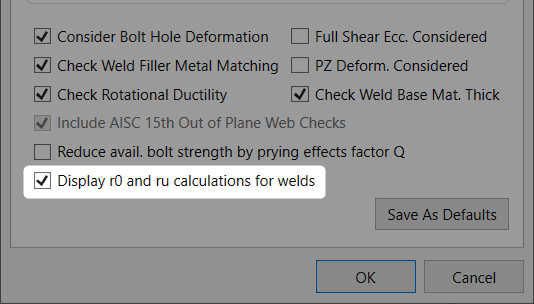
Toggle Feature: Users can easily enable or disable the display of r0 and ru calculations through the global model settings, allowing for flexibility in analysis and reporting.
How to Access the Feature:
To access the enhanced weld calculations feature, simply update your RISAConnection software to version 15. Once updated, navigate to the global model settings and toggle on the "Display r0 and ru Calculations for Welds" option.
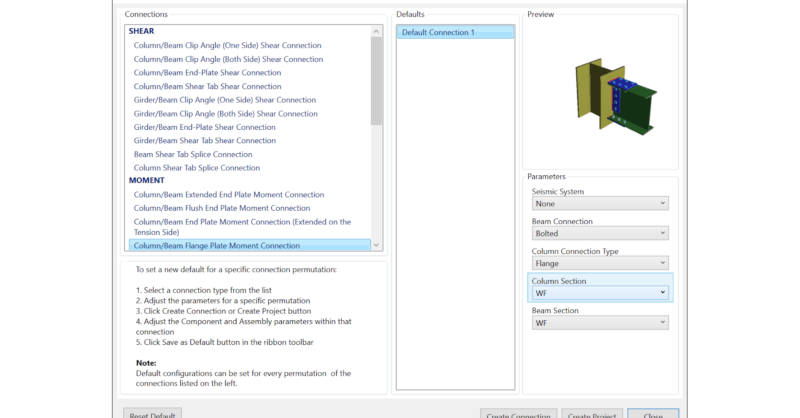
The new connection details view, and defaults viewer in RISAConnection Version 13 provides engineers with enhanced control over individual...
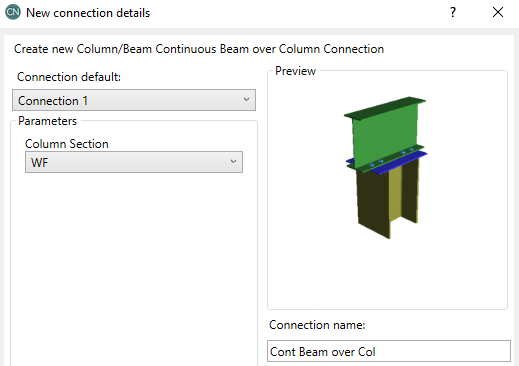
The new Beam over Column connection in RISAConnection Version 14 provides engineers with an additional connection design capability. Columns can...
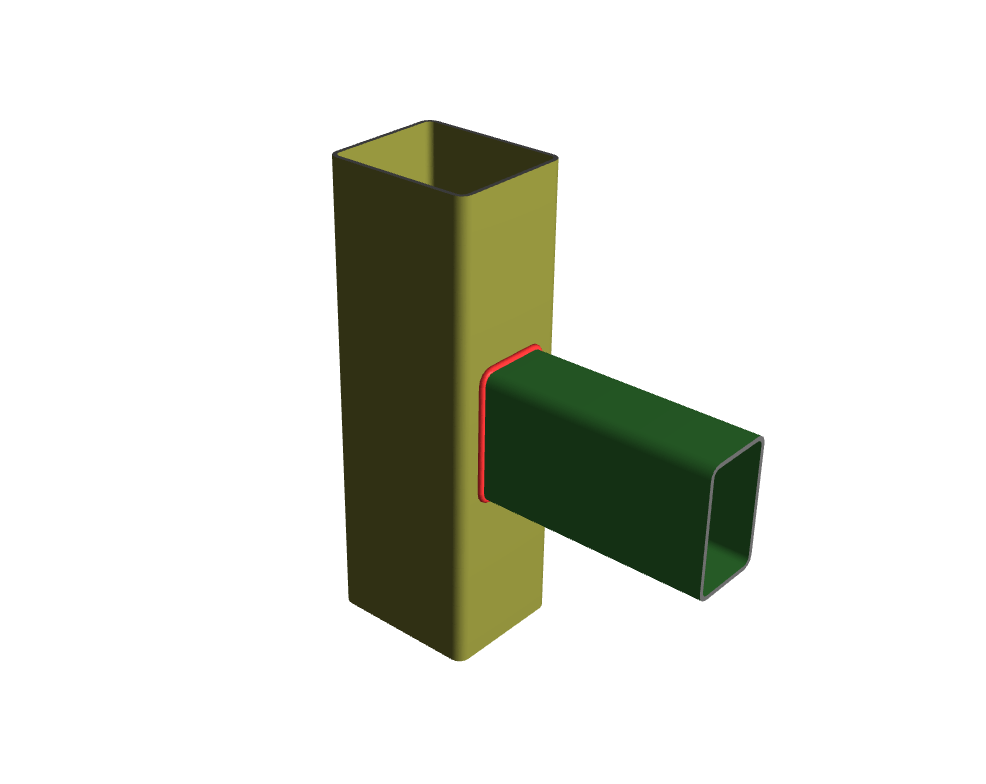
The new HSS Beam to Column Moment Connection allows engineers to efficiently design and analyze rigid connections between HSS beams and HSS or...