How Do I Investigate My RISA-3D Model Using the Deflected Shape?
When your RISA-3D model is not behaving as you anticipated, one of the best tools you have is viewing the deflected shape. Displaying the...

Try the Complete RISA Suite for
10 Days FREE

RISA Education

Video Library

Online Help

Get Support

About Us
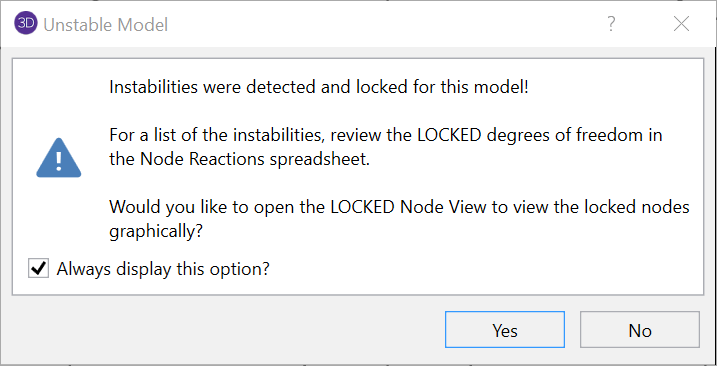
Do you get an instabilities warning when you’re trying to do a simple 2D model in RISA-3D?
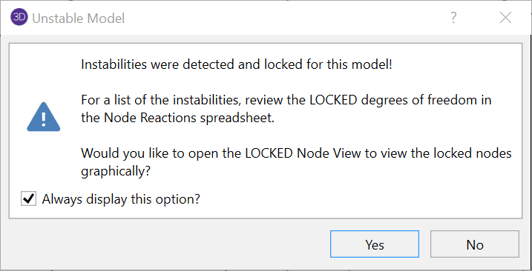

Below is the easiest way to test and fix the instability:
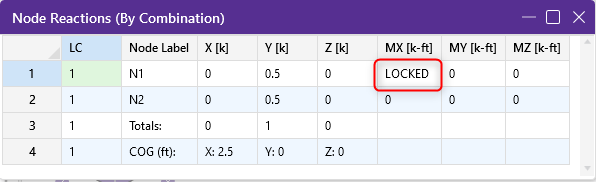
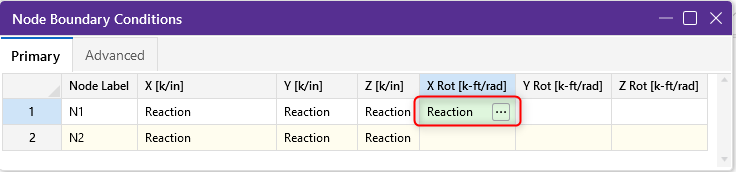
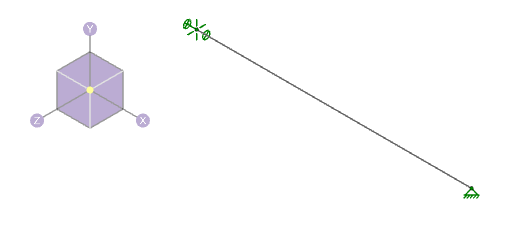
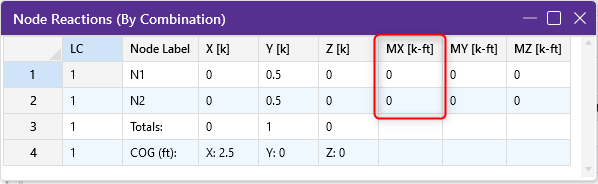
If the reaction that is restraining the instability is showing a ZERO force or moment, then the instability is inconsequential to the results. Also, if the reaction that is restraining the instability is showing a non-zero force or moment, then you have a problem with the model that must be corrected for you to get valid results.
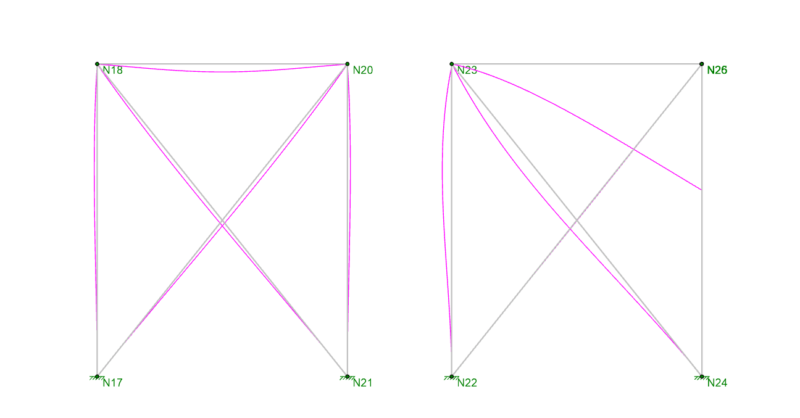
When your RISA-3D model is not behaving as you anticipated, one of the best tools you have is viewing the deflected shape. Displaying the...
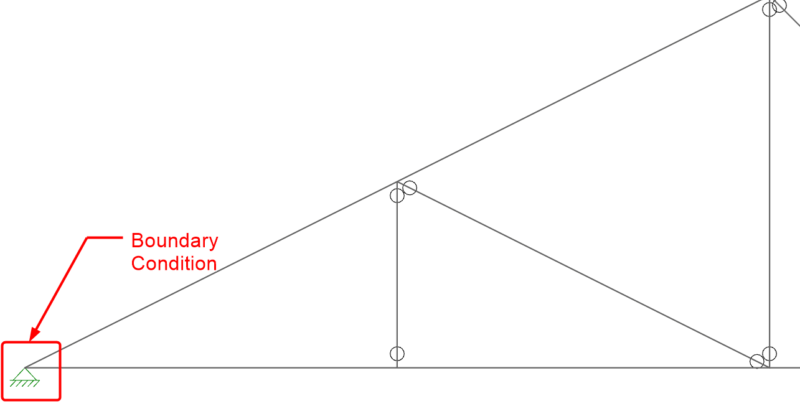
When it comes to trusses in RISA-3D, boundary condition definitions (pin vs. roller) can make a huge difference. Let’s take an example of a...
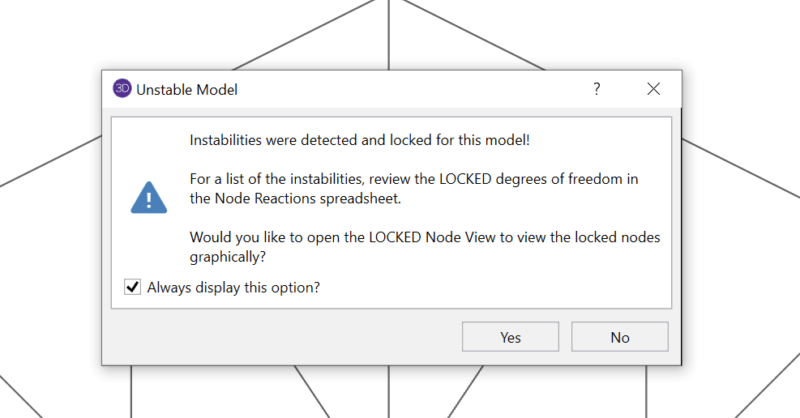
Have you ever received an instability warning when running a three dimensional RISA-3D model? This is because RISA-3D cannot build the stiffness...