Enhanced "Move" Tools in RISAFoundation
RISAFoundation v10.0 now includes the added ability to move selected foundation elements. This includes beams, wall footings, piles, pedestals,...

Try the Complete RISA Suite for
10 Days FREE

RISA Education

Video Library

Online Help

Get Support

About Us
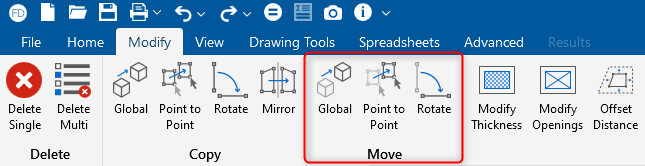
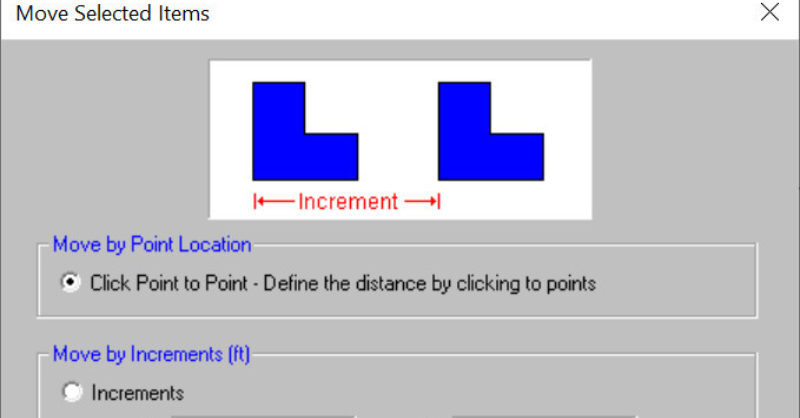
RISAFoundation includes the added ability to move selected foundation elements. This includes beams, wall footings, piles, pedestals, slabs, etc. To access the move tools, click on the Modify tab in the toolbar.

There are 3 primary ways to move elements:
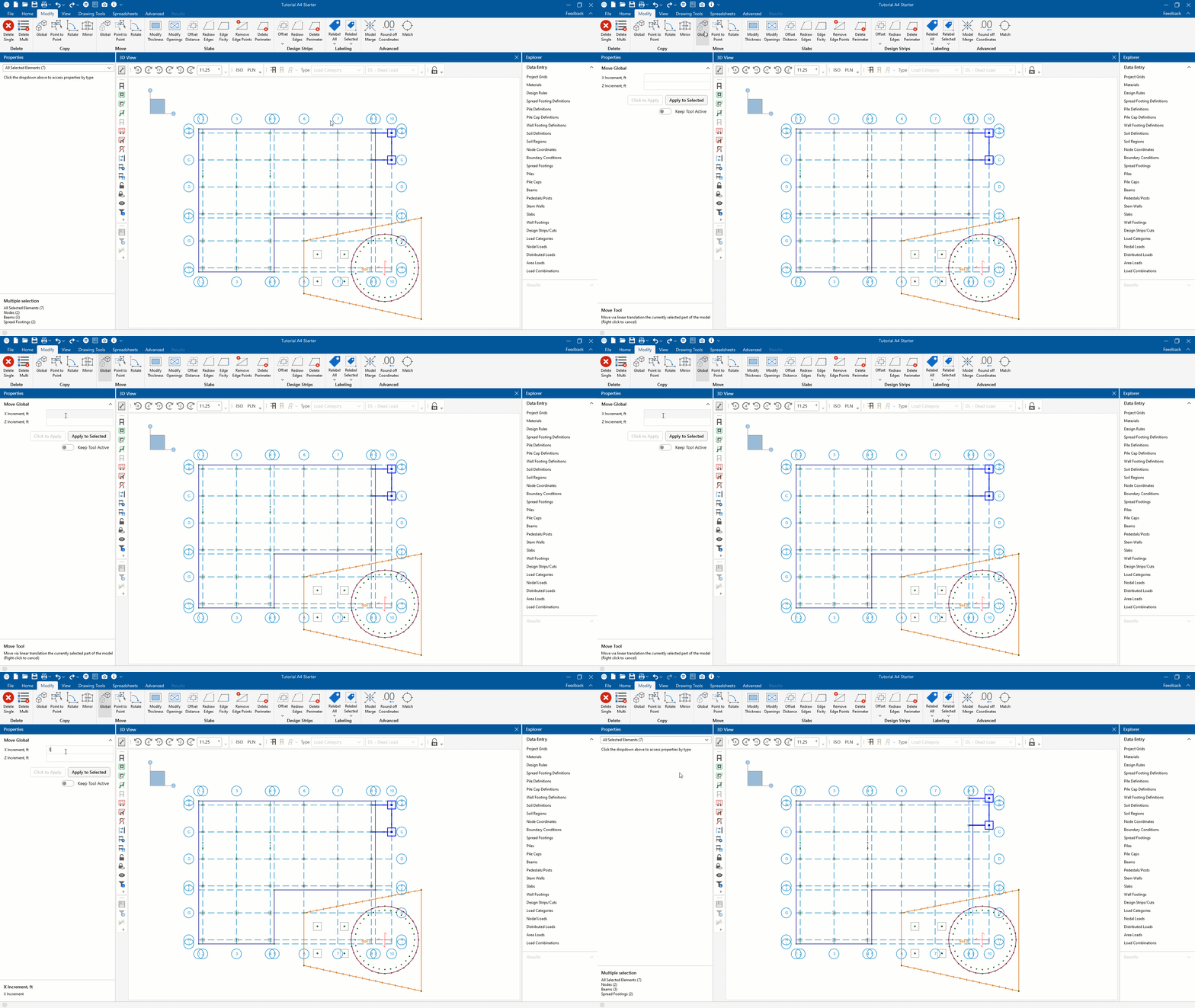
1. Move by Global selection is a straight forward option that allows a user to move selected items by entering the exact movement increments in the X and Z directions. In the demonstration below, we entered “5” for the X direction.
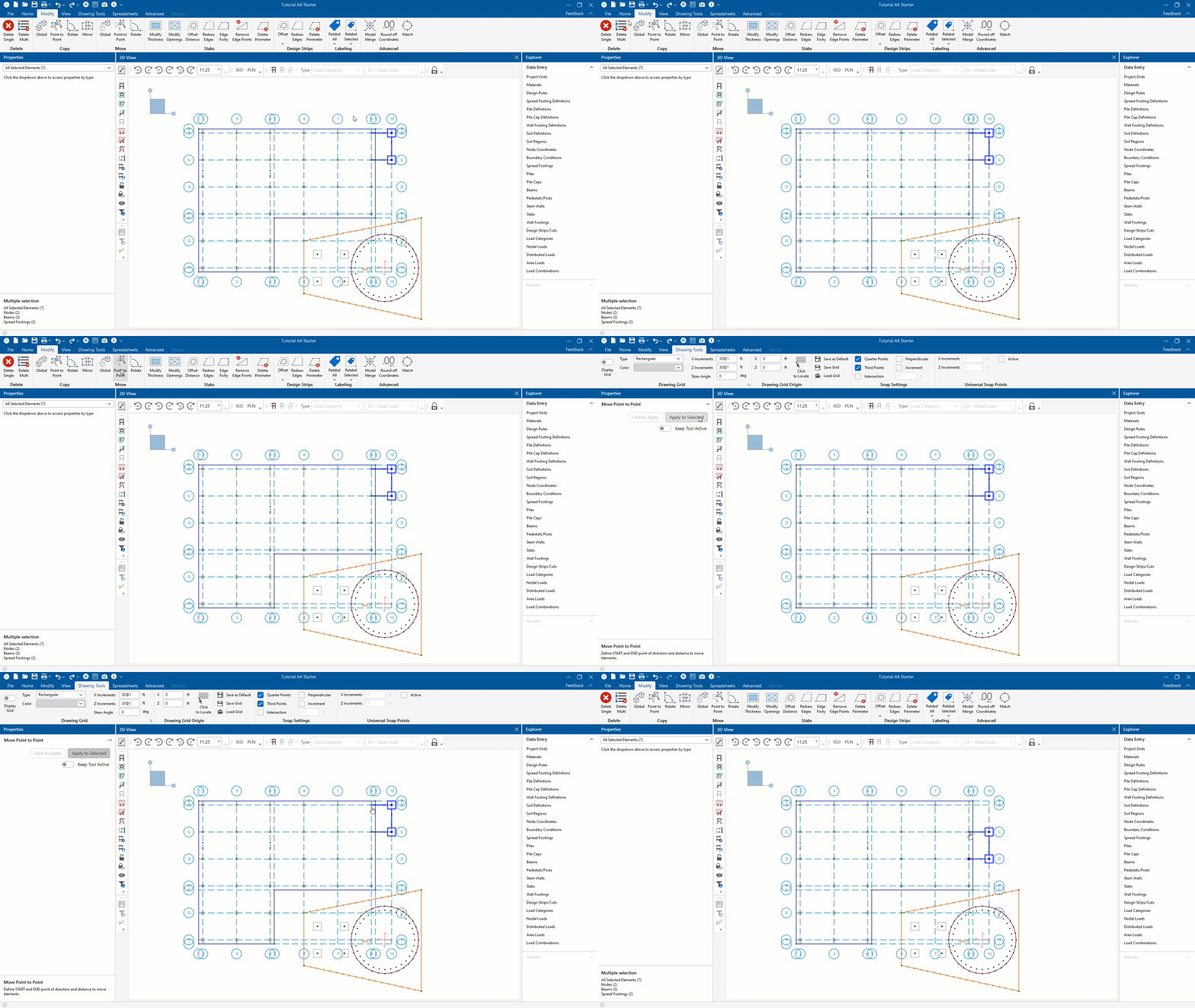
2. Move by Point to Point selection allows a user to graphically move selected items by clicking from one point to another. As demonstrated below, the Move by Point to Point selection is used to move the footings and beams from Grids B and C to Grids C and D.
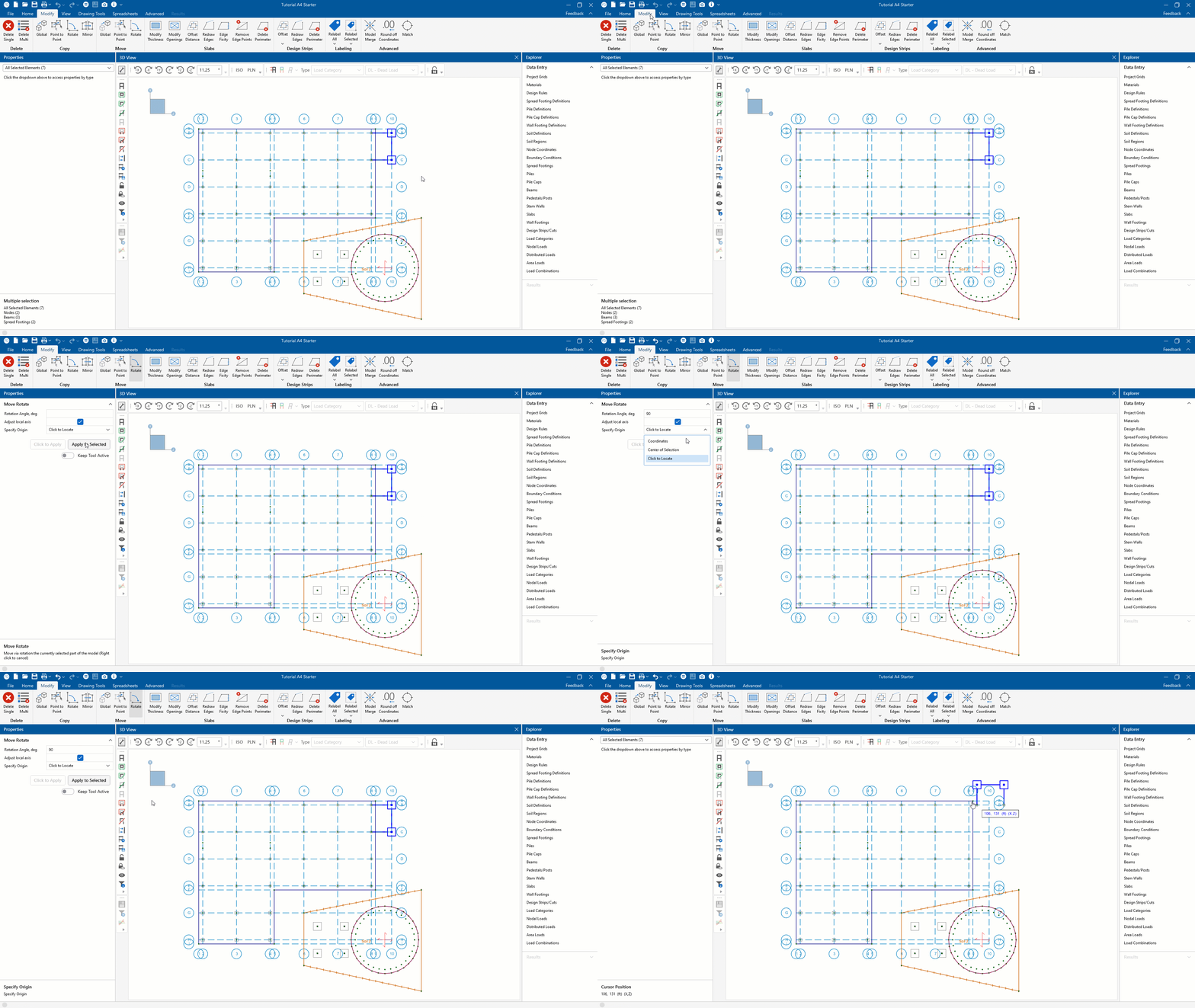
3. Move by Rotate selection is another self-explanatory option that allows a user to move selected items at a specified angle to the horizontal Z axis with an origin choice of Coordinates, Center of Selection, and Click to Locate. Demonstrated below, we again moved the selection so that the footing would now be rotate 90 degrees. This was achieved by entering an angle of “90” degrees and an origin of Click to Locate.
RISAFoundation v10.0 now includes the added ability to move selected foundation elements. This includes beams, wall footings, piles, pedestals,...
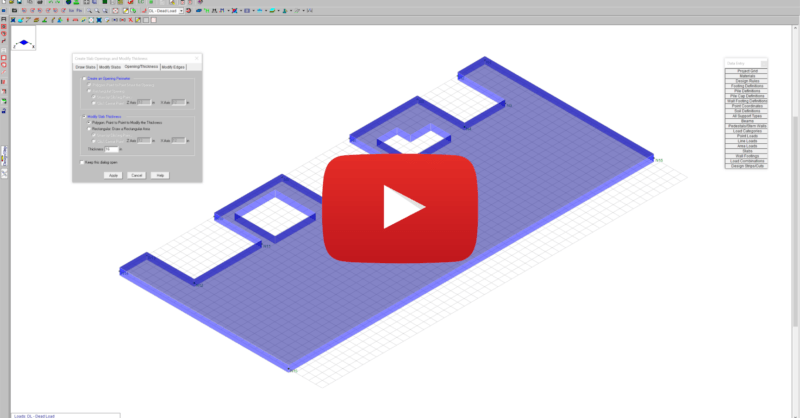
This video shows how slab modifications can used to add an opening or change the thickness of a portion of the slab in RISAFoundation.
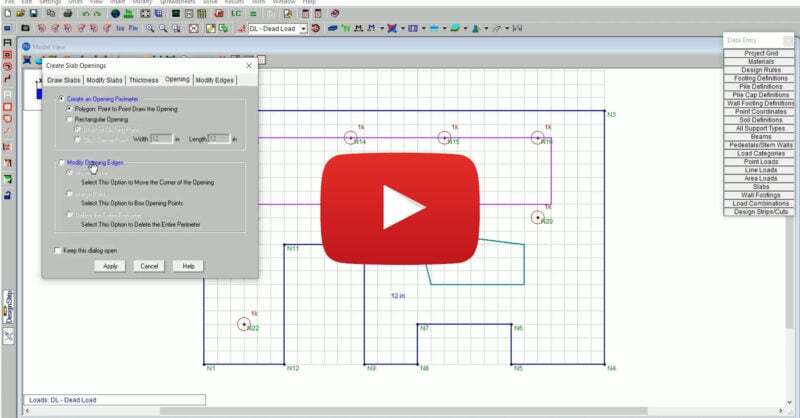
RISAFoundation Version 14 includes new and improved tools for the modification of slab edges, openings and thickness. The new version allows users...