How to Use Spreadsheets More Effectively in RISA
RISA includes various advanced spreadsheet operations that make reviewing input and results easy.

Try the Complete RISA Suite for
10 Days FREE

RISA Education

Video Library

Online Help

Get Support

About Us

Do you need to include your RISA results into your Excel spreadsheet? Directly export result spreadsheets from RISAFloor, RISA-3D, and RISAFoundation.
RISA-3D & RISAFoundation
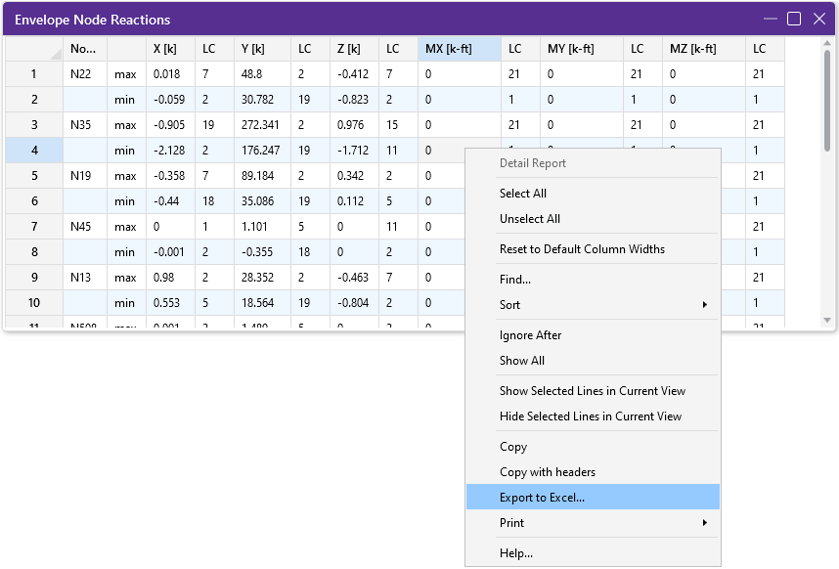
STEP 1: Right Click and click Export to Excel option.
STEP 2: Choose if you want to export the current spreadsheet tab or all tabs.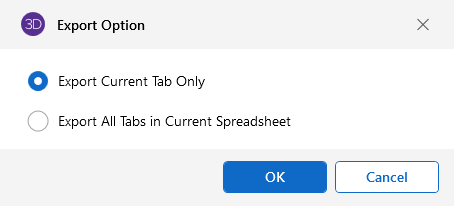
STEP 3: Select Excel file name and file save location and export.
ALTERNATE METHOD: You can also choose Export to Excel from RISA’s ribbon or File options. See below how to use this method in RISAFloor.
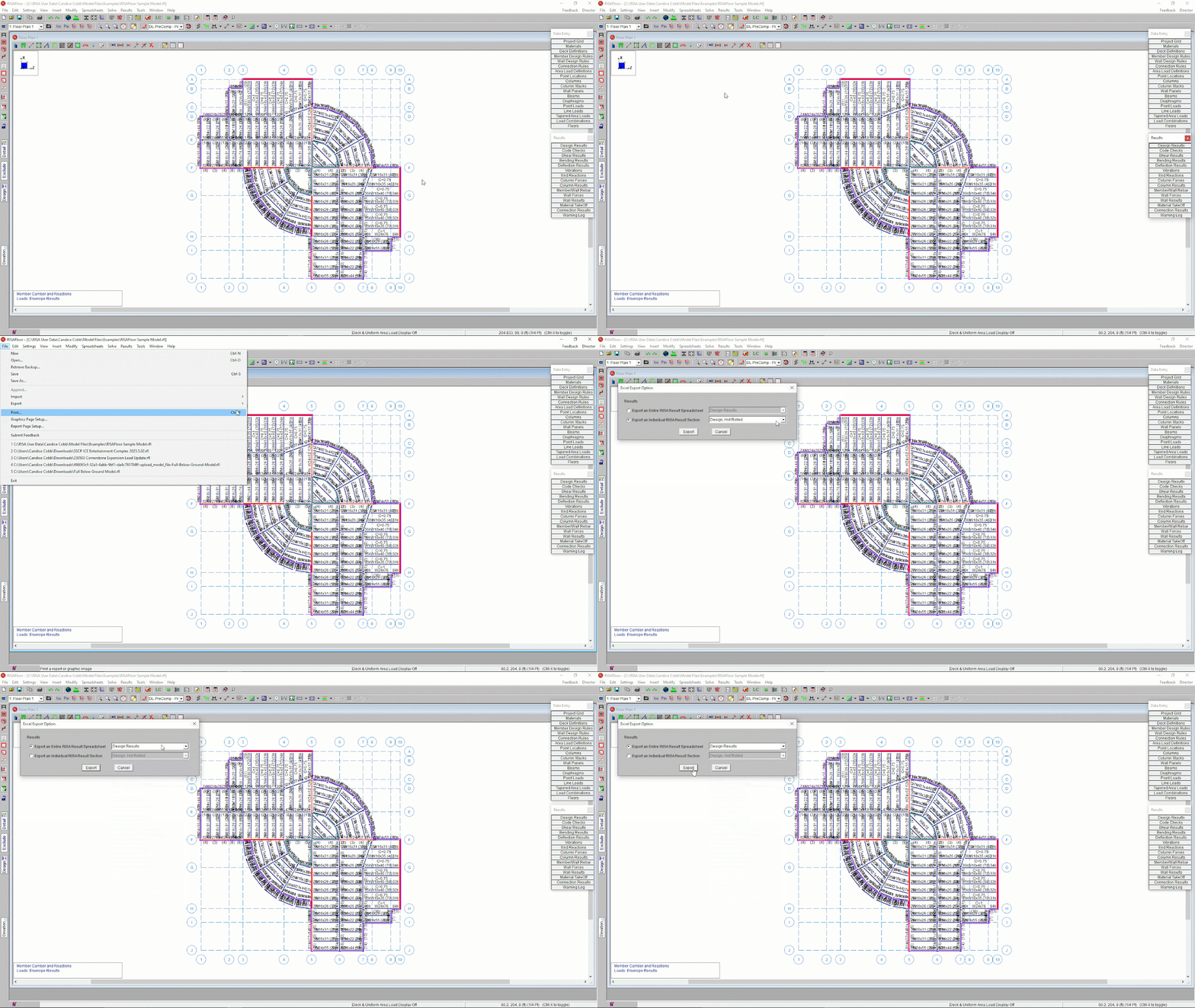
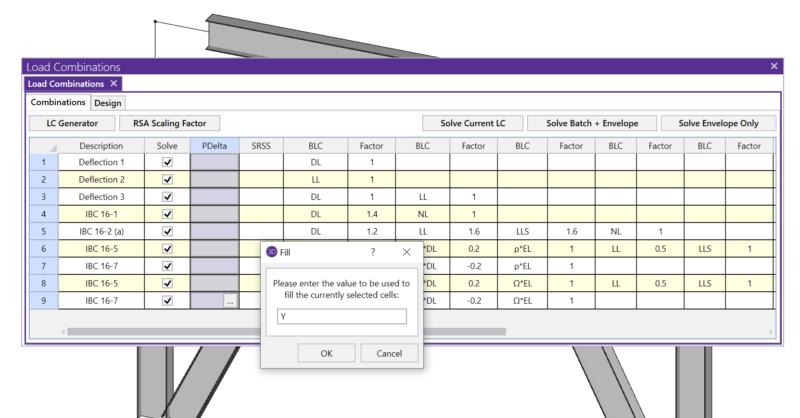
RISA includes various advanced spreadsheet operations that make reviewing input and results easy.
New features are now available in the recent release of RISACore (RISA-3D v22.0, RISAFloor v18.0, and RISAFoundation v16.0) . We are working...
New features are now available in the recent release of RISACore (RISA-3D v21.0.1, RISAFloor v17.0.1, and RISAFoundation v15.0.1) . We are...