 By: Admin

How to Model Support Lines with Parallel Walls
In RISAFloor ES, you draw a support line from support point to support point to define the Design Strips. The program will automatically create...

Try the Complete RISA Suite for
10 Days FREE

RISA Education

Video Library

Online Help

Get Support

About Us
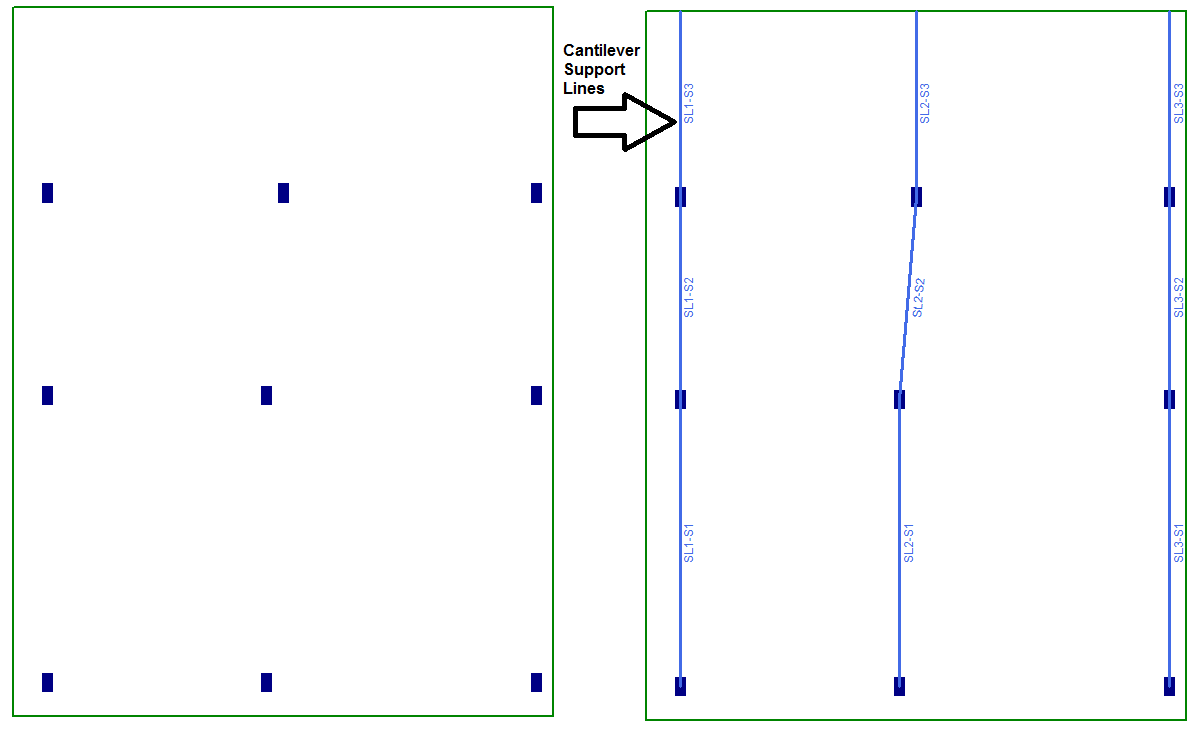
Concrete buildings often have large cantilevers. In RISAFloor ES, the Support lines can be drawn to support points but also they can be drawn as cantilevers (shown below).
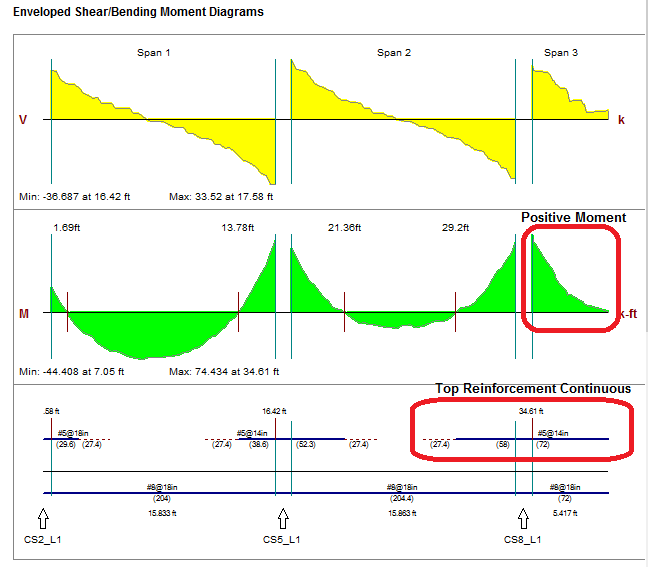
The reinforcement design for the cantilevered section assumes that there will be a positive moment along the distance of the cantilever. This assumption forces the top rebar to be continuous for the entire cantilever span.
Another big consideration for cantilevered slabs is the deflection. The deflection can be checked a few different ways. The easiest way to interpret the deflection is the Contours shown on the slab. This will help you easily visualize the deflection at the edges. Just click on the Contours display icon and select Displacement.
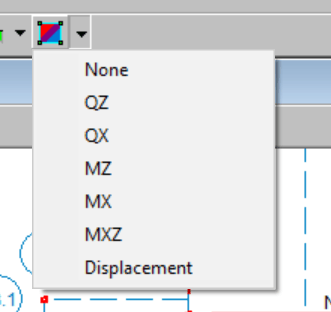
If you don’t have this icon showing, click on the following link for instructions on how to add it to your toolbar.

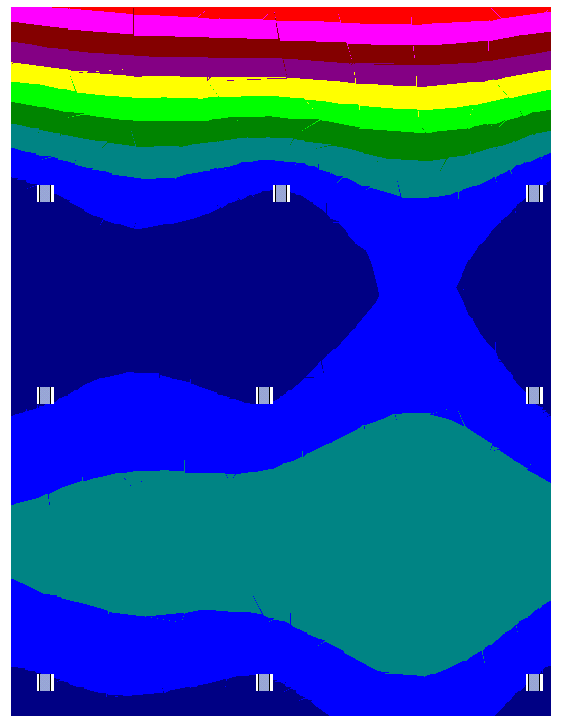
Viewing the Deflected shape of the slab is also a quick and easy way to visualize the behavior of the slab.
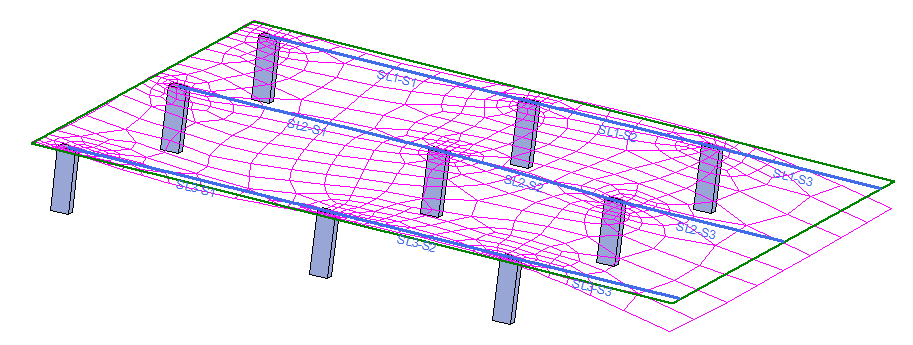
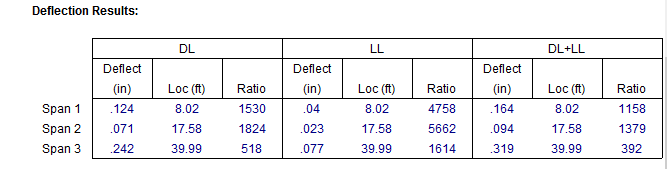
These methods above are showing the overall deflection, however the codes references deflection based on the type of loading and span or distance from support. So it’s important to review the deflection results based on the Design Strips which can be found in the Detail Report or Slab Strip Deflection. The Slab Design Rules help you setup Deflection Limits and the results will alert you if you exceed these limits.
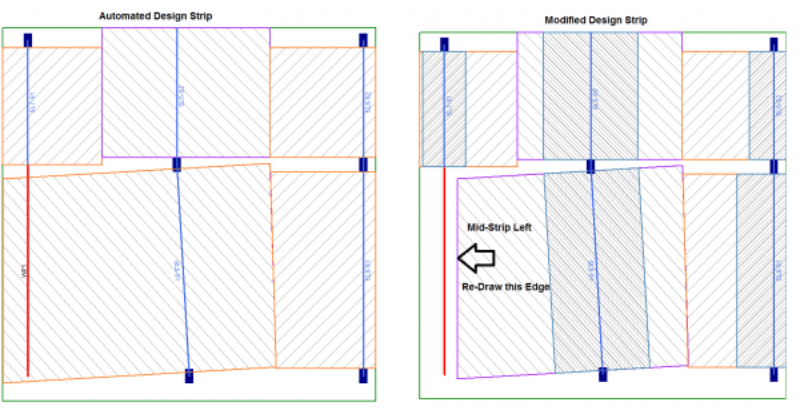
In RISAFloor ES, you draw a support line from support point to support point to define the Design Strips. The program will automatically create...
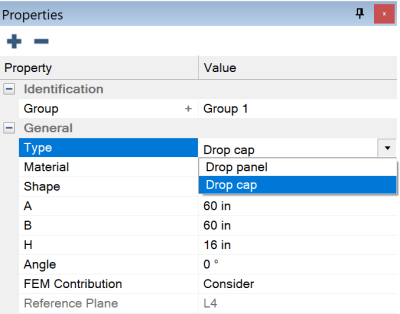
ADAPT-Builder v22 now includes the ability to model a Drop Cap and a Drop Panel at the same support. The Punching Shear check considers both...
RISA-3D can be used to model the effects of rotating machinery on their support structures. In the model below, we have a structure which is to...