




 By: Admin
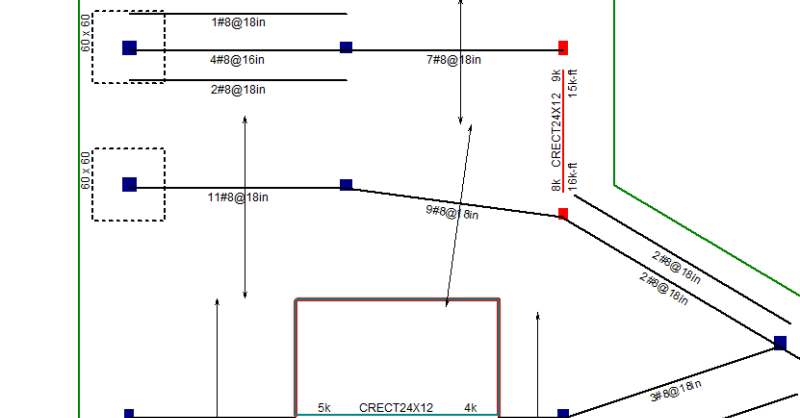
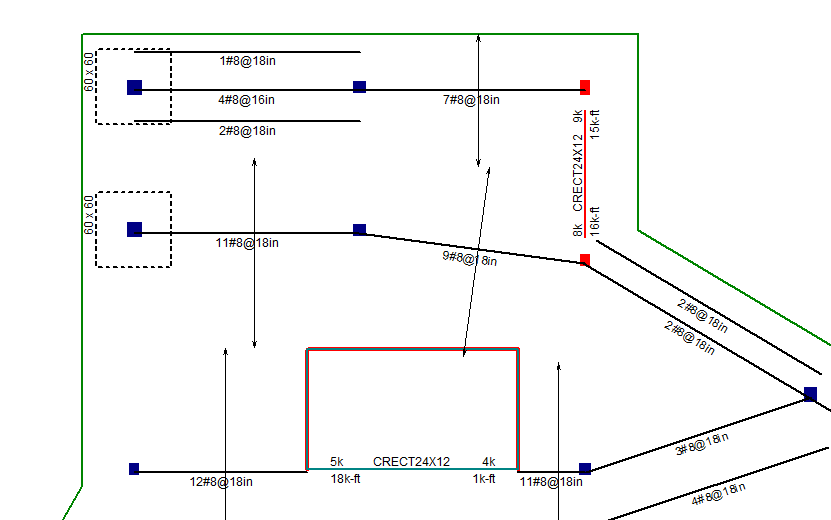
The ability of RISAFloor ES to design rebar for two way concrete slabs is powerful. Such designs are made much more powerful when they can easily be conveyed on construction drawings.
In the example below, the East-West bottom bars are displayed. A single bar symbol is shown at the middle of the design strip, with an arrow shows the extent of where the bars need to be placed.
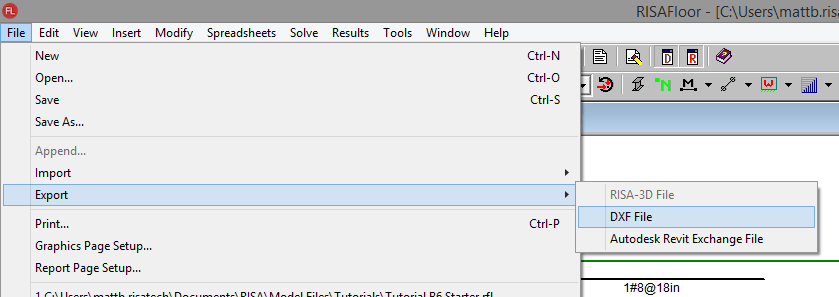
Once the design is complete, go to the File Menu and choose Export DXF File.
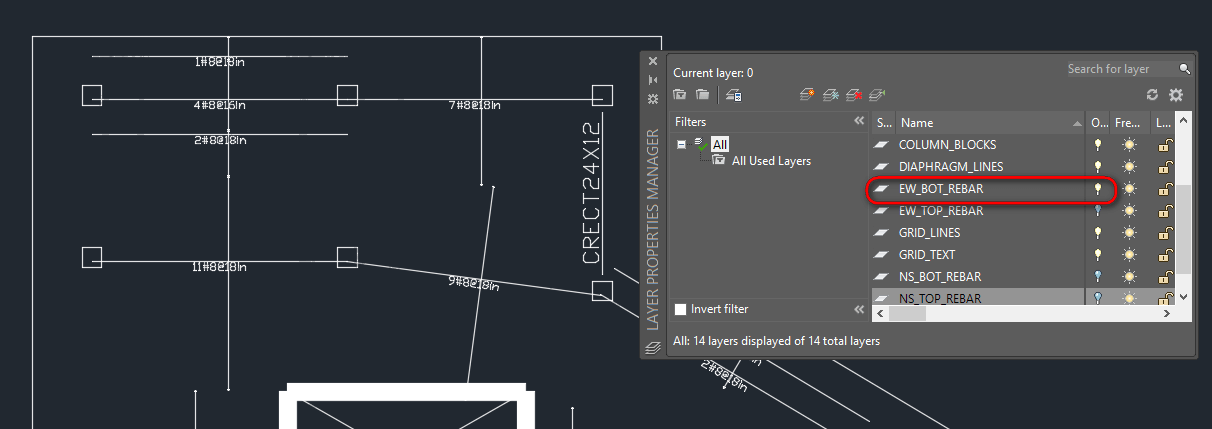
A DXF File is then created for each floor of the building. This file can be opened in any CAD software such as Autodesk AutoCAD or Bentley Microstation. Each rebar group (East-West, North-South, Top, Bottom) is placed on a separate layer in this drawing:
JULY 01, 2014
Read More
Viewing the Deflected Shape in RISAFloor
The deflected shape is really helpful to understanding your model’s behavior.
JANUARY 07, 2013
Read More
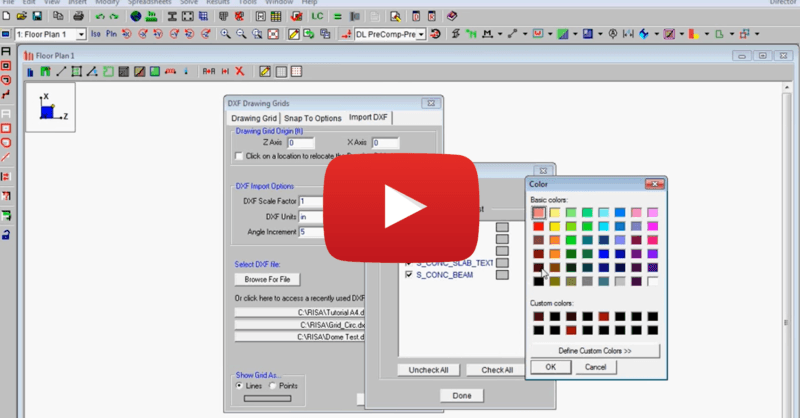
Import DXF Drawing Grid in RISAFloor
This video shows how to import a DXF as a drawing grid in RISAFloor. To do this, you can save any drawing file as a DXF file format and import...