 By: Admin
How to Check Frame Story Shears in RISA-3D
When using rigid diaphragm analysis in RISA-3D it can be useful to evaluate the story shear in each frame. This is a perfect application for the...

Try the Complete RISA Suite for
10 Days FREE

RISA Education

Video Library

Online Help

Get Support

About Us
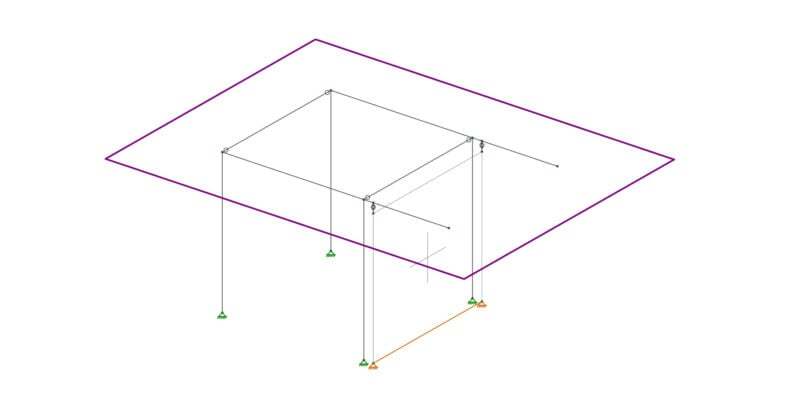
Let’s consider the example of the frame shown below. Suppose there is a diaphragm present at the framing level, and that the wall shown is intended only to handle the lateral loads. In reality the columns will be in-line with the wall, and the cantilever beams will pass over the wall without bearing on it.

In order to prevent the columns from sharing axial force with the wall they must not touch the wall. Therefore the wall should be modeled in RISA-3D as not touching the columns, in this case by moving it outwards a couple inches. In order to prevent the cantilevers from bearing on the wall they also must not touch the wall.
Therefore the wall is modeled as a few inches short of the beams. This would be fine, except for the fact that the wall will no longer be connected to the diaphragm at the framing level. For this we must use rigid links. Draw rigid links vertically from the top of the wall to the cantilever beam as shown below:
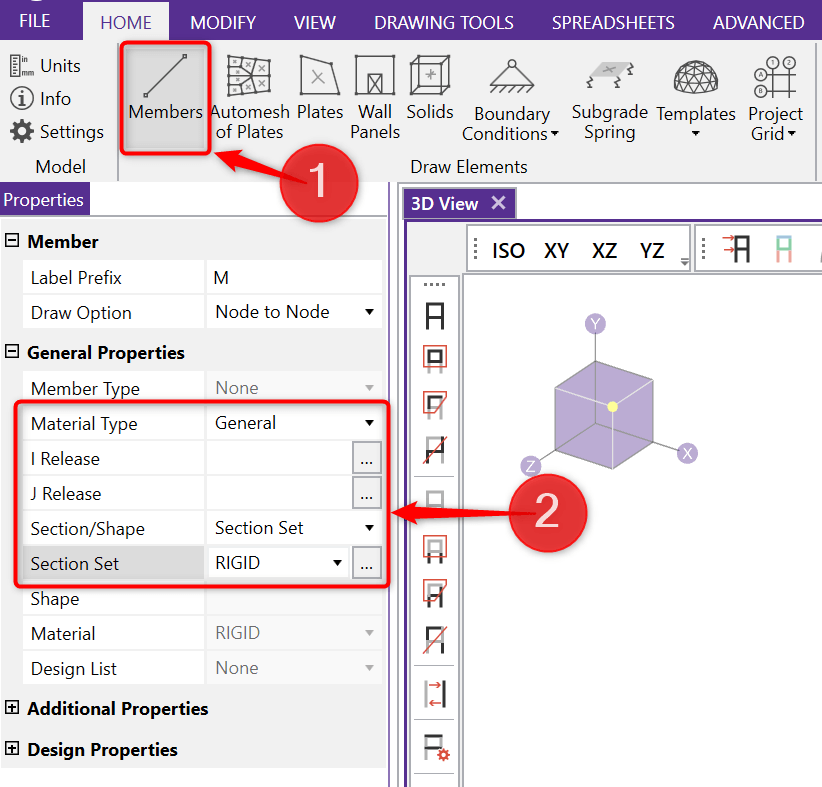
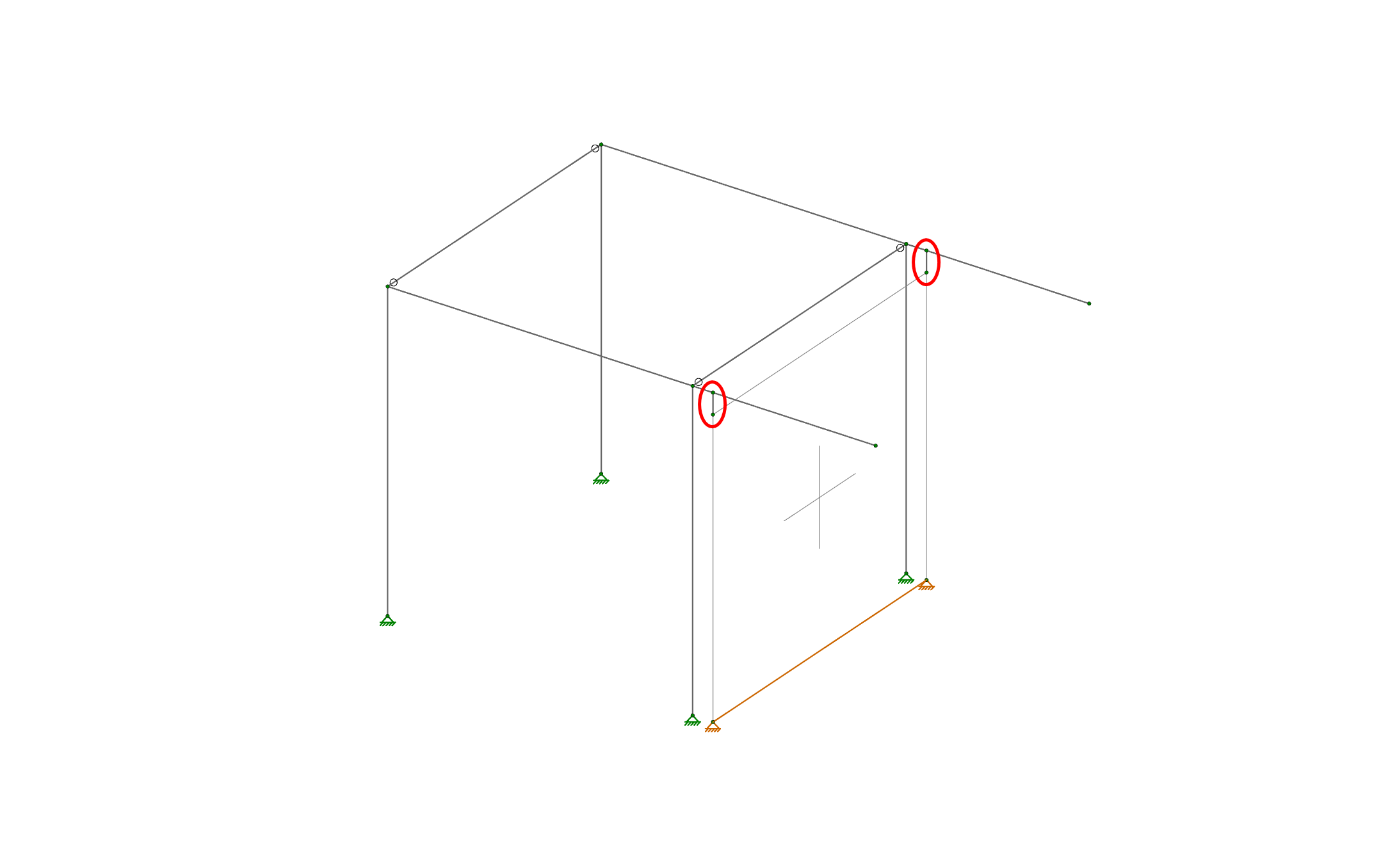
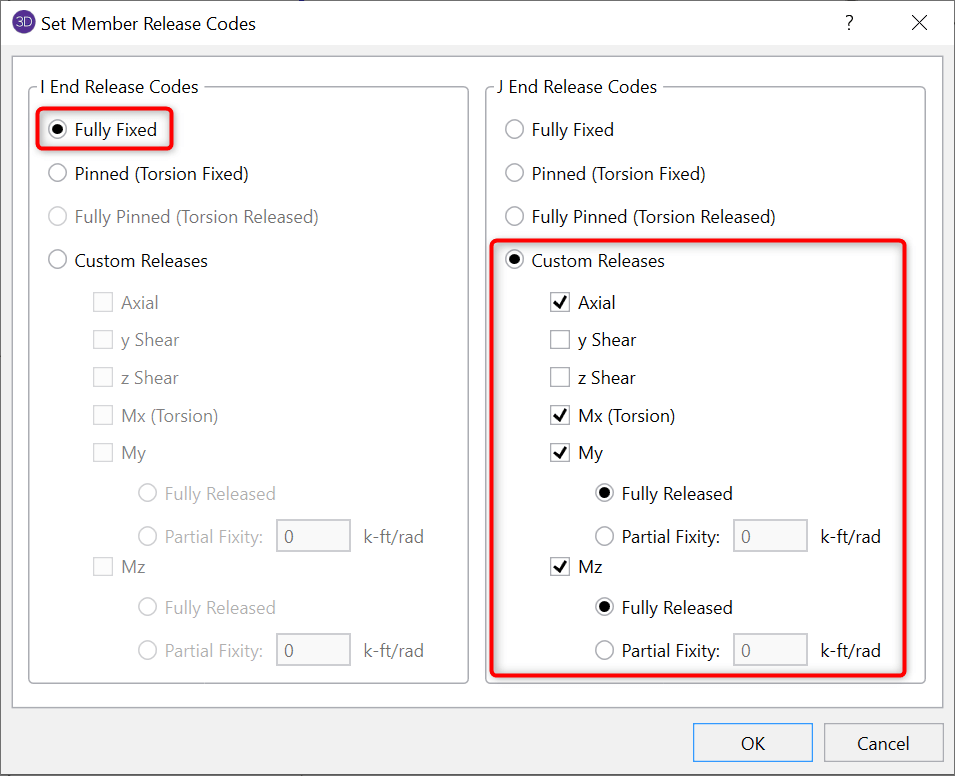
By setting the rigid links to be fully fixed at both ends we have defeated the purpose of dropping the wall, since now the beams will still bear on top of the wall. We need to adjust the member end releases for the rigid links to control what forces they transfer to the wall. First, turn on the display of member local axes:
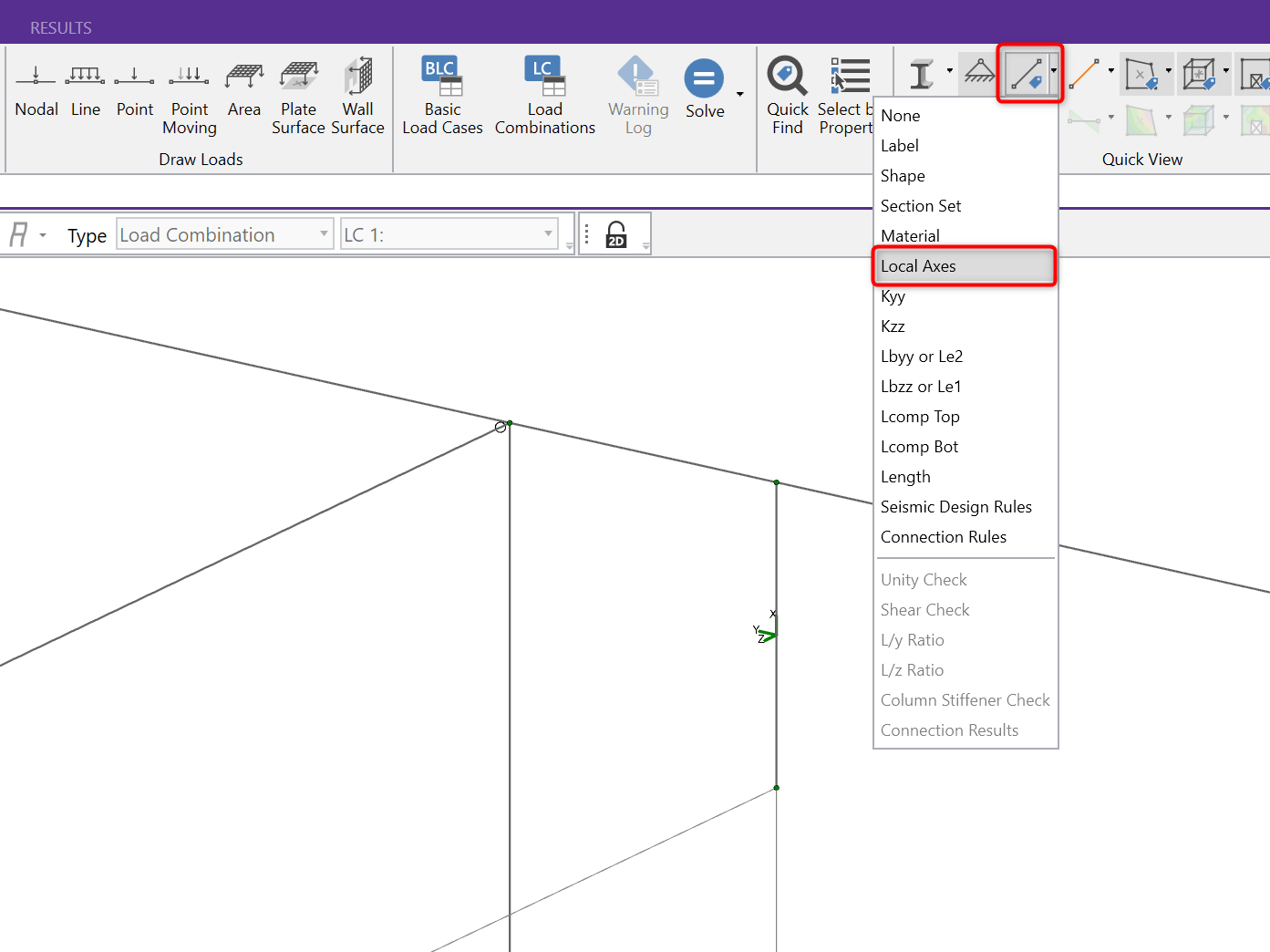
Next, double click on each rigid link and set its member end releases. In this example the J-End is the top, which is where we want to release the link for axial forces, as well as all moments (we only want it to transfer shear to the wall).
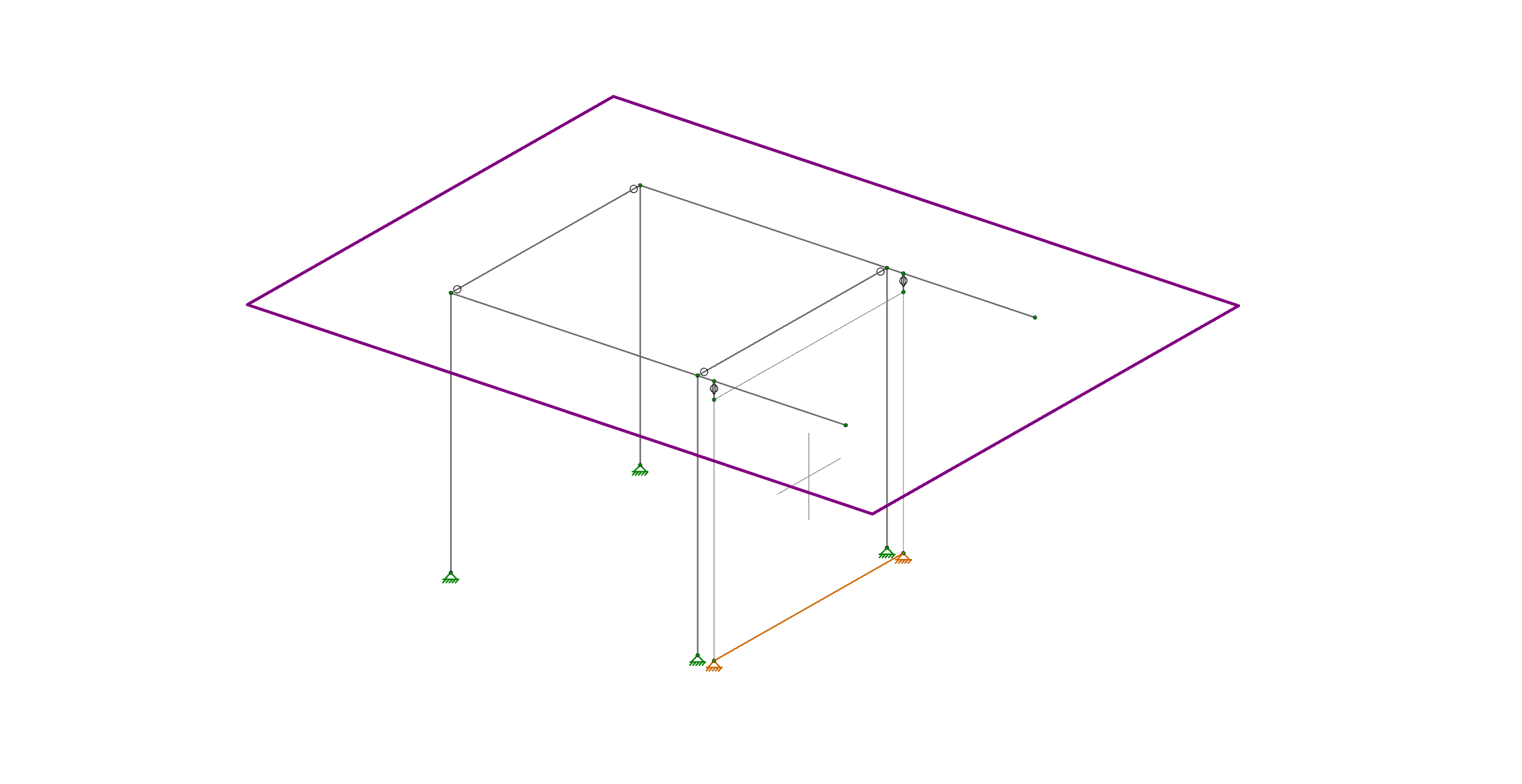
The pin symbol shown at the top of each rigid link confirms that the special end releases have been applied. The wall will now take no gravity loads from the frame, but it will participate to carry shear from the diaphragm shown in purple below.
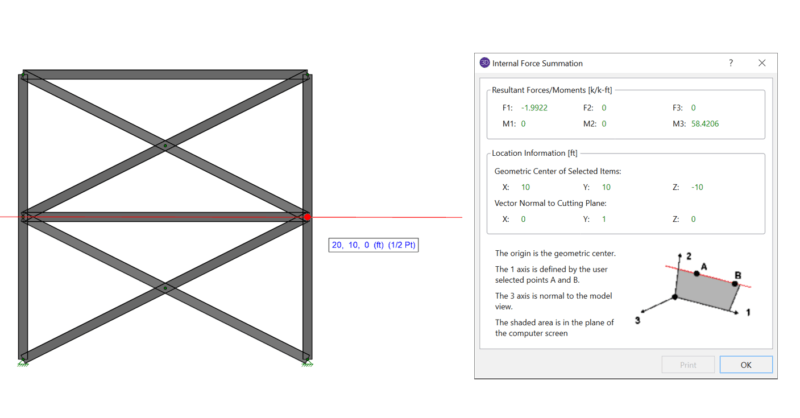
When using rigid diaphragm analysis in RISA-3D it can be useful to evaluate the story shear in each frame. This is a perfect application for the...
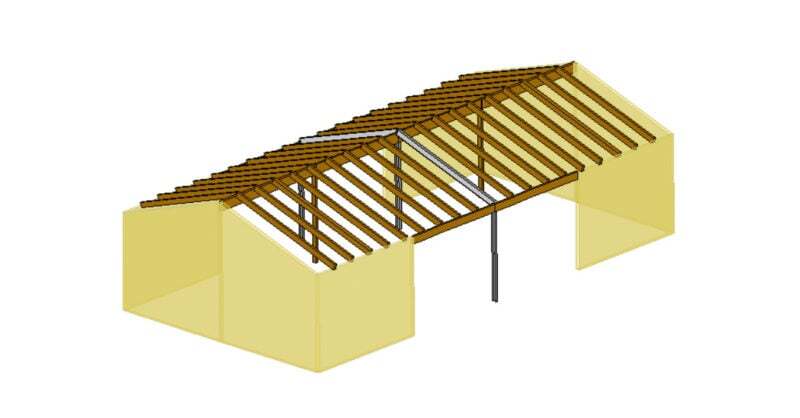
RISAFloor supports the use of flexible diaphragms on both flat and sloped roofs. Before reviewing the workflow for utilizing a flexible diaphragm...
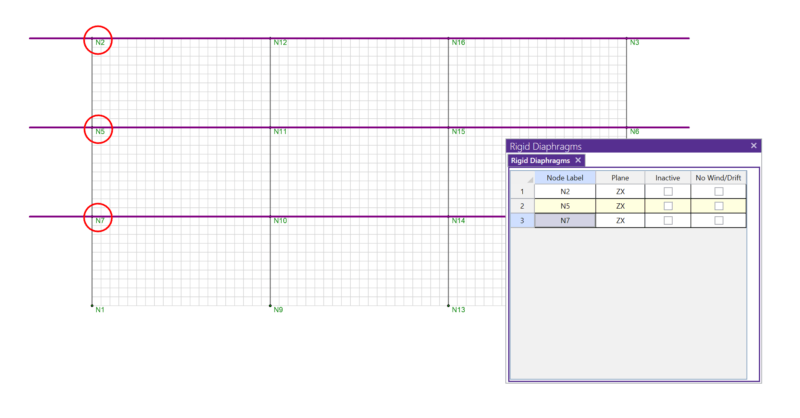
In RISA-3D, rigid diaphragms can be added using the Diaphragm spreadsheet. Just enter the node label and then choose the horizontal plane. ...