




 By: Admin

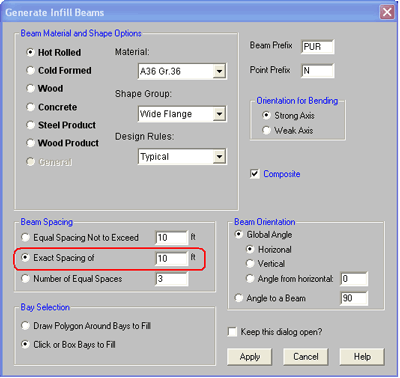
If you want to assign joists in a framing bay with an exact spacing RISAFloor will allow you to specify which side of the bay you want the program to start the spacing measurement from. Go to the Generate Beams within Bay option from the Drawing toolbar. Select the Exact Spacing of option in the Beam Spacing section of the dialogue.
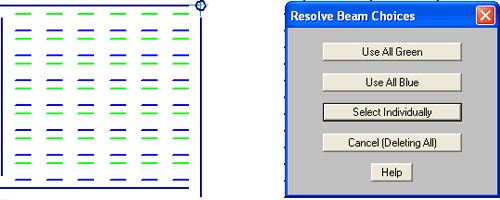
Now click on the bay you wish to add the framing to. RISAFloor will display two options for you to review; one in green and one in blue. These options are showing how the framing will be drawn if the first joist is measured from one side versus the other.
You can then tell RISAFloor whether you’d prefer all of the green or blue locations. If you have custom locations you can choose the option to select the joist locations individually. Once you select your desired option in the Resolve Beam Choices dialogue, RISAFloor will draw the joists.
JULY 01, 2014
Read More
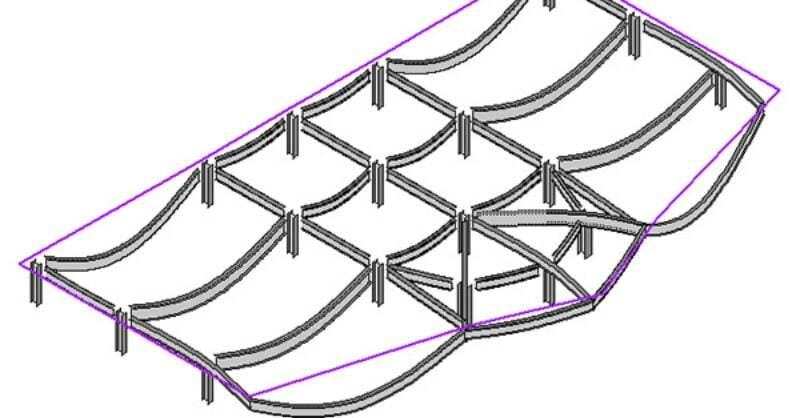
Viewing the Deflected Shape in RISAFloor
The deflected shape is really helpful to understanding your model’s behavior.
JANUARY 07, 2013
Read More
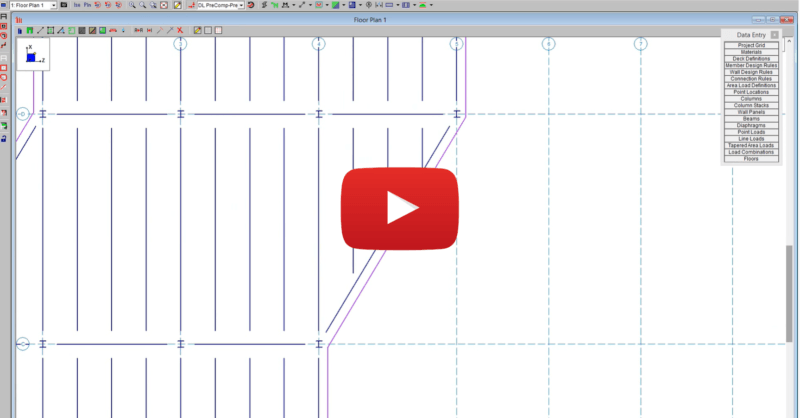
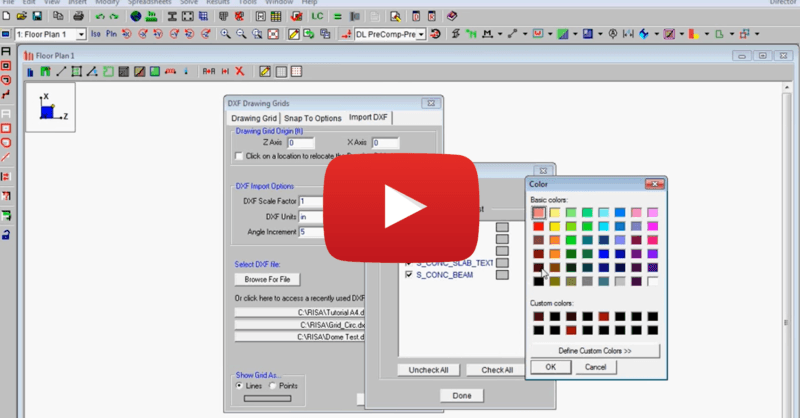
Import DXF Drawing Grid in RISAFloor
This video shows how to import a DXF as a drawing grid in RISAFloor. To do this, you can save any drawing file as a DXF file format and import...