 By: Admin
Orthotropic Plates in RISA-3D
RISA-3D includes the ability to define the plate methodology of a material as orthotropic. In structural analysis and design, it may be useful to...

Try the Complete RISA Suite for
10 Days FREE

RISA Education

Video Library

Online Help

Get Support

About Us
In Aluminum design, the welded areas have a decreased material strength and RISA-3D can assign any material strength to the members based on the Material spreadsheet.
The default materials provide one welded material: 6061-T6 W, but you can enter your own welded materials by pressing ENTER at the bottom of the spreadsheet.
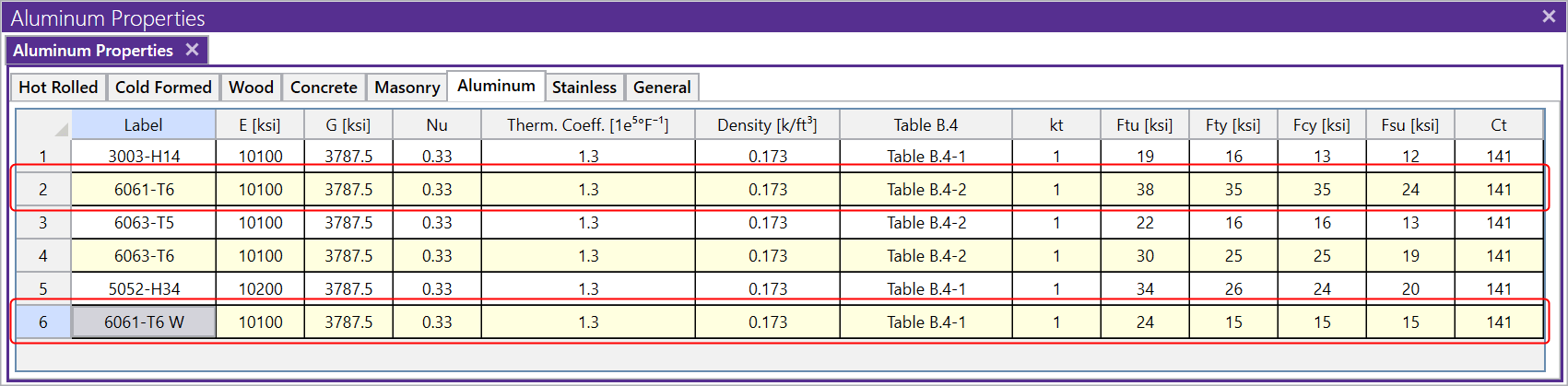
To use these reduced strength welded properties, you need to break up the member into smaller segments that are influenced by the weld. A good tool to create the segments is the "Split Members" option listed in the Modify tab of the ribbon toolbar.
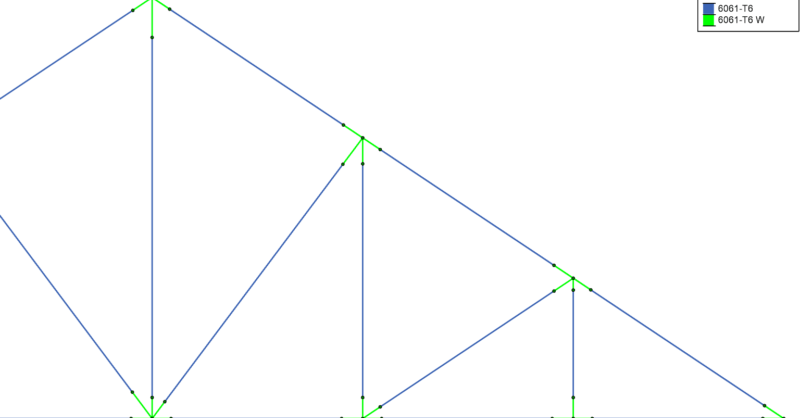
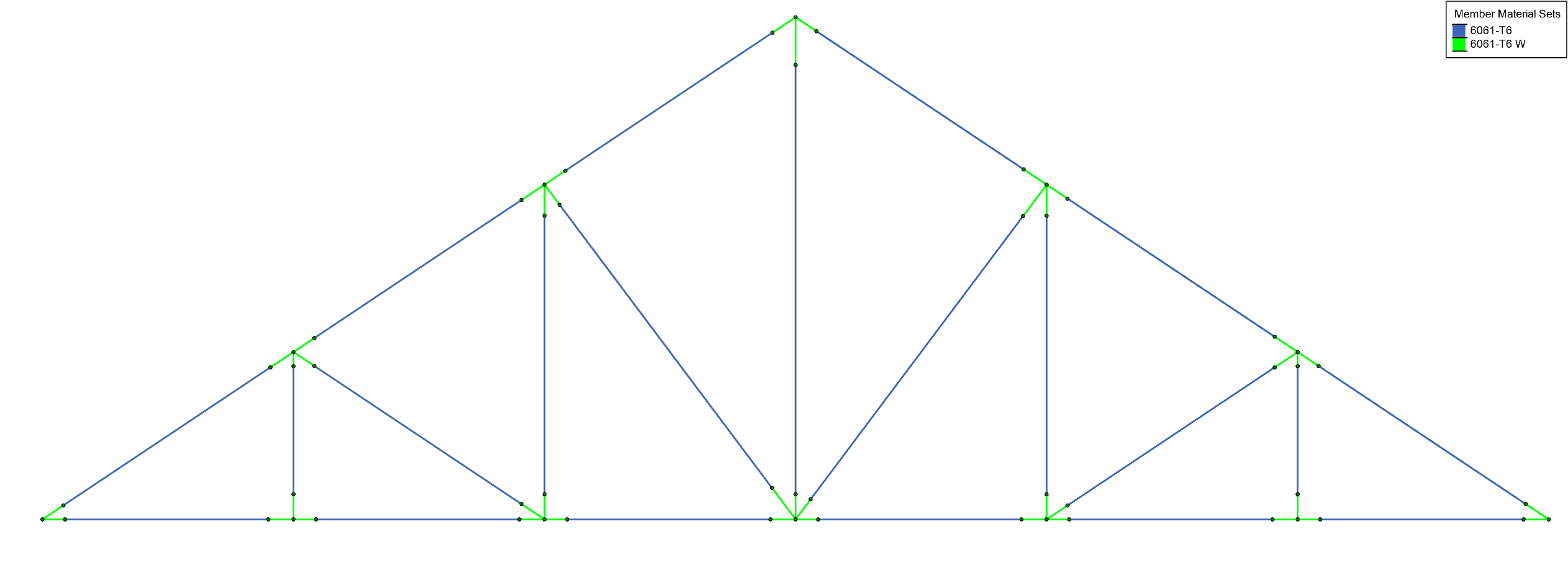
Below is an example of a truss, where the welded joints are shown using a different section set and material in green. You can use the graphical display options to understand your model’s code check, forces and much more.
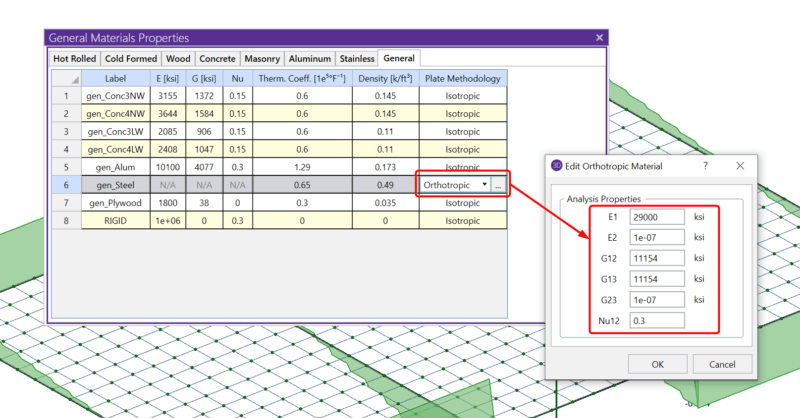
RISA-3D includes the ability to define the plate methodology of a material as orthotropic. In structural analysis and design, it may be useful to...

In RISA-3D when drawing members you must start with initial sizes. After loading and load combinations are completed the model is solved and then...
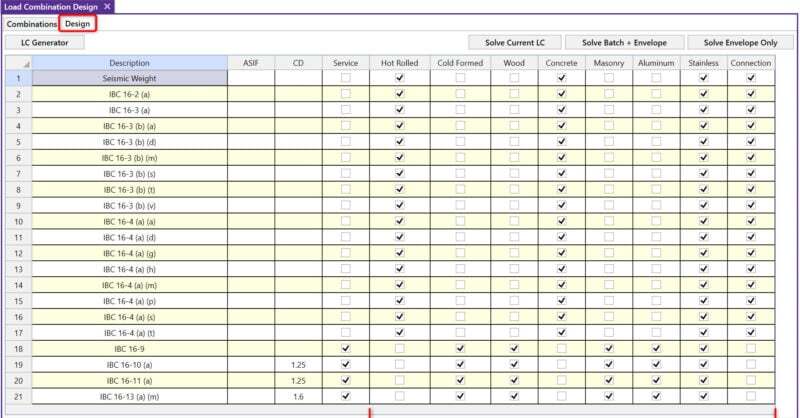
RISA-3D includes material specific checkboxes on the Design tab of the Load Combinations spreadsheet that allow you to define the load...