 By: Admin
Viewing the Deflected Shape in RISAFloor
The deflected shape is really helpful to understanding your model’s behavior.

Try the Complete RISA Suite for
10 Days FREE

RISA Education

Video Library

Online Help

Get Support

About Us
RISAFloor is a design program in which it takes basic shape criteria about your beam or column members and then selects an optimal size to meet strength and serviceability criteria. However, the program can just as easily perform a design check for an as-built condition by defining specific member sizes.
To perform an as-built design check, the first step is to model the columns and beams in the structure using one of the existing Shape Groups.

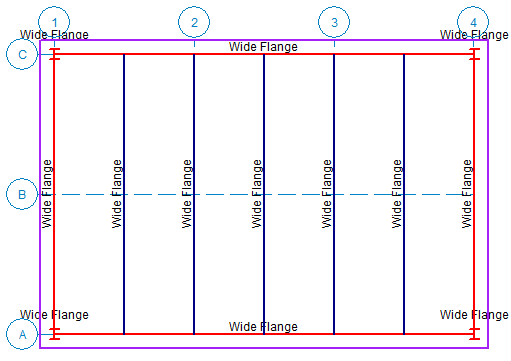
Next define specific shapes for each member in the model either graphically or from the spreadsheets.
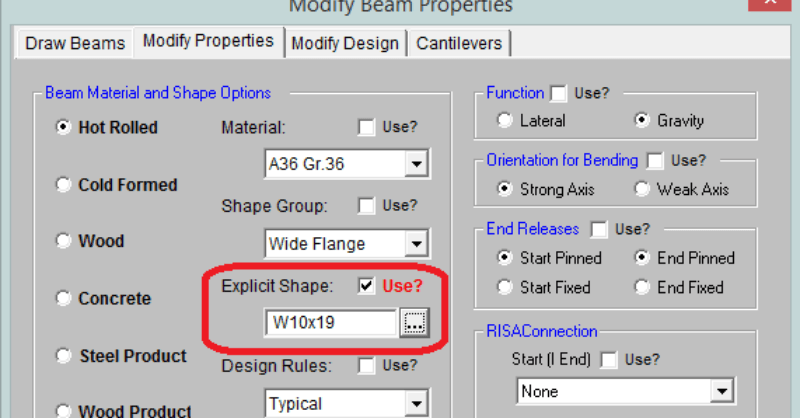
For a graphic update, go to the Modify Beams or Columns dialog and select the size of the members.
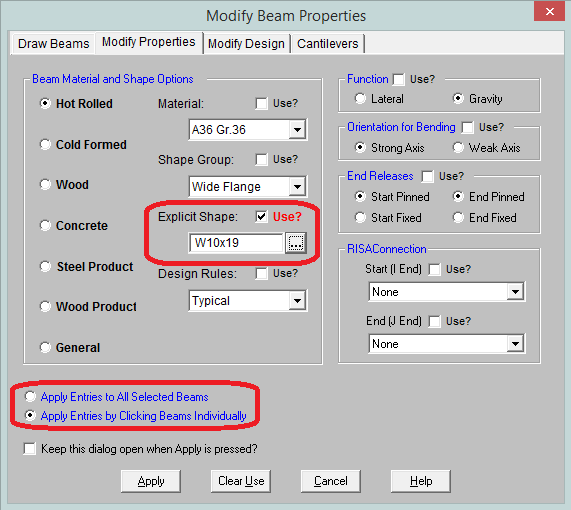
You can update members one at a time or use the selection state to update all selected.
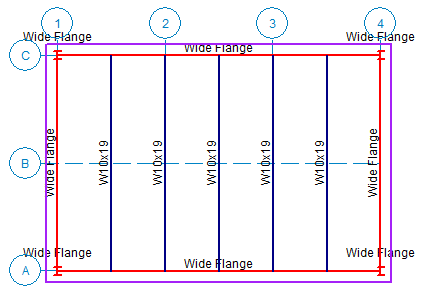
This can also be done from the spreadsheets by inputting the required member designation in the Shape field. For more information about how to use spreadsheets more effectively, review the article below.

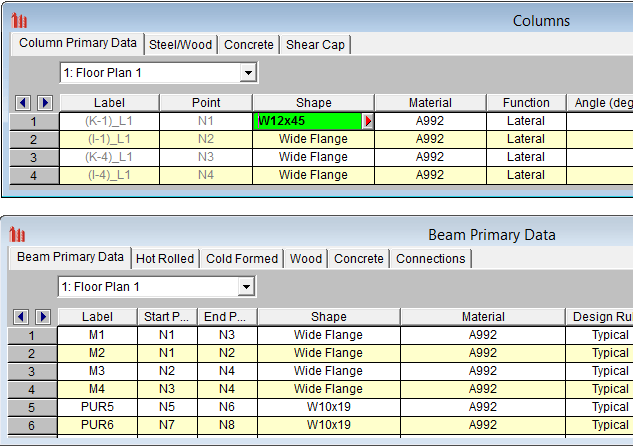
Once complete you can solve the model and the program will provide design checks based on your specific shapes.

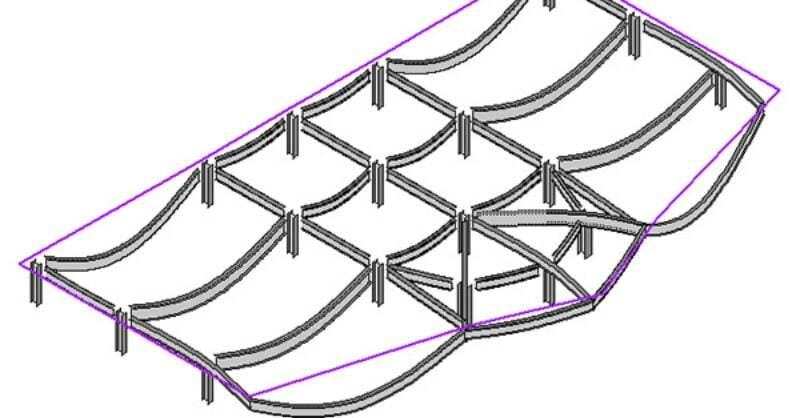
The deflected shape is really helpful to understanding your model’s behavior.
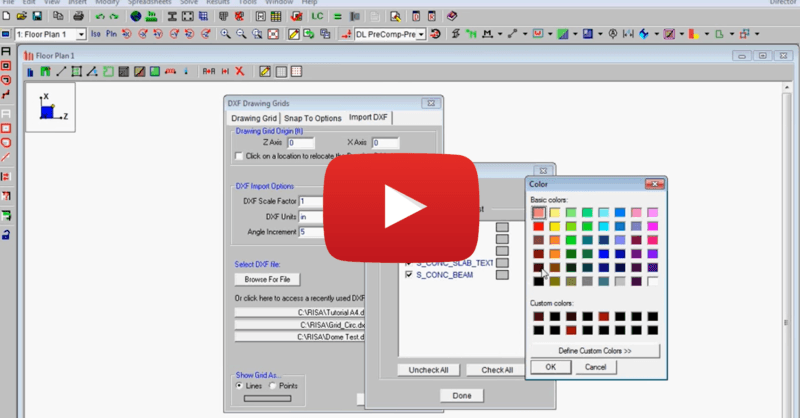
This video shows how to import a DXF as a drawing grid in RISAFloor. To do this, you can save any drawing file as a DXF file format and import...
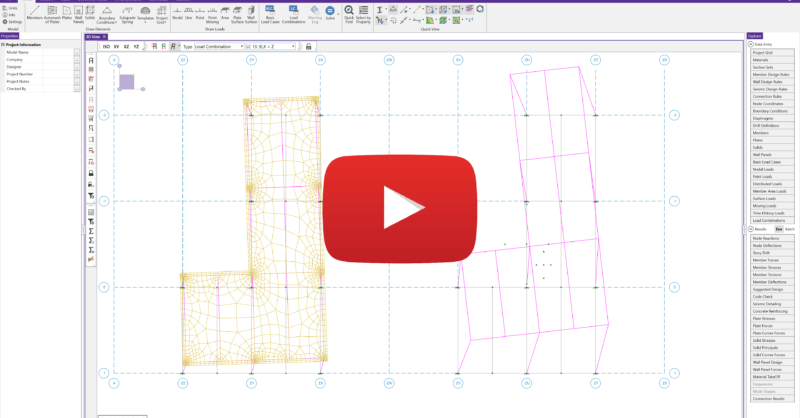
The latest releases of RISAFloor (Version 15.0.1) and RISA-3D (Version 19.0.1) include consideration for accidental torsion and eccentric loading...