How to Define Steel Connections in RISAFloor & RISA-3D
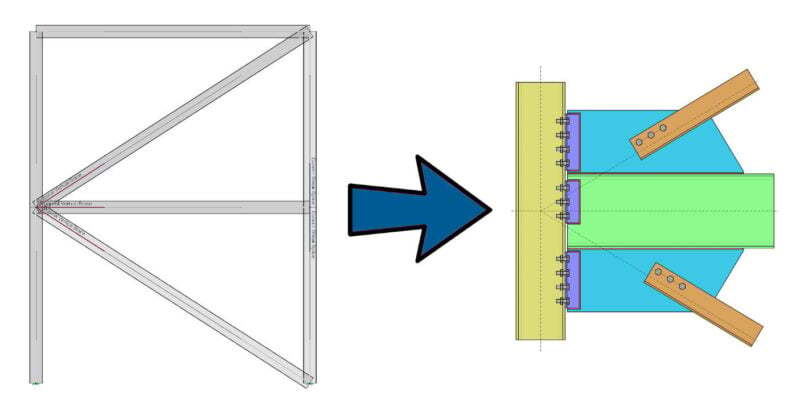
One of the advantages of the RISA Building System is the ability to utilize and share model information (geometry, loading, etc.) between software...

Try the Complete RISA Suite for
10 Days FREE

RISA Education

Video Library

Online Help

Get Support

About Us
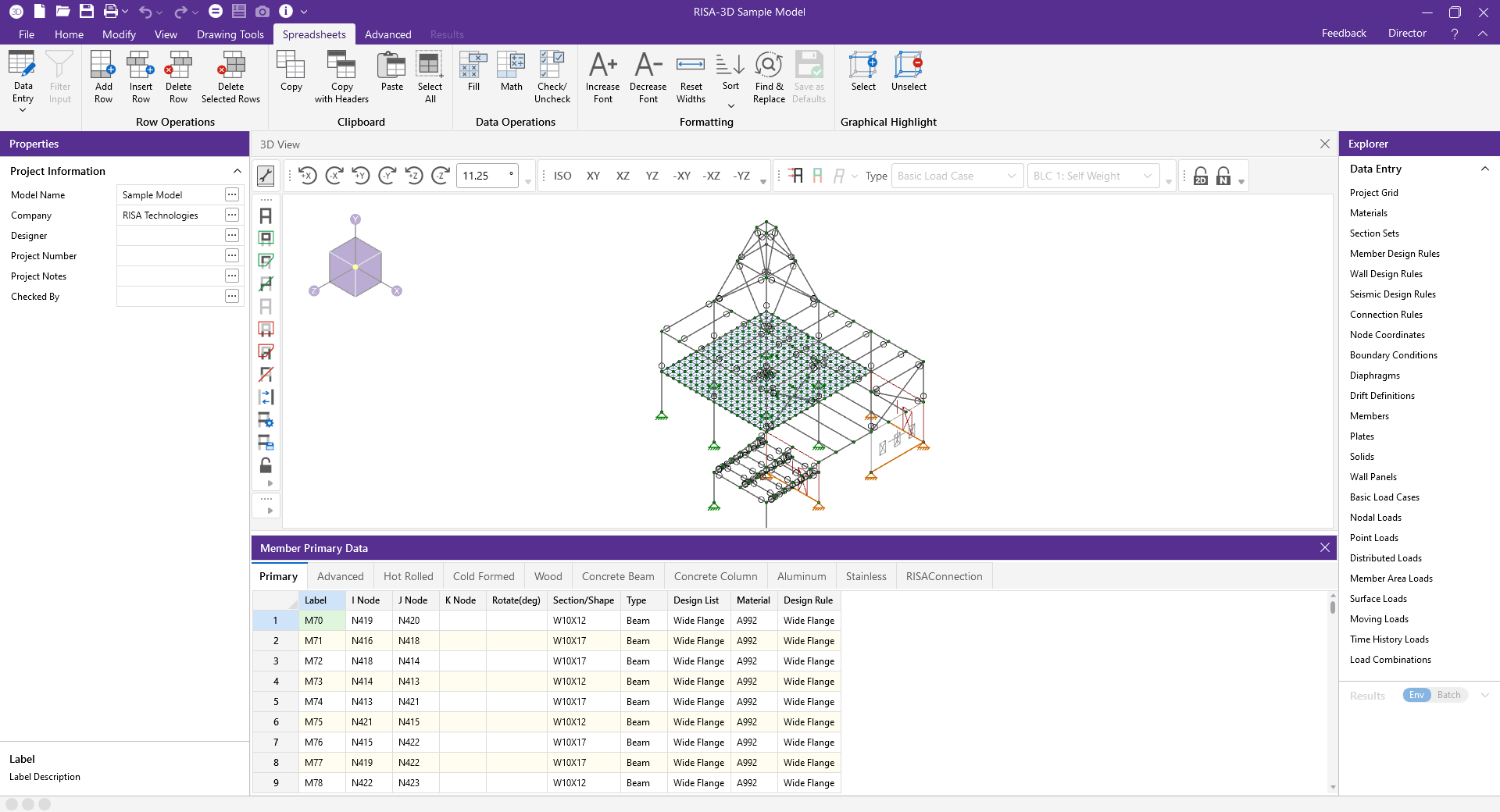
Docking spreadsheets in RISA-3D can be a game-changer for streamlining your workflow. Whether you're managing complex data sets or need quick access to design parameters, integrating your spreadsheets directly into RISA-3D allows for seamless data management and enhanced efficiency. In this guide, we'll walk you through the steps to dock spreadsheets in RISA-3D, helping you optimize your workspace and make the most of this powerful feature.
Steps To Dock:
Open up a spreadsheet. Example: the members spreadsheet
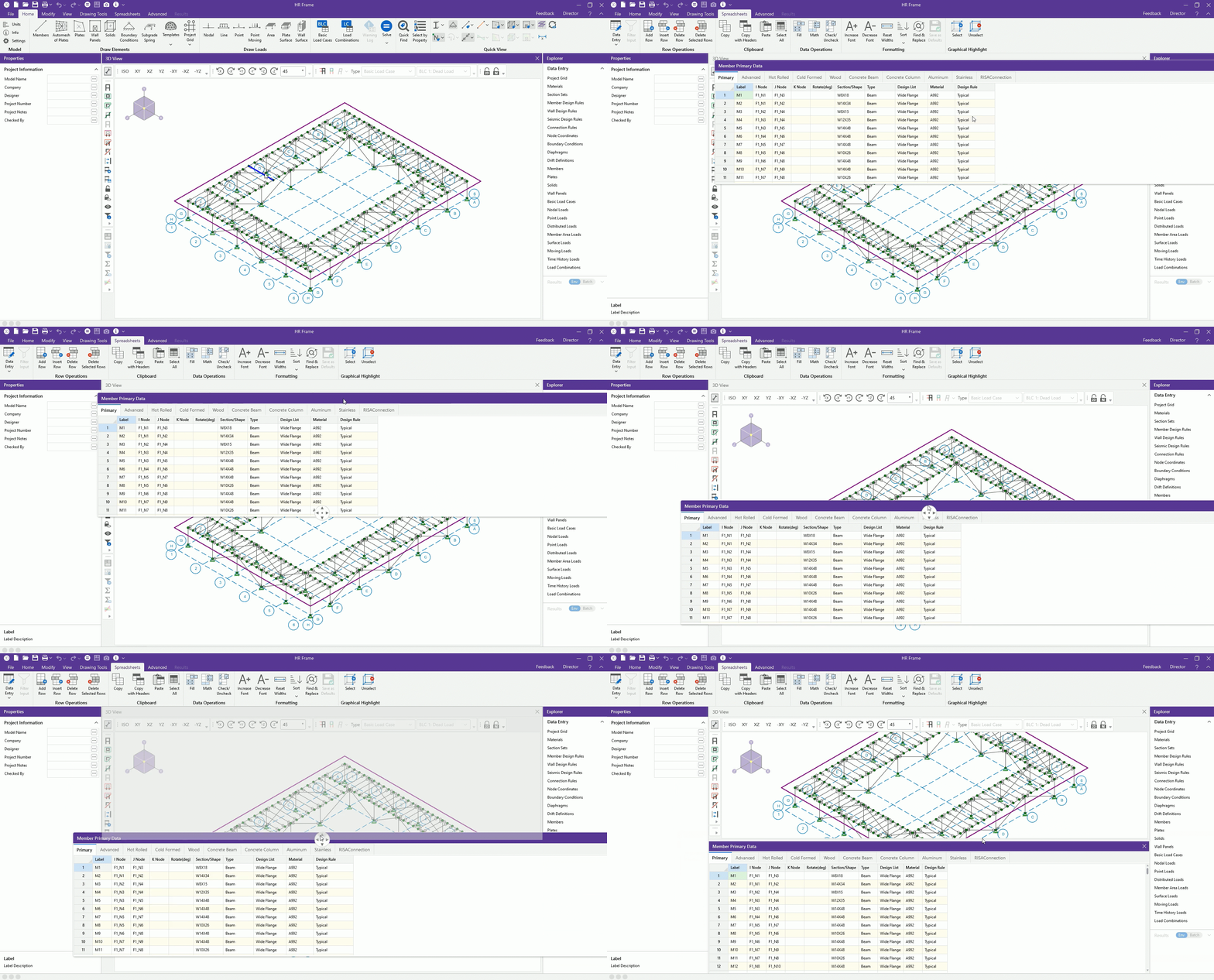
Left click on the purple bar, and then hold your mouse. So if you hold that left click and drag the purple bar on the top of the spreadsheet, you can bring it down to the circle you see in the center of your screen. The circle has a dot in the middle and then four arrows in it.
To dock it in either of those circle locations, drag your mouse with the spreadsheet into that location.
In the example below, see the members spreadsheet hovering over the arrow to dock it down below. The arrow has turned gray. And then as soon as the left click is release, it'll be docked down below
Features To Note:
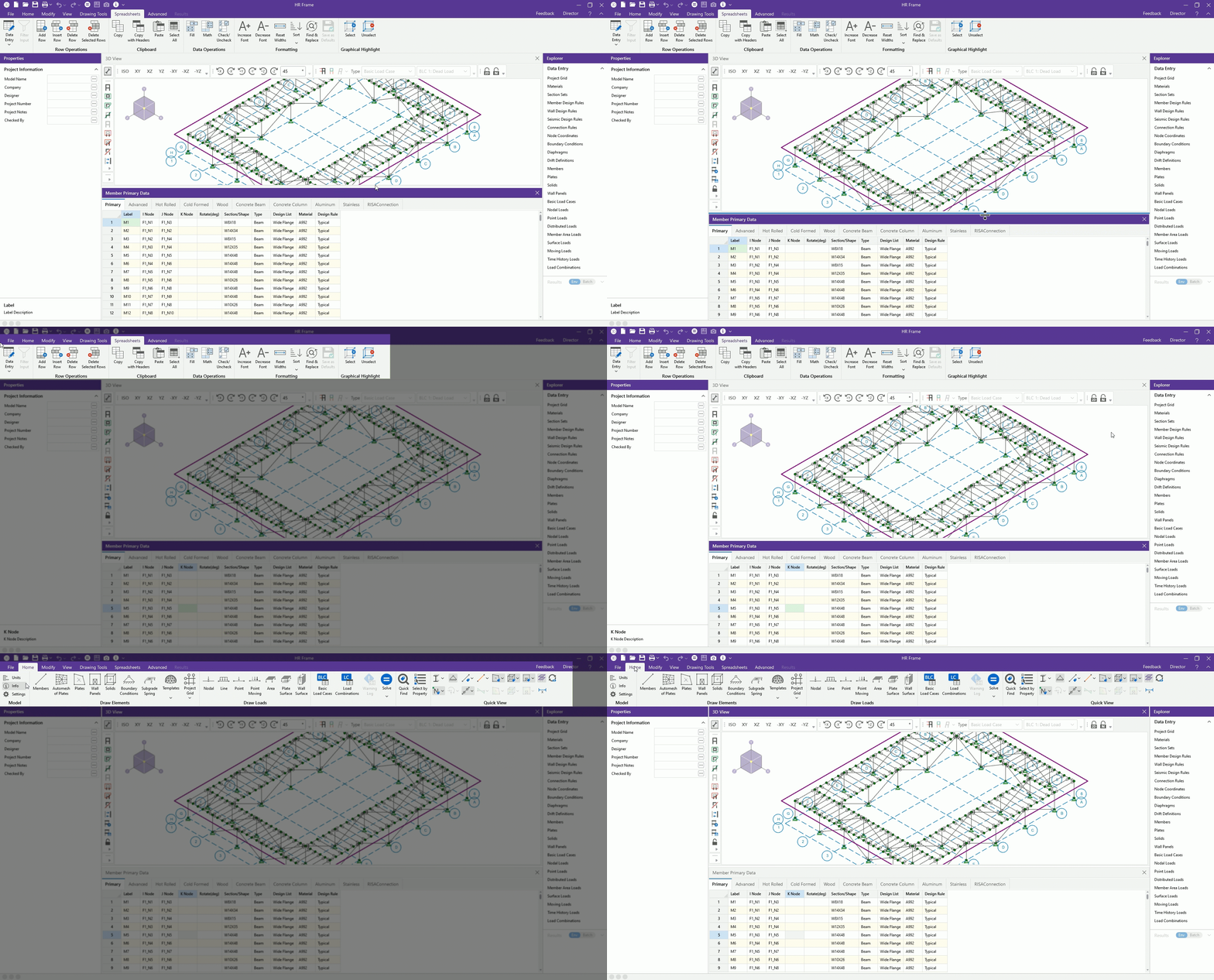
When active in a spreadsheet, all spreadsheet tools are available in the tab toolbar.
When active in the 3D view up above, then all those 3D tools are available in the tab toolbar.
One of the advantages of the RISA Building System is the ability to utilize and share model information (geometry, loading, etc.) between software...
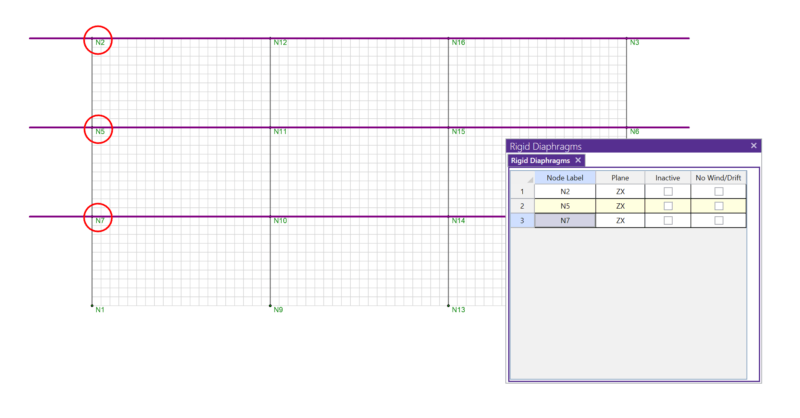
In RISA-3D, rigid diaphragms can be added using the Diaphragm spreadsheet. Just enter the node label and then choose the horizontal plane. ...
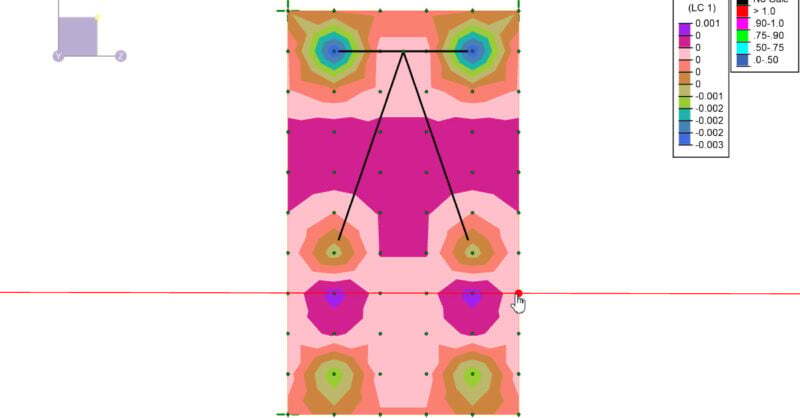
A number of improvements have been made to solid elements in RISA-3D v19 allowing users enhanced flexibility in viewing input data as well as...