 By: Admin
How to Model Tension-Only Bracing in RISA-3D
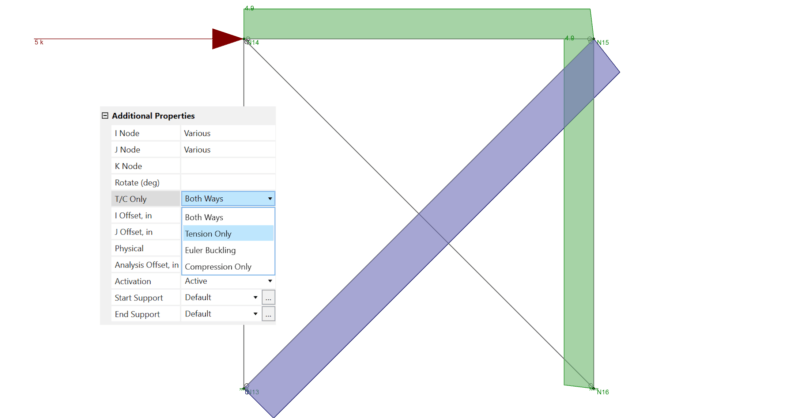
Before reading this, be sure to check out the article linked below on X-Bracing. In RISA-3D, you can set a member to be tension-only by selecting...

Try the Complete RISA Suite for
10 Days FREE

RISA Education

Video Library

Online Help

Get Support

About Us
In the RISA-3D when you model a WT brace it exists at the member centroid, which means that no bending ends up in the brace due to the fact that the brace is actually eccentric to the braced frame.
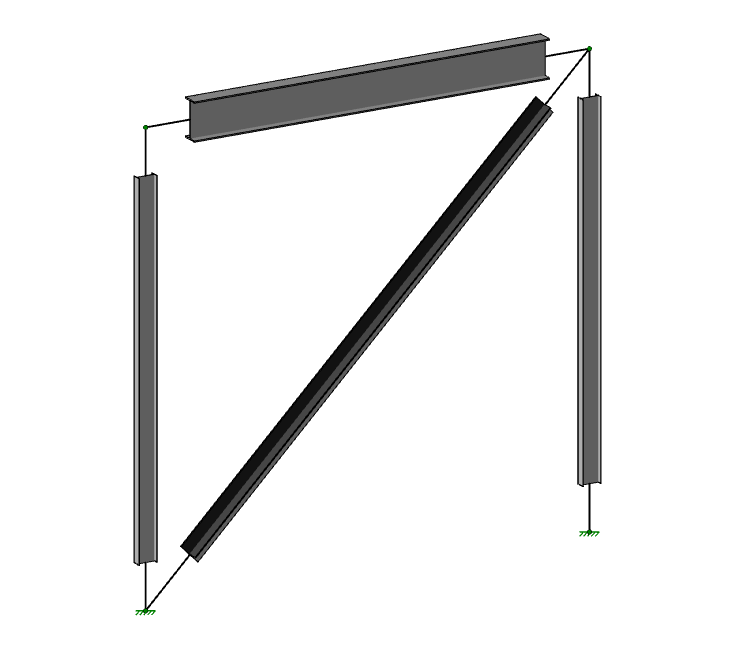
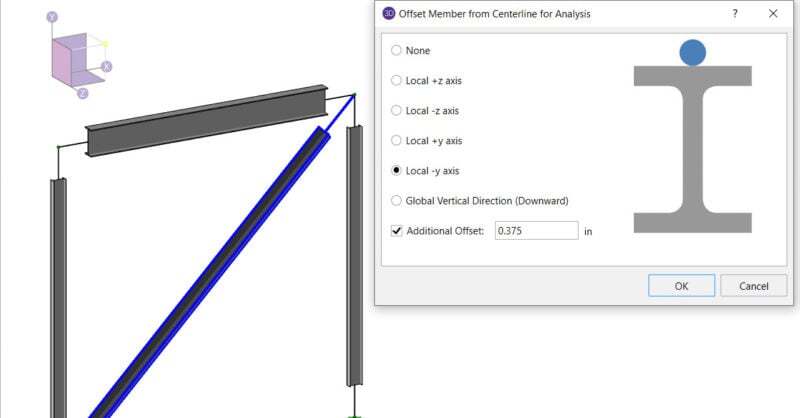
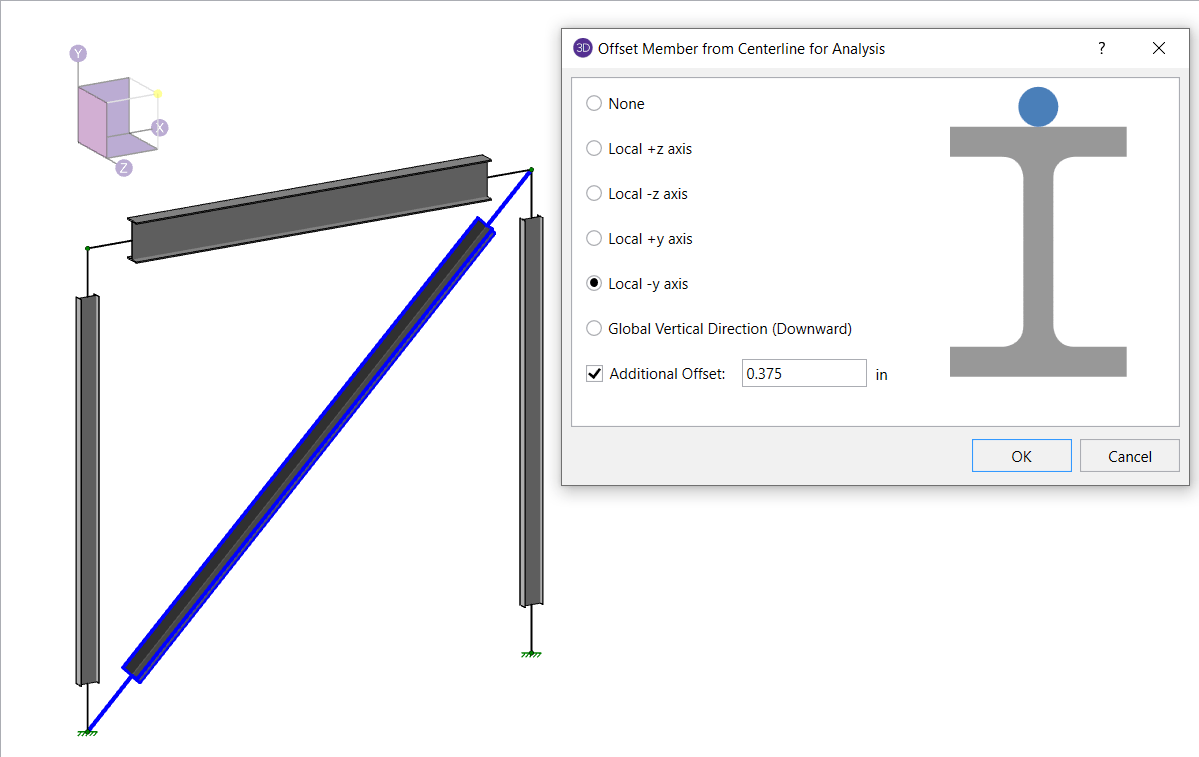
In Version 15.0 we added a feature called “Analysis Offset” which moves the centroid of the member for analysis. In the example below the flange of the WT is bolted to a gusset that is ¾” thick, so we would want the centroid to be moved to the face of the flange, plus half the gusset thickness (3/8”):
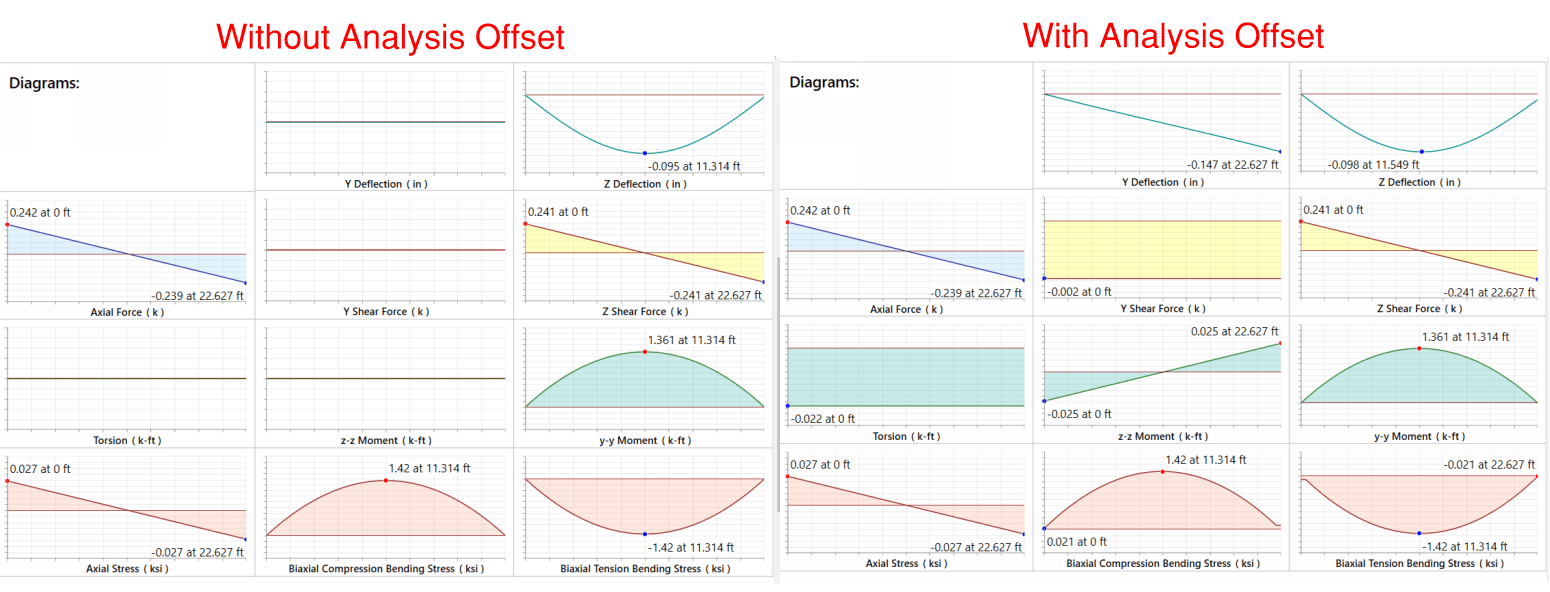
With this offset applied, when the model is solved you’ll note that the brace bows out of plane, indicating that it does have bending.
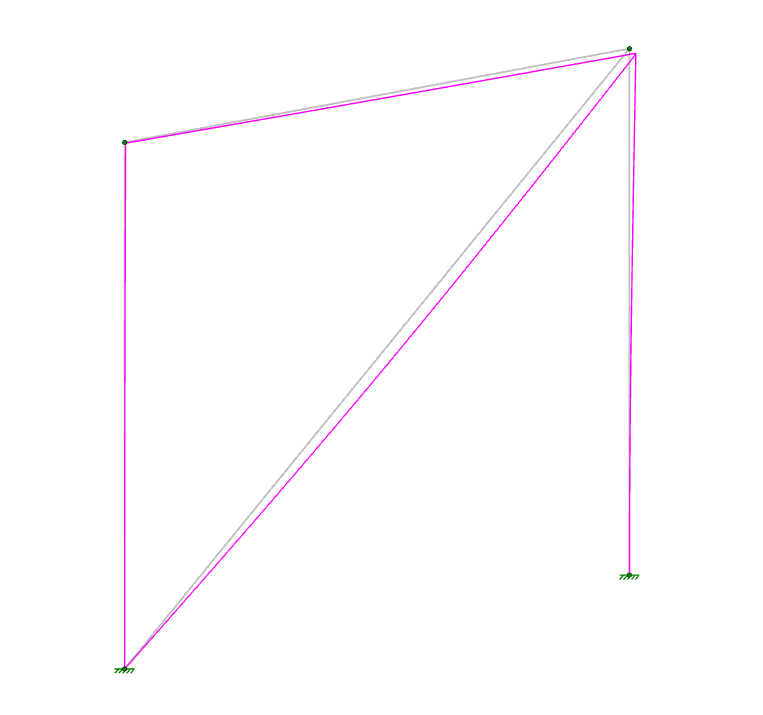
The detail report confirms this. Note how much the Code Check value increases when the real-life bending due to eccentricity is considered in the RISA model.
Before reading this, be sure to check out the article linked below on X-Bracing. In RISA-3D, you can set a member to be tension-only by selecting...

With the release of RISA-3D v19.0.2, you can now design special concentrically braced frames (SCBF) as well as buckling restrained braced frames...

The ability to design buckling restrained braced frames has been added to RISA-3D when you integrate your model from RISAFloor. In collaboration...