 By: Admin
How to Check Frame Story Shears in RISA-3D
When using rigid diaphragm analysis in RISA-3D it can be useful to evaluate the story shear in each frame. This is a perfect application for the...

Try the Complete RISA Suite for
10 Days FREE

RISA Education

Video Library

Online Help

Get Support

About Us
In RISA-3D, rigid diaphragms can be added using the Diaphragm spreadsheet. Just enter the node label and then choose the horizontal plane.
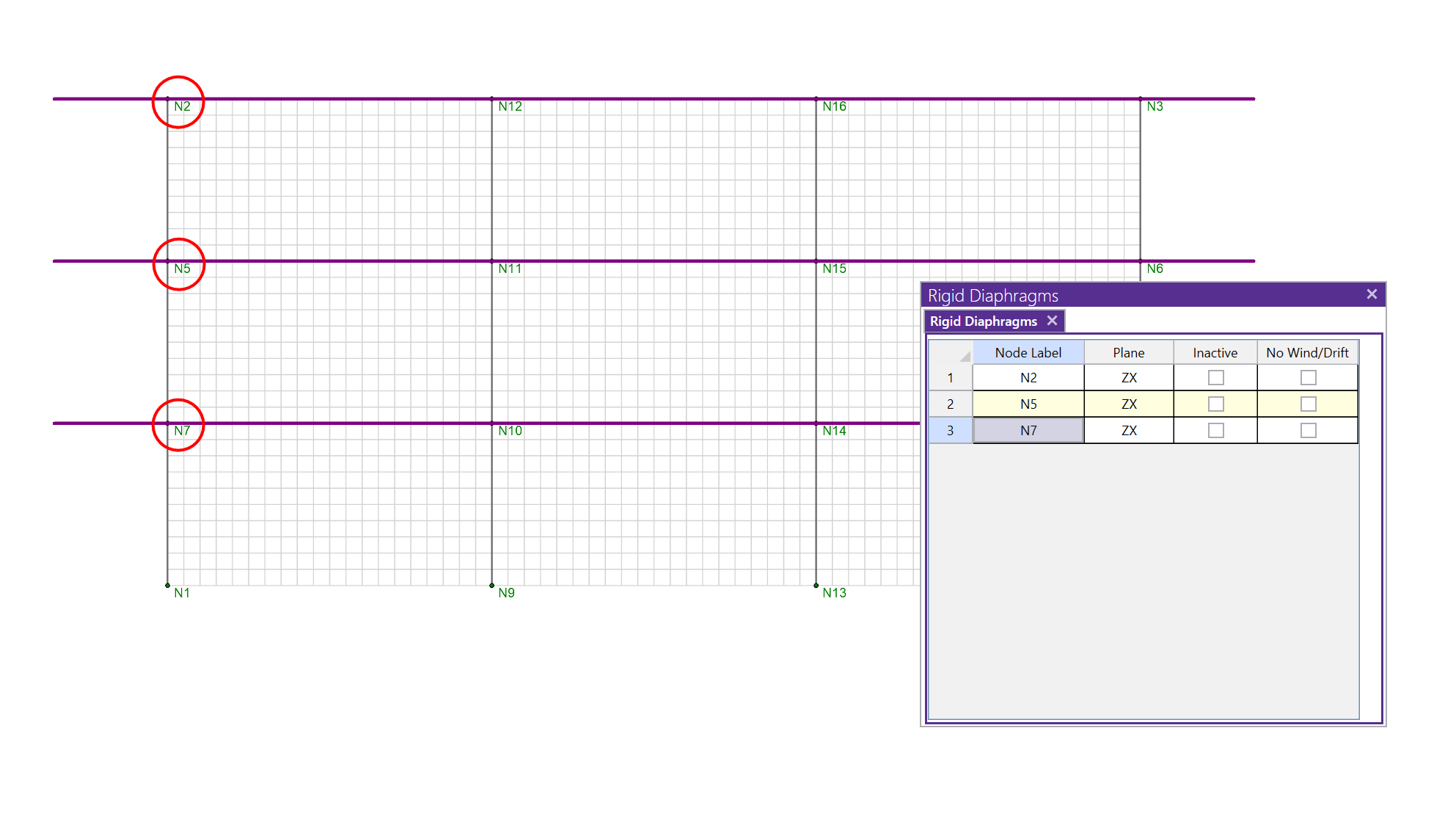
Internally, all rigid diaphragms are membrane diaphragms that tie all of the nodes within the diaphragm plane together for both translation and rotation, but only within the plane of the diaphragm. This is done internally using rigid links.

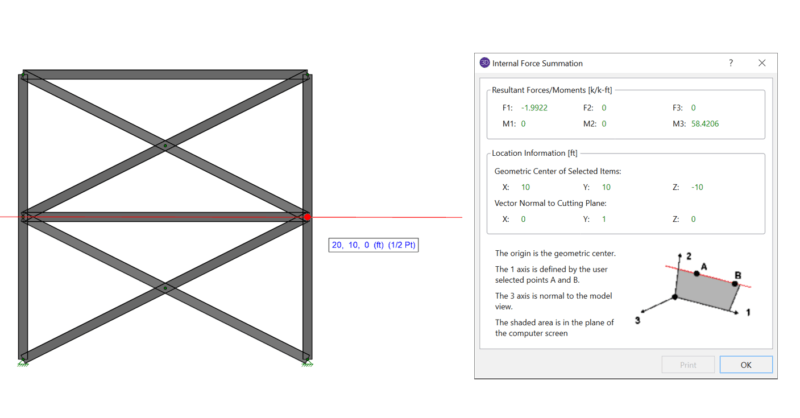
When using rigid diaphragm analysis in RISA-3D it can be useful to evaluate the story shear in each frame. This is a perfect application for the...
RISAFloor Concrete Floor Slabs can design be transferred into RISA-3D for lateral design using either a Rigid Diaphragm or Semi-Rigid diaphragm....
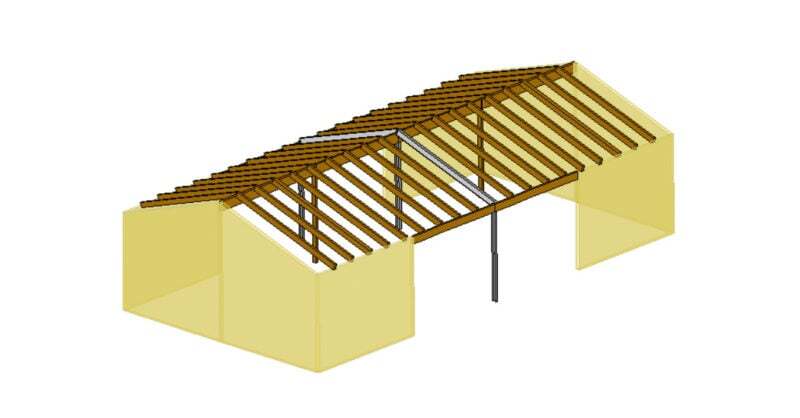
RISAFloor supports the use of flexible diaphragms on both flat and sloped roofs. Before reviewing the workflow for utilizing a flexible diaphragm...