By: Admin
Refining Area Load Distribution in RISA-3D
After solving a model with Member Area Loads, RISA-3D will automatically create Transient Basic Load Cases that allow the user to verify load...

Try the Complete RISA Suite for
10 Days FREE

RISA Education

Video Library

Online Help

Get Support

About Us
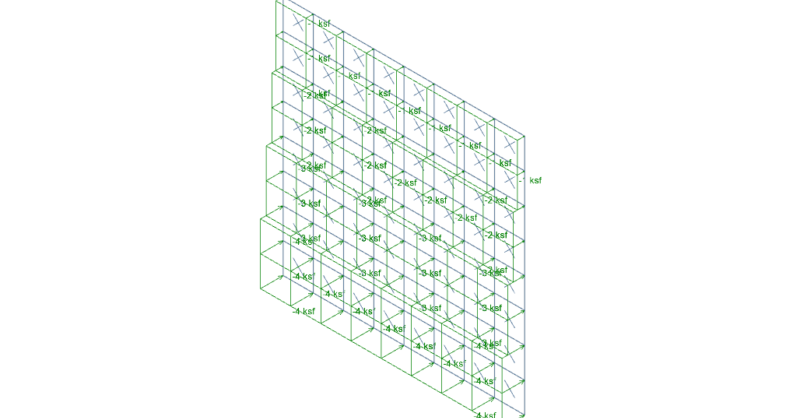
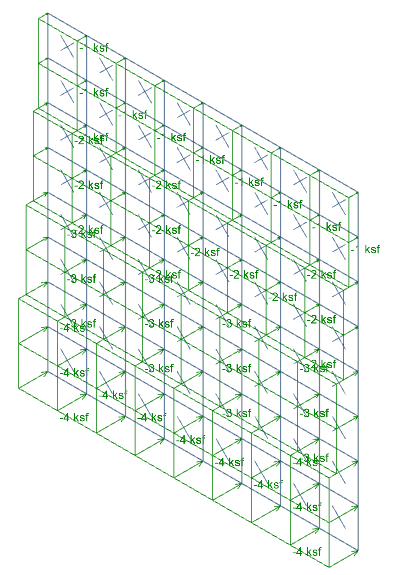
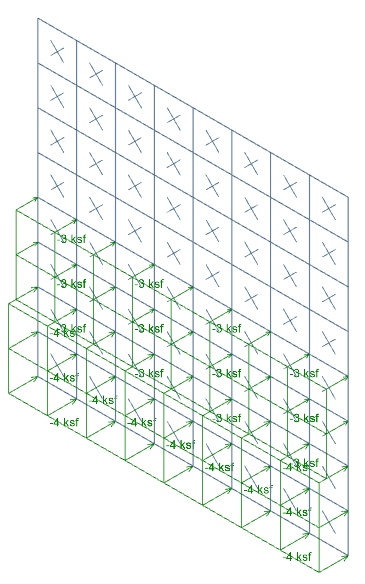
It’s easy to apply tapered surface loads to plates in RISA-3D by stepping up the loads from one level to the next.
Clicking and dragging over plates allows you to apply the surface loads to a group of plates at the same time.
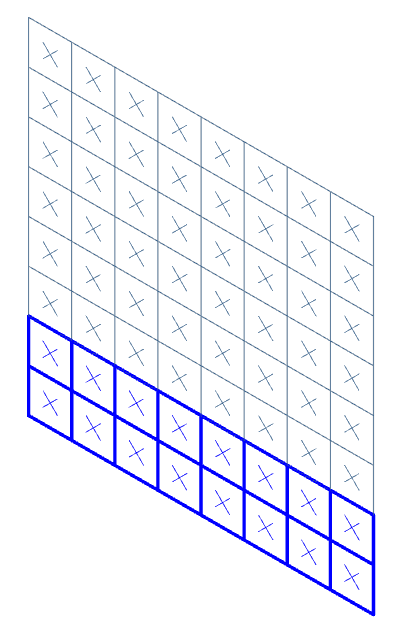
Apply the first magnitude of Surface loads to the selected plates, making sure to select Apply to Selected.
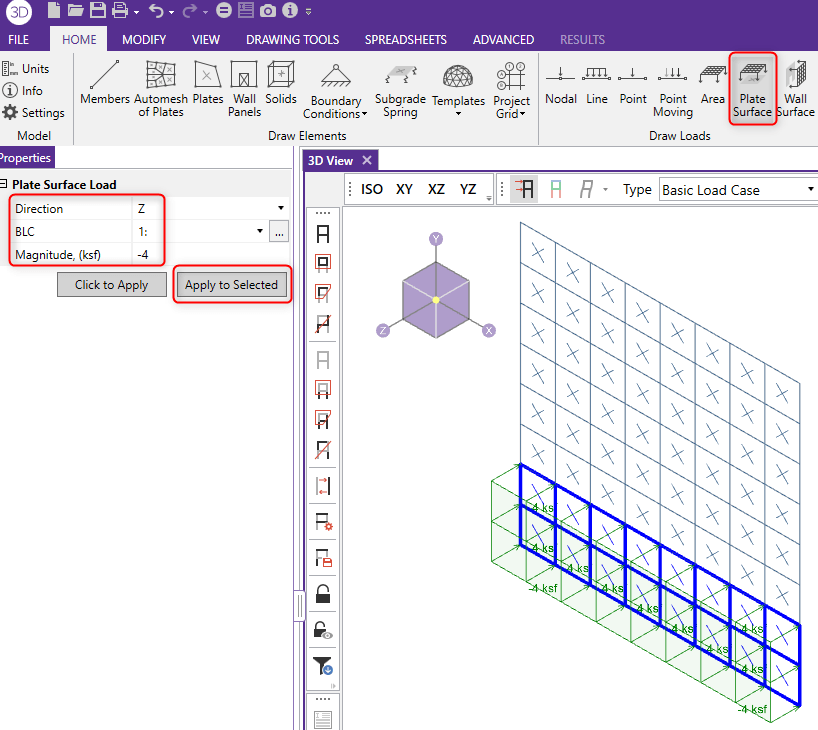
Click and drag to select the next row of plates, and apply the next magnitude of loads to this level. You can continue this method all the way up the model.
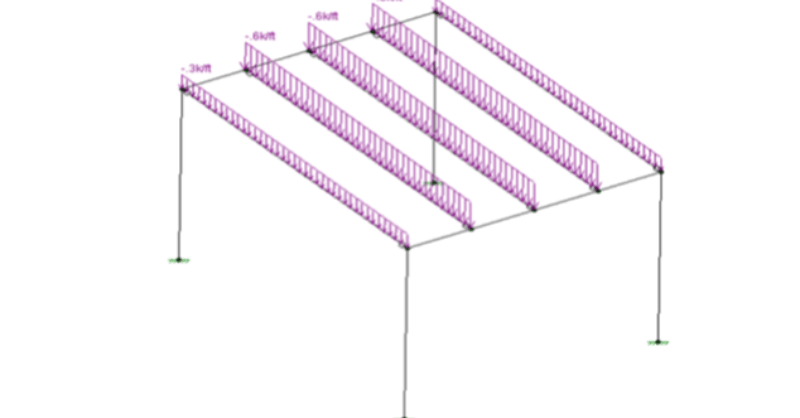
After solving a model with Member Area Loads, RISA-3D will automatically create Transient Basic Load Cases that allow the user to verify load...
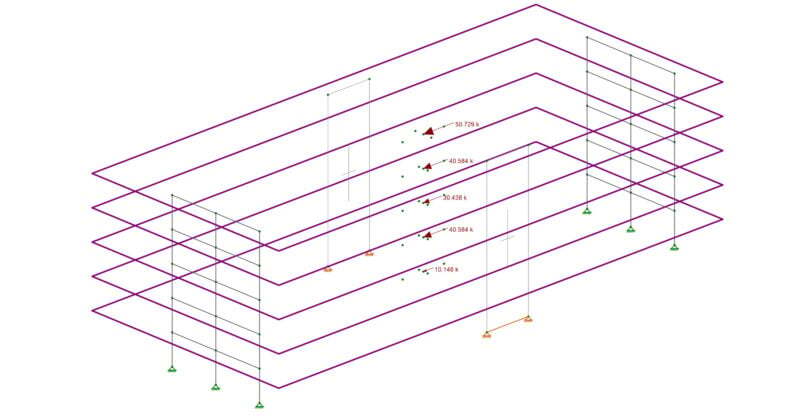
Applying seismic loads to structures with rigid diaphragms can be done automatically in RISA-3D. In the image below we have a structure that has...