 By: Admin
Seismic Braced Frames in RISAConnection v6
This webinar shows users how to design and detail brace connections including gussets to meet the AISC 341/358 Seismic Provisions.

Try the Complete RISA Suite for
10 Days FREE

RISA Education

Video Library

Online Help

Get Support

About Us
The Seismic Provisions in RISA-3D will check various design and code check requirements according to the AISC design provisions (AISC 360-2005, AISC 341-2005, AISC 358-2009). Seismic Design Rules can be applied to any member in the model, just follow the steps listed below.
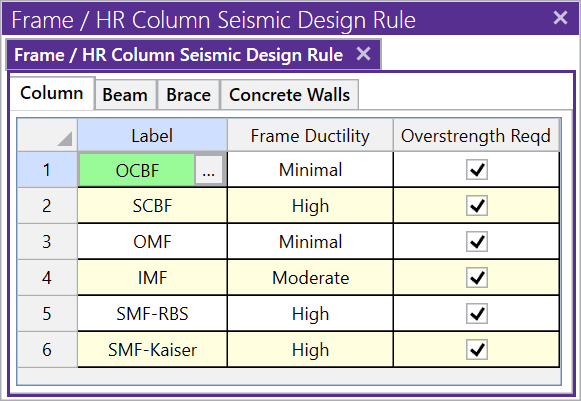
Step 1: Define the Seismic Design Rules.
The Seismic Design Rules spreadsheet can be found on your Data Entry Toolbar or in the Spreadsheet menu. To learn more about seismic design rules, read What Are the Seismic Design Rules in RISA-3D.
Link: What are the Seismic Design Rules in RISA-3D?
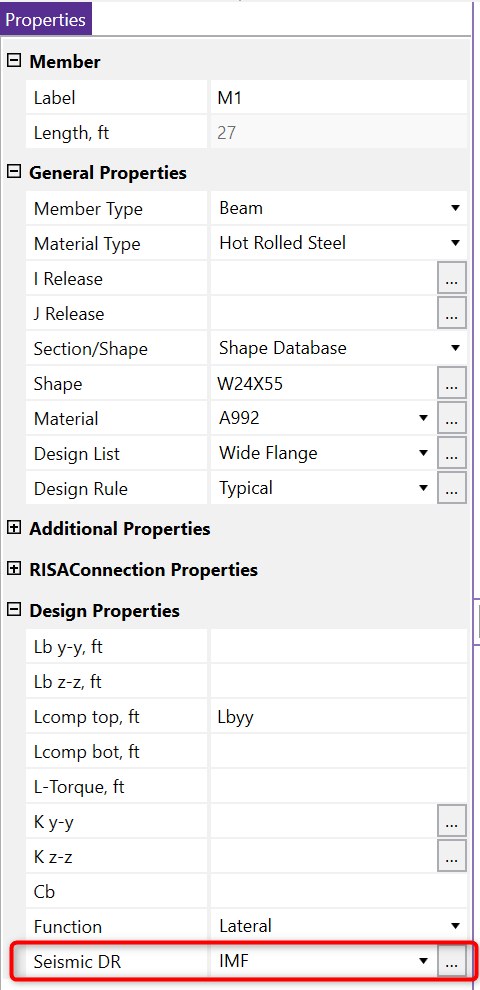
Step 2: Assign the Seismic Design Rules to your member by going to the Properties panel and expanding the Design Properties menu.
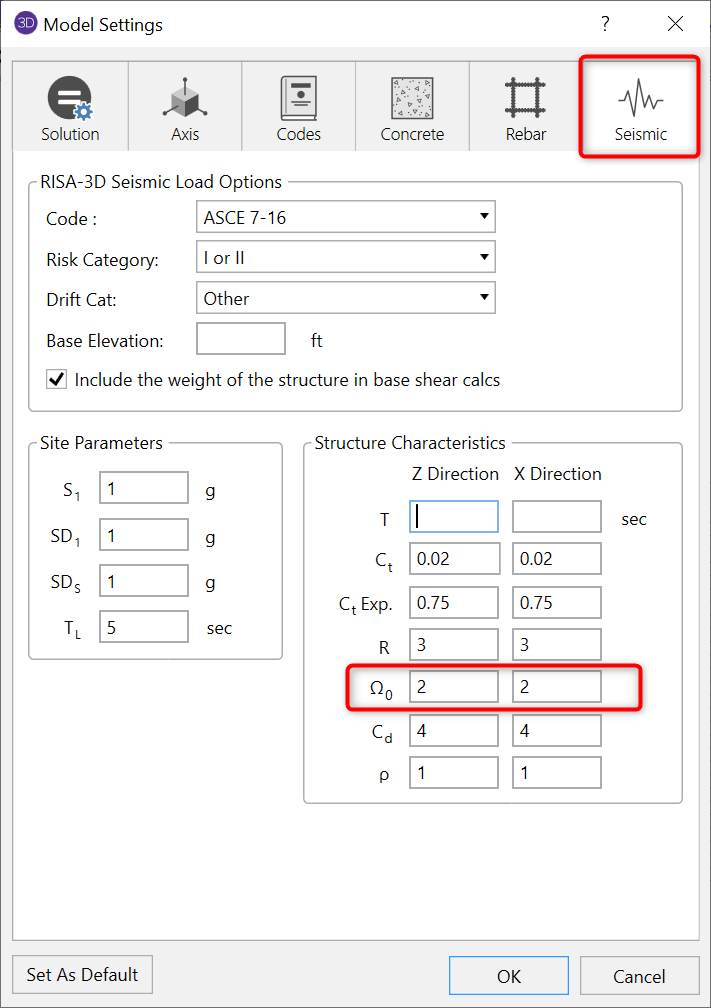
Step 3: Set the Seismic Overstrength (W) factors in Settings on the Seismic tab.
Step 4: Create the Overstrength Load Combinations
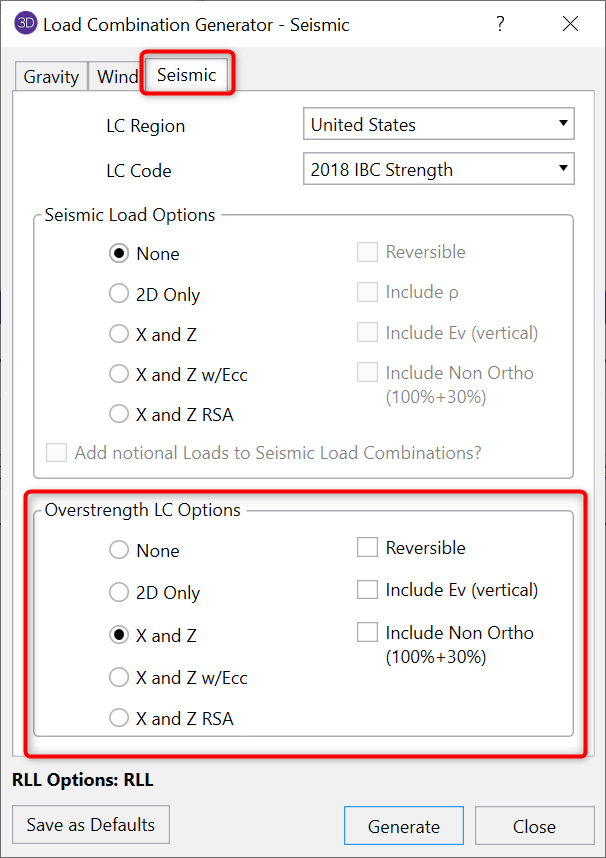
Now you are ready to run your model and review your results.
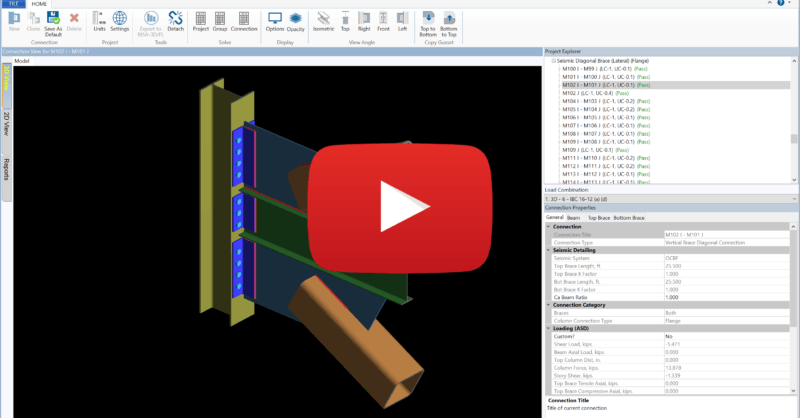
This webinar shows users how to design and detail brace connections including gussets to meet the AISC 341/358 Seismic Provisions.
Stainless Steel provisions are now available in RISA-3D v16 according to the AISC Design Guide 27 - Structural Stainless Steel.

The release of RISAConnection v10 incorporates updates according to AISC 360-16 (15th Edition) including changes to HSS provisions as well as...