 By: Admin
How to Assign Column Splices in RISAFloor
RISAFloor has the ability to model column splices for all columns. You have the choice of a Moment or Shear splice depending upon what type of...

Try the Complete RISA Suite for
10 Days FREE

RISA Education

Video Library

Online Help

Get Support

About Us
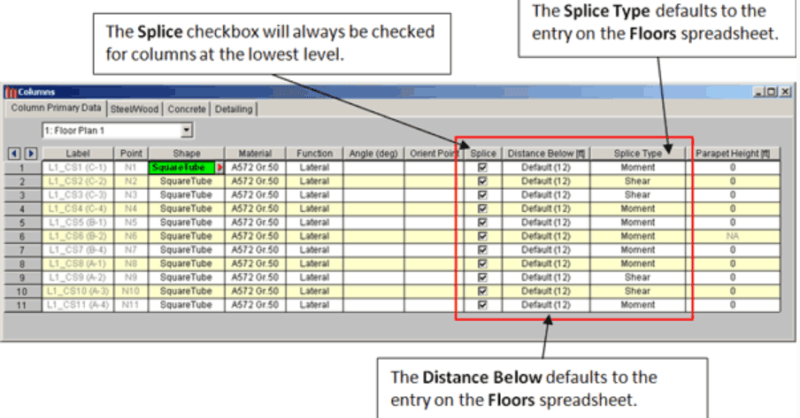
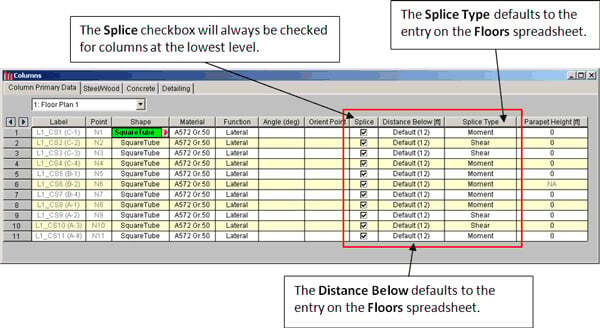
Column boundary conditions are set in RISAFloor per the Splice Type that you have set in the Columns spreadsheet.
For any column at the lowest floor level, the Splice checkbox will automatically be checked, indicating that a boundary condition will be set at the base. You may set the boundary condition to either pinned or fixed. This is controlled through the Splice Type.
Setting the Splice Type to Moment creates a fixed boundary condition; setting it to Shear creates a pinned boundary condition.
After solving your model and taking it into RISA-3D via the Director tool, you will be able to verify these boundary conditions.
Note: After the initial export into RISA-3D, the splice type is no longer linked to the model. Therefore, you have the ability to modify these boundary conditions once in RISA-3D.
This way, you have the freedom to release any restraint (in each of the six directions), rather than selecting just perfectly pinned or perfectly fixed for your lateral analysis.

RISAFloor has the ability to model column splices for all columns. You have the choice of a Moment or Shear splice depending upon what type of...
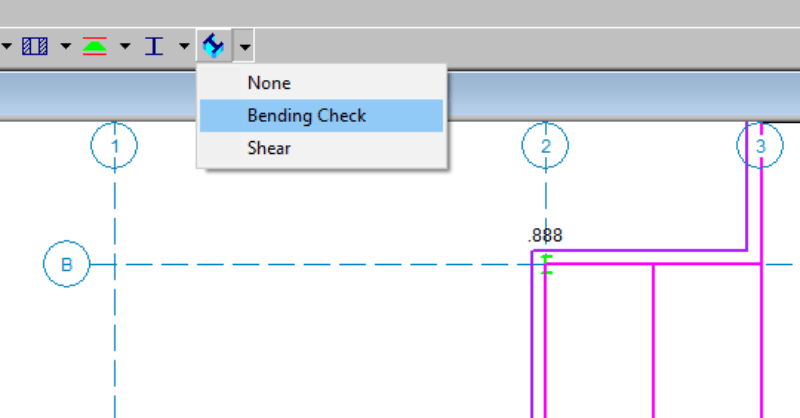
RISAFloor column results are available in the results spreadsheets, but you may not be aware that you can also graphically review the input and...

With the release of RISAFloor Version 16, users can now model, analyze and design hanger columns. This type of construction has been widely...