 By: Admin
How to export a model to DXF
RISAFloor, RISA-3D, and RISAFoundation all allow the user to export a model as a DXF file for use in most major CAD programs.

Try the Complete RISA Suite for
10 Days FREE

RISA Education

Video Library

Online Help

Get Support

About Us
In RISA-3D and RISAFloor, the entire NDS species list is available as well as glulam materials but you may need to design a wood product that is not available in the program.
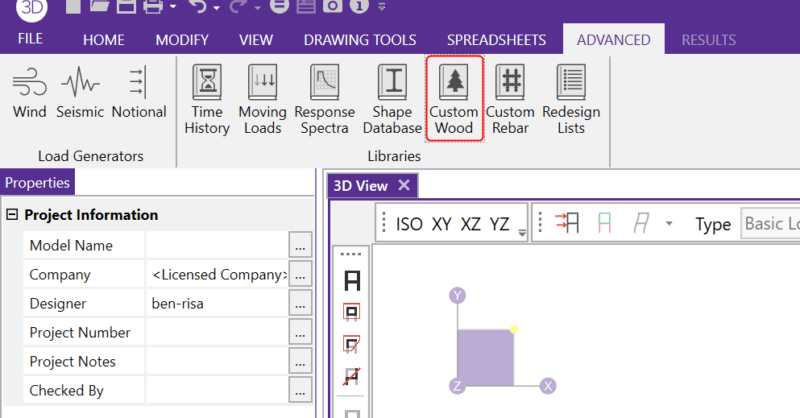
You can create any wood material that is not part of the default wood materials available in RISA-3D or RISAFloor by opening the Custom Wood Species database found on the Advanced tab.

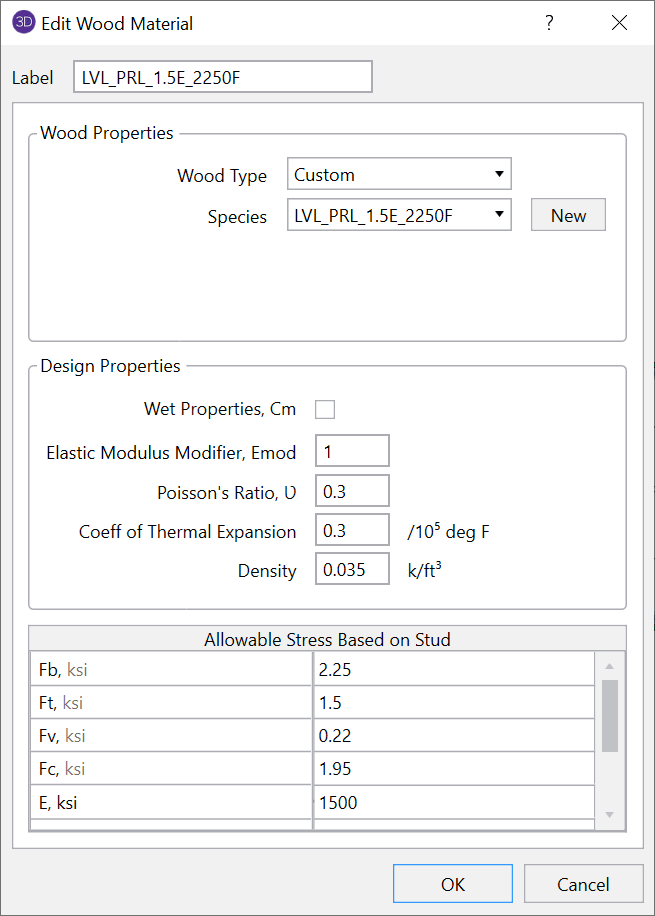
The dialogue will open and you can see that several custom wood species already exist.
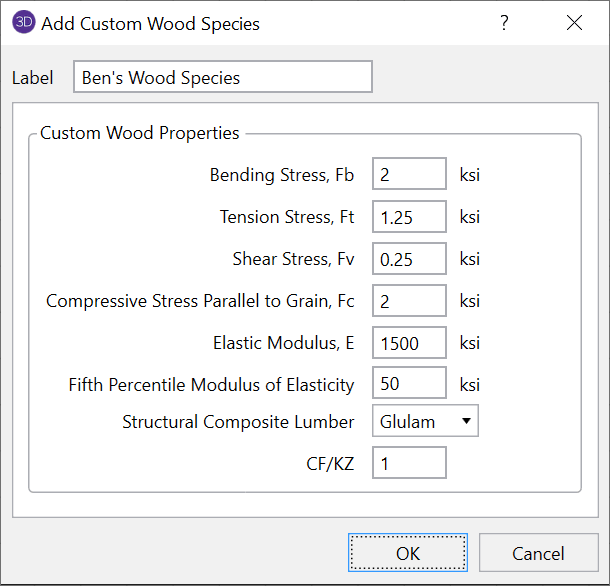
To create a new wood species, simply click "New" and enter the properties of the new wood species.
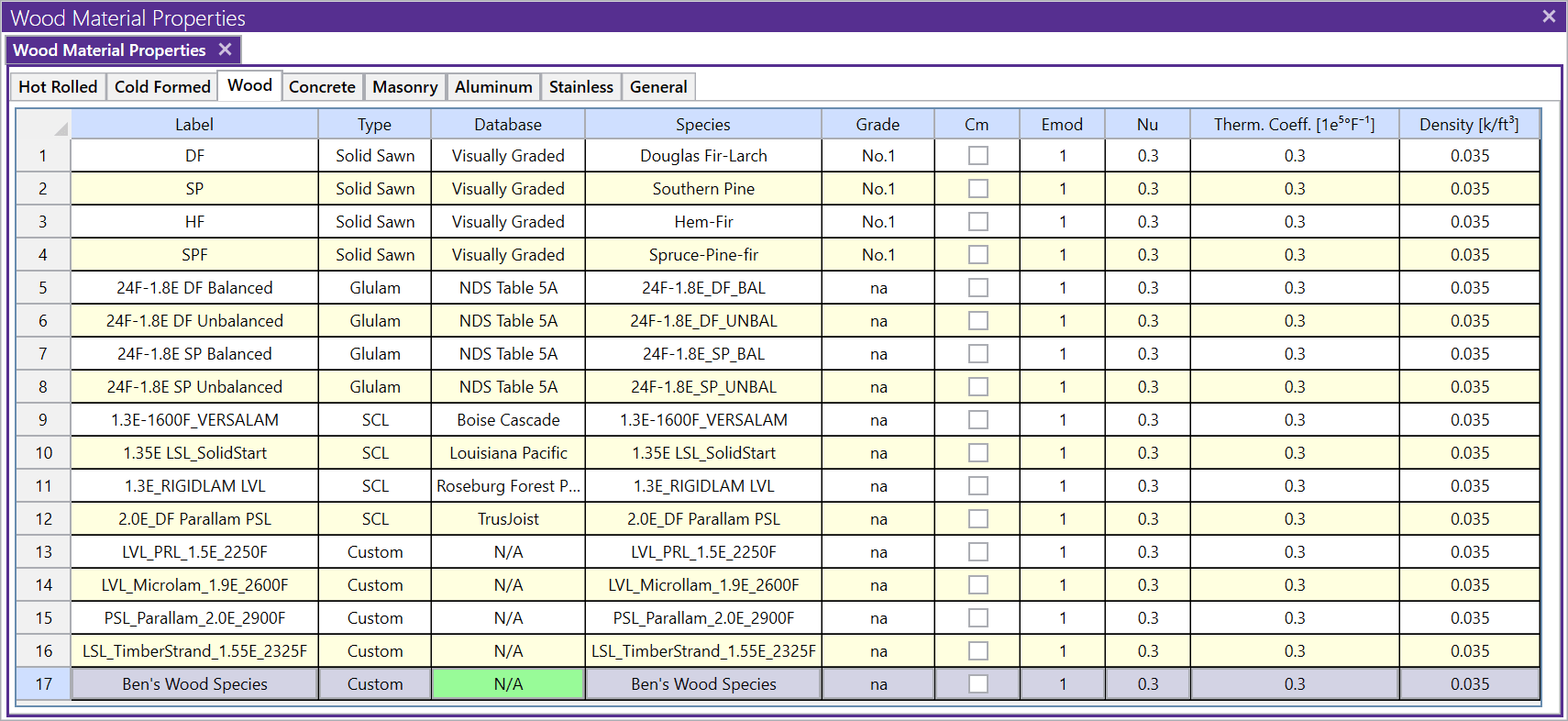
Once the material is added, you will now see this new material available in the Material spreadsheet.
RISAFloor, RISA-3D, and RISAFoundation all allow the user to export a model as a DXF file for use in most major CAD programs.
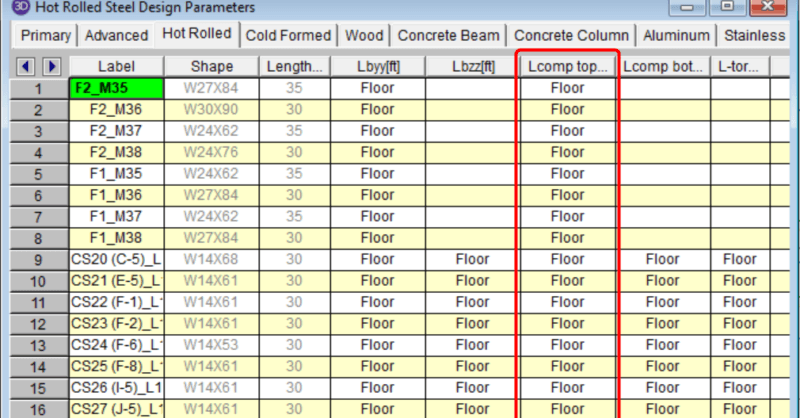
In a RISAFloor model the columns and beams can be assigned unbraced lengths, or the program may calculate them automatically. This unbraced length...
The new AWC NDS 2018 code has been implemented into RISA-3D v17.0 and RISAFloor v13.0. To select this code for your design, simply choose this...