 By: Admin


Video: Using Various Diaphragm Types in RISAFloor
RISAFloor supports the three fundamental types of diaphragms used in structural analysis: rigid, semi-rigid and flexible. Watch this video to...

Try the Complete RISA Suite for
10 Days FREE

RISA Education

Video Library

Online Help

Get Support

About Us
When you model your building in RISAFloor, make sure that you define your slab edge as flexible. That will ensure that the entire contents of the diaphragm will use flexible behavior.
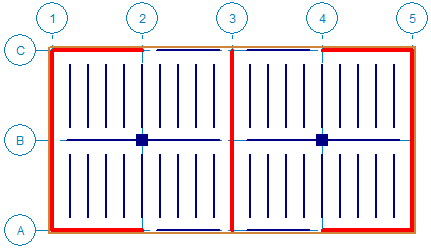
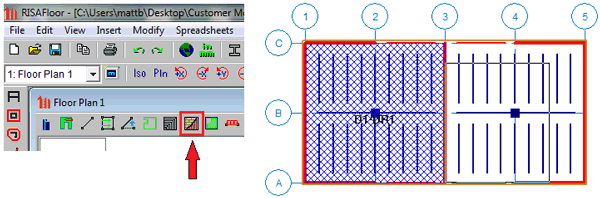
You must define each Diaphragm Region in which flexible behavior occurs. In this structure there are clearly two regions which each act as a horizontal simply supported beam. The perimeter of each region must consist of lateral members to ensure a complete load path. The beams on Grids A and C must be lateral so that they can act as collectors for the walls.
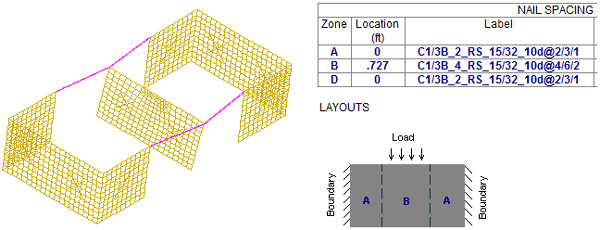
After bringing the model to RISA-3D it is obvious by viewing the loads or the deflected shape that the wall along Grid 3 is taking half of the overall seismic load (as it should with flexible behavior) as opposed to one third in rigid behavior. The diaphragm panel and nailing are also reported.
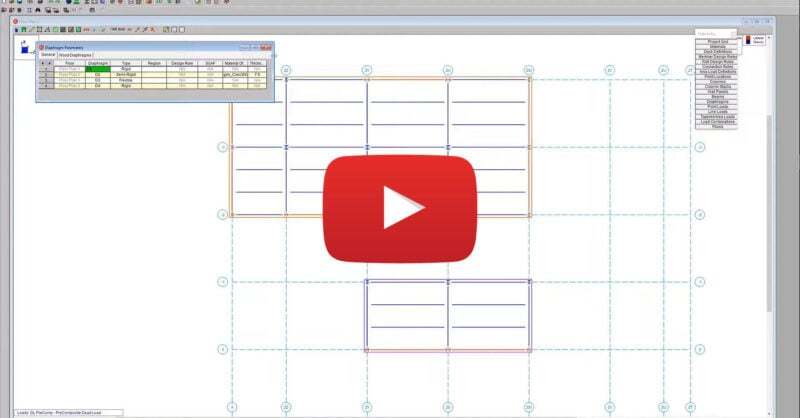
RISAFloor supports the three fundamental types of diaphragms used in structural analysis: rigid, semi-rigid and flexible. Watch this video to...
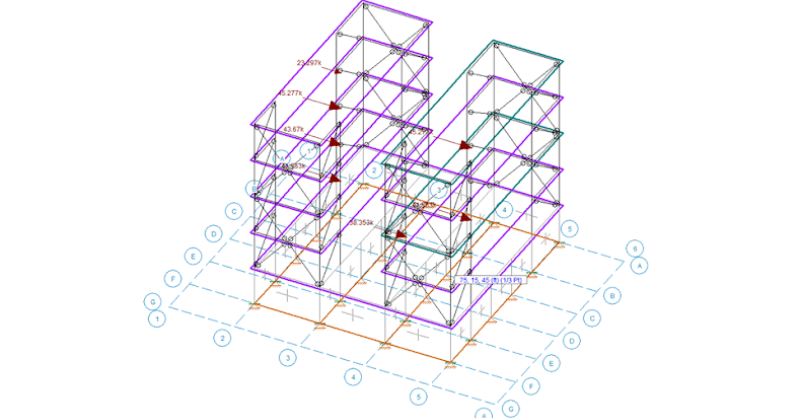
RISAFloor is the RISA Building System’s floor design software which allows users to design with composite decks, elevated concrete slabs and more....
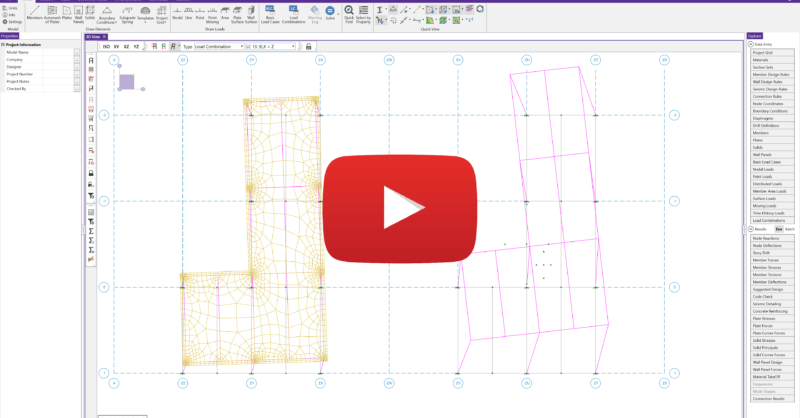
The latest releases of RISAFloor (Version 15.0.1) and RISA-3D (Version 19.0.1) include consideration for accidental torsion and eccentric loading...