 By: Admin

New Updates to Steel Joists in RISAFloor
As a floor-by-floor design software, RISAFloor includes robust features for the design of steel joists, including standard joists, long-span...

Try the Complete RISA Suite for
10 Days FREE

RISA Education

Video Library

Online Help

Get Support

About Us
RISAFloor has the capability to design wood I-Joists based on tables provided by the manufacturer, or provided by you. When modeling beams in RISAFloor, choose the Wood Product material, and choose a joist manufacturer from the shape group.
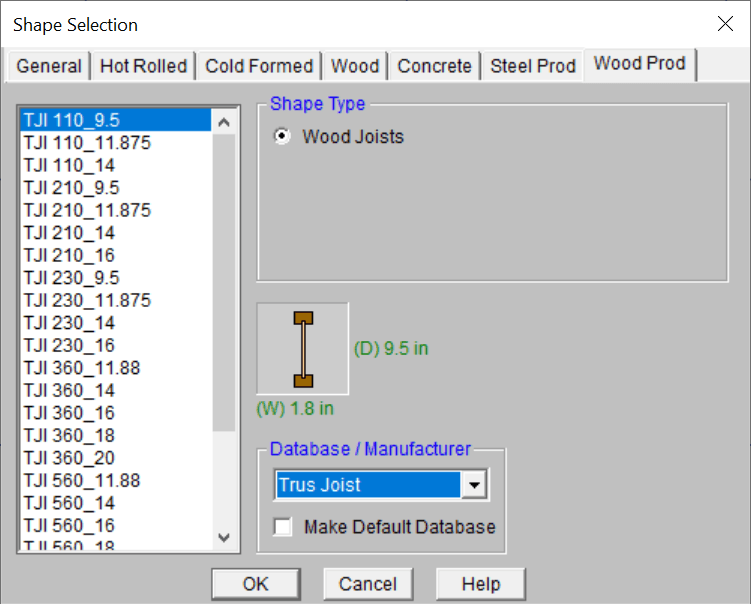
If you would like to add a manufacturer’s database to the program which is not listed, or if you would like to modify the capacities of the existing databases, you can do so through Microsoft Excel. The databases are stored in the following folder:
C:\RISA\Wood Schedules\I-Joists
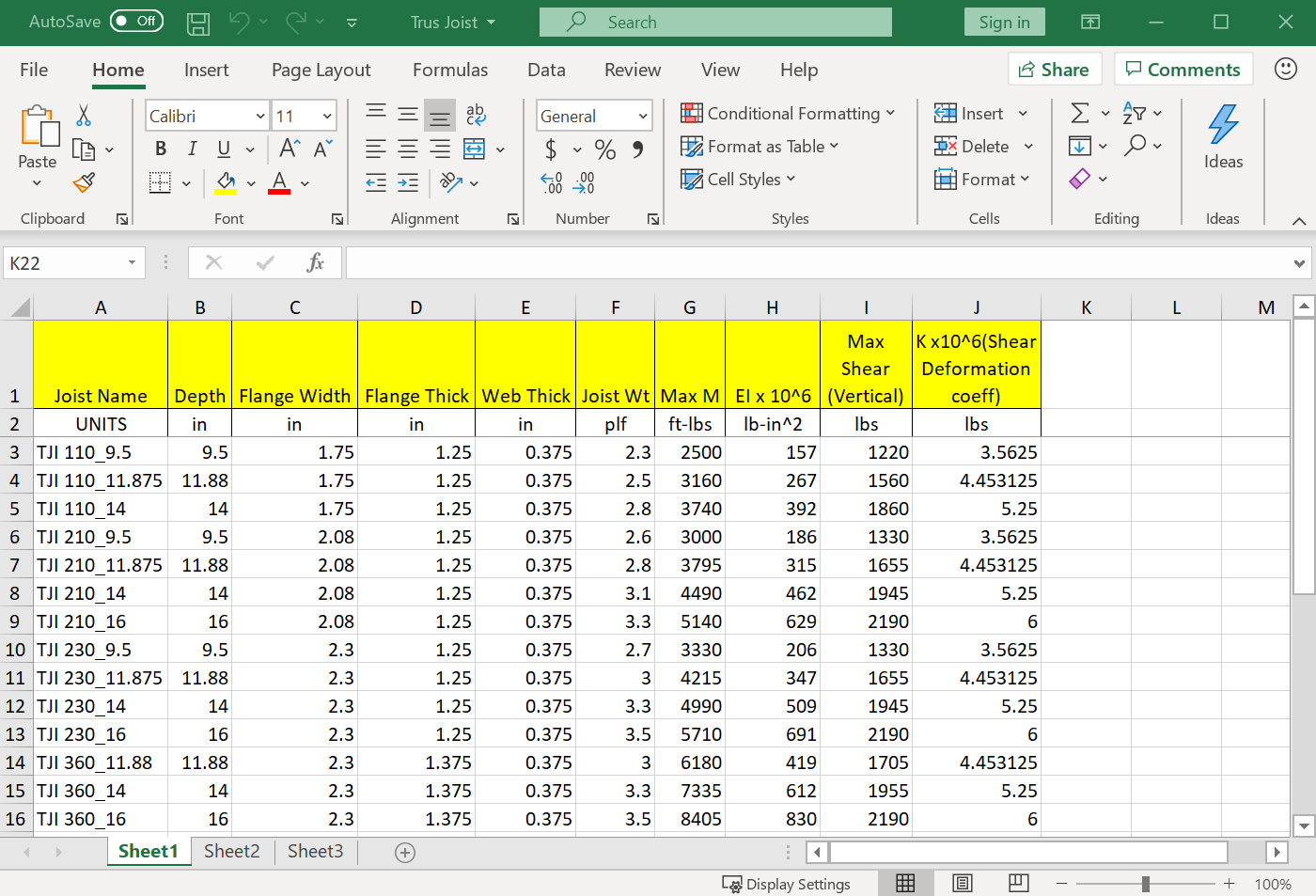
When you solve the model the program will determine the maximum moment and shear for each joist and choose the lightest adequate size from the database.
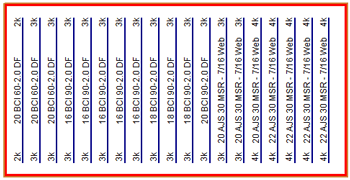

As a floor-by-floor design software, RISAFloor includes robust features for the design of steel joists, including standard joists, long-span...
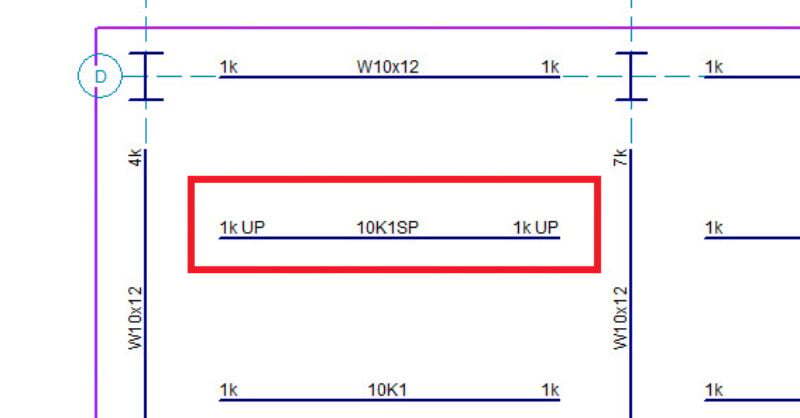
Have you been in RISAFloor performing a steel product design and noticed an (SP) extension to a joist designation? The following will discuss when...
In RISAFloor, the beams are susceptible to two forms of buckling; Euler buckling and lateral-torsional buckling. The unbraced length is determined...