 By: Admin

How to export a model to DXF
RISAFloor, RISA-3D, and RISAFoundation all allow the user to export a model as a DXF file for use in most major CAD programs.

Try the Complete RISA Suite for
10 Days FREE

RISA Education

Video Library

Online Help

Get Support

About Us
RISAFoundation has the ability to export detailed reinforcement drawings for footings, pile caps, pedestals, and slabs.
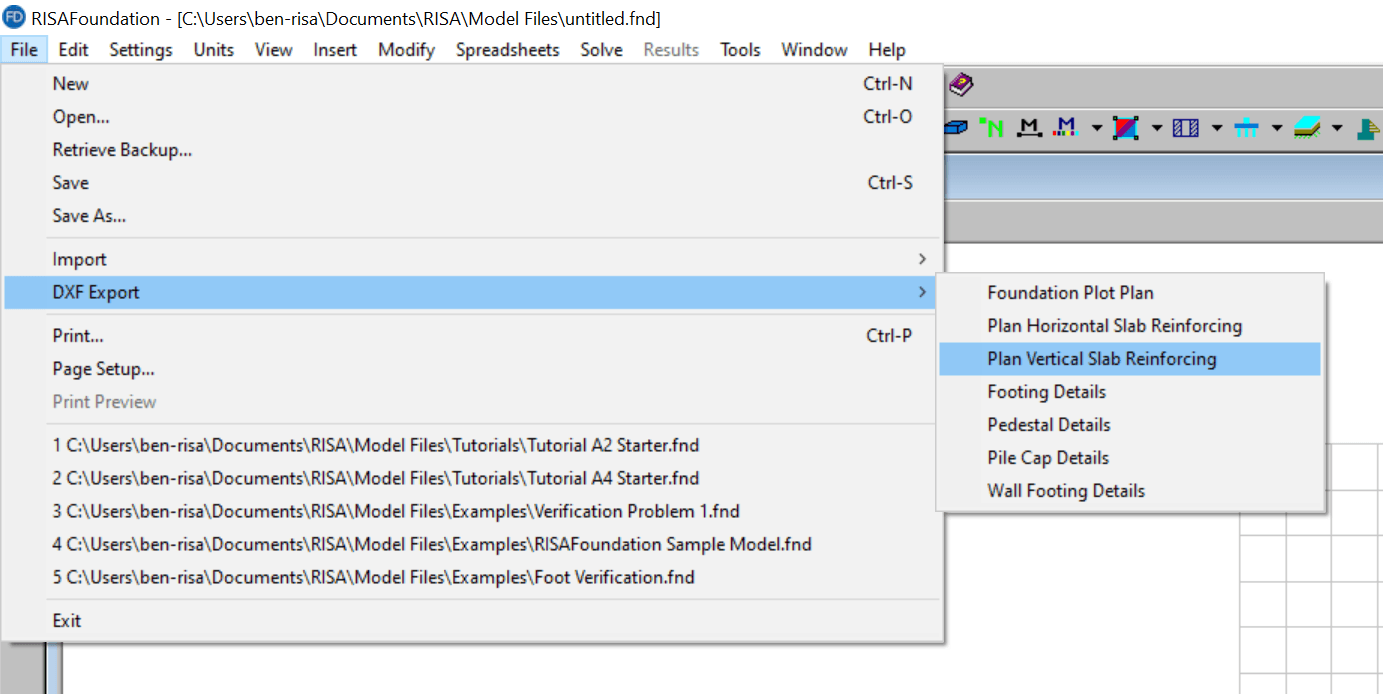
Thus, if you have a solved model in RISAFoundation you can get detailed DXF drawings. These are a great start to actually producing construction drawings for your foundations.
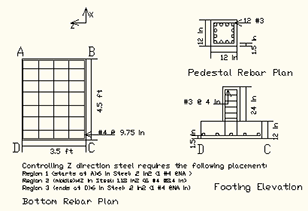
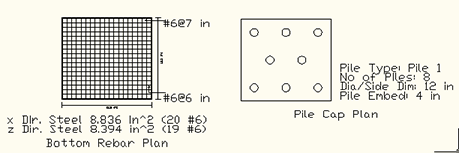
To get more information on the general export process and exporting a Foundation Plan see the article below. The foundation plan will display reinforcement, pile, grade beam, and footing schedules as well.

RISAFloor, RISA-3D, and RISAFoundation all allow the user to export a model as a DXF file for use in most major CAD programs.
RISA-3D allows users to import dxf files directly from software like AutoCAD, Microstation and ArchiCAD. Upon import, the files can be used either...
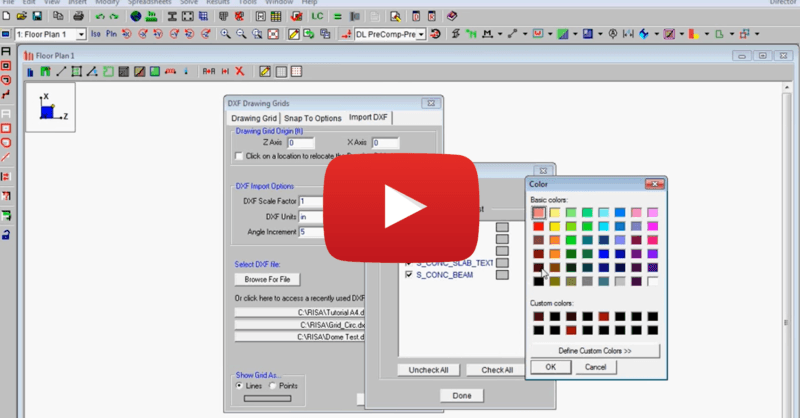
This video shows how to import a DXF as a drawing grid in RISAFloor. To do this, you can save any drawing file as a DXF file format and import...