 By: Admin
What Loads Transfer from RISAFloor to RISA-3D?
RIAFloor designs the gravity system and then integrates with RISA-3D to design the lateral system. Only the lateral members are taken from...

Try the Complete RISA Suite for
10 Days FREE

RISA Education

Video Library

Online Help

Get Support

About Us
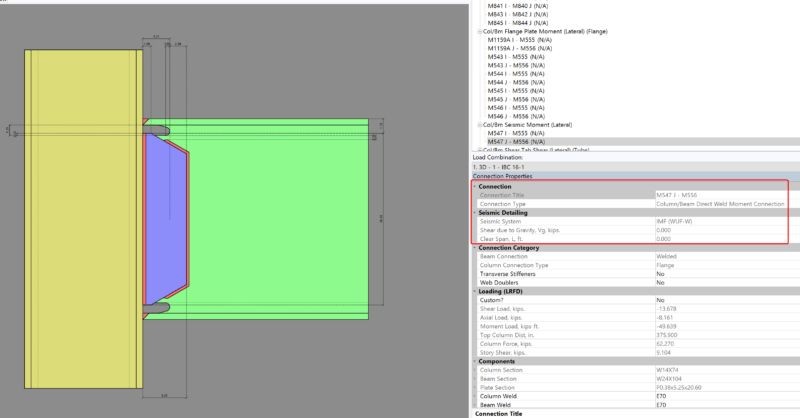
Design for seismic connection detailing is now available in RISAConnection and you can use the connection rules within RISAFloor and RISA-3D to export a RISAConnection model. The integration will import the connection forces (and seismic detailing results) into RISAConnection for seismic moment frame connection design.
First, you must apply both a “Column/Beam Seismic Moment” connection rule and a seismic design rule to the member (beam) within RISA-3D.
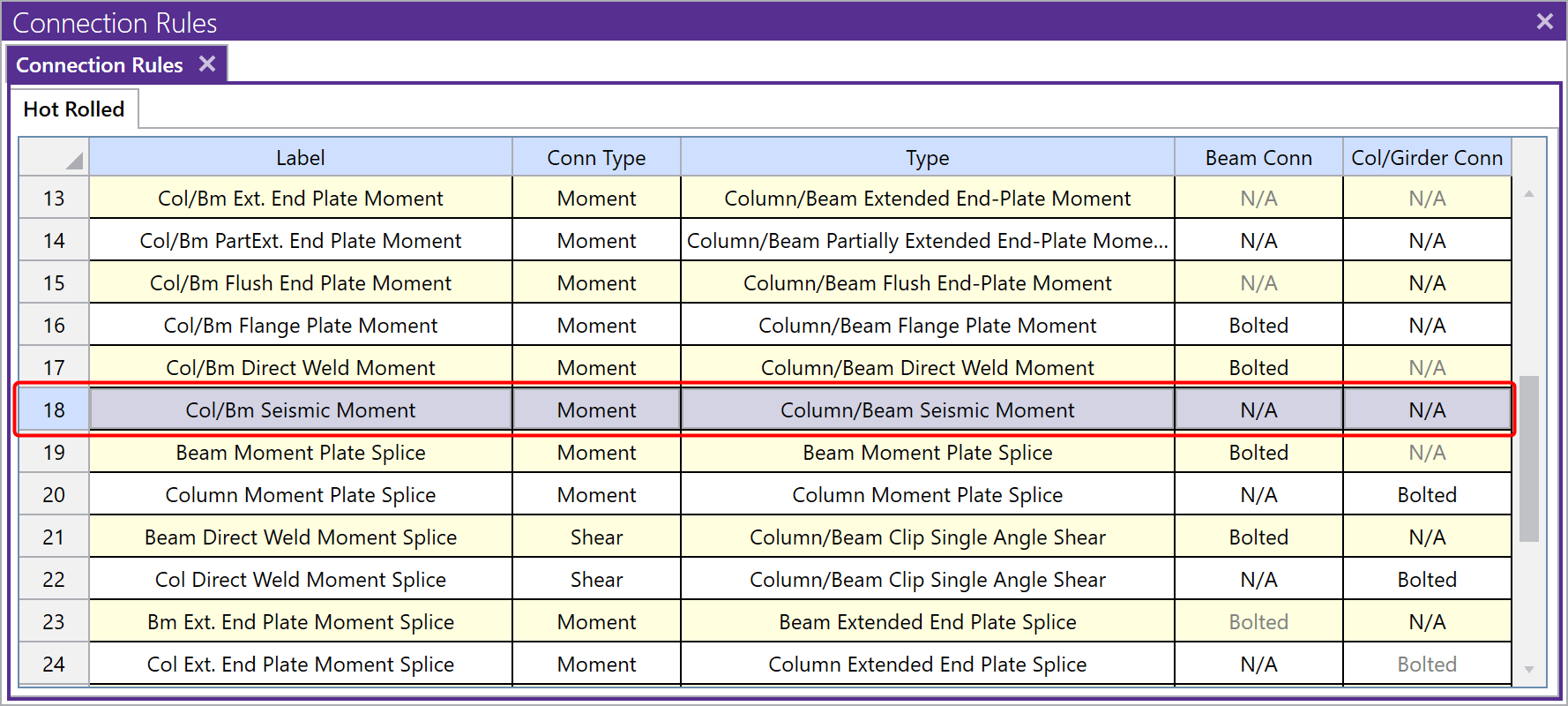
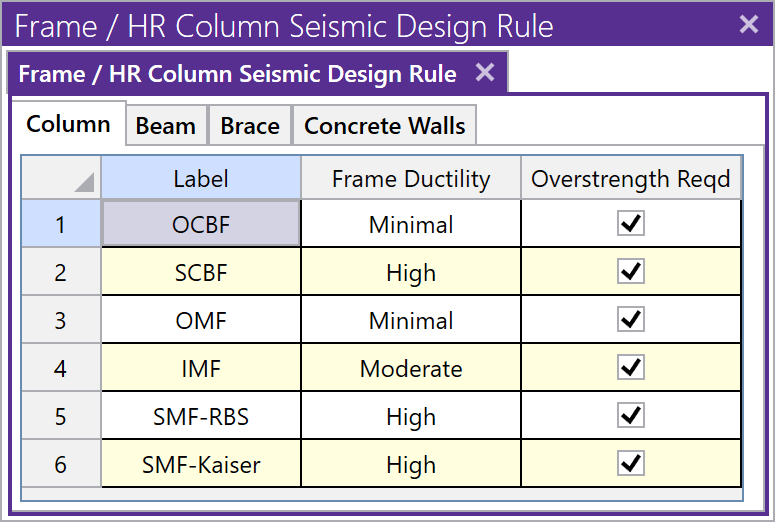
Next, solve the RISA-3D model in order to review your seismic detailing results. If you do not have seismic detailing results in RISA-3D, then the information cannot be exported to RISAConnection. For more information about seismic detailing results, see the RISA-3D Help file topic “Seismic Detailing“.

Use the Director tool to export the model into RISAConnection.
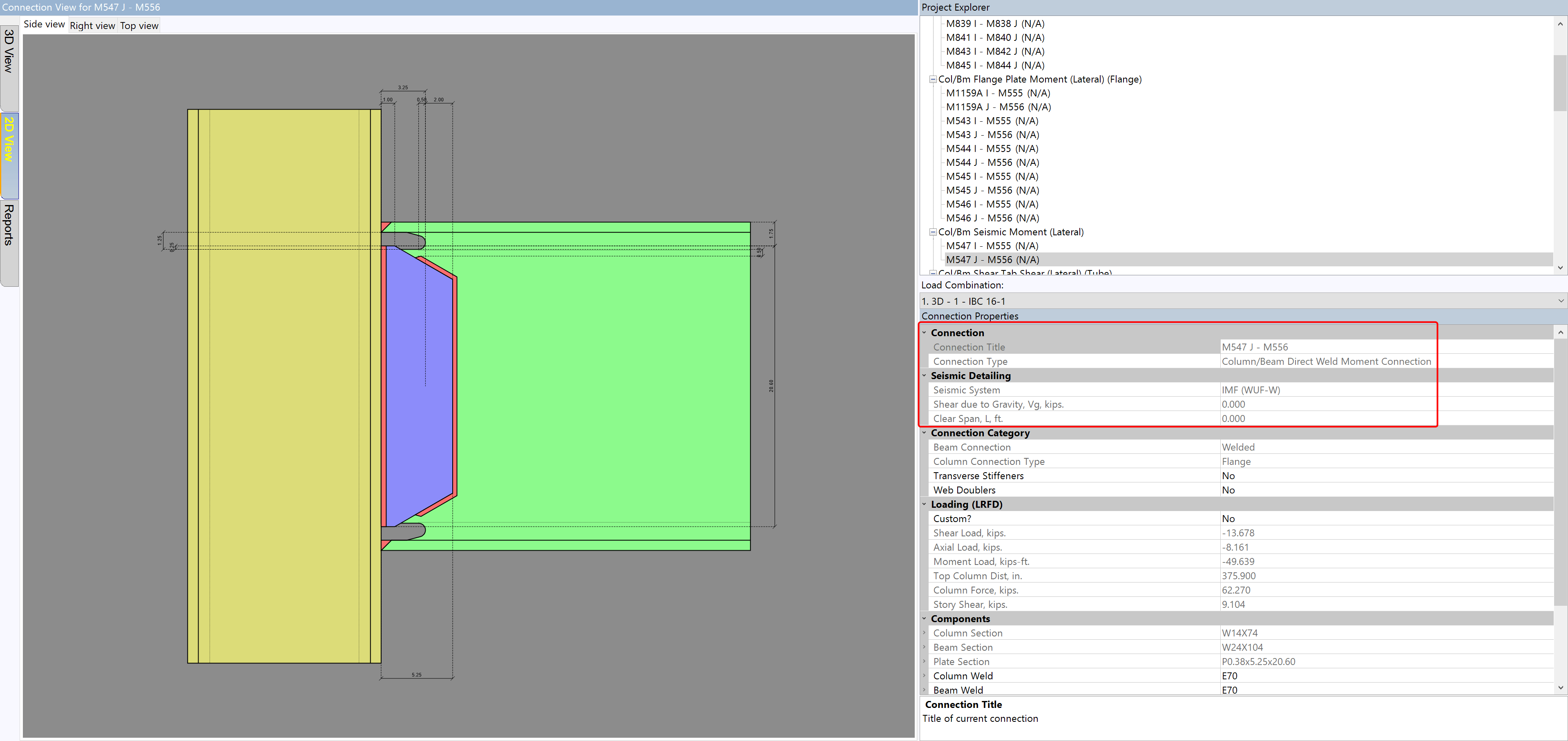
When exported into RISAConnection, the program will determine the connection type, seismic system, and seismic input values based on the applied RISA-3D seismic design rule and the RISA-3D solution results. Once in RISAConnection, these cannot be changed.
Apply the “Seismic Moment” connection rule to lateral members with RISAFloor (see above) or in RISA-3D.
Solve the model in RISAFloor and use the Director tool to take the model into RISA-3D.
Apply the Seismic Design Rule (see above).
Solve your lateral load combinations in RISA-3D in order to get your seismic detailing If you have not done this, the connection will not export to RISAConnection.
Use the Director tool to export the model into RISAConnection.
When exported into RISAConnection, the program will determine the connection type, seismic system, and seismic input values based on the applied RISA-3D seismic design rule and the RISA-3D solution results. Once in RISAConnection, these cannot be changed.
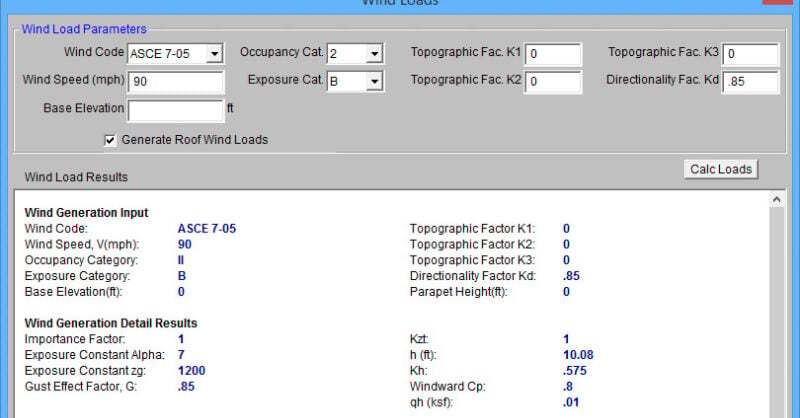
RIAFloor designs the gravity system and then integrates with RISA-3D to design the lateral system. Only the lateral members are taken from...

There are several ways to take your RISA-3D or RISAFloor model to RISAConnection. The RISA-3D and RISAFloor end reactions can be sent directly to...

Watch the recording of our webinar to learn how new versions of RISA-3D, RISAFloor, RISAFoundation and RISAConnection provide users with...