 By: Admin

How to Design Flexible Diaphragms in RISAFloor
When you model your building in RISAFloor, make sure that you define your slab edge as flexible. That will ensure that the entire contents of...

Try the Complete RISA Suite for
10 Days FREE

RISA Education

Video Library

Online Help

Get Support

About Us
When dealing with a sloping site, it is often necessary to step-down the bases of columns and walls along the length of a building. The example below illustrates how to model this in RISAFloor.

This structure has been modeled with a roof elevation of 10 feet. However, due to sloping site conditions the walls along grid line will be 14 feet tall. By default the base of all columns and walls is set as a distance below the current floor’s elevation. You can review this in the Floors spreadsheet. On the lowest floor of the structure the Splice Distance Below is the distance between the floor elevation and the column/wall bases.

You can redefine the Distance Below by typing it in for each column and wall through the Columns and Wall Panels spreadsheets.

Once you have redefined the base elevations of the columns and walls you will see that the base of your model is sloped accordingly. Note that you must step-down the walls, as RISAFloor does not support sloped wall bases.
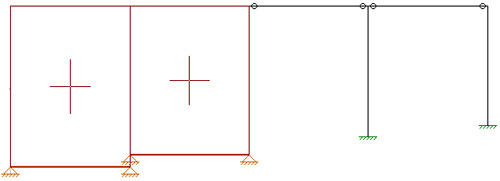

When you model your building in RISAFloor, make sure that you define your slab edge as flexible. That will ensure that the entire contents of...
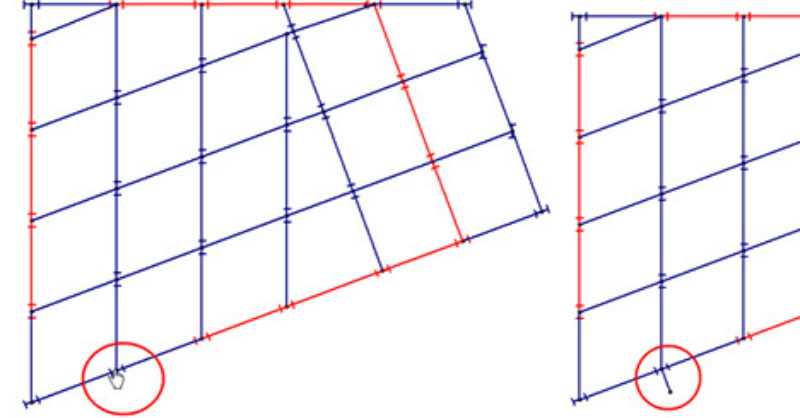
RISAFloor now has the capability to model column outriggers. This feature can be found on the Cantilevers tab within the Draw Beams dialog.
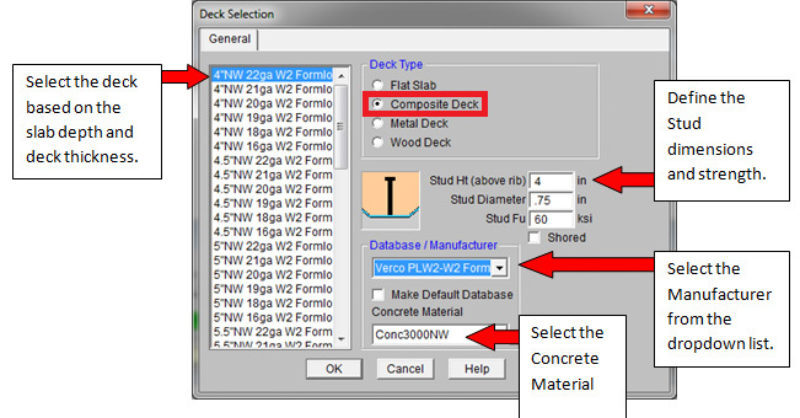
RISAFloor has some default decks provided for you when you open the program in the Deck Definitions spreadsheet. You can use one of these decks or...