 By: Admin

Plate Contours Compared to Spreadsheet Values
After solution in RISA-3D, you can use Results View Settings to view the Plate Contours graphically on your model.

Try the Complete RISA Suite for
10 Days FREE

RISA Education

Video Library

Online Help

Get Support

About Us
While RISA-3D (or RISA-2D) does not have an explicit tool to punch a hole in a plate, you can use the following steps to manually model them:
1. Draw the extent of the plate with the Automesh of Plates tool.

2. Delete out the plates and the extra nodes in the area of the hole.
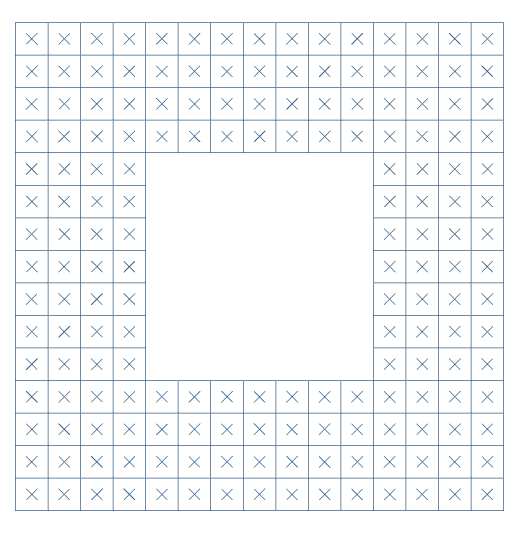
3. Use the Circular Disc Generator to generate a circle of nodes representing the inside edge of your hole. NOTE: leave the "Plates" box unchecked. Also, count the number of plates along the edge of your square hole and enter this value as the "Increments per Quadrant".


4. Delete out the center nodes; leave the outer-most ring or two in order to draw in the remaining plates.

5. Individually draw in the plates in the transition area.

6. Continue drawing until the transition is complete!

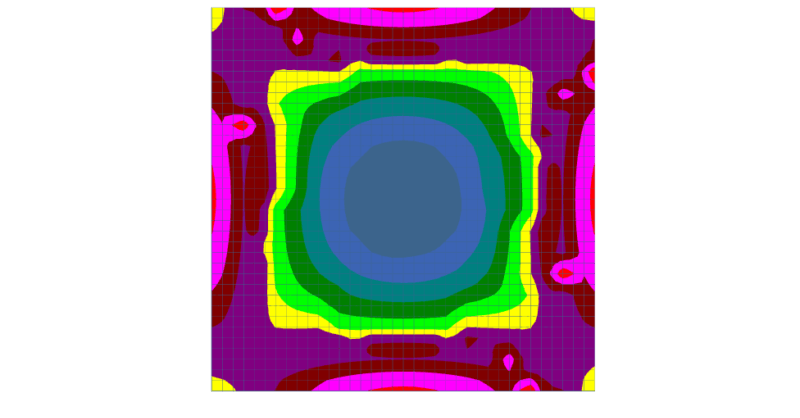
After solution in RISA-3D, you can use Results View Settings to view the Plate Contours graphically on your model.
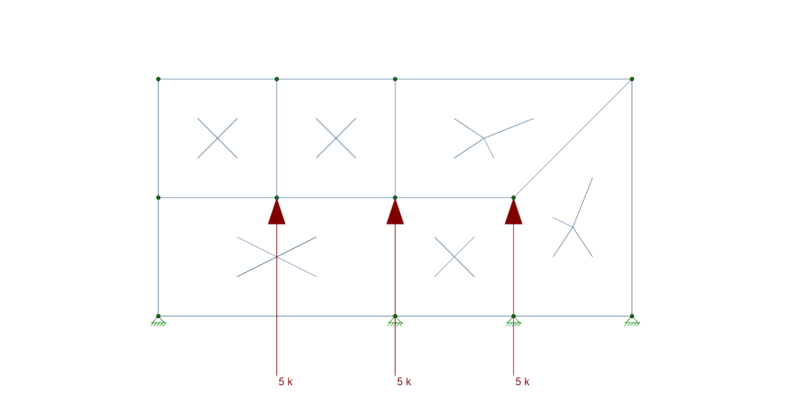
To best understand how plates interact with each other you must first understand the concept of Physical Members. The important thing to keep in...
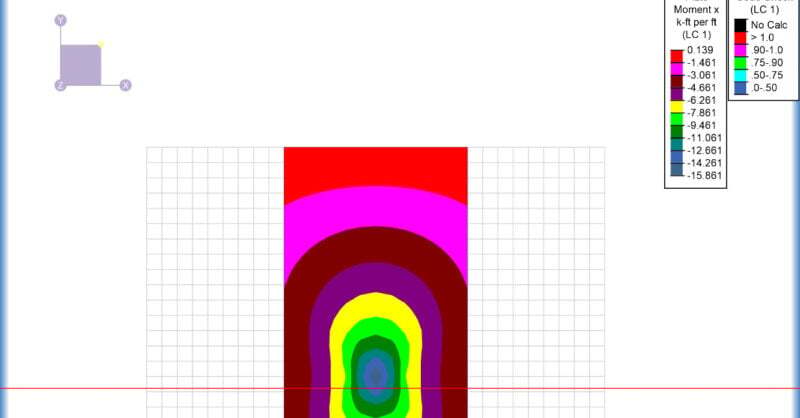
When you have a plate model for a slab or wall in RISA-3D, the Internal Force Summation Tool (IFST) is a very useful analysis tool to get...