 By: Admin
Viewing the Deflected Shape in RISAFloor
The deflected shape is really helpful to understanding your model’s behavior.

Try the Complete RISA Suite for
10 Days FREE

RISA Education

Video Library

Online Help

Get Support

About Us
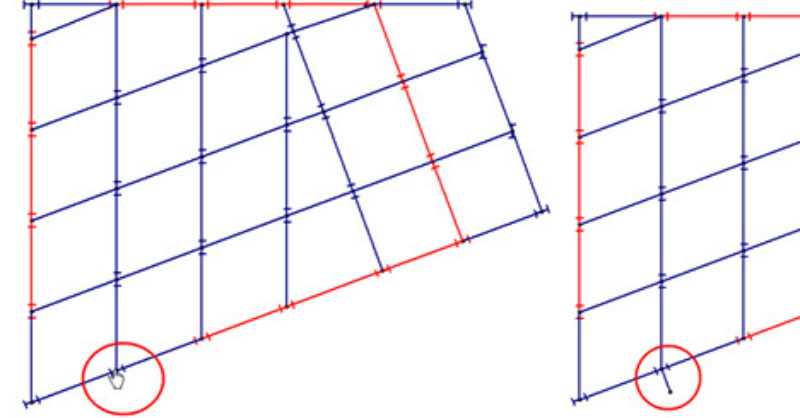
RISAFloor now has the capability to model column outriggers. This feature can be found on the Cantilevers tab within the Draw Beams dialog.
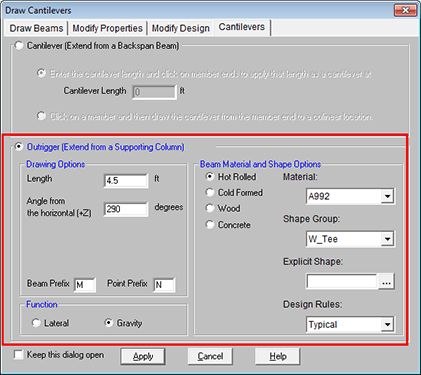
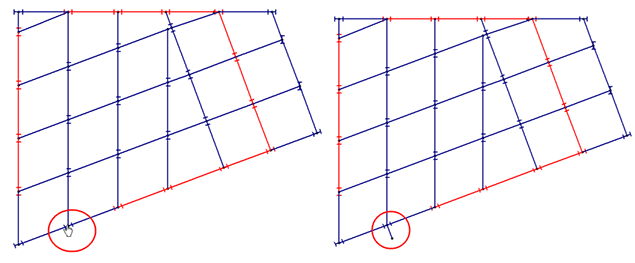
All you need to do is define the outrigger member properties (Material and Shape Options), the Length and Angle, and the Function. Click Apply and then click on your column to apply the outrigger.
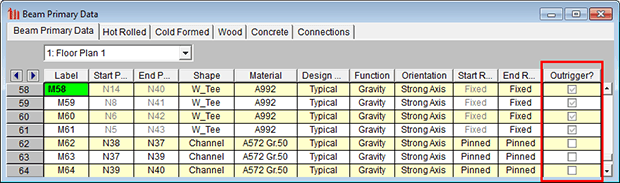
These members will show up in the Beams spreadsheet with the newly added Outrigger checkbox selected. This is not a field that can be edited; therefore all outriggers must be created graphically. Similarly, the end nodes cannot be edited.
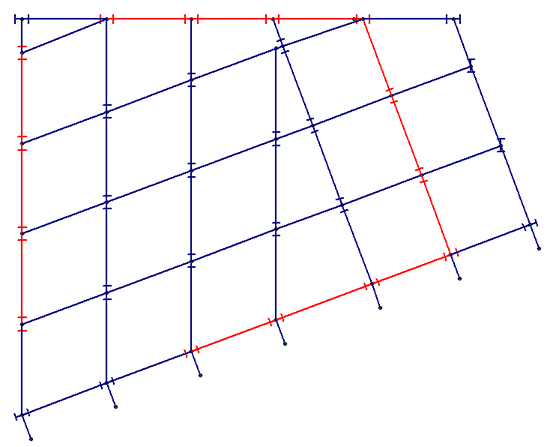
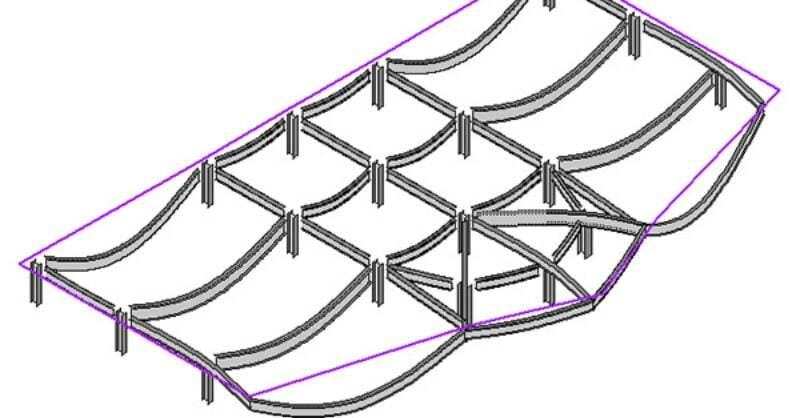
The deflected shape is really helpful to understanding your model’s behavior.
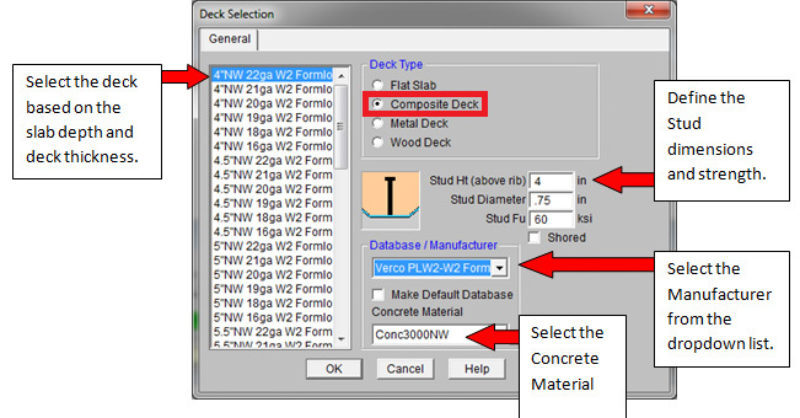
RISAFloor has some default decks provided for you when you open the program in the Deck Definitions spreadsheet. You can use one of these decks or...
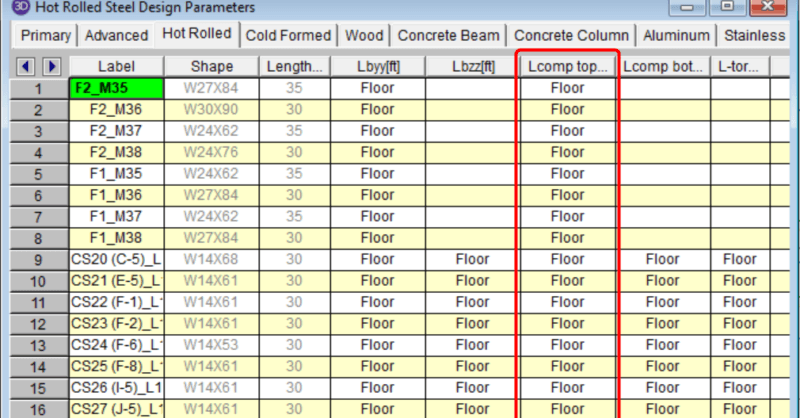
In a RISAFloor model the columns and beams can be assigned unbraced lengths, or the program may calculate them automatically. This unbraced length...