 By: Admin
How to Model a Void in a RISASection Shape
In order to model built-up or composite sections, RISASection includes the Property Multiplier, an input value which specifies the relative weight...

Try the Complete RISA Suite for
10 Days FREE

RISA Education

Video Library

Online Help

Get Support

About Us
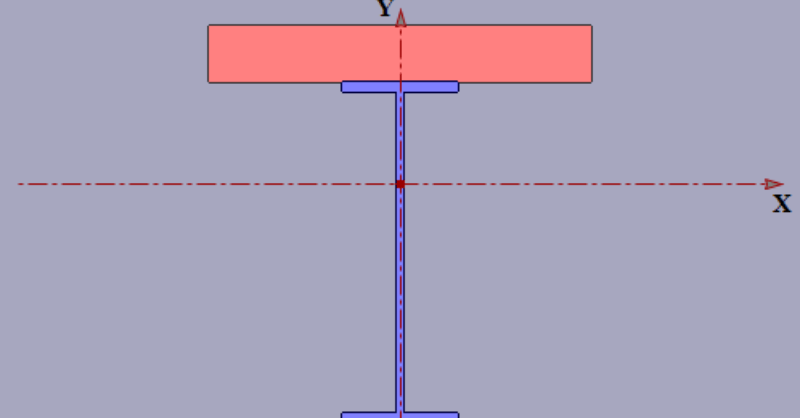
Modeling built-up or composite sections can easily be done in RISASection. Because the properties of such a section are computed using a weighted summation of the transformed shape properties, RISASection uses a Property Multiplier to specify the relative weight of a single shape in a built up section.
Because the Property Multiplier is a relative value, the user must first specify the Base Modulus of Elasticity. To set the base values, select Section Property Options from the Options menu. This menu allows you to set the Base Modulus of Elasticity as well as the Default values for Basic Concrete and Basic Steel shapes.
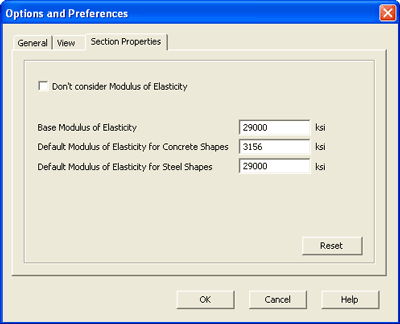
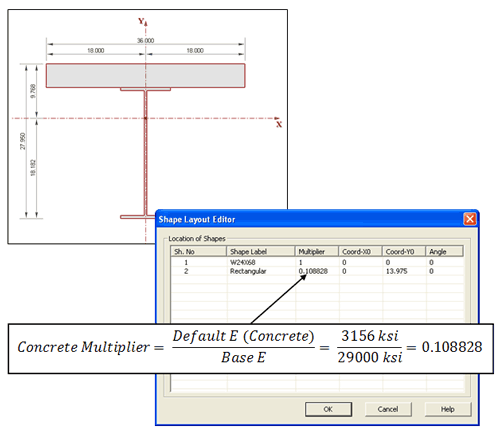
With these base values, the program automatically calculates the appropriate Multiplier value for each shape in your built-up section. These values are listed in the Shape Layout Editor and may be edited at anytime.
Now, when RISASection calculates the section properties, those of the concrete slab will be weighted, relative to the Modulus of Elasticity of the steel.

In order to model built-up or composite sections, RISASection includes the Property Multiplier, an input value which specifies the relative weight...
Learn how to build custom steel and concrete shapes using RISASection and then import them into RISA-3D to incorporate them in analysis and...
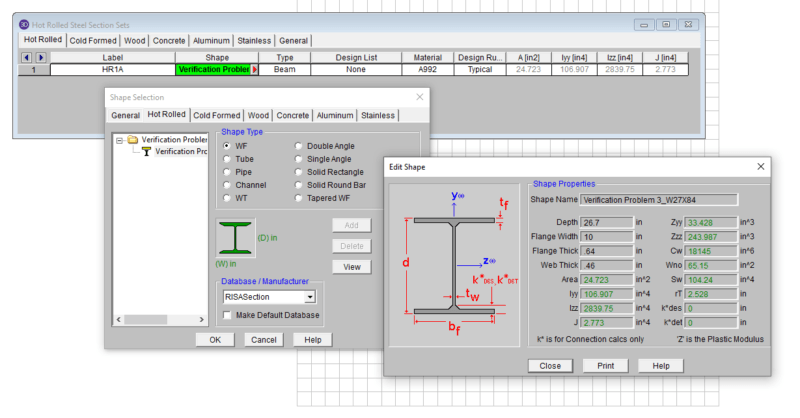
Use RISASection to find the properties of built-up steel sections, then model beams using the same section properties in RISA-3D and get full...