How to Model X-Bracing in RISA-3D
There are several tips to modeling X-Bracing within RISA-3D that can help the model solve faster and give you better results.

Try the Complete RISA Suite for
10 Days FREE

RISA Education

Video Library

Online Help

Get Support

About Us
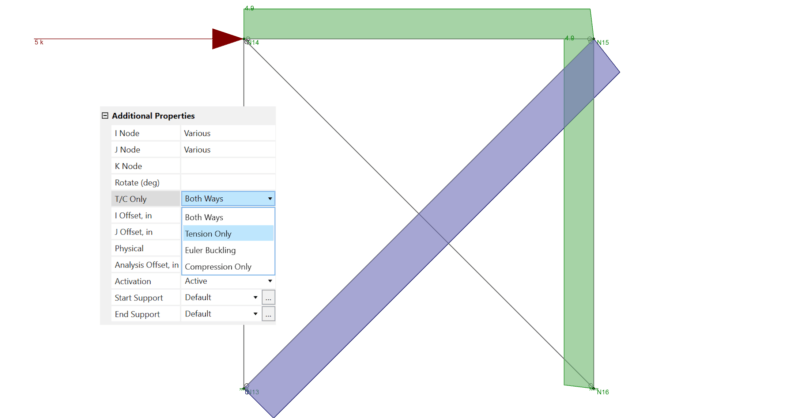
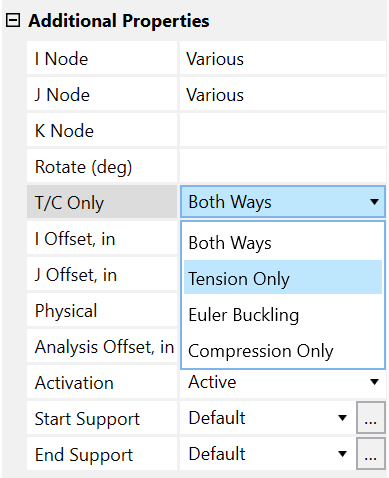
Before reading this, be sure to check out the article linked below on X-Bracing. In RISA-3D, you can set a member to be tension-only by selecting it and selecting Tension Only or Euler Buckling from the Additional Properties section of the Member Properties.
Link: Tips & Tricks: X-Bracing
In the example below, if the braces are set to Tension-Only, the model will register as unstable:
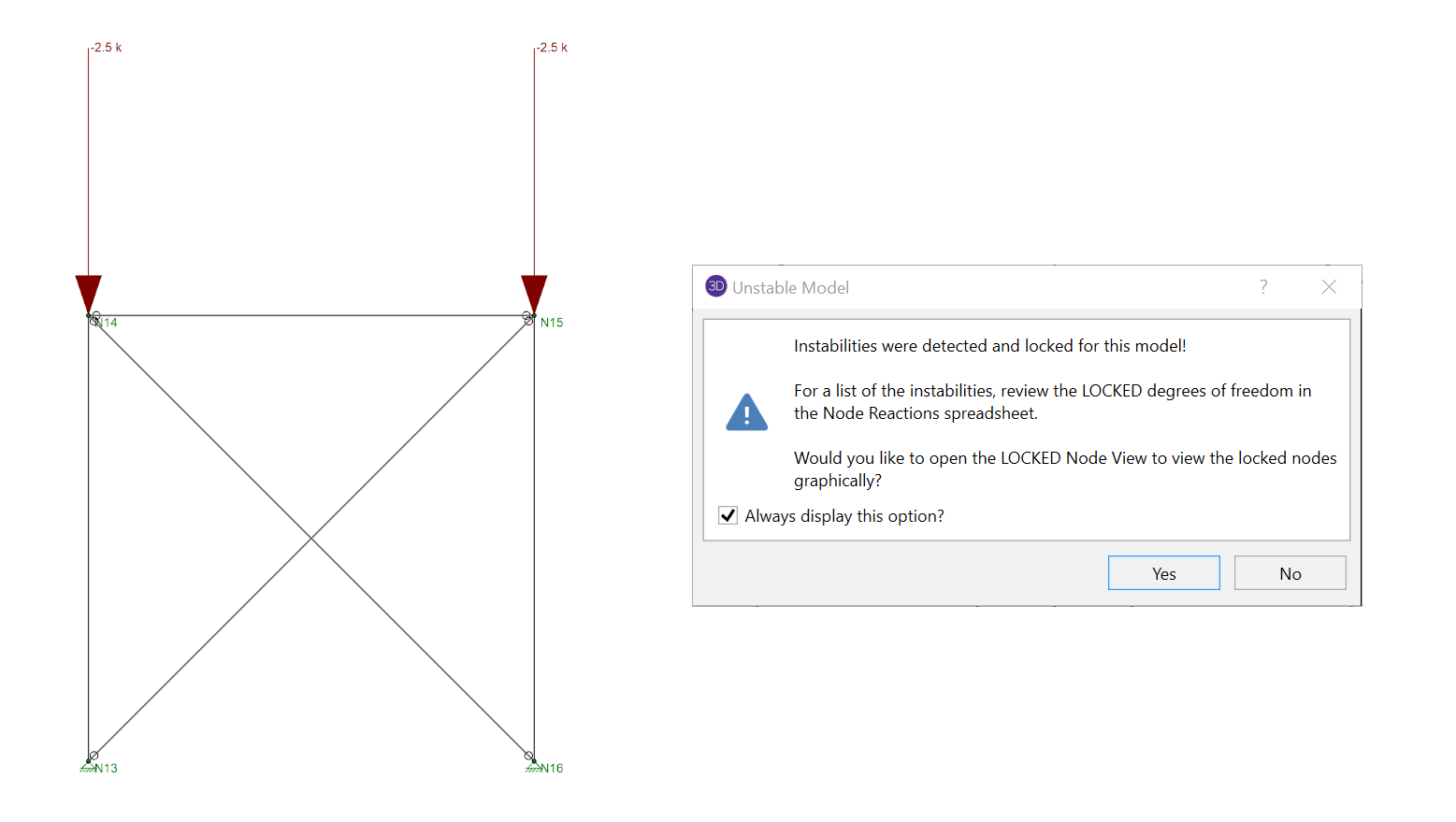
Under gravity loading the elastic shortening of the columns will cause some elastic shortening of the braces. This means that each brace is slightly compressed (with about 50 lbs of axial force). When the braces are set to Tension Only they are not allowed to take any compression at all, so they are both ignored during the solution, resulting in an unstable frame.
By setting the braces to be Euler Buckling instead of Tension Only, the program will allow these braces to take compression only up to their Euler Buckling limit, which is enough to compensate for the elastic shortening. If any significant compression enters the brace it will still be ignored during solution.
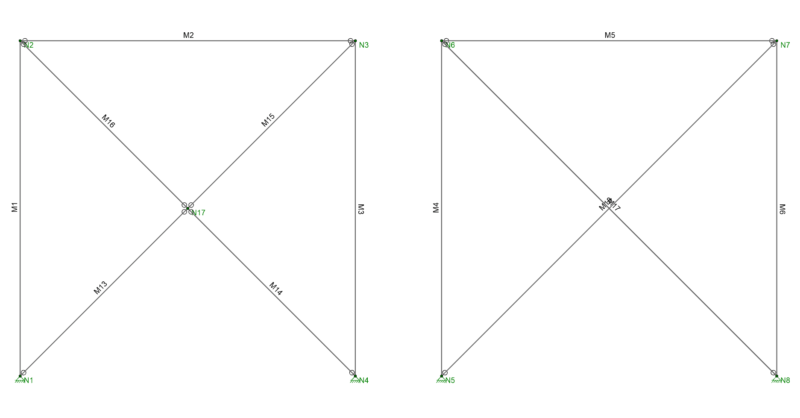
There are several tips to modeling X-Bracing within RISA-3D that can help the model solve faster and give you better results.
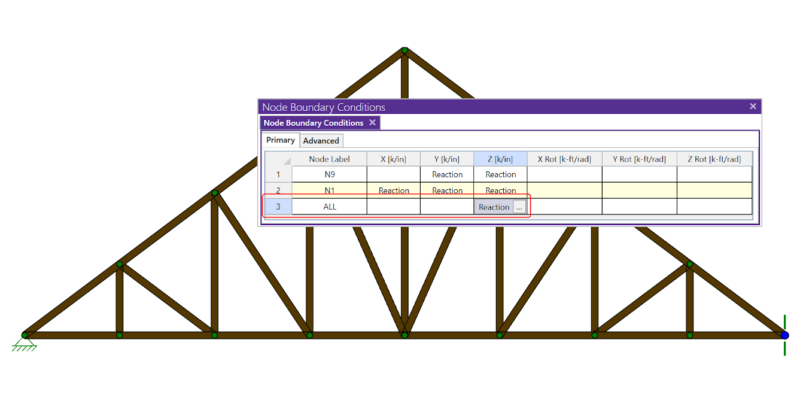
If you have ever tried to solve a two-dimensional model in RISA-3D, you have ultimately run into instabilities in your model because your model...
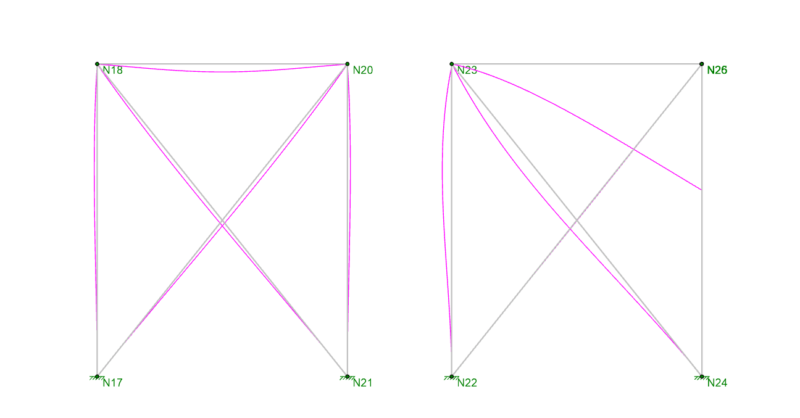
When your RISA-3D model is not behaving as you anticipated, one of the best tools you have is viewing the deflected shape. Displaying the...