 By: Admin
How to Model Multiple Pedestals/Loads on One Footing
RISAFoundation includes a footing element which is represented by a single node. A frequent question that arises is how to apply multiple point...

Try the Complete RISA Suite for
10 Days FREE

RISA Education

Video Library

Online Help

Get Support

About Us
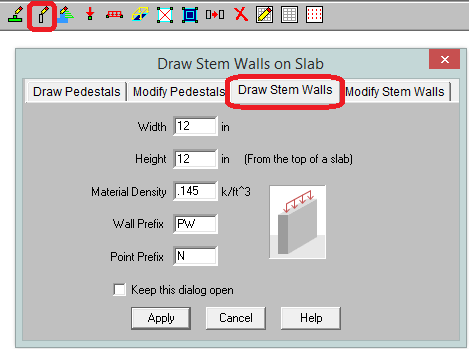
New in RISAFoundation V7 is a Stem Wall element. This element would be drawn on a slab element for the purpose of transferring wall loads into the slab. You can add stem walls either from the Draw Stem Walls dialog.
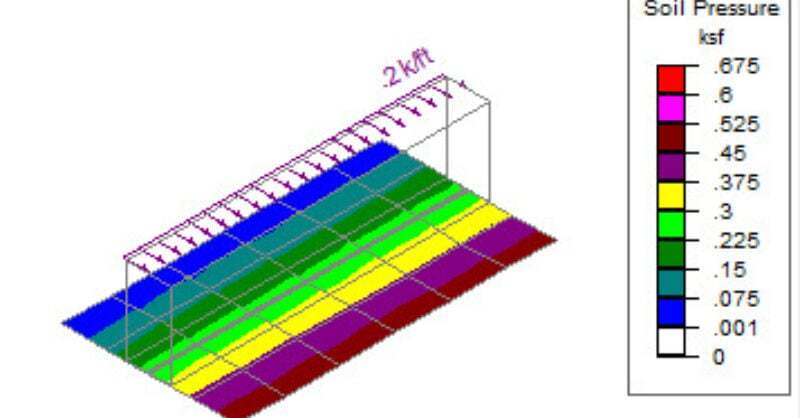
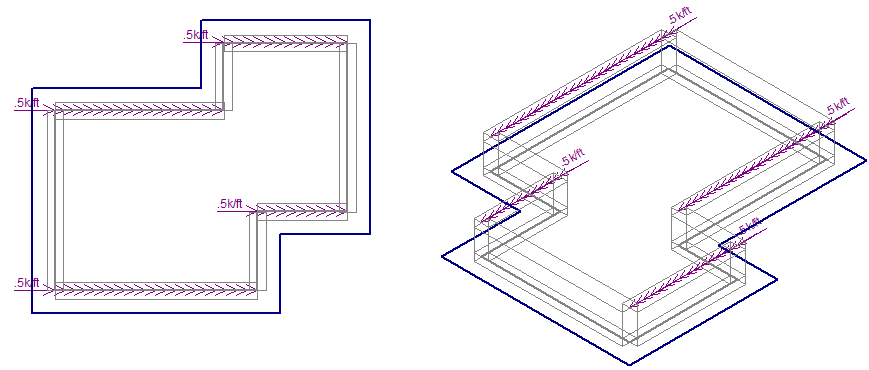
The Stem Wall transfers the load at the top of the wall to the slab. That load will induce overturning on the slab and below it shows this loading graphically.
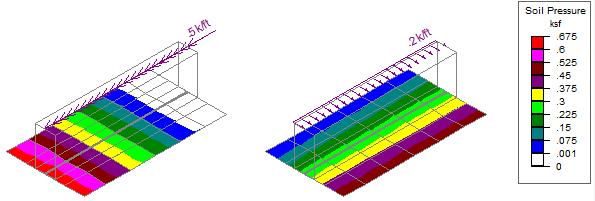
Here we can see how this vertical offset induces overturning into the slab.

RISAFoundation includes a footing element which is represented by a single node. A frequent question that arises is how to apply multiple point...
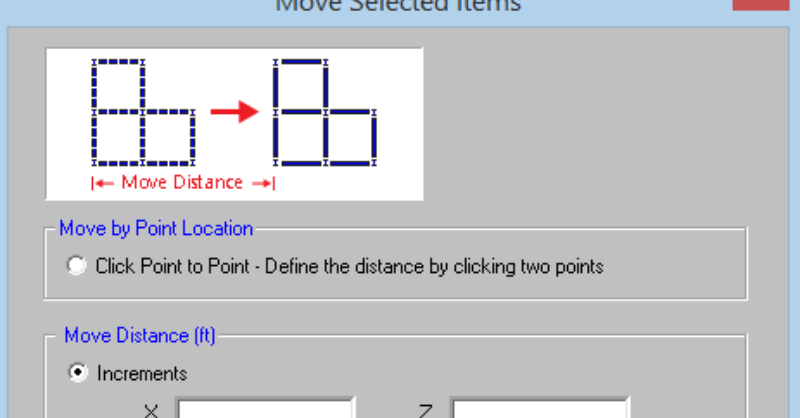
RISAFloor v11 includes the ability to re-position selected elements such as beams, columns, walls, and nodes in your model. On the Graphic Editing...
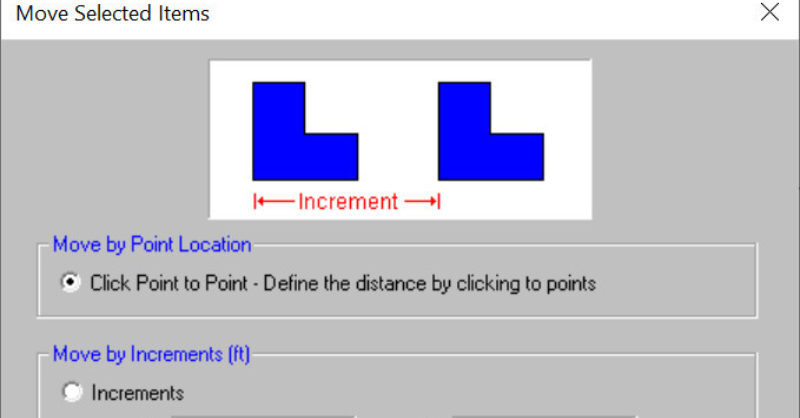
RISAFoundation v10.0 now includes the added ability to move selected foundation elements. This includes beams, wall footings, piles, pedestals,...