 By: Admin
How to Model a Two-Dimensional Component in RISA-3D
If you have ever tried to solve a two-dimensional model in RISA-3D, you have ultimately run into instabilities in your model because your model...

Try the Complete RISA Suite for
10 Days FREE

RISA Education

Video Library

Online Help

Get Support

About Us
There are several tips to modeling X-Bracing within RISA-3D that can help the model solve faster and give you better results.
Model the X-Brace as two members, not as four. Even if a connection does exist between the legs, the model will behave much better with the two members. This eliminates some complex load-sharing between the braces.
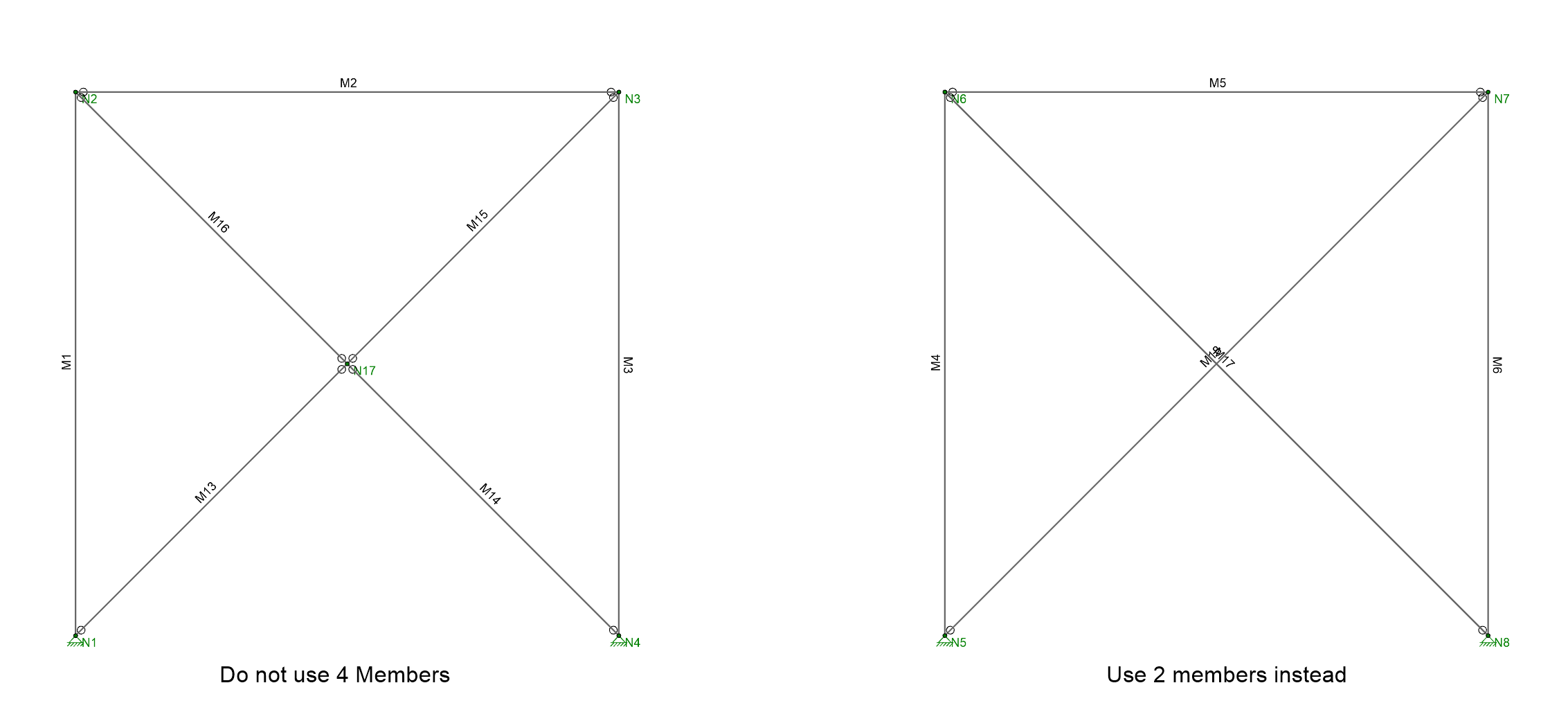
Braces are defined as Physical Members by default, so if a node exists at their intersection then they will connect to each other and share load with each other. This can cause convergence problems with the solver.

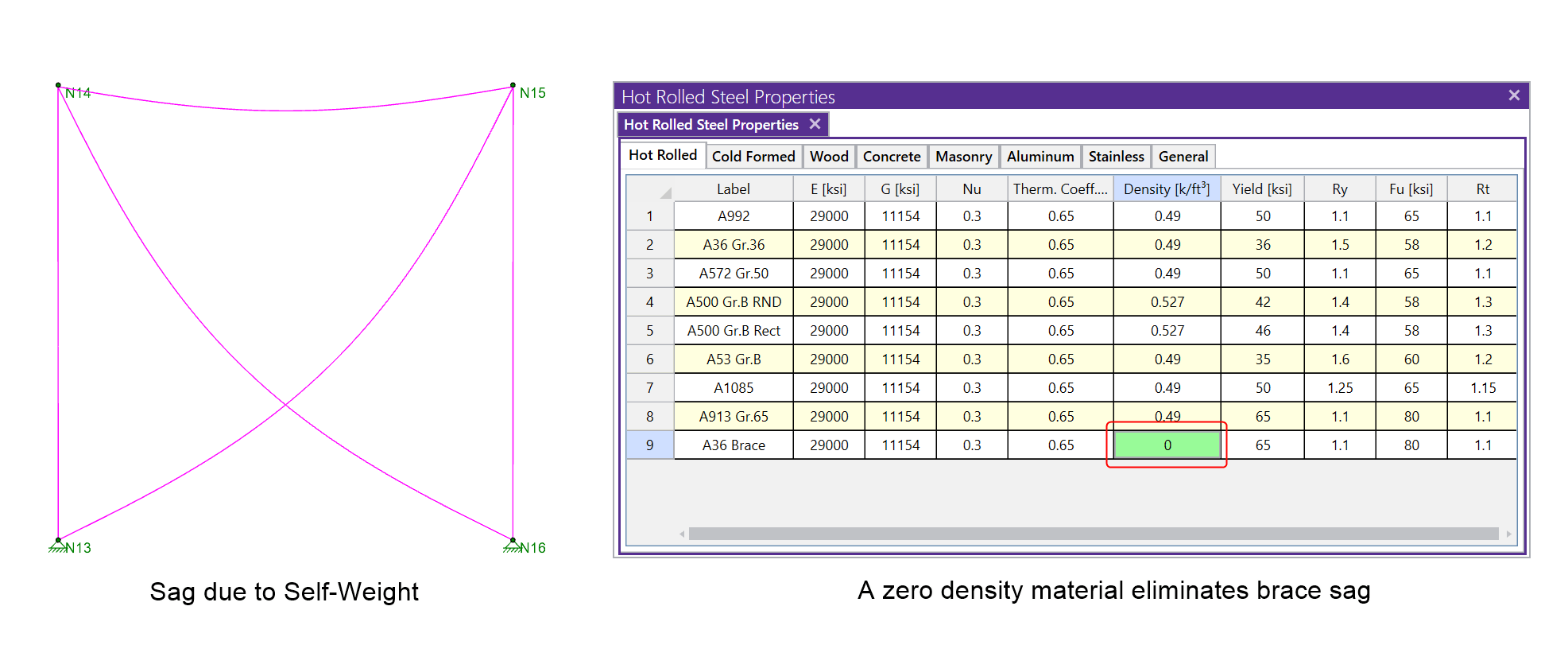
Lastly, you may find that braces sag considerably under their own self-weight. RISA-3D cannot model the true catenary action that prevents this from occurring. To eliminate this sag, and thereby get more realistic results, assign a material to the brace which has zero density.
If you have ever tried to solve a two-dimensional model in RISA-3D, you have ultimately run into instabilities in your model because your model...
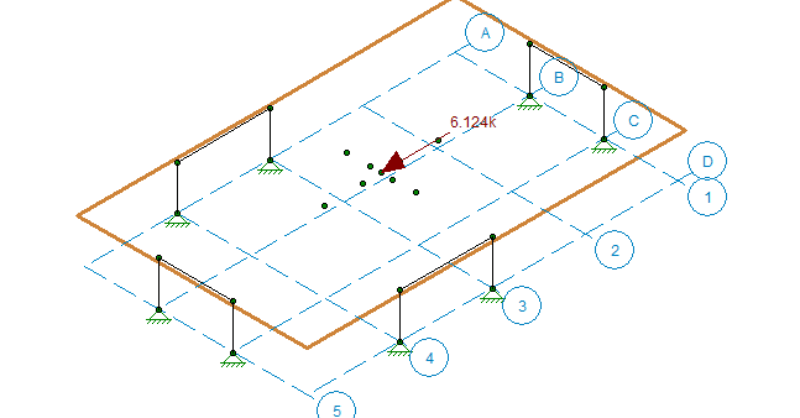
In a model that contains both RISAFloor and RISA-3D data it is possible to define your diaphragms as either flexible or rigid for lateral design....
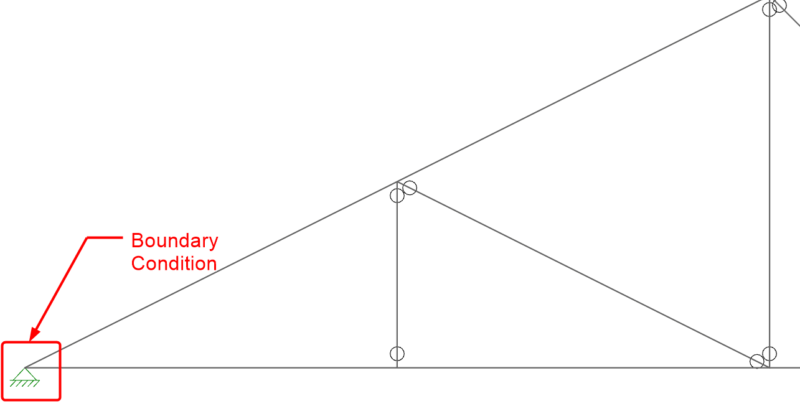
When it comes to trusses in RISA-3D, boundary condition definitions (pin vs. roller) can make a huge difference. Let’s take an example of a...