By: Admin
New Tools for Modification of Elevated Slabs in RISAFloor ES
RISAFloor Version 16 includes new and improved tools for the modification of openings, slab regions and thickness. The new version allows users to...

Try the Complete RISA Suite for
10 Days FREE

RISA Education

Video Library

Online Help

Get Support

About Us
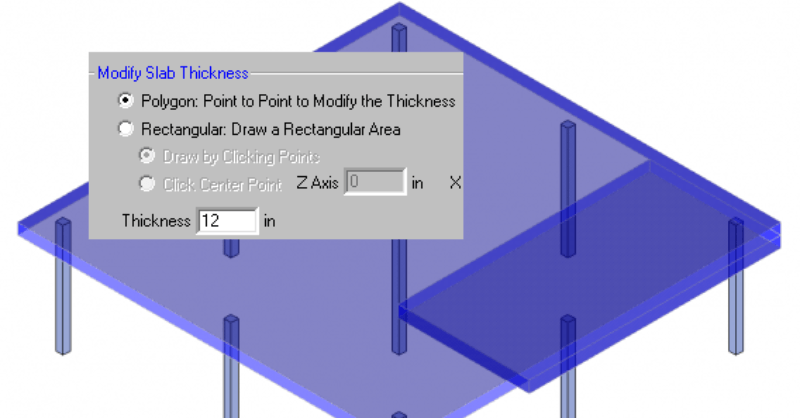
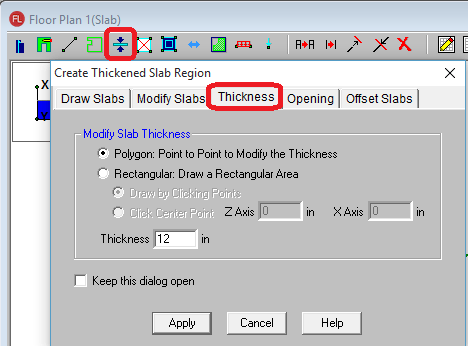
RISAFloor ES allows you to model concrete slabs of any thickness. However, there might be sections of the building that require a thicker slab. The icon is shown below and it will allow you to draw a Polygon or Rectangular shape.
You can use this tool to change the thickness anywhere in the slab.
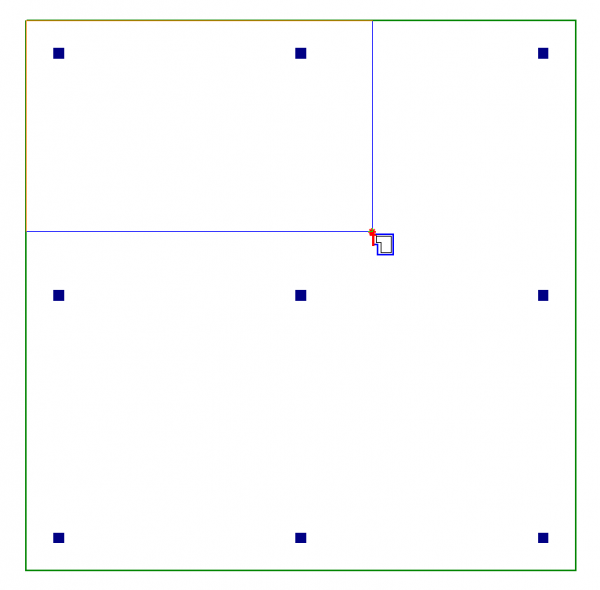
The thickened region will show in the Full Model view and the FEA plates will be thickened in that region. Also all the reinforcement calculations will take into account this thickened area.

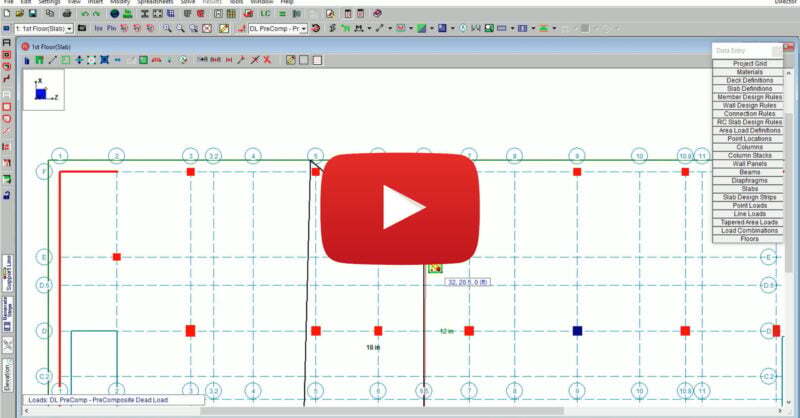
RISAFloor Version 16 includes new and improved tools for the modification of openings, slab regions and thickness. The new version allows users to...
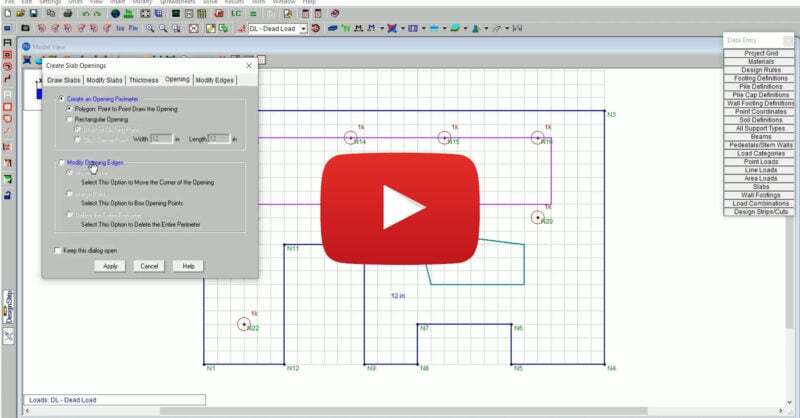
RISAFoundation Version 14 includes new and improved tools for the modification of slab edges, openings and thickness. The new version allows users...