How to Model a Hole in a Plate
While RISA-3D (or RISA-2D) does not have an explicit tool to punch a hole in a plate, you can use the following steps to manually model them:

Try the Complete RISA Suite for
10 Days FREE

RISA Education

Video Library

Online Help

Get Support

About Us
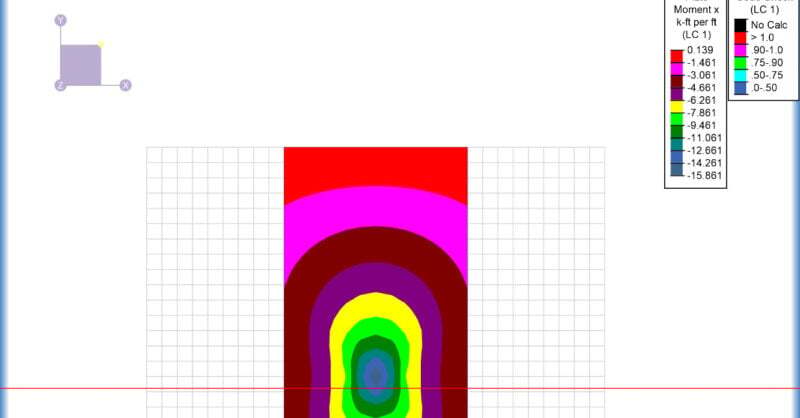
When you have a plate model for a slab or wall in RISA-3D, the Internal Force Summation Tool (IFST) is a very useful analysis tool to get exactly the forces that you want to design for. To use the tool, you must:
Let’s look at a slab example. Here we have an elevated slab that is supported on all edges, with a column that lands in the center of the slab. The slab is modeled with plate elements.
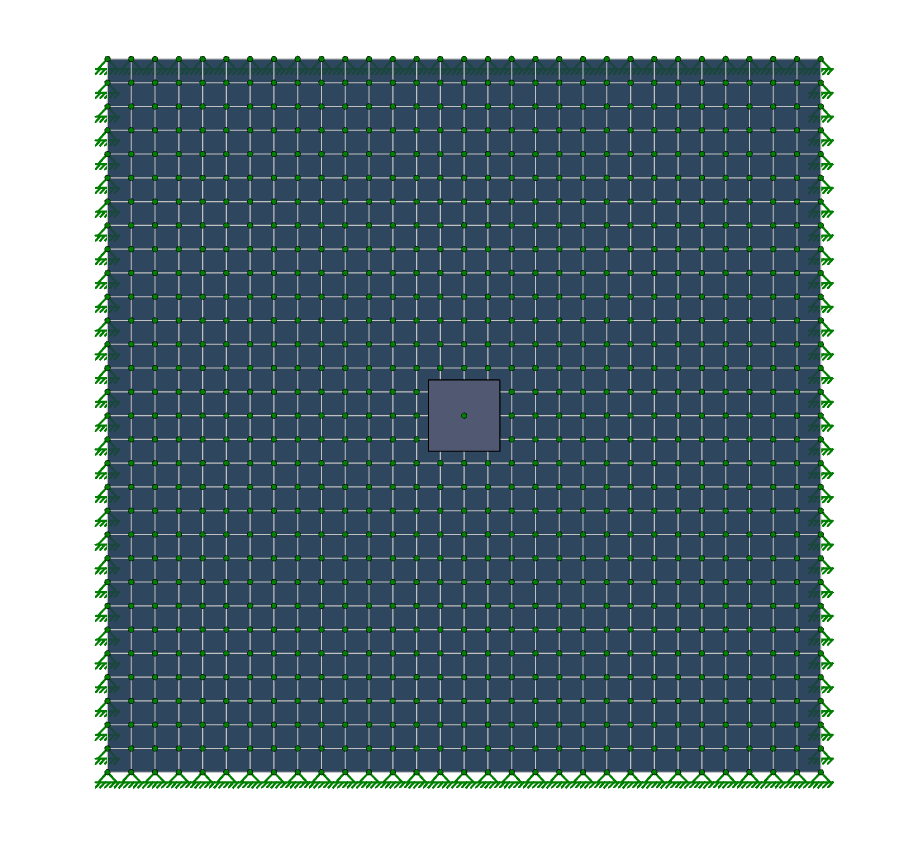
After we solve the model for that load, we can view our plate contours and use the selection tools to select a representative strip.
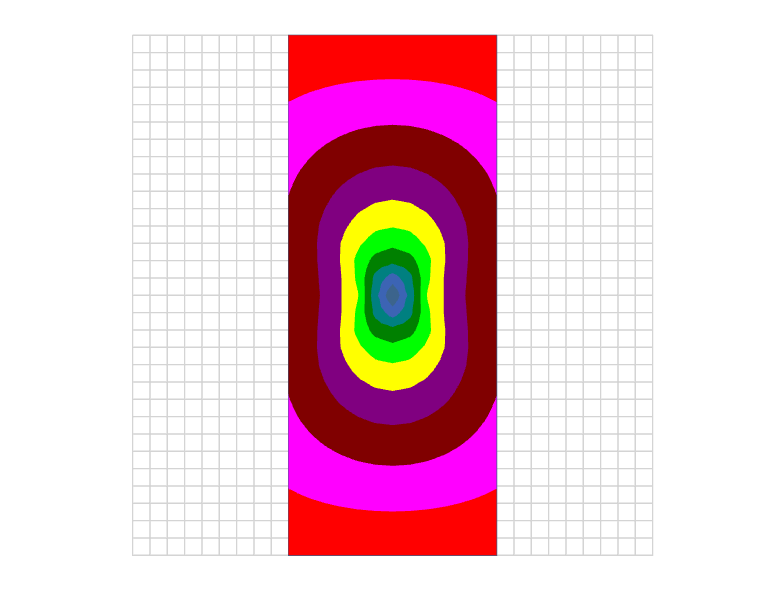
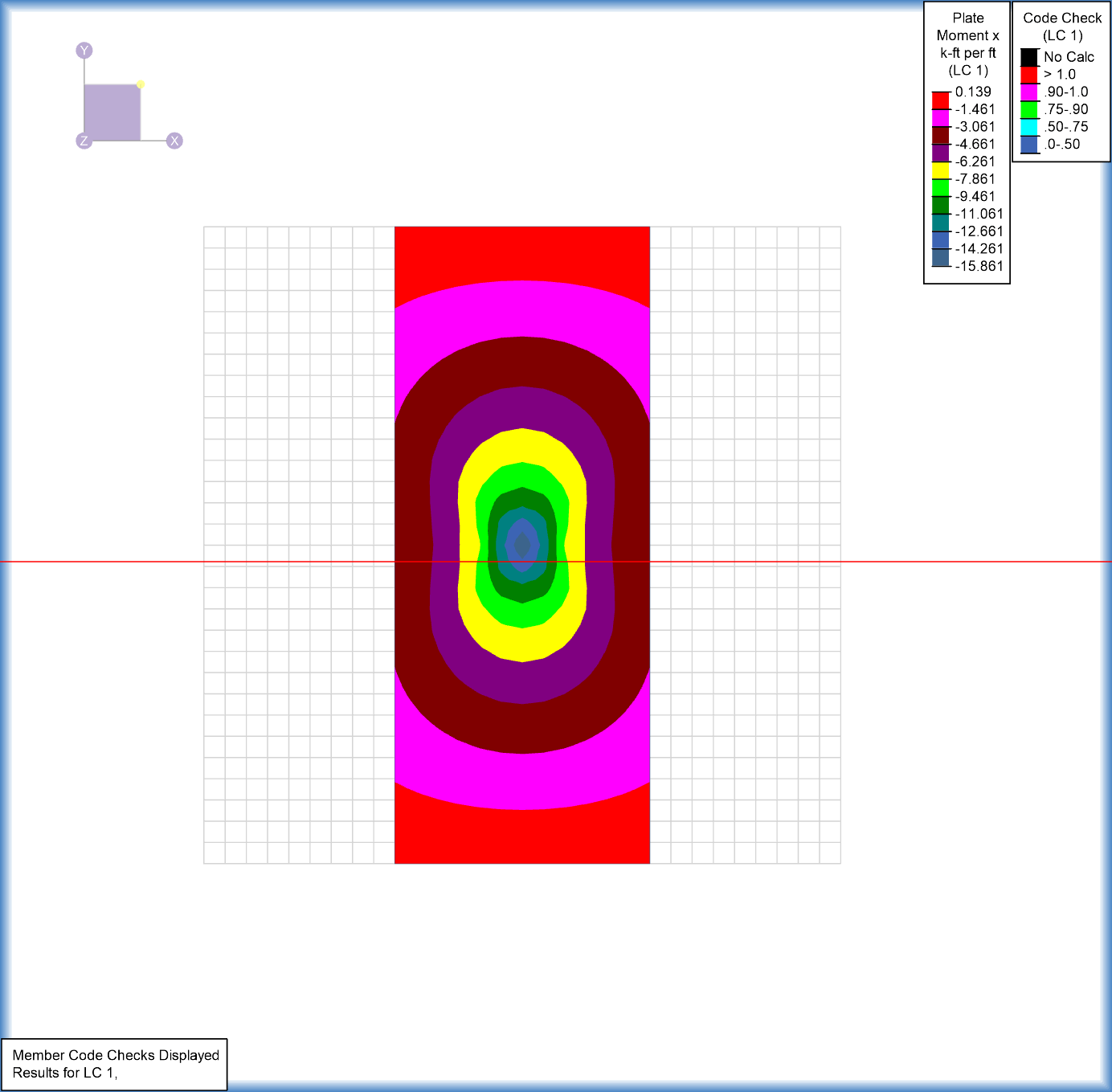
The representative strip would be a strip through our slab/wall that we want to get the forces for so we can then design reinforcement for this strip. To use the IFST, select the button on the left side of the screen. Clicking twice on our strip will create a plane that the program cuts through the model and will then display the forces from the cut at the bottom of the screen.

If you have a specific location where you want detailed information, simply make a third click at this location. A dialog will display summarizing the forces in this design cut. Here you will find the shear forces, axial forces and moments through a given cut, so you can then design reinforcement for that strip.
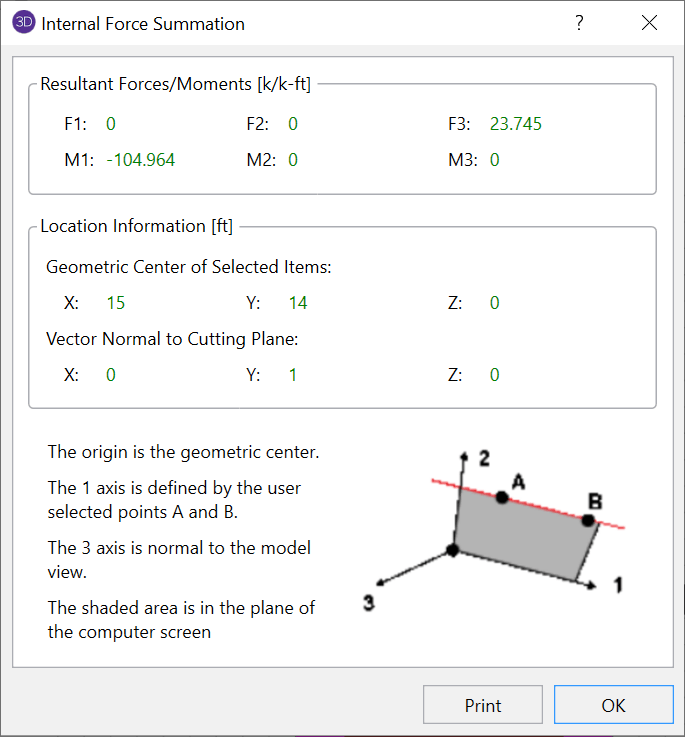
For more details on the use of this tool, see our help file within RISA-3D. You can access the help file on at any point in time by pressing F1 on your keyboard.

While RISA-3D (or RISA-2D) does not have an explicit tool to punch a hole in a plate, you can use the following steps to manually model them:
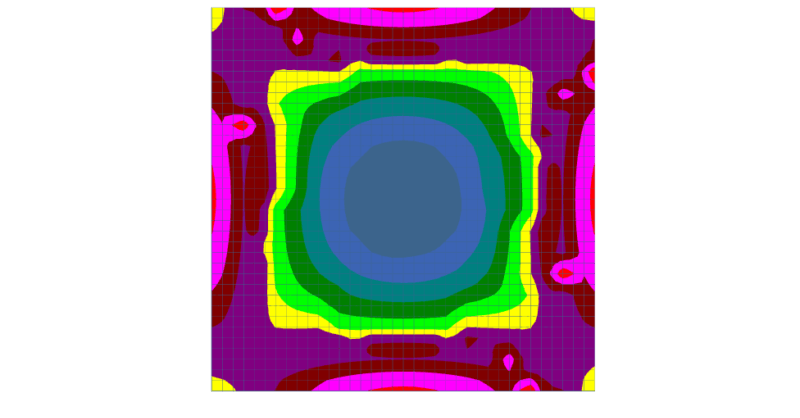
After solution in RISA-3D, you can use Results View Settings to view the Plate Contours graphically on your model.
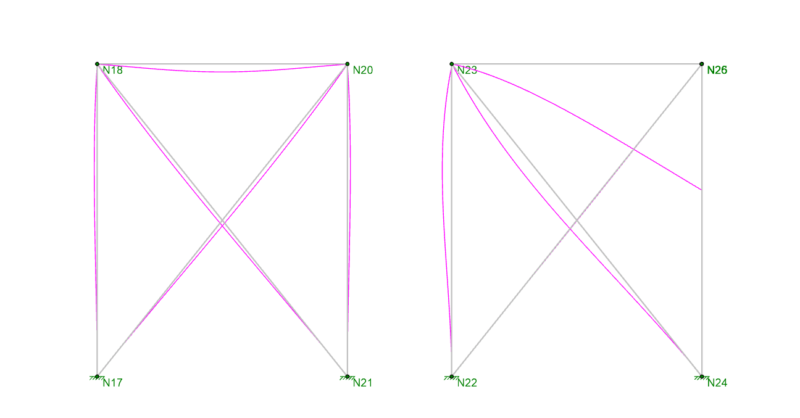
When your RISA-3D model is not behaving as you anticipated, one of the best tools you have is viewing the deflected shape. Displaying the...