 By: Admin
Mechanically Graded Wood Design now Available
Mechanically graded wood materials have been added for the AWC NDS 2015 design code per Table 4C, and CSA O86-14 design code per tables 6.3.2 and...

Try the Complete RISA Suite for
10 Days FREE

RISA Education

Video Library

Online Help

Get Support

About Us
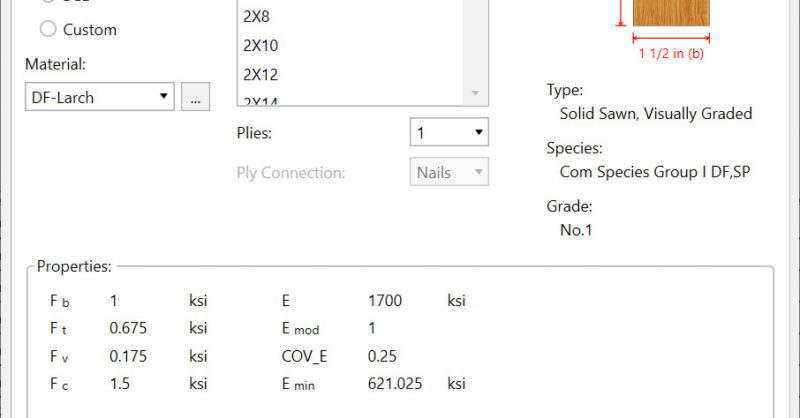
We have recently added a new View Design Properties dialog to allow you to now have the ability to easily view the wood design values prior to solution.
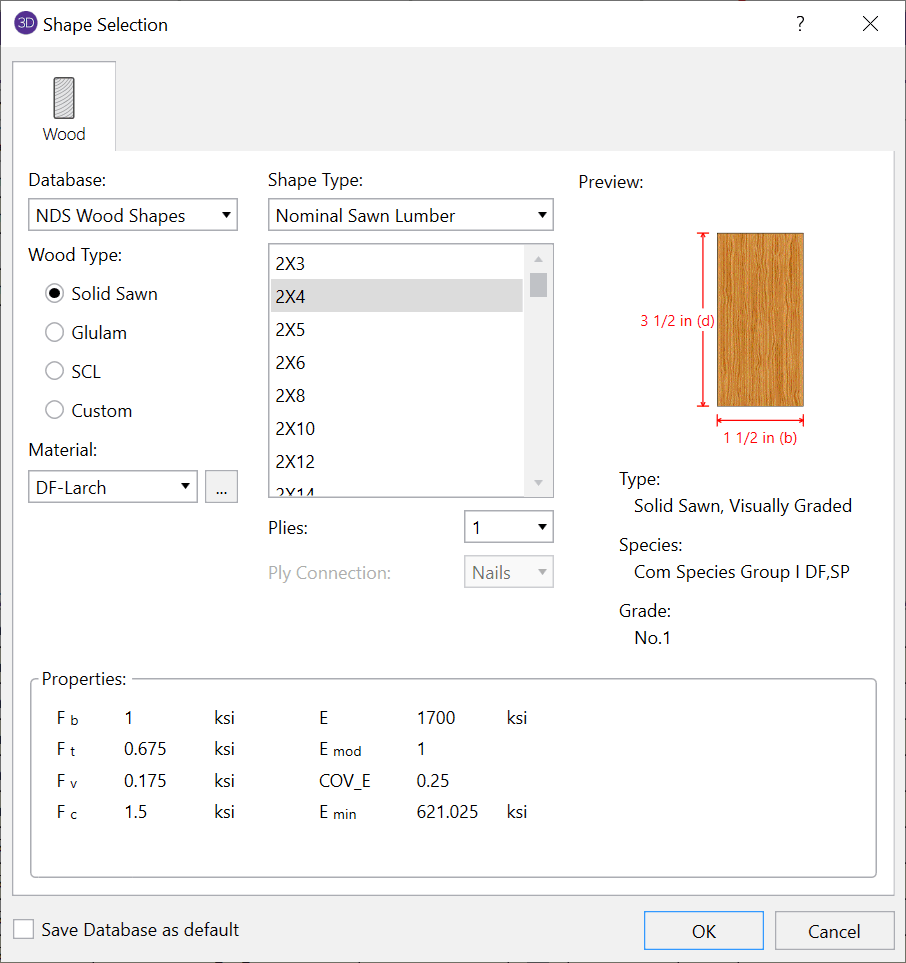
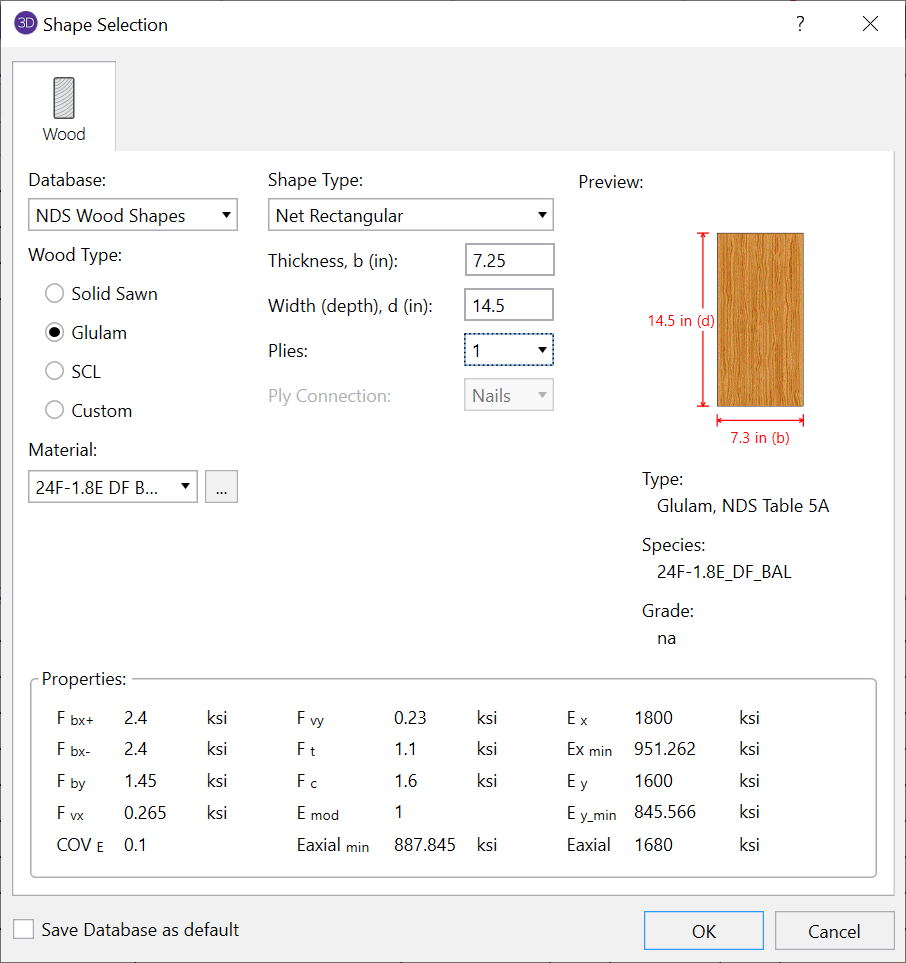
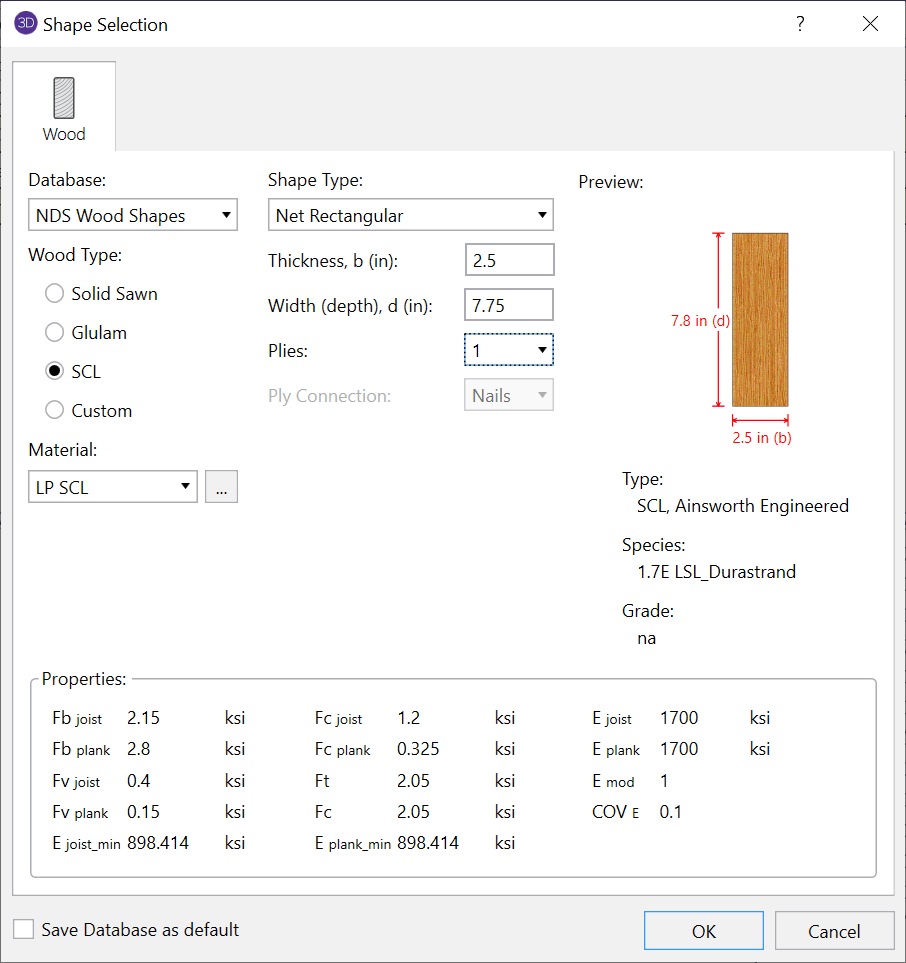
Because the design values are dependent on the selected wood material and the selected member size, both selections are echoed in the dialog to verify the displayed design properties.
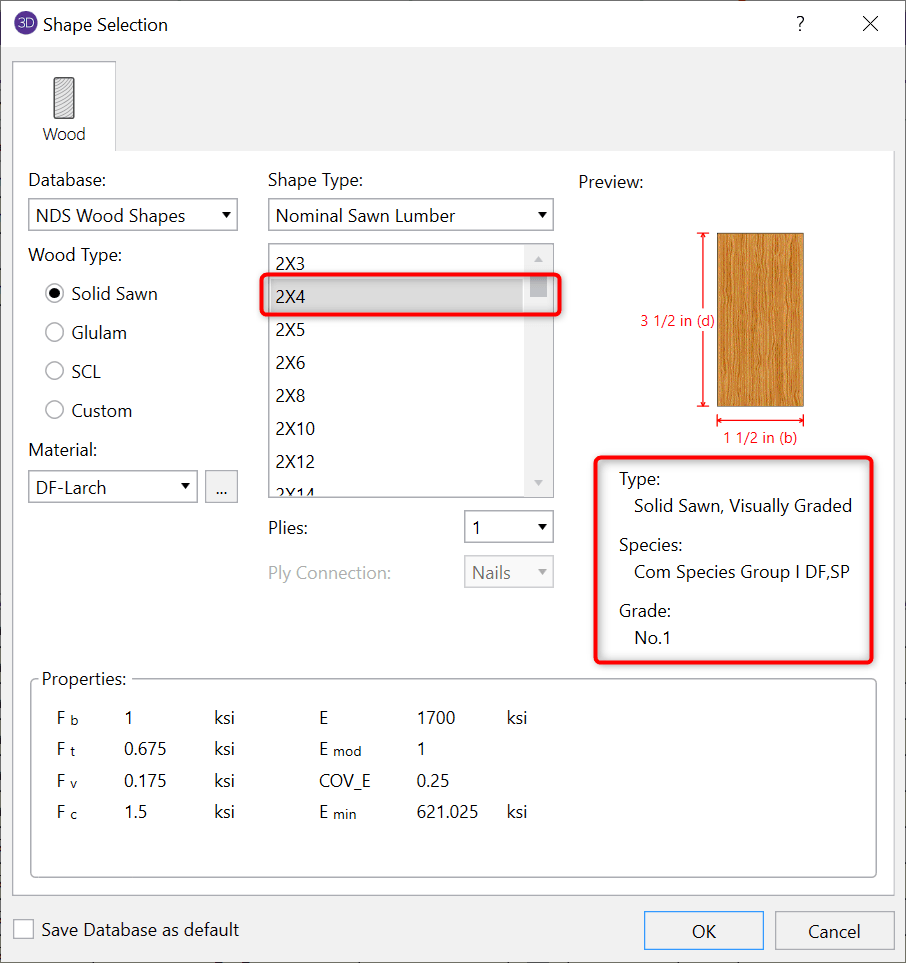
The displayed values are the values that will be used in your member design, therefore they are dependent on which design code you selected under the Codes tab of Global Parameters.
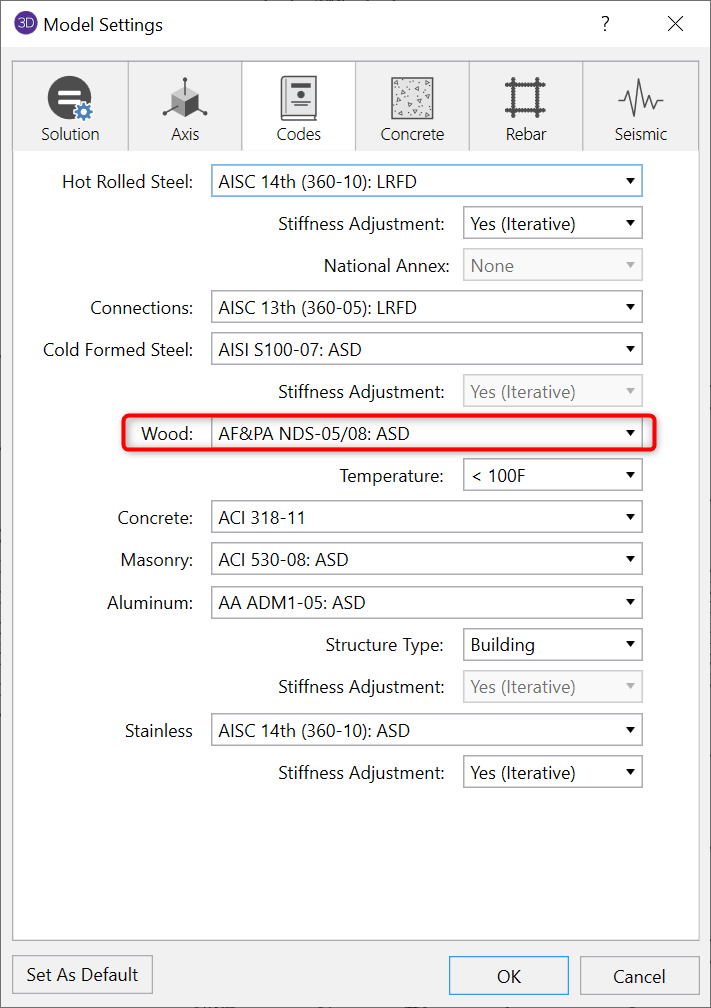
The values will be those listed in the Supplement tables to the selected NDS code or those published by the appropriate SCL manufacturer.
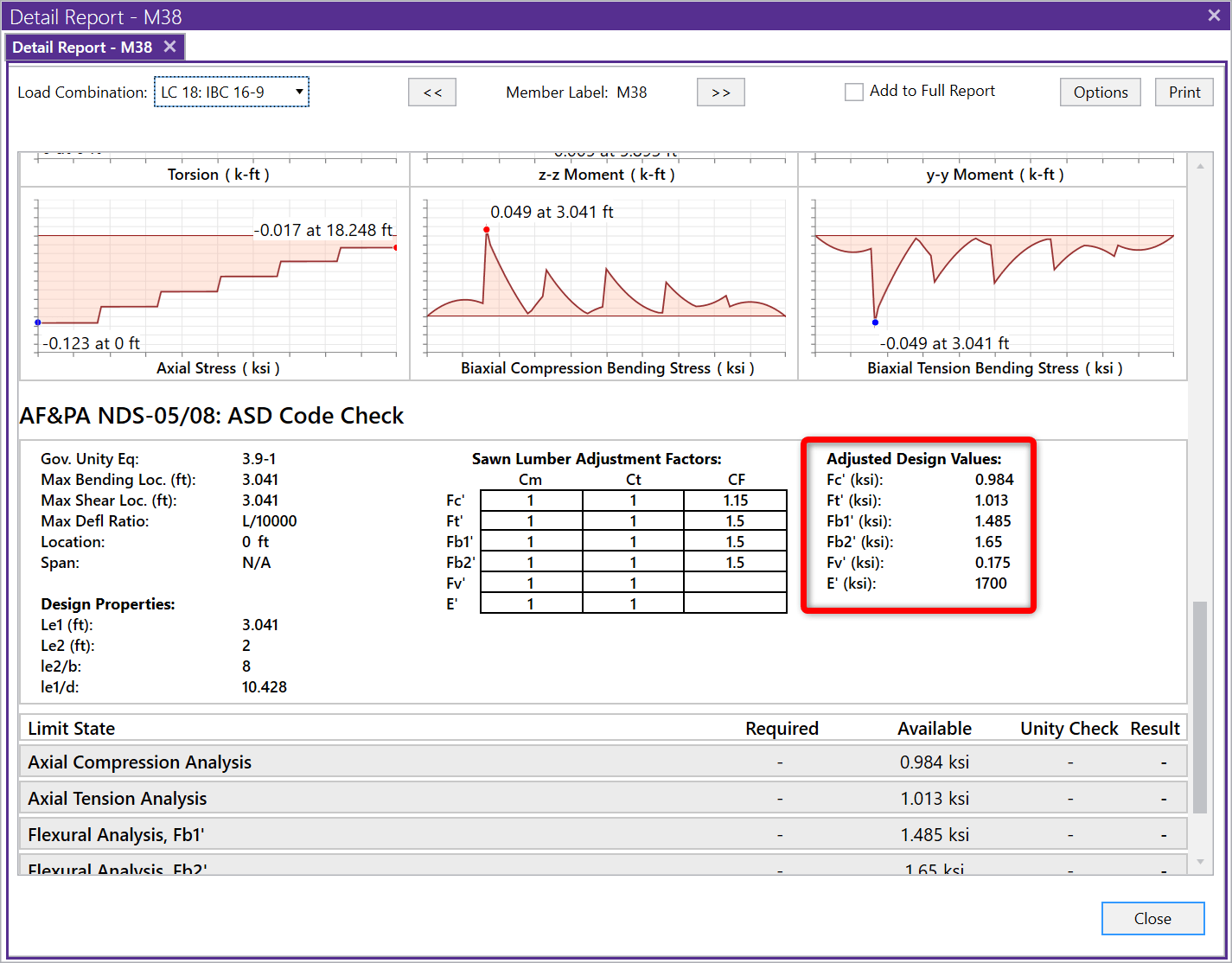
After solution, you can verify the modified design values in the member detail reports:
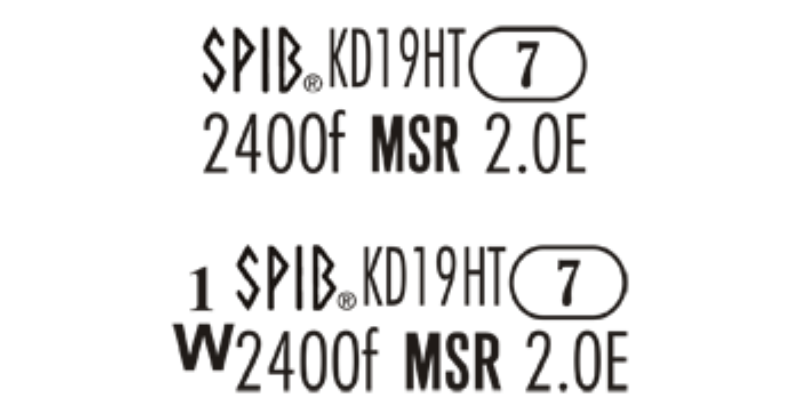
Mechanically graded wood materials have been added for the AWC NDS 2015 design code per Table 4C, and CSA O86-14 design code per tables 6.3.2 and...

An update to the Cold-Formed Steel Design Codes has been added to RISA-3D v16.0 and RISAFloor v12.0. Updated Codes include:
The new TMS 402-16 Masonry Code (formerly designated as ACI 530 and ASCE 5) have been added to RISA-3D v16.0, RISAFloor v12.0 and RISAFoundation...