 By: Admin

Making a Time History Animation Video
Time history analysis solves for normal analysis results (joint displacements, member forces, code checks, etc.) based on loading that varies with...

Try the Complete RISA Suite for
10 Days FREE

RISA Education

Video Library

Online Help

Get Support

About Us
New in RISA-3D v14 is the introduction of a Time History analysis feature. Time history functions may be generated directly in the program based on simple sinusoidal functions. More complex functions, however, can be imported from a text file.
RISA can import a Time History function from an ASCII text file. The RISA Help file shows you how to layout the ASCII text file. RISA-3D will read the file into the Time History library when it’s placed in the Time History sub-folder of the main RISA directory.
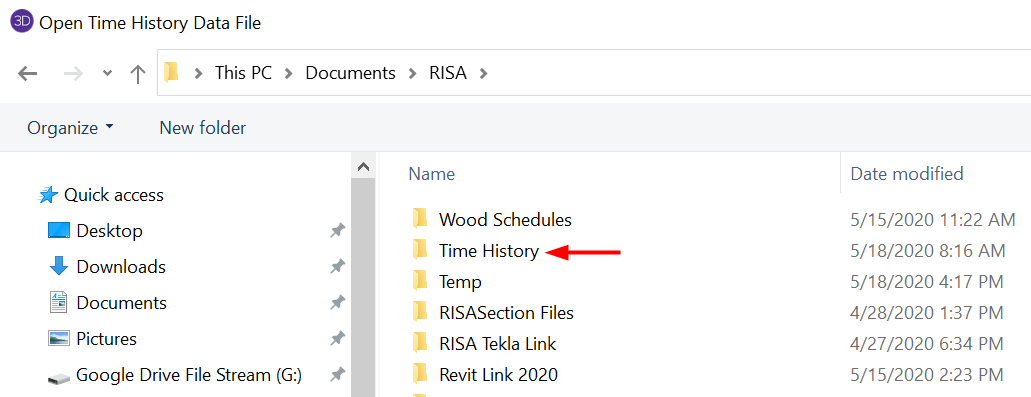
To access Time History Function Library, click on the Advanced tab and select Time History. First click on the Import button, and locate the Time History ASCII text file.
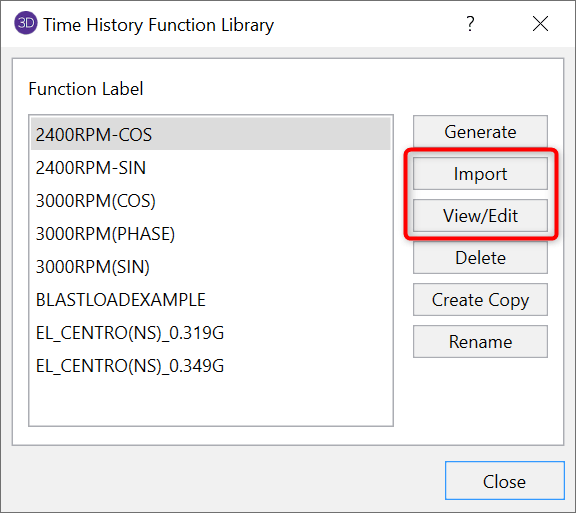
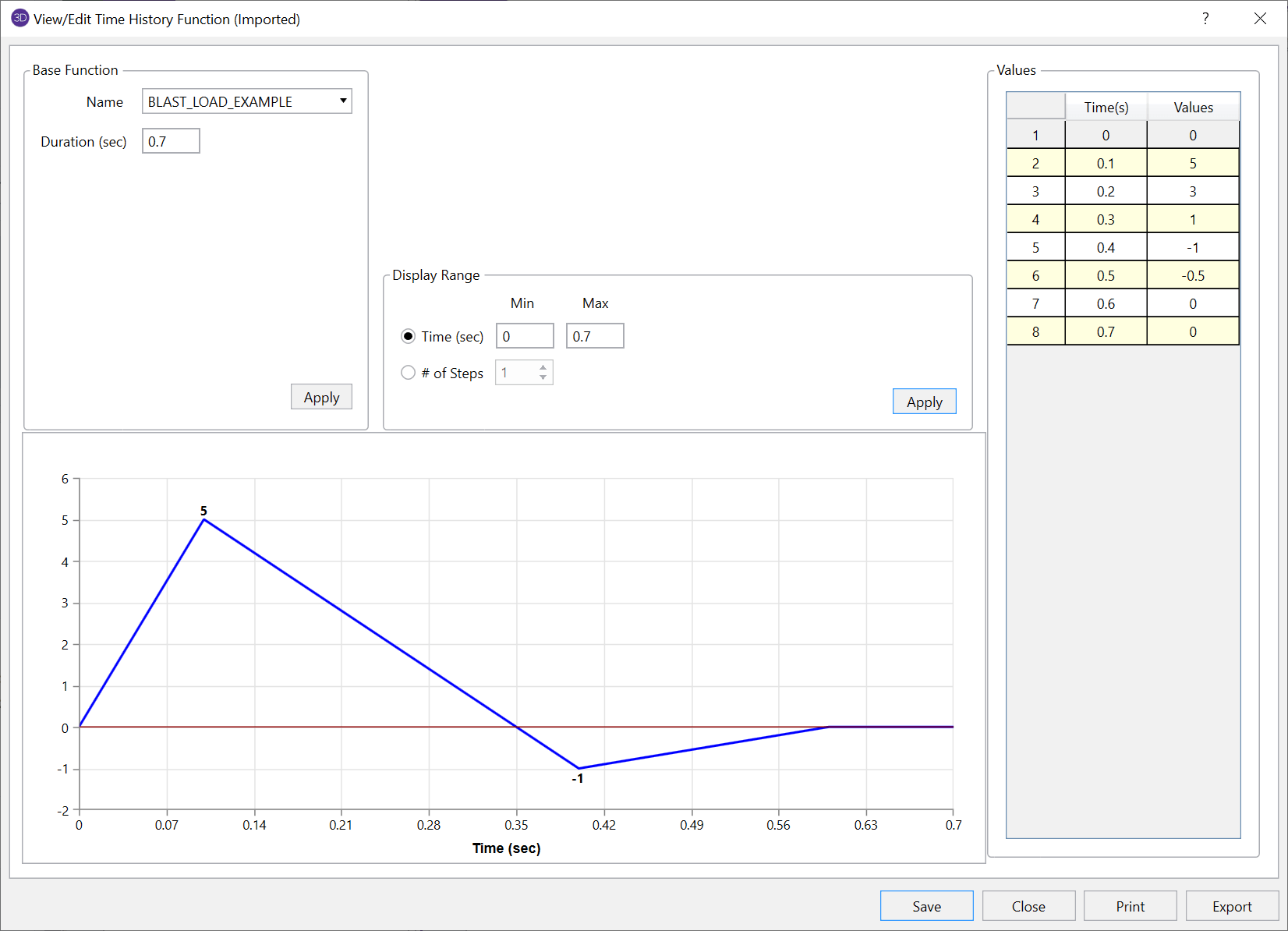
Once a Time History Function has been imported, you’ll find it at the bottom of the list and you can click View/Edit to review and verify the plotted diagram.
Time history analysis solves for normal analysis results (joint displacements, member forces, code checks, etc.) based on loading that varies with...
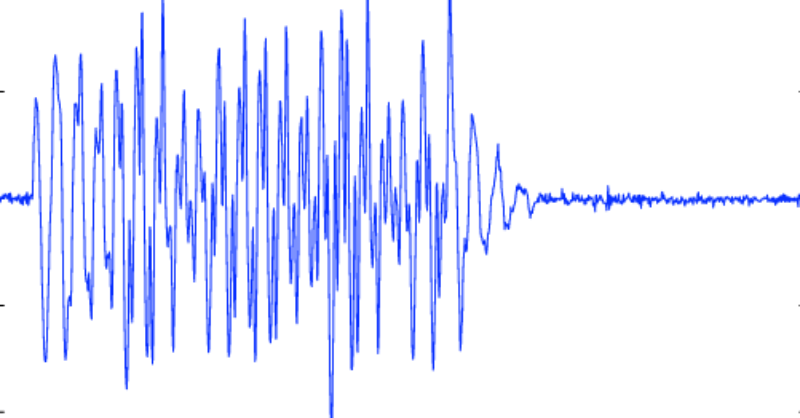
The Pacific Earthquake Engineering Research center (PEER) has a large library of measured earthquake records. Below is an example of how to...
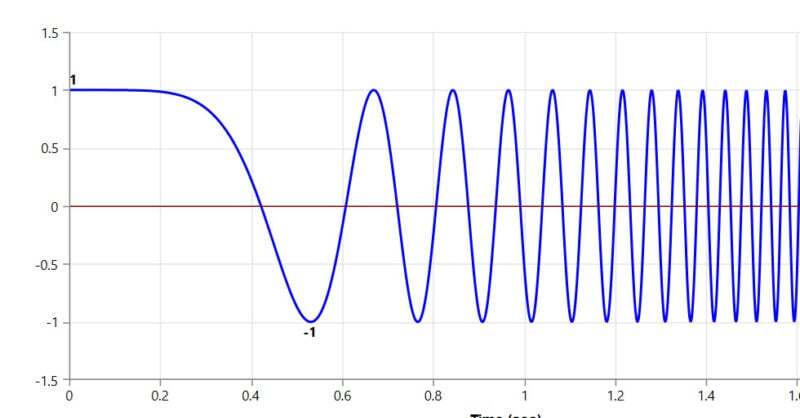
Ramp Up Function RISA allows you to define “Ramp Up Functions” to control how the force and frequency vary during this initial startup time....