 By: Admin
The Ultimate Guide to Instability Warnings in RISA-3D
Modeling instability can be one of the most frustrating errors to troubleshoot in structural software. Whether you're a new user or a seasoned pro,...

Try the Complete RISA Suite for
10 Days FREE

RISA Education

Video Library

Online Help

Get Support

About Us
In a model that contains both RISAFloor and RISA-3D data it is possible to define your diaphragms as either flexible or rigid for lateral design. You can do this from the Diaphragms spreadsheet in either program:
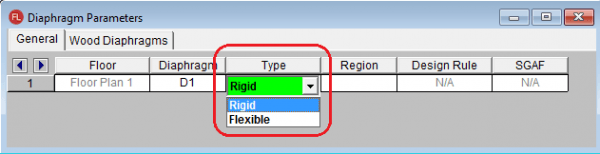
Rigid diaphragms will create a rigid link mesh in RISA-3D that makes the diaphragm act as a rigid body. There is a physical effect on your model that affects the analysis by locking all nodes at the diaphragm level together.
Flexible diaphragms act solely as a load attribution mechanism. The program calculates the tributary area to the lateral force resisting elements and applies the load to the collectors. However, there is no physical effect on the analysis.
The flexible diaphragm behavior can cause lateral stability problems with your model. Here is an example where this could be a problem:
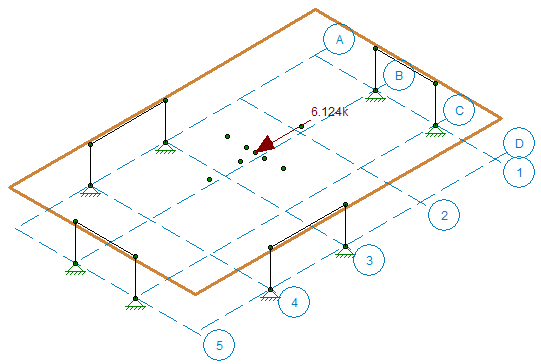
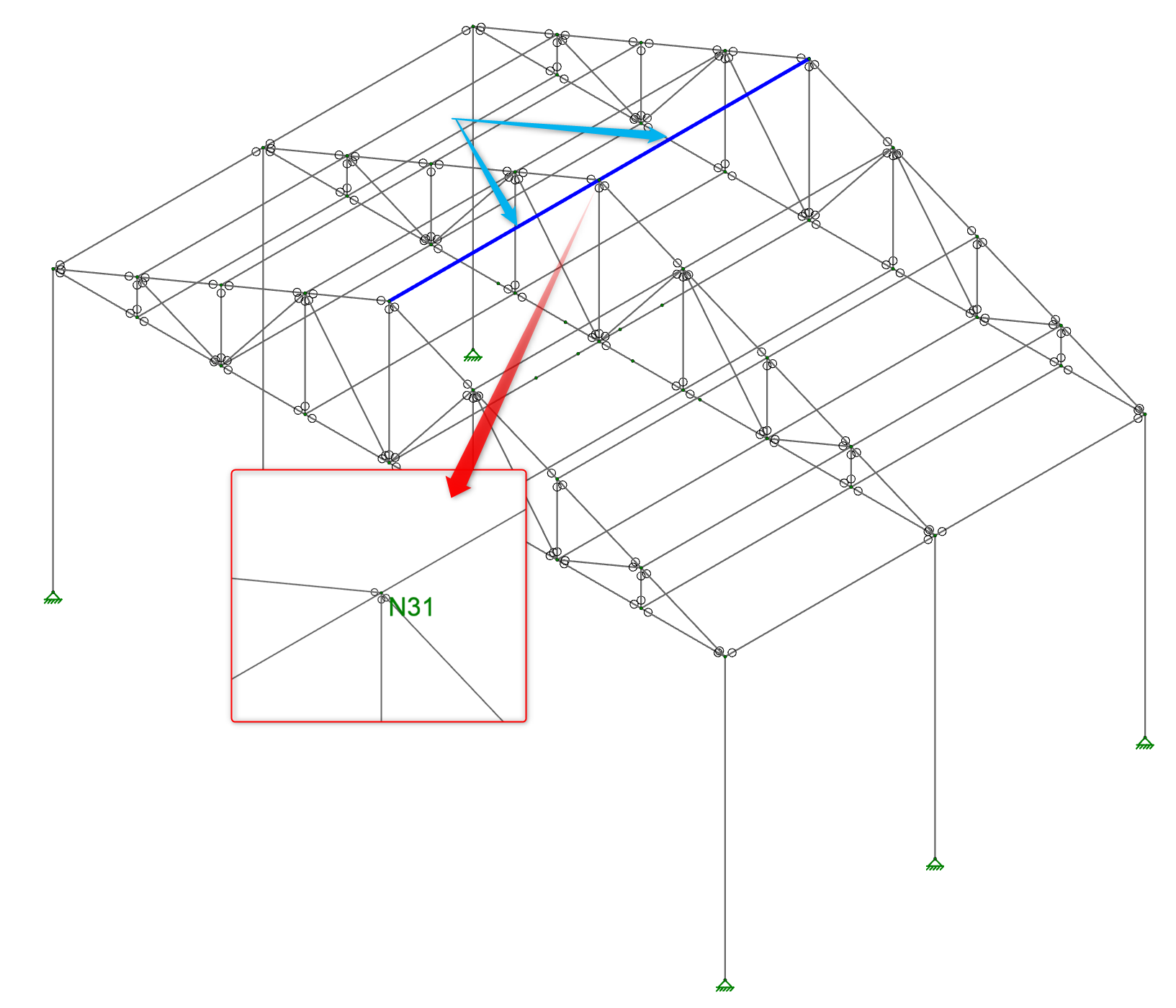
In this scenario our braced frames in our flexible diaphragm model have no out-of-plane stability provided, as the diaphragm has no physical effect on the model. When we solve this model we will receive instabilities in the solution.
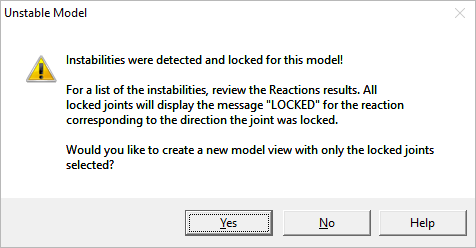
To handle this scenario we will use very small spring boundary conditions in the out-of-plane directions on the frames.
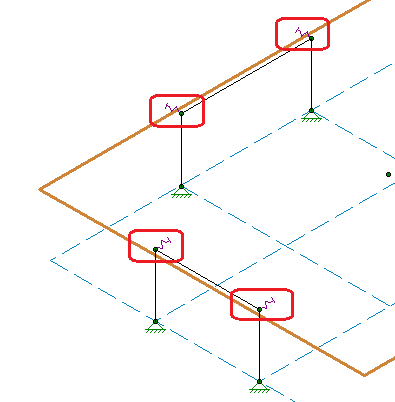
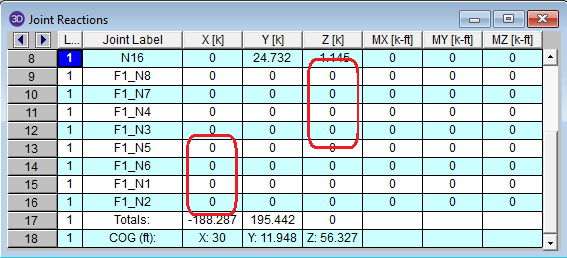
These are dummy boundary conditions of course. Because the springs are very flexible they take very little load out of the system while providing stability to our model. ALWAYS check the reactions at these dummy supports to make sure that the reactions are small. After solving we have now gotten rid of any instability messages and we can confirm that the reactions are very minimal.
Modeling instability can be one of the most frustrating errors to troubleshoot in structural software. Whether you're a new user or a seasoned pro,...
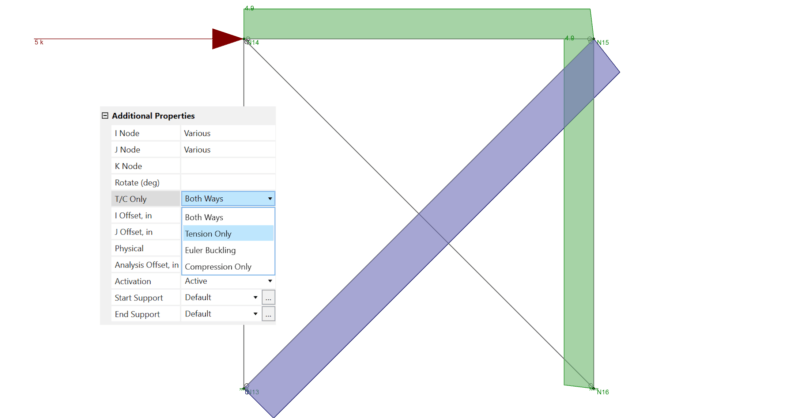
Before reading this, be sure to check out the article linked below on X-Bracing. In RISA-3D, you can set a member to be tension-only by selecting...
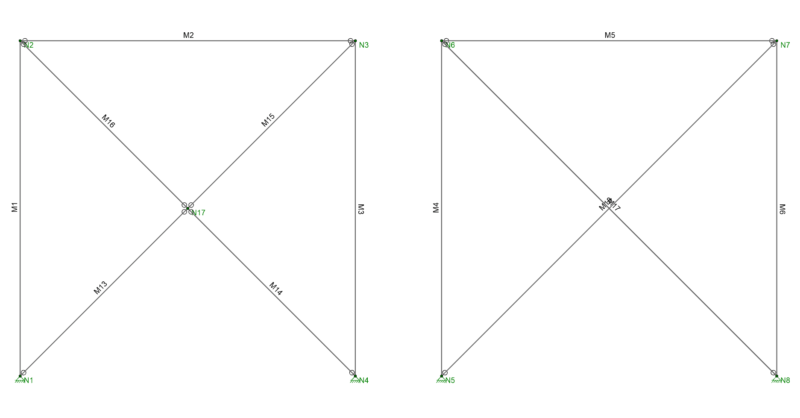
There are several tips to modeling X-Bracing within RISA-3D that can help the model solve faster and give you better results.