 By: Admin
How to Use Spreadsheets More Effectively in RISA
RISA includes various advanced spreadsheet operations that make reviewing input and results easy.

Try the Complete RISA Suite for
10 Days FREE

RISA Education

Video Library

Online Help

Get Support

About Us
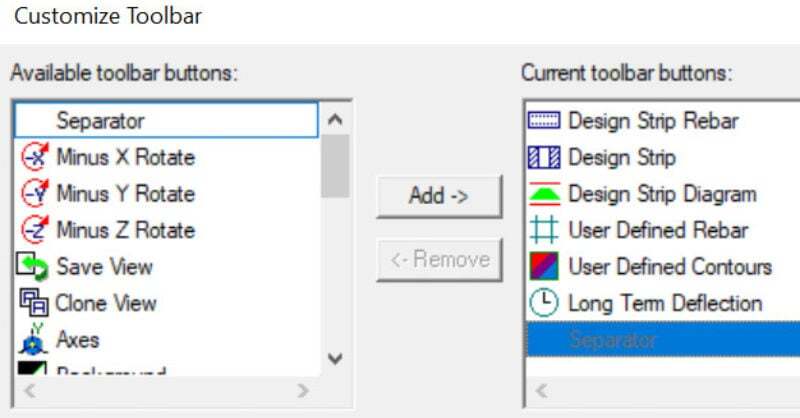
The customizable toolbar is a new feature in RISAFloor. It’s really useful and you may have overlooked it. You’ll find all of your familiar buttons as well some new buttons which make reviewing your model and results easier.
One of the most popular new buttons in RISA-3D is the Show Deflected Diagram button , which allows you to display the deflected shape with or without the deflected shadow.
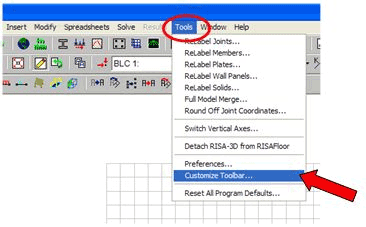
To setup your own toolbar just go to the Tools menu and select Customize Toolbar:
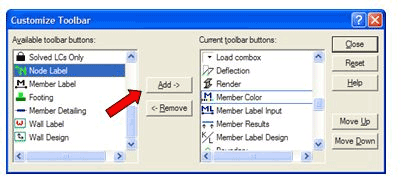
Select each of the buttons by clicking in the Available toolbar buttons box, and then click Add to place them on the Current toolbar buttons box:
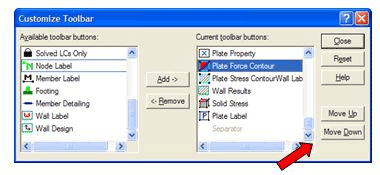
You can rearrange the toolbar by highlighting each button and clicking on the Move Up or Move Down buttons.
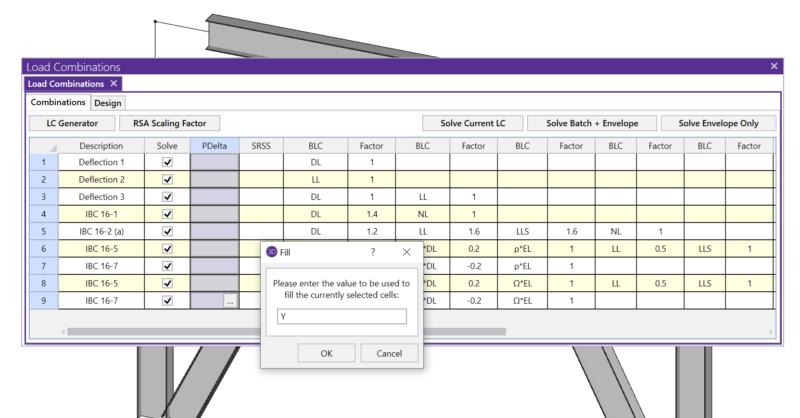
RISA includes various advanced spreadsheet operations that make reviewing input and results easy.

The International Code Council just released the 2018 International Building Code (IBC) in August 2017.
The new ACI 318-19 concrete code has been implemented into RISA-3D v19, RISAFloor v15, RISAFoundation v13 and RISA-2D v19.