 By: Admin
How to Check Frame Story Shears in RISA-3D
When using rigid diaphragm analysis in RISA-3D it can be useful to evaluate the story shear in each frame. This is a perfect application for the...

Try the Complete RISA Suite for
10 Days FREE

RISA Education

Video Library

Online Help

Get Support

About Us
We are pleased to announce our latest RISA-3D release. Our teams have been working hard to add the features and functionality that our customers have requested as well fix some of the issues that have been reported. New features in this release include:
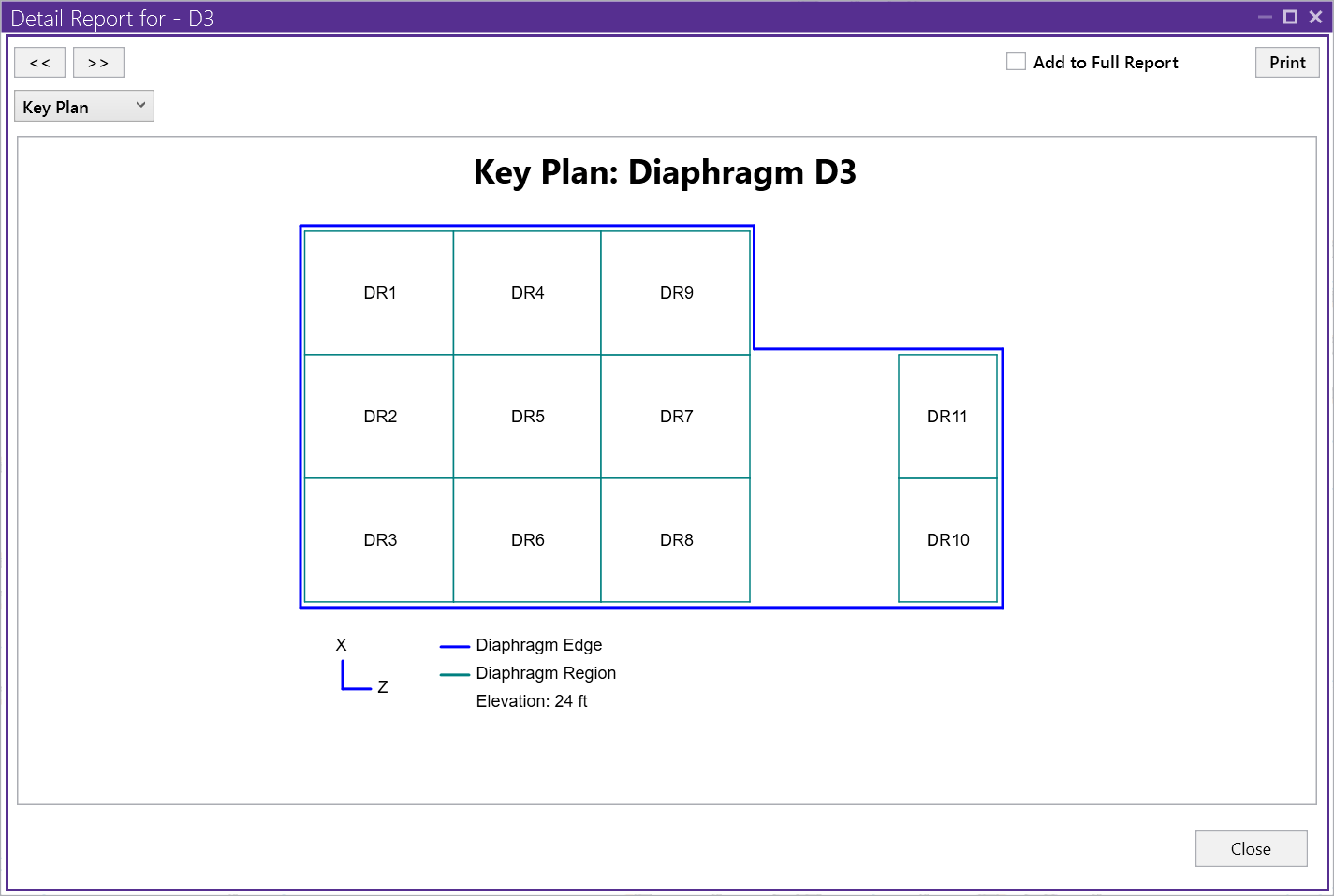
With multi-story wood buildings becoming more popular, the use of RISAFloor to design these structures is becoming more common. As a result, the design and detailing of the wood diaphragm is crucial to the overall completion of the design. RISA-3D now includes a robust detailed report for the design of a flexible wood diaphragm. Within the detailed report, the Diaphragm Detail Report Key Plan can be found, from which a user can then select a specific diaphragm region.
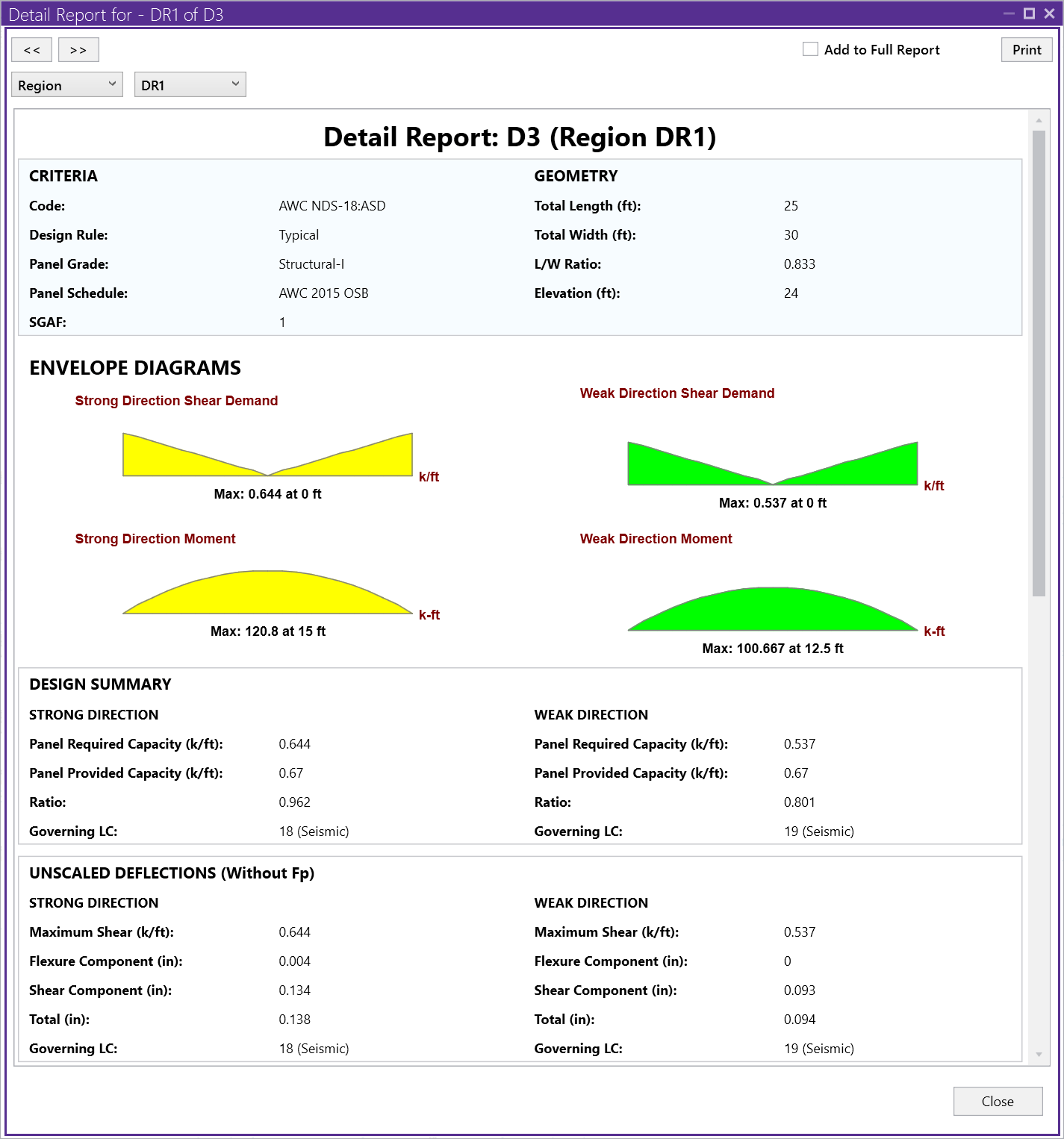
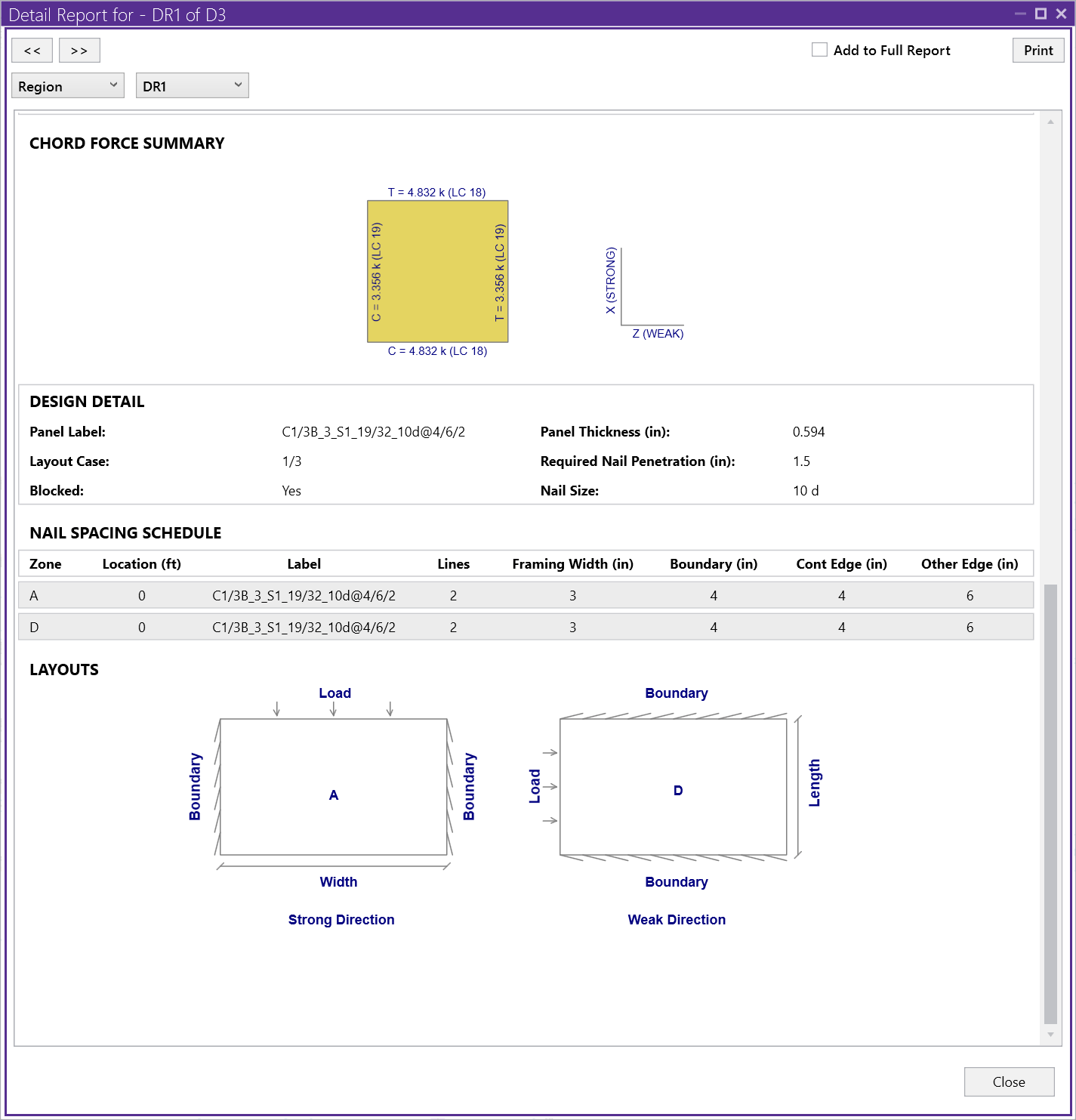
The Diaphragm Region detail report gives detailed information about the diaphragm design and is split into four main sections: Input, Envelope Diagrams, Design Summary and Chord Force Summary.
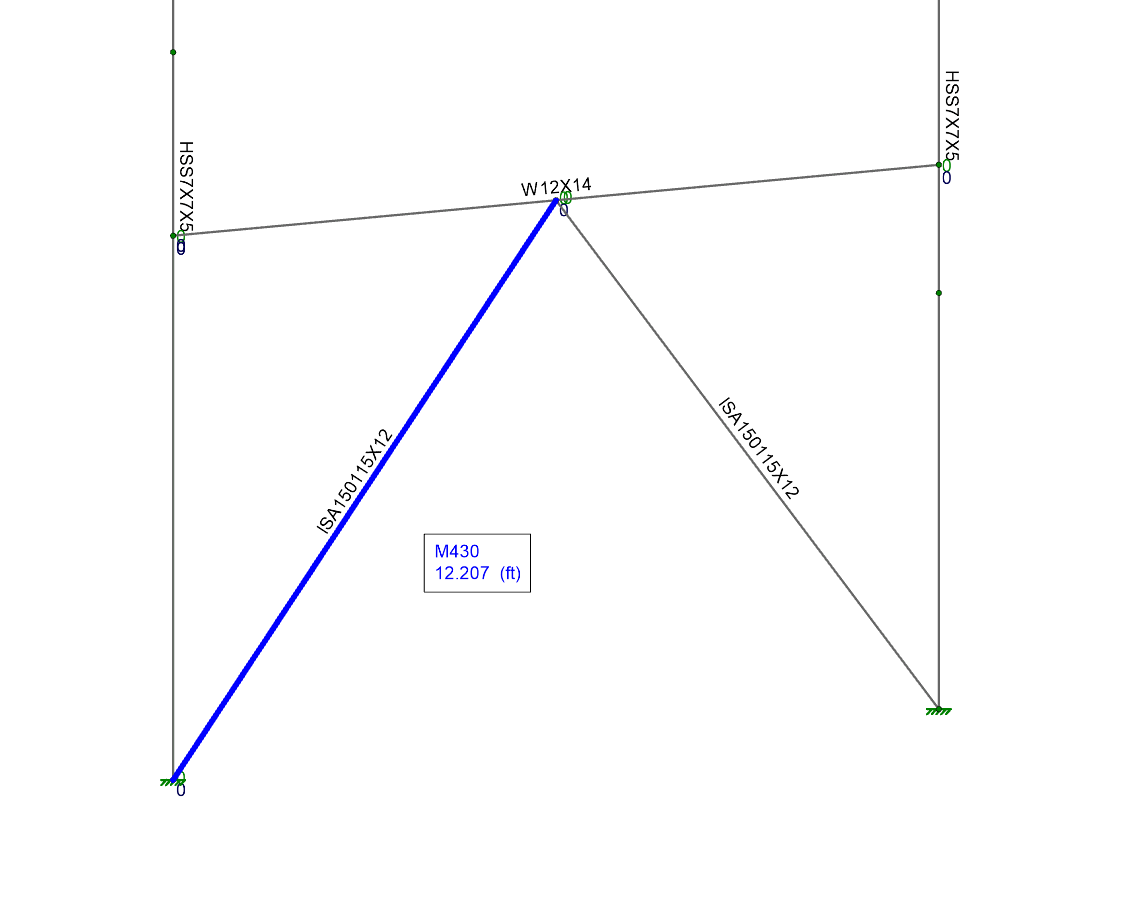
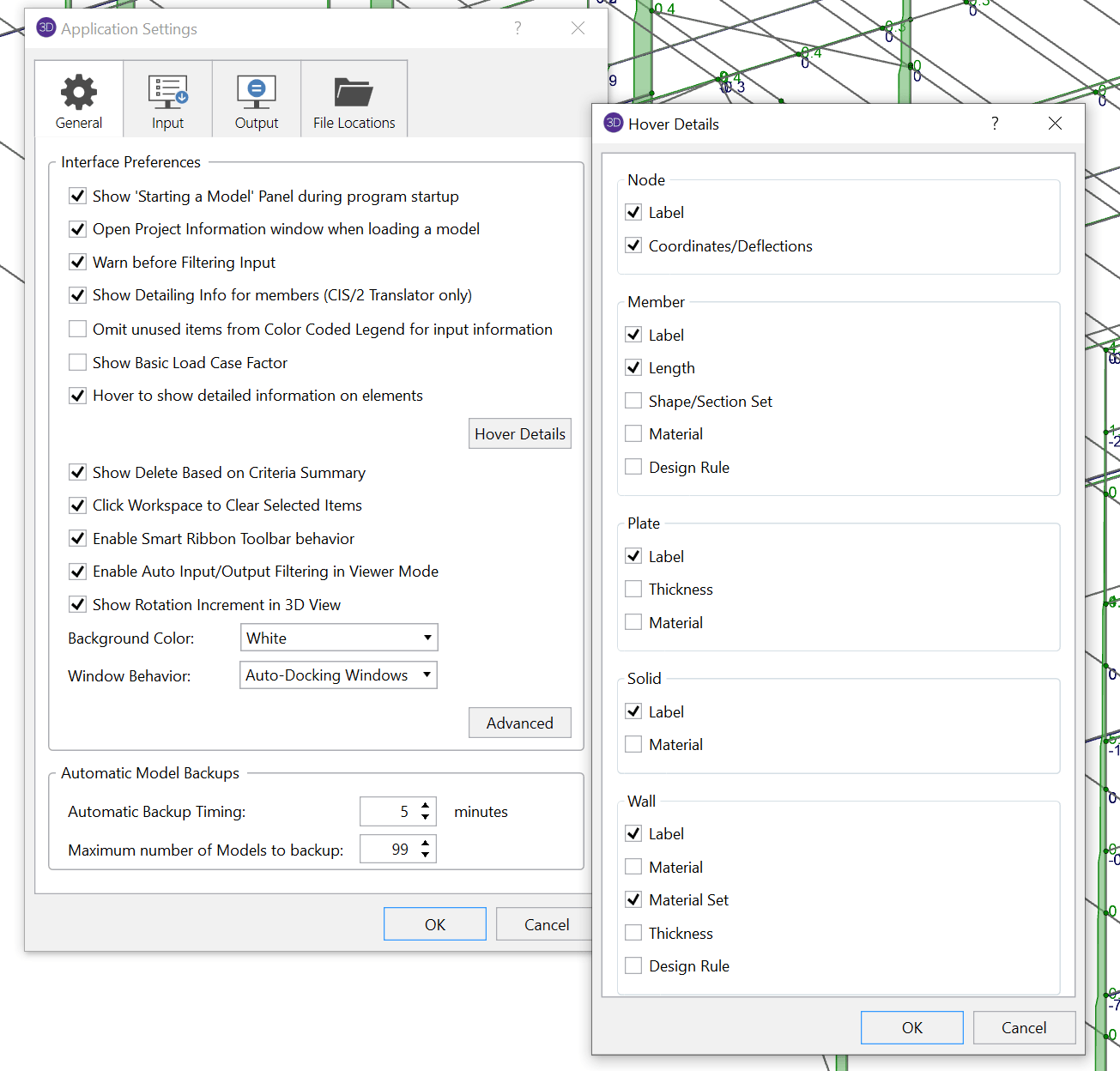
Users can now hover over elements within the graphical interface to see specific input and output data for the element. The information available can be toggled on/off within the Application Settings.
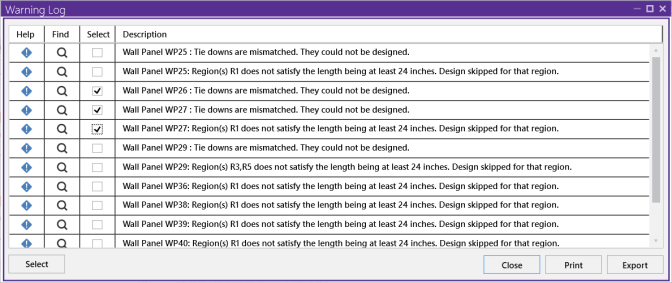
The Warning Log Spreadsheet provides users with a record of any warnings or errors that occurred during the solution of a model. The spreadsheet now includes a "Find" button that will automatically zoom the graphical view to the specific element. The "Select" checkbox can be used highlight in the graphical view the elements a particular warning is referring to.
For more information about these features as well as everything included in the RISA-3D v20.0.4 release, please review the release notes:

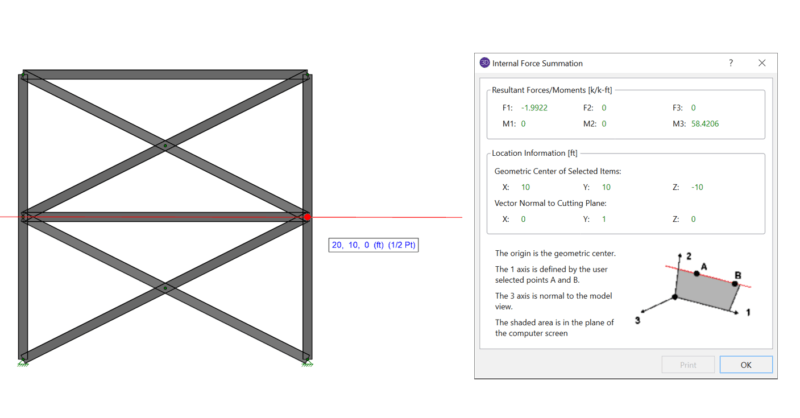
When using rigid diaphragm analysis in RISA-3D it can be useful to evaluate the story shear in each frame. This is a perfect application for the...
The latest releases of RISAFloor (Version 15.0.1) and RISA-3D (Version 19.0.1) include consideration for accidental torsion and eccentric loading...
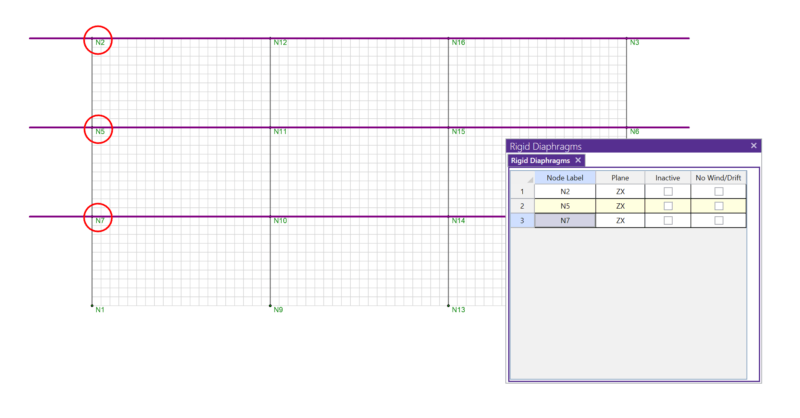
In RISA-3D, rigid diaphragms can be added using the Diaphragm spreadsheet. Just enter the node label and then choose the horizontal plane. ...