 By: Admin
Adding Roof Parapets in RISAFloor
RISAFloor v11 now includes the option to add parapets and parapet loading to a building.

Try the Complete RISA Suite for
10 Days FREE

RISA Education

Video Library

Online Help

Get Support

About Us
RISAFloor v11 allows users to add parapets while allowing the program to calculate the wind loads per the ASCE 7 parapet wind loading requirements.
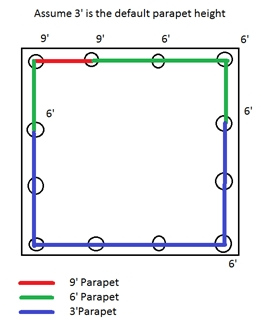
The Floors spreadsheet has a parapet height per floor which is the default for the entire floor level. You can then go into the Columns and Wall Panels spreadsheets to customize the height of your parapets around the edges of your roof.
For columns, the program will go around the edge of your roof and find the column parapet height at each location. The smaller of the two values between the two columns is the parapet height.
Once this is complete you can solve your model and use the Director to go to RISA-3D, where you view the Wind Load Generation dialog.
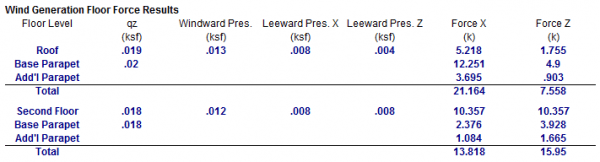
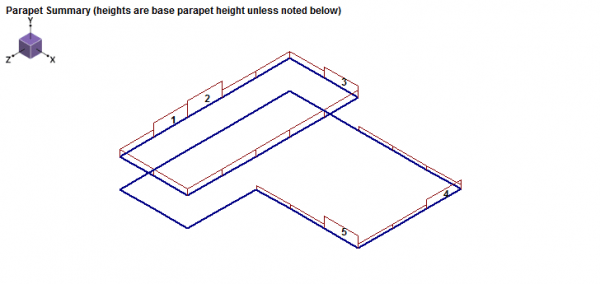
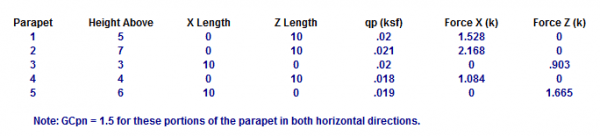
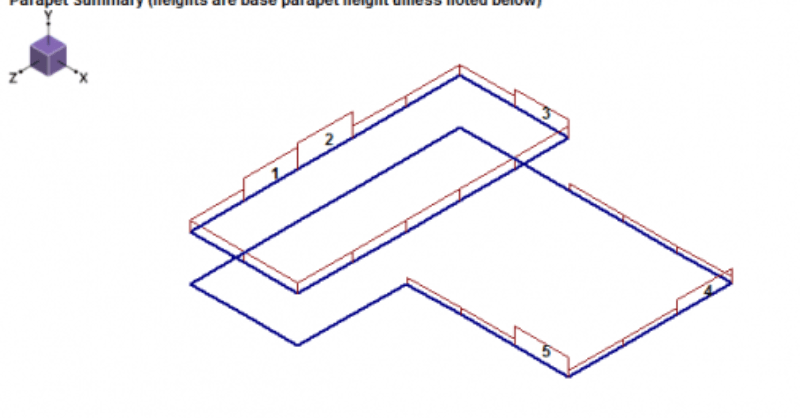
From here you can see the defined geometry and the wind load at each parapet. This load is then lumped in with the regular roof wind load to give a total wind force in each direction.
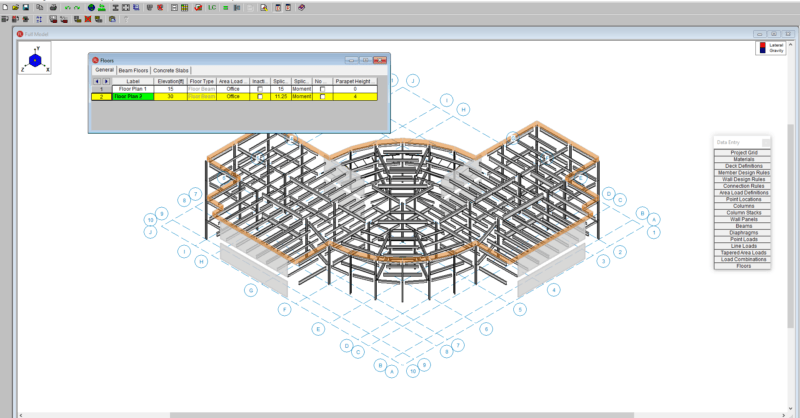
RISAFloor v11 now includes the option to add parapets and parapet loading to a building.

RISAFloor v11 includes the new Area Load Query tool which allows users to visually inspect the area loads applied to a floor level.
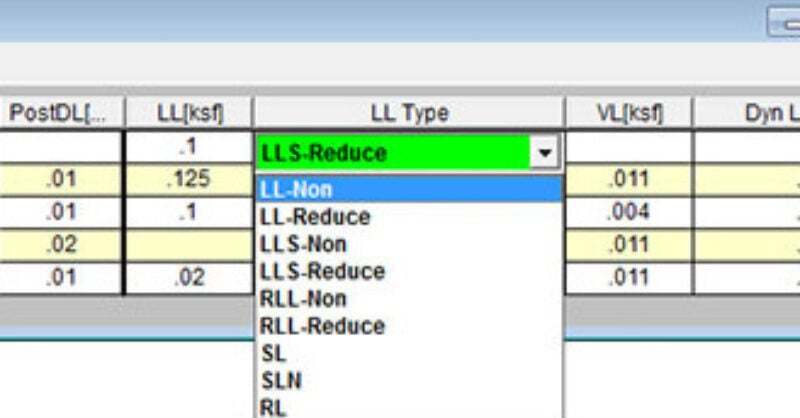
In RISAFloor, there are several different Load Categories that define Live Load. The IBC and the ASCE7 both have provisions that allow you to...