 By: Admin
How Do I Investigate My RISA-3D Model Using the Deflected Shape?
When your RISA-3D model is not behaving as you anticipated, one of the best tools you have is viewing the deflected shape. Displaying the...

Try the Complete RISA Suite for
10 Days FREE

RISA Education

Video Library

Online Help

Get Support

About Us
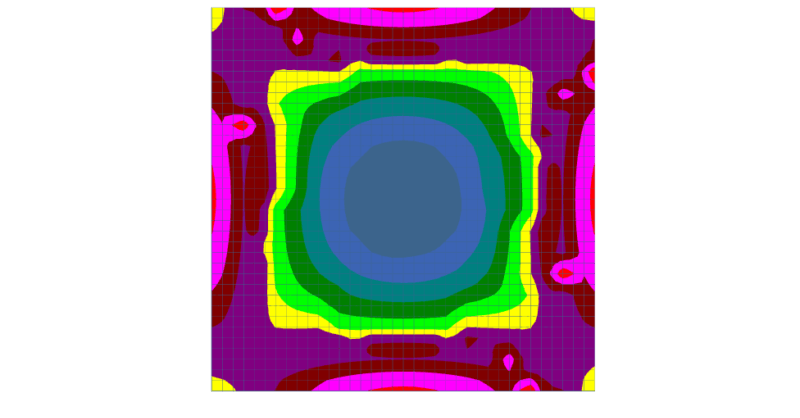
After solution in RISA-3D, you can use Results View Settings to view the Plate Contours graphically on your model.
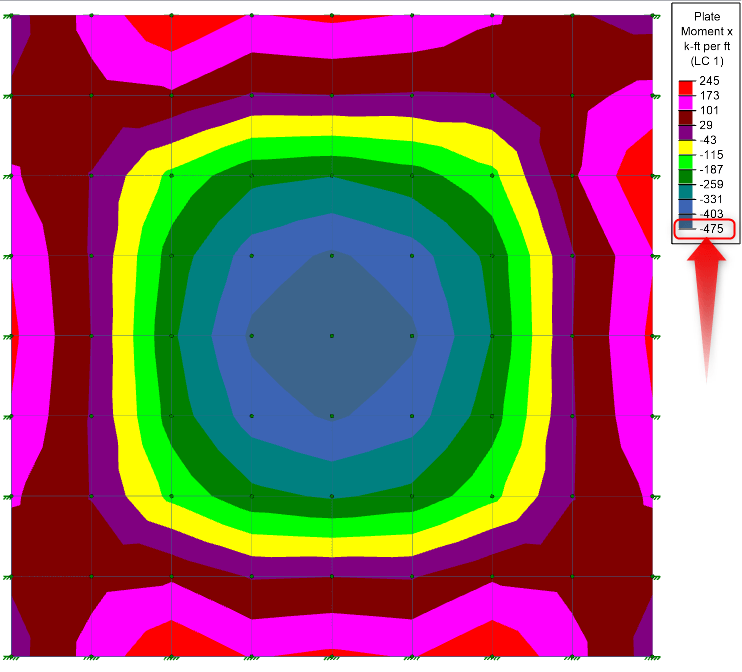
Many times, these contour values will not exactly match the values reported in the Plate Forces/Stresses spreadsheets.
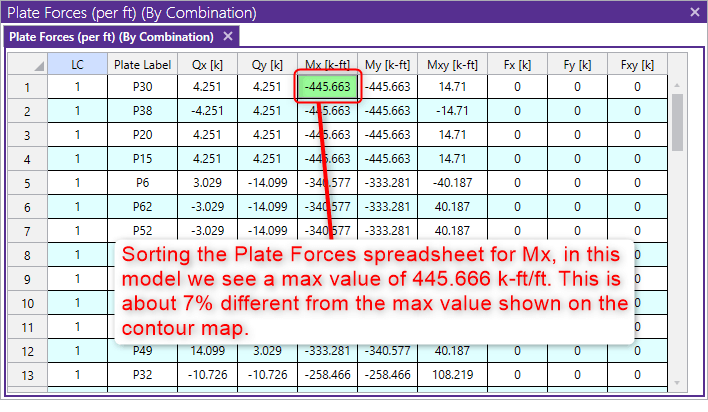
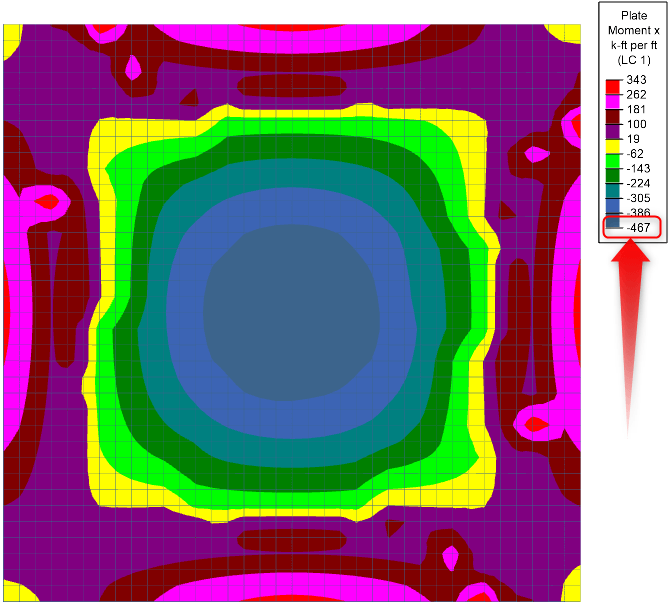
This is because the contour maps are created using a smoothing algorithm that connects the spreadsheet value (this is the true analysis value, taken at the center of each plate with the values of the plates around it to create the contour).
You can increase the accuracy of your contours by meshing your plates into smaller plates, but for design purposes, we still generally recommend that you use the spreadsheet values.

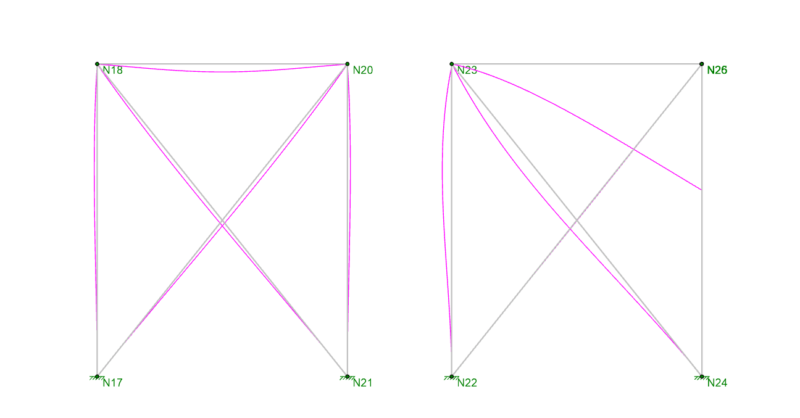
When your RISA-3D model is not behaving as you anticipated, one of the best tools you have is viewing the deflected shape. Displaying the...

While RISA-3D (or RISA-2D) does not have an explicit tool to punch a hole in a plate, you can use the following steps to manually model them:
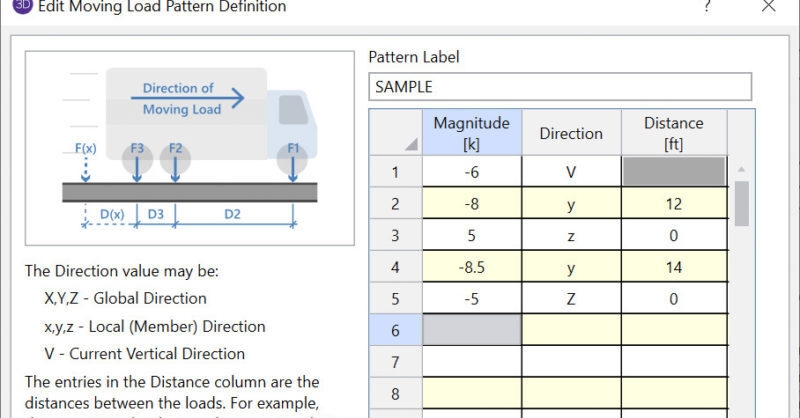
RISA-3D and RISA-2D come with a default list of existing moving load patterns. These are listed in the Moving Loads Library which can be viewed by...