Experience RISA-3D v21 User Interface Enhancements
RISA-3D v21 now offers a modern user interface that allows users to more easily utilize the tools and features that make RISA-3D great....

Try the Complete RISA Suite for
10 Days FREE

RISA Education

Video Library

Online Help

Get Support

About Us
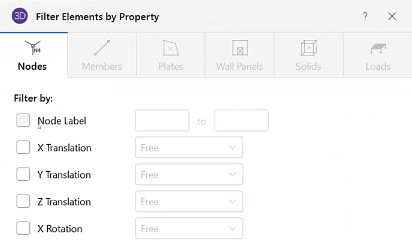
With the addition of Filter Elements by Property option in RISA-3D v21, the printed reports have been improved. In previous versions, you had to filter each report section. Now you’ll find the Report spreadsheets can be filter in one location for the printed report. The Filter Elements by Property option will filter the sections included in the report based on selected property. This applies to both spreadsheets and detail reports.
To select these filter settings for your printed reports, click the ellipsis in the report section:

RISA-3D v21 now offers a modern user interface that allows users to more easily utilize the tools and features that make RISA-3D great....
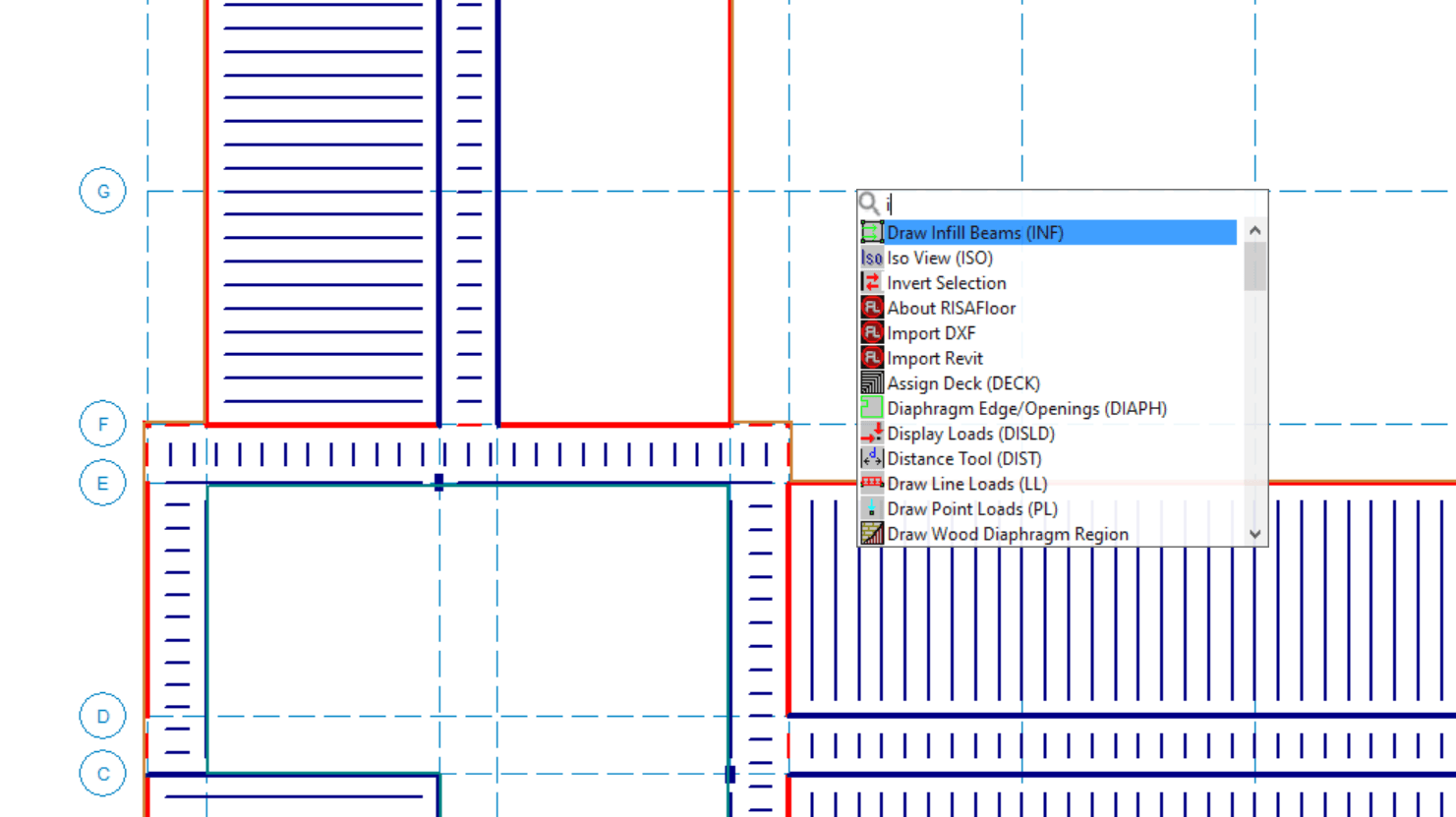
New features are now available in the recent release of RISACore (RISA-3D v21.0.1, RISAFloor v17.0.1, and RISAFoundation v15.0.1) . We are...