 By: Admin
OCBF & SCBF Seismic Brace Connections now Available
RISAConnection v6 has introduced the ability to design vertical brace connections per the seismic design provisions of the AISC 341-10 Seismic...

Try the Complete RISA Suite for
10 Days FREE

RISA Education

Video Library

Online Help

Get Support

About Us
RISAConnection version 6.0 has introduced the ability to design vertical brace connections per the seismic design provisions of the AISC 341-10 Seismic Design Manual.
Now you can export Vertical Diagonal Brace Connections and Vertical Chevron Brace Connections from RISA-3D into RISAConnection as either Ordinary Concentric Braced Frames (OCBF) or Special Concentric Braced Frames (SCBF).
See post for information on How to Model a Seismic Vertical Brace Connection in the stand alone version of RISAConnection.
Link: Seismic Brace Connections now Available
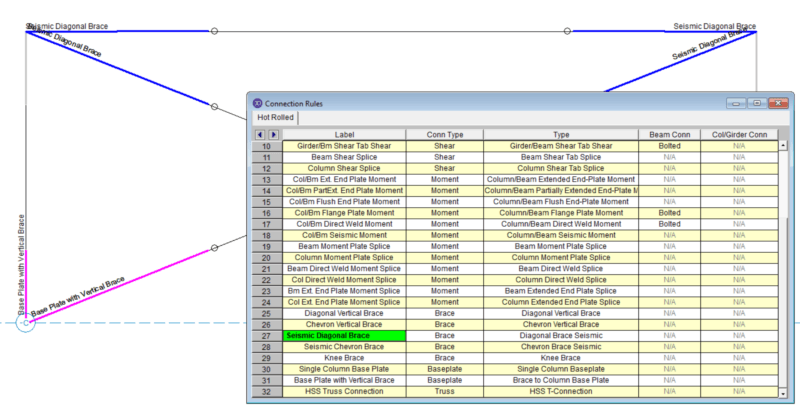
1. First, you must create and apply a Seismic vertical brace Connection Rule to your member in RISA-3D. The application rules are the same as for non-seismic vertical braces.

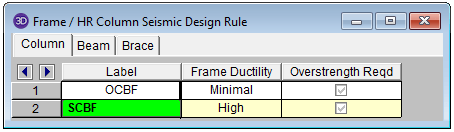
2. You must also create and apply an appropriate Seismic Design Rule. For OCBF, select a “Minimal” Frame Ductility. For SCBF, select “High” Frame Ductility.
3. Solve the RISA-3D model. Note that you must solve for RISA-3D Seismic Detailing results. If your solution does not include Seismic Detailing results, you will not be able to export the correct brace axial forces into RISAConnection.

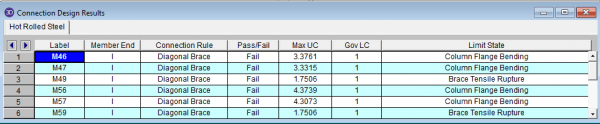
4. Solve the Connections within RISA-3D to see a summary of the connection design.
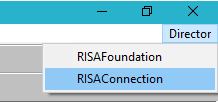
5. For details on the connection design, use the Director tool to export to RISAConnection.
1. Once RISAConnection is launched, your model will automatically open so you can edit your connection details.
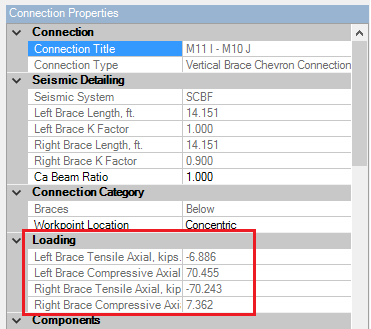
2. RISAConnection will automatically import the Connection Type, Seismic System, Brace Lengths and Effective Length Factors.

3. It will also import the maximum possible brace forces in tension and compression. These results come from the RISA-3D Seismic Detailing results and are independent of the selected load combination.
4. The results report will include a new Seismic tab which includes all of the relevant seismic limit state checks and load calculations.
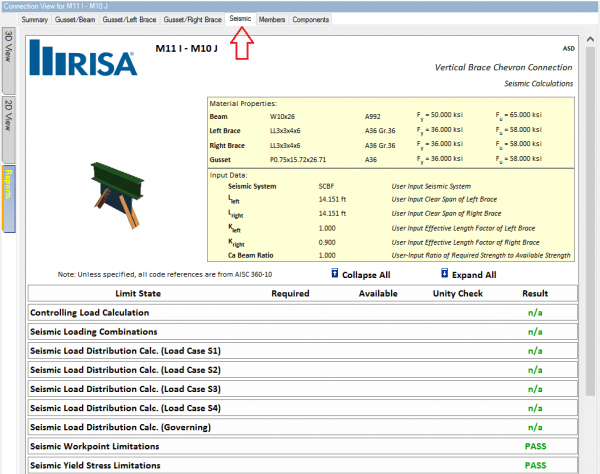
5. Each of the existing tabs will report the governing calculated forces in tension and compression so all possible limit states may be checked accordingly.


RISAConnection v6 has introduced the ability to design vertical brace connections per the seismic design provisions of the AISC 341-10 Seismic...

RISAConnection now offers the ability to use a wide flange brace member in Vertical Brace Connections.
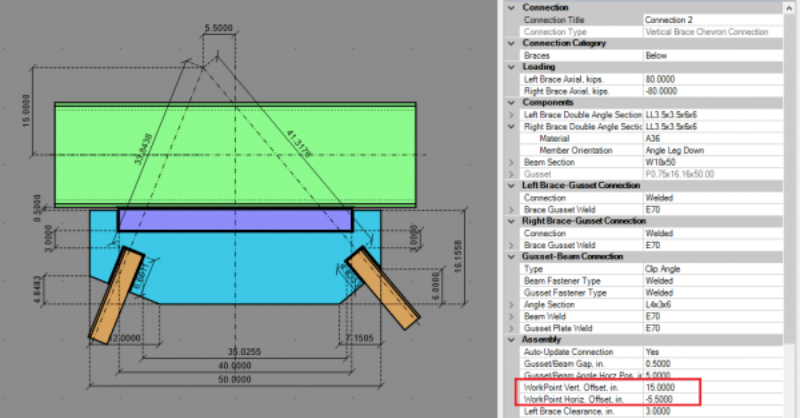
RISAConnection now offers the ability to enter an eccentric work point for the braces on a Vertical Brace Chevron Connection.