 By: Admin
Importing Recorded Seismic Ground Motions
The Pacific Earthquake Engineering Research center (PEER) has a large library of measured earthquake records. Below is an example of how to...

Try the Complete RISA Suite for
10 Days FREE

RISA Education

Video Library

Online Help

Get Support

About Us
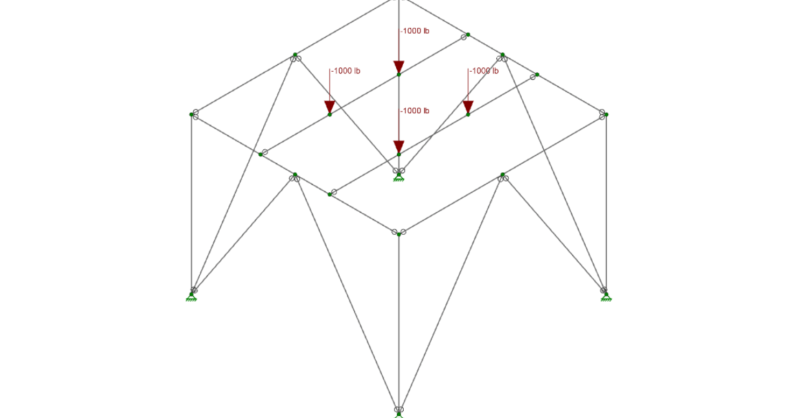
RISA-3D can be used to model the effects of rotating machinery on their support structures. In the model below, we have a structure which is to support a piece of rotating machinery.
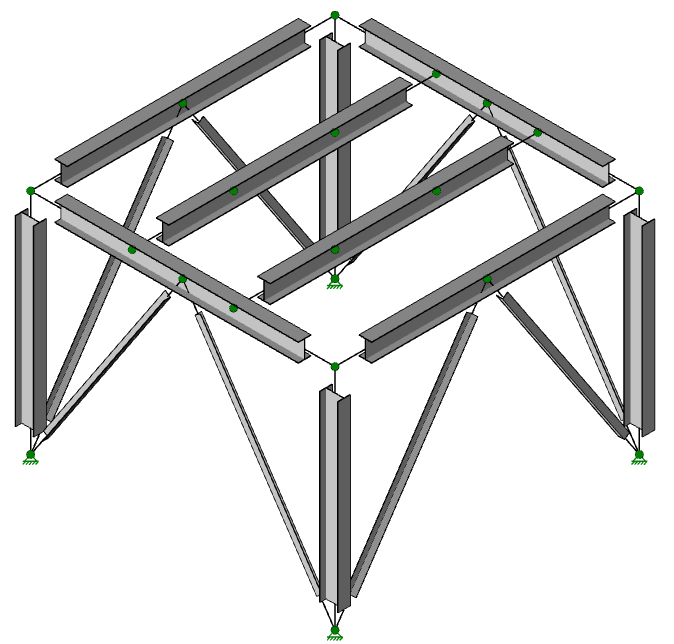
To begin, we will add the load at each node where the machinery will bear on the support beams. We have done this by using the Nodal Loads tool and changing the type to Load.
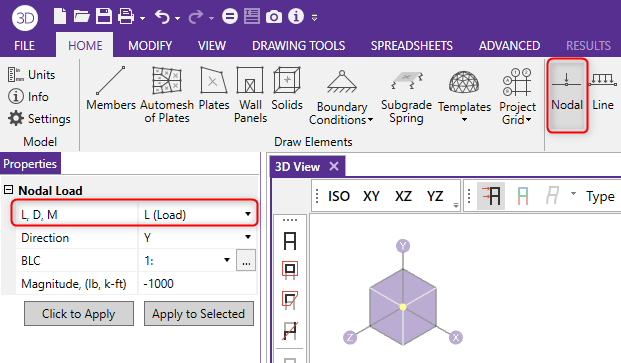
In our example, 1000 lbs at four locations.

Once the load is added, we need to simulate a rotation caused by the machinery at these four points. To accomplish this, a Time History function can be created that will simulate the operation frequency of our machinery. To do this, navigate to Advanced > Time History > Generate, where the frequency that will occur at each bearing point can be input.
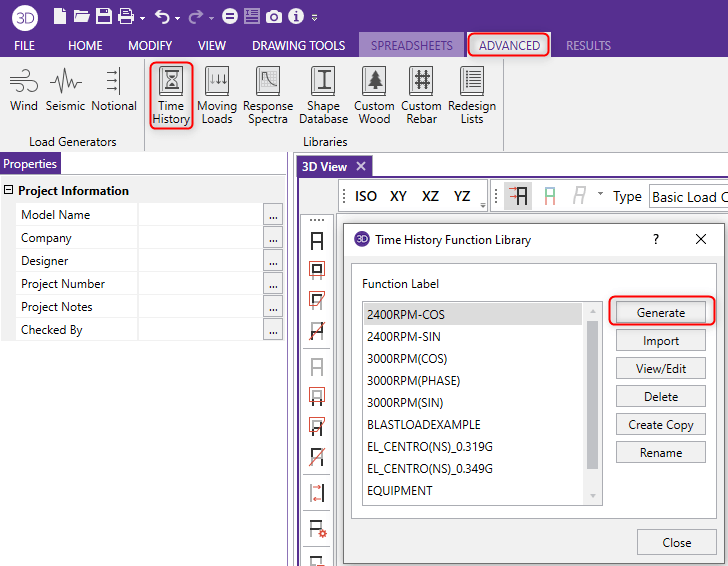
As shown below, we can modify the Time History function in order to simulate the start up and shut down of the machinery.

For additional information on the Ramp Up and Coast Down sections of the time history function, check out the support article listed below:

With the function created, the time history load is applied by opening the Time History Loads spreadsheet, selecting the time history function we created, specifying the correct nodes to apply the load to and specifying the direction in which the acceleration will act.
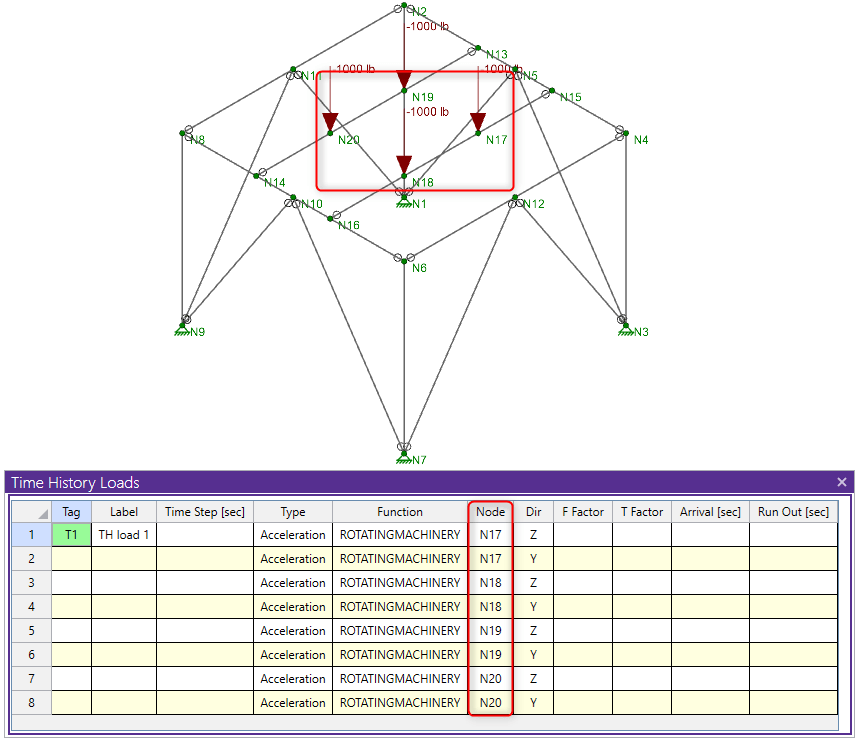
Once the loads are created and assigned properly, a load combination that includes these loads can be created and solved.

RISA-3D will first ask you to perform a dynamic analysis which will provide frequencies, periods and mass participations for the structure. Once this is complete, you can solve the time history load combination again and RISA-3D will perform the time history analysis on the structure. Once the solution is complete, you can begin looking through the results such as Member Deflections and Member Code Checks. Additionally, you can view the animation of the time history loading on your structure.
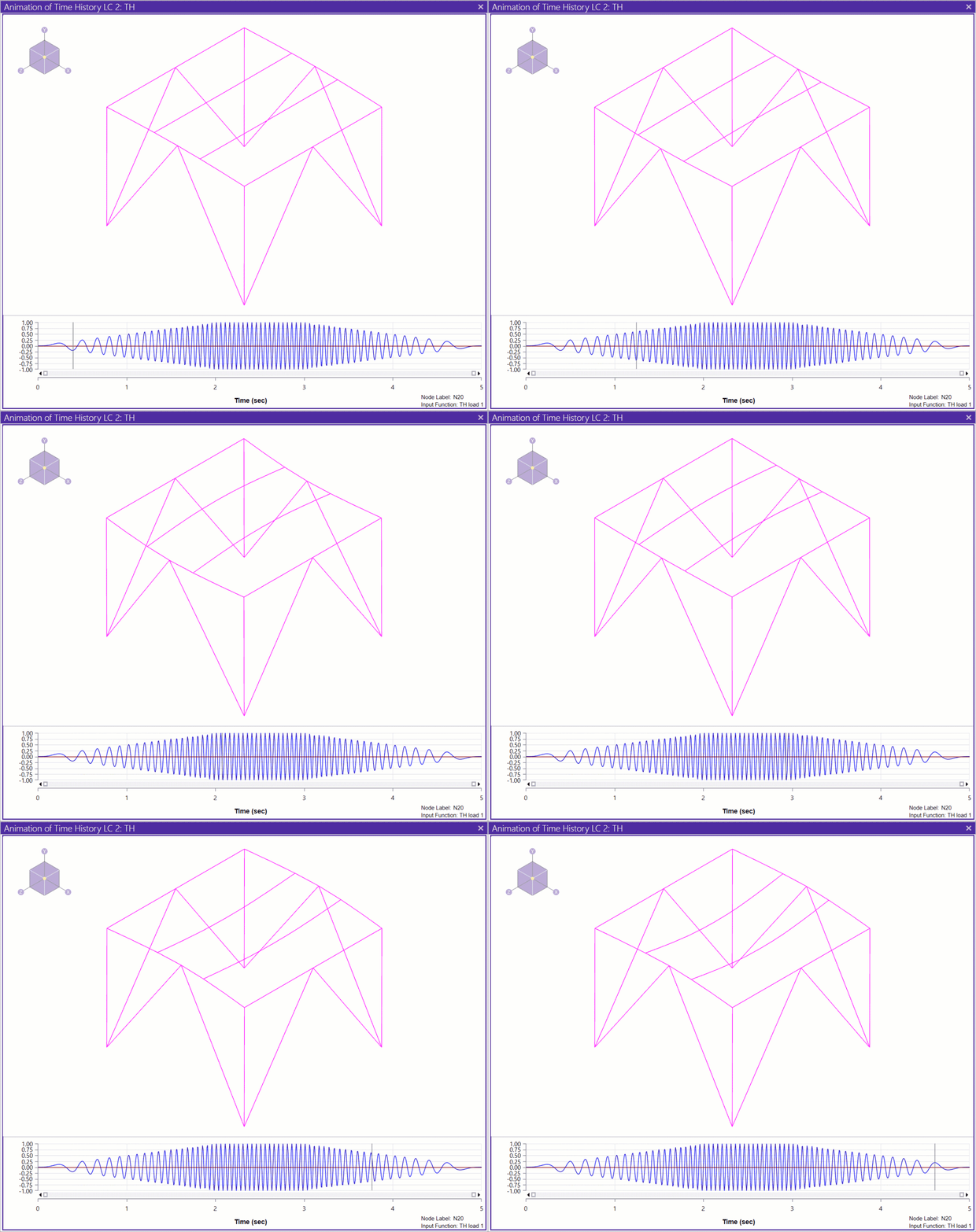
For information on how to make a time history animation video, please see the article below.

The Pacific Earthquake Engineering Research center (PEER) has a large library of measured earthquake records. Below is an example of how to...

New in RISA-3D v14 is the introduction of a Time History analysis feature. Time history functions may be generated directly in the program based...
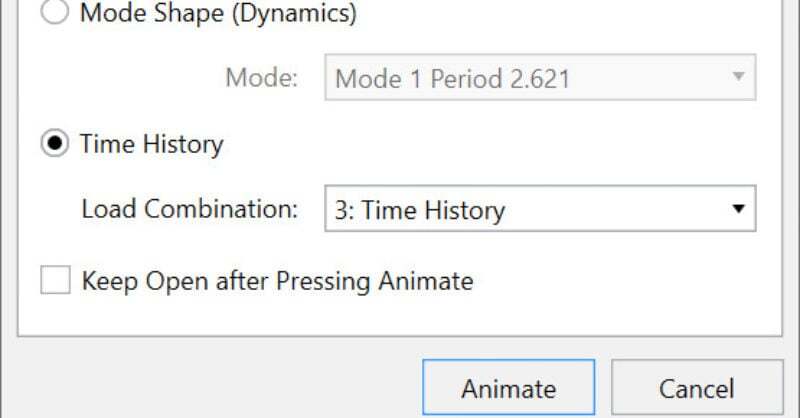
Time history analysis solves for normal analysis results (joint displacements, member forces, code checks, etc.) based on loading that varies with...