 By: Admin
Expanded Results for Contour Plots
Color contours and gradients can be very helpful to visualize the forces/stresses of plates and wall panels. But did you know there are other...

Try the Complete RISA Suite for
10 Days FREE

RISA Education

Video Library

Online Help

Get Support

About Us
You may be familiar with the Internal Force Summation Tool (IFST) that is currently present in RISA-3D. However, a new tool has been added which allows you to click point to point within a wall and will only sum forces between these two points. Previously when using the IFST, forces were summed across all elements within the plane of a cut.
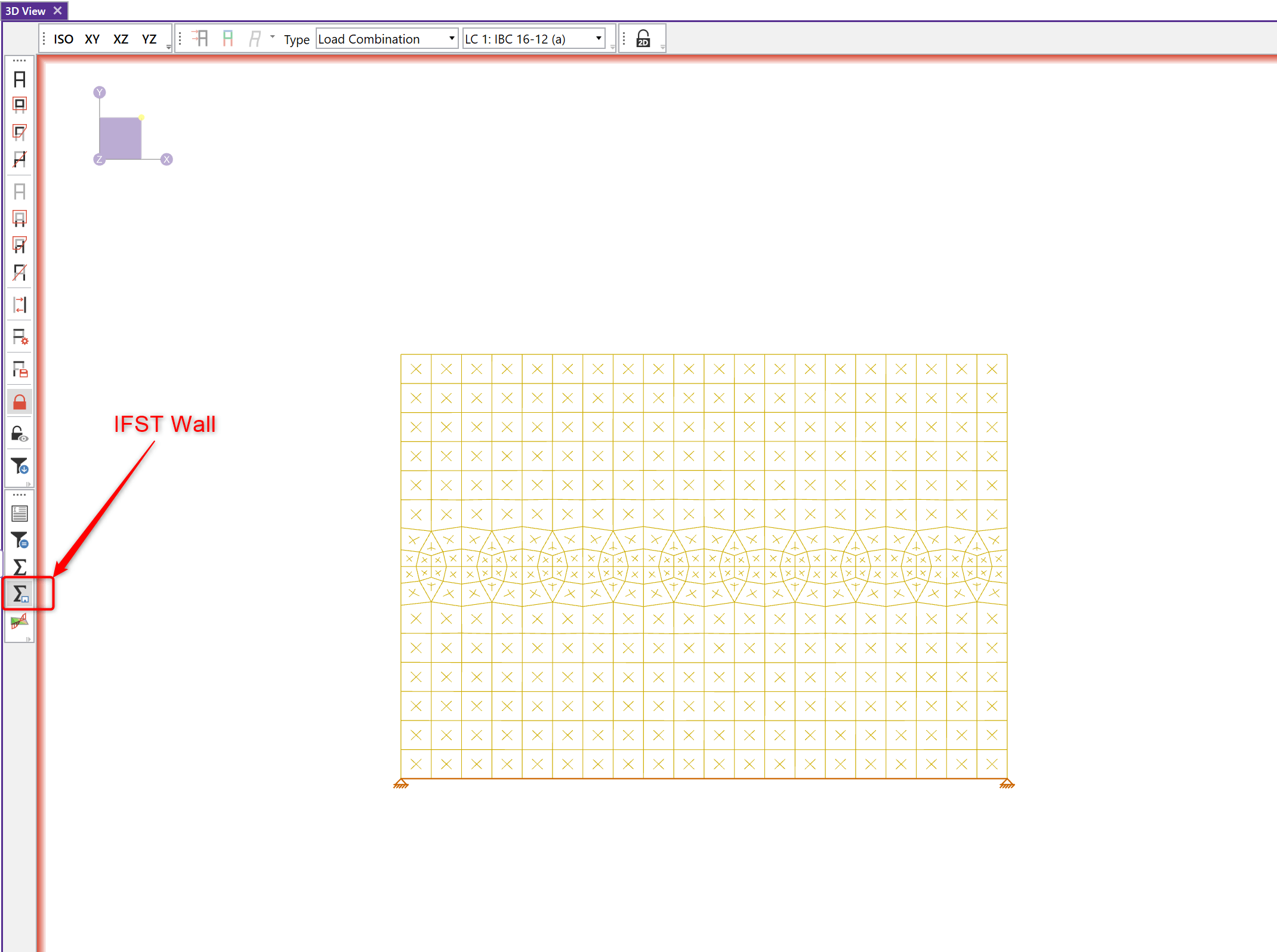
The previous IFST is still available, but the new IFST Wall tool is located on the left side of the screen as well.
A few rules to keep in mind when using this tool:
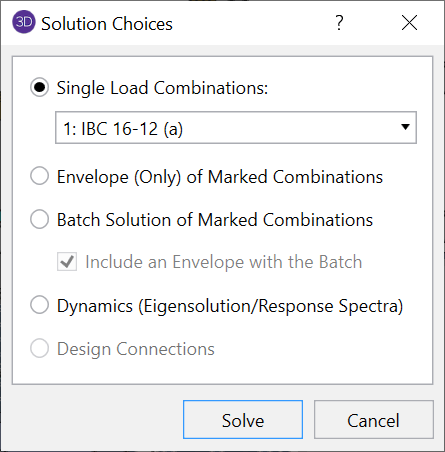
A batch solution or single load combination must be run.
The wall or walls in question need to be selected in the model view.
The IFST Wall can be used along multiple walls. However the walls must be in the same plane.
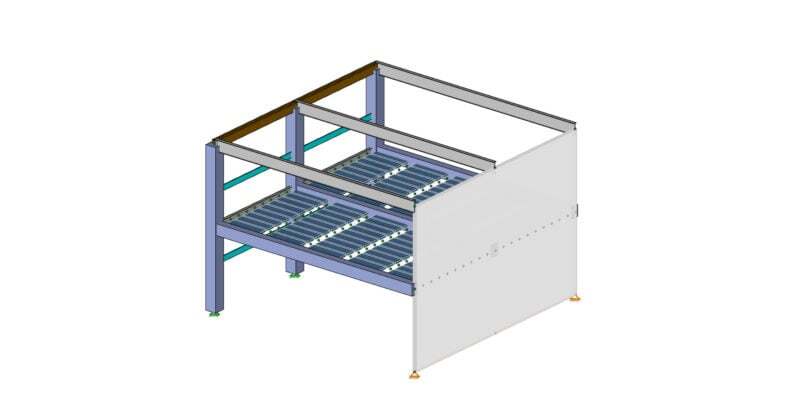
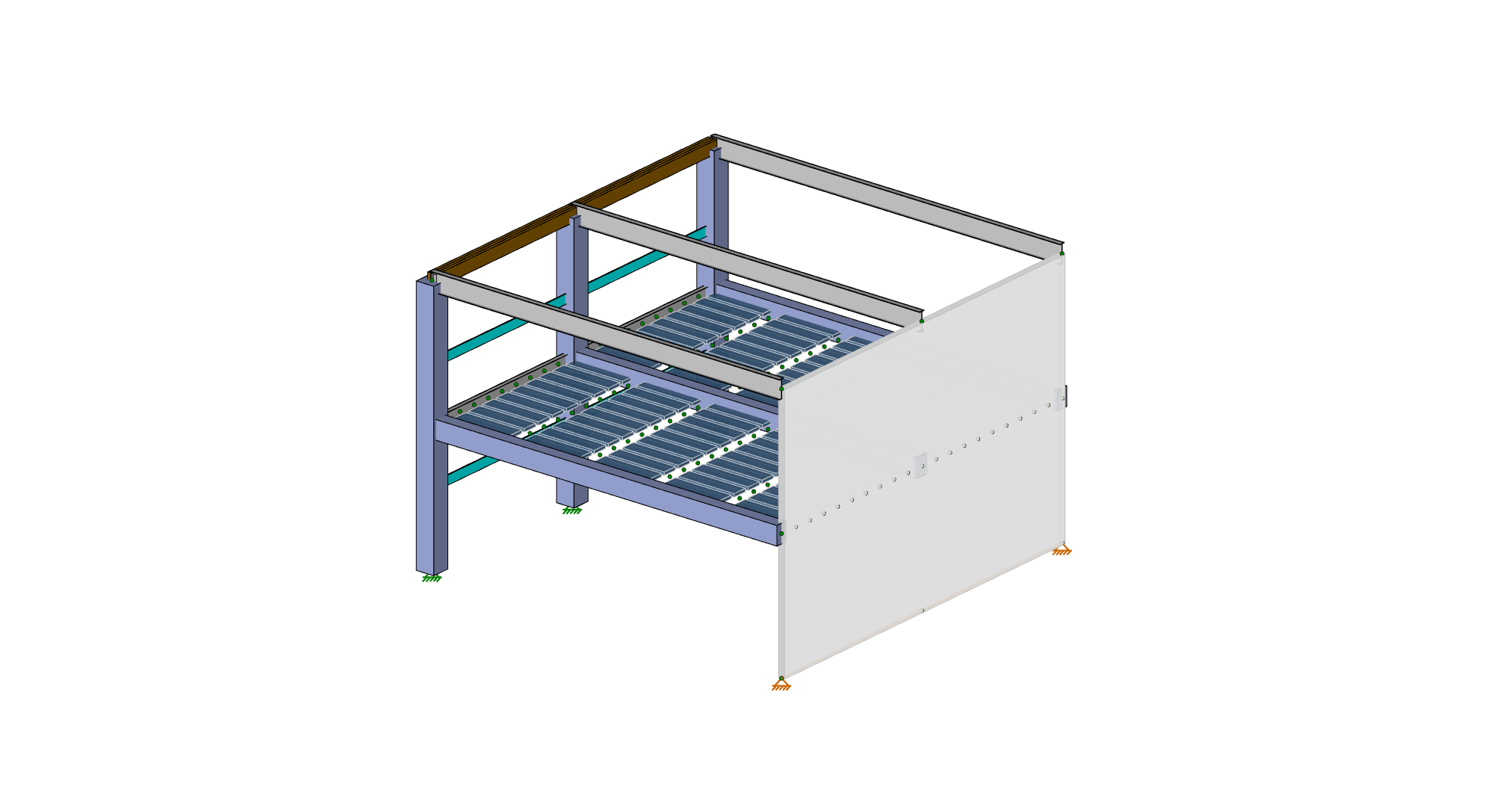
Let’s take a look at an example using the IFST Wall. Below is a model where we are interested in the forces within a section of the wall:
1. Run a single load combination solution of the model.
2. For ease of viewing the wall panel, we will only select that element in the model. This is not necessary though unlike with the IFST. We will display the model in elevation view.

3. Select the IFST Wall and the wall panel mesh will automatically be shown.
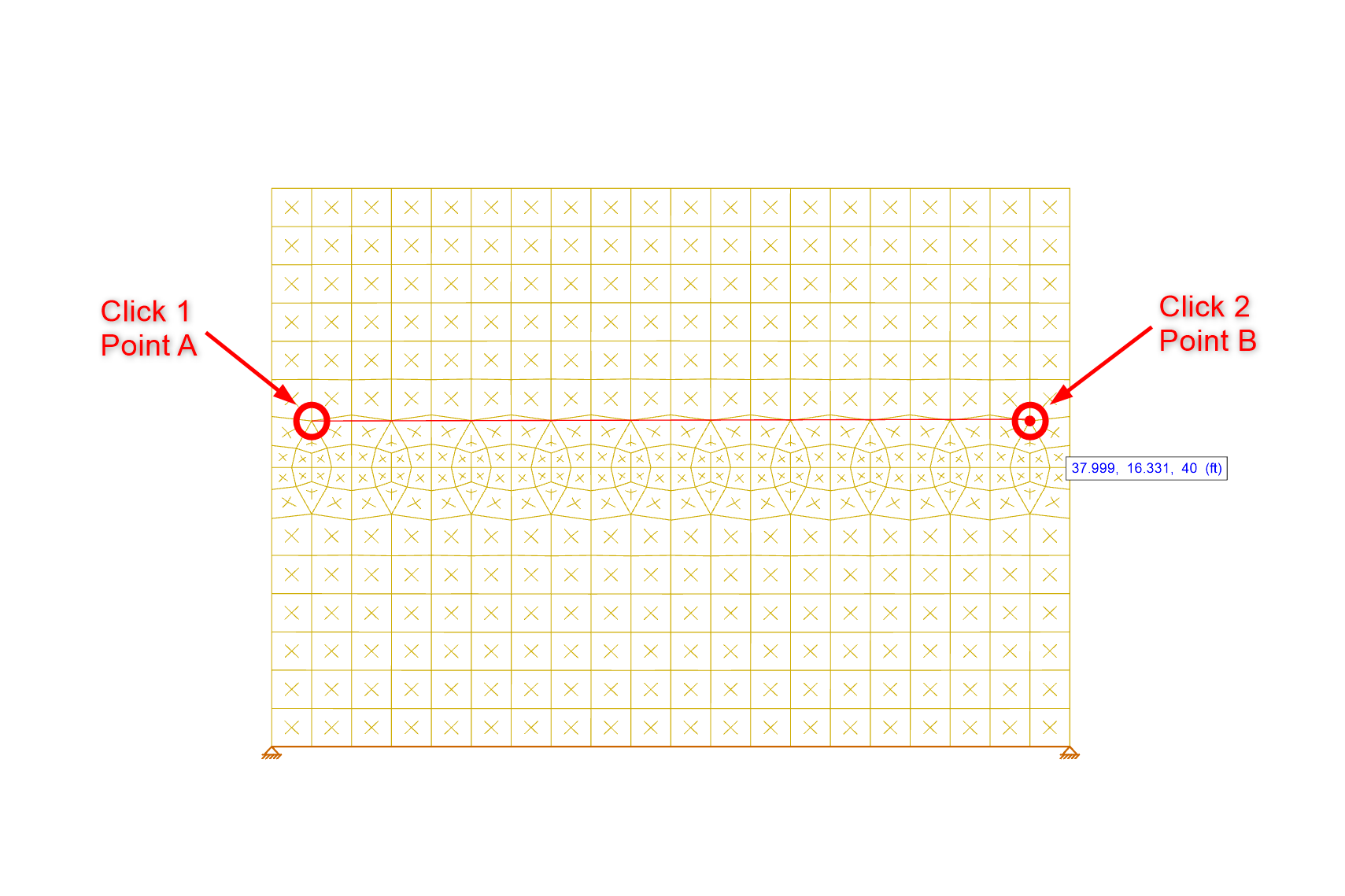
4. Click two points to designate the cutting line. Snap points include nodes and mesh points within the wall. For this example we will click within the wall mesh.
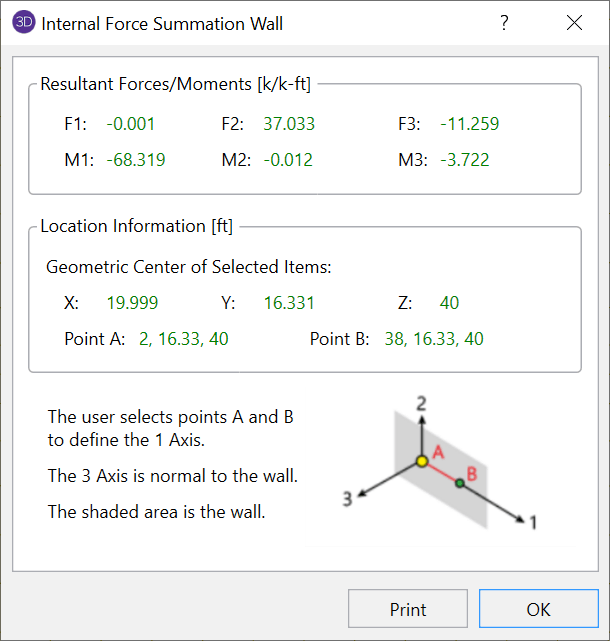
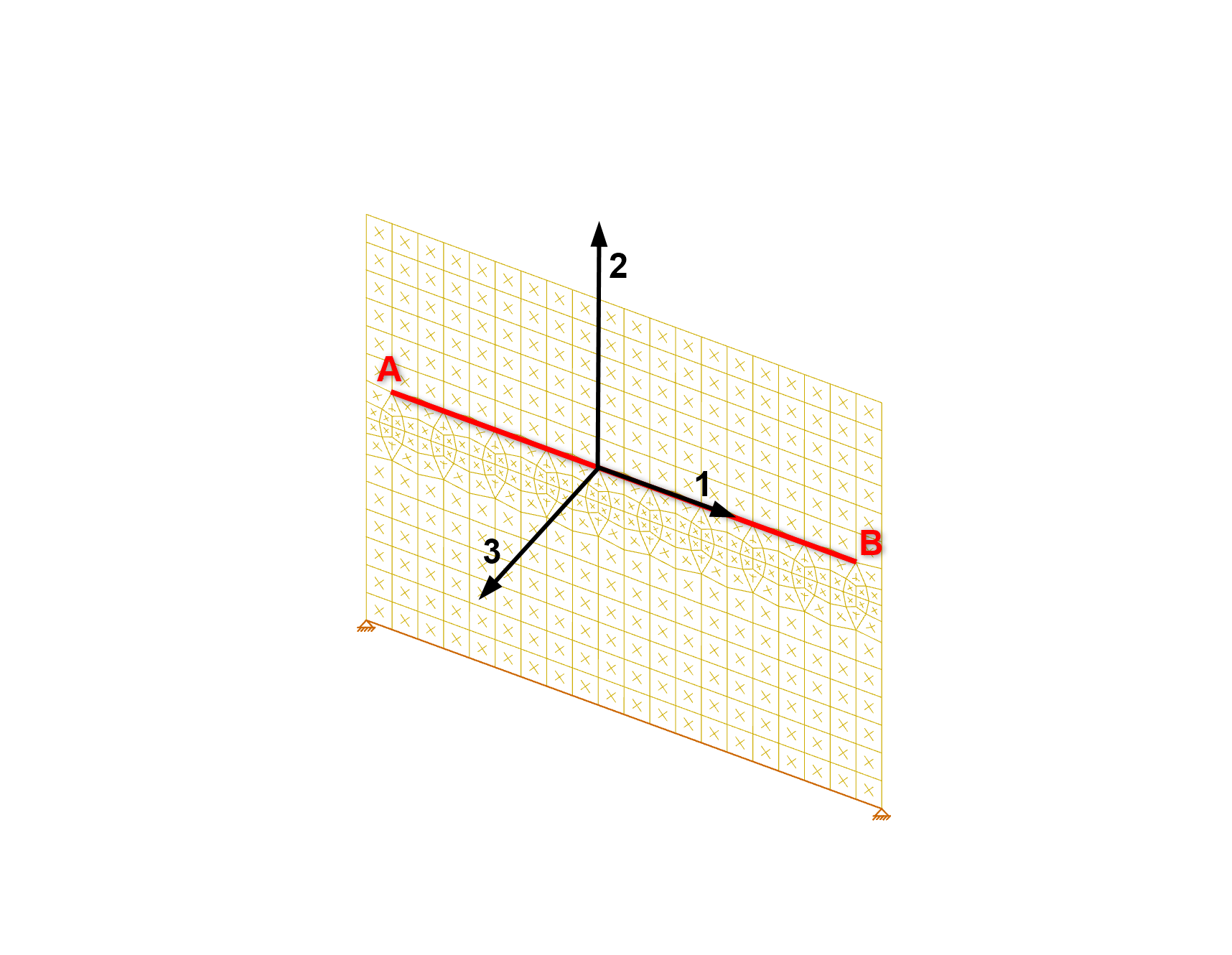
5. This will bring up the force summation dialog box. Remember the summation is only between Points A and B. The axes labeled 1, 2, and 3 correspond to the clicked points A and B.
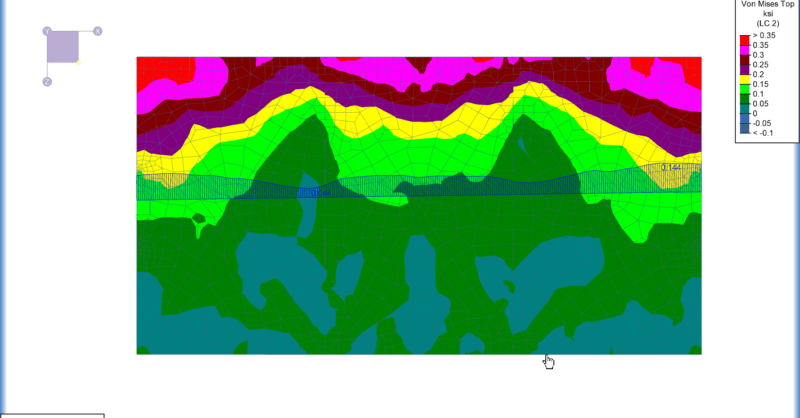
Color contours and gradients can be very helpful to visualize the forces/stresses of plates and wall panels. But did you know there are other...
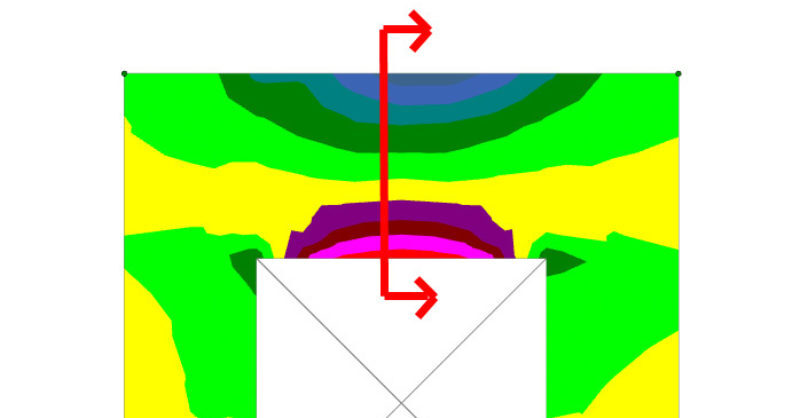
RISA-3D now has the ability to design concrete walls with openings for both in-plane and out of plane loading. For lintels we provide analysis...
With the adoption of ASCE 7-22, the concept of a multi-period response spectrum has been added to seismic design requirements. While this provides...