 By: Admin
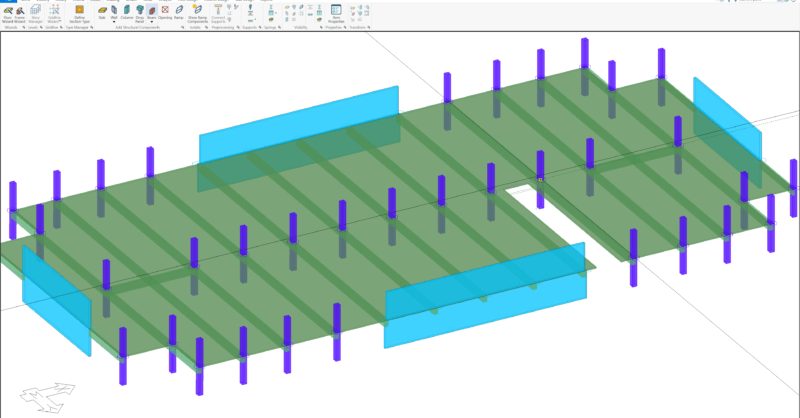
Improved Functionality in ADAPT-Builder v20.0.1
The latest release of ADAPT-Builder (Version 20.0.1) includes improvements to model input, colorization and result display.

Try the Complete RISA Suite for
10 Days FREE

RISA Education

Video Library

Online Help

Get Support

About Us
Modeling complex structures in any structural analysis and design software can be cumbersome. ADAPT-Builder provides users with straightforward modeling operations and functionality within an easy to navigate user interface which allows for efficient model creation. The resources below outline the fundamentals of modeling in ADAPT-Builder.

Importing a Model from Revit
Creating a model using DWG files
Modeling Pits and Sunken Slabs
Modeling Idealized Braced Frames
Modeling Springs at Column Bases
For additional videos focused on modeling in ADAPT-Builder, visit the complete YouTube playlist:


The latest release of ADAPT-Builder (Version 20.0.1) includes improvements to model input, colorization and result display.
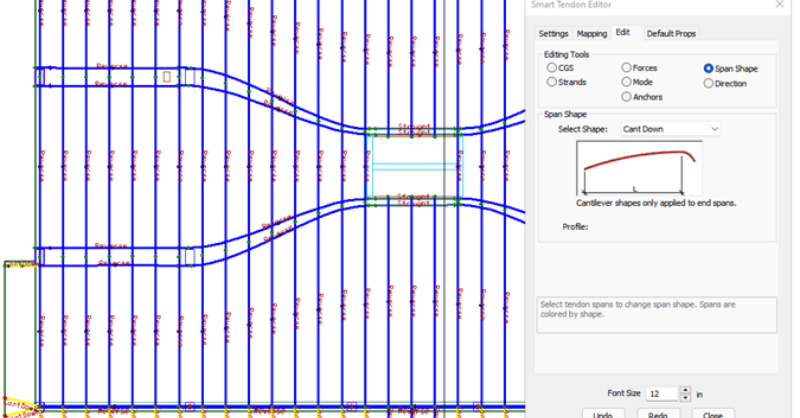
ADAPT-Builder v21 now includes a new set of Smart Tools that assist the user in efficient modeling and modification of tendons. These tools...

RISA is excited to announce the acquisition of ADAPT Corporation. Over the past 30 years, both RISA and ADAPT have focused on developing best in...