 By: Admin
Using Sum of Reactions in RISA-3D
RISA-3D will now check your model for errors by summing the reactions in your model and comparing them to the applied loads. This occurs for the...

Try the Complete RISA Suite for
10 Days FREE

RISA Education

Video Library

Online Help

Get Support

About Us
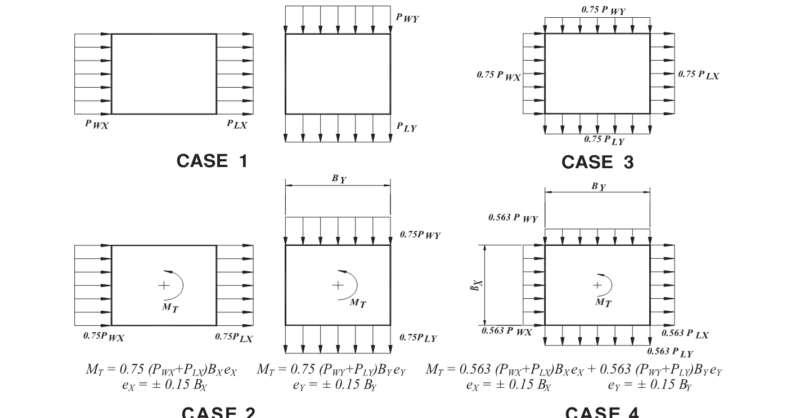
RISA-3D automatically considers the complex wind combinations required by ASCE 7 using the wind load generator and the load combination generator.
Table 27.4-8 shows the various Design Wind Load Cases that must be considered.

These four cases create a multitude of different possible wind scenarios. RISA-3D will automatically generate these loads in the Wind Load Generator by going to Advanced > Wind. Once the design parameters are entered, the program will generate the wind forces. Please note that rigid diaphragms must be used in order to automatically generate wind loads.
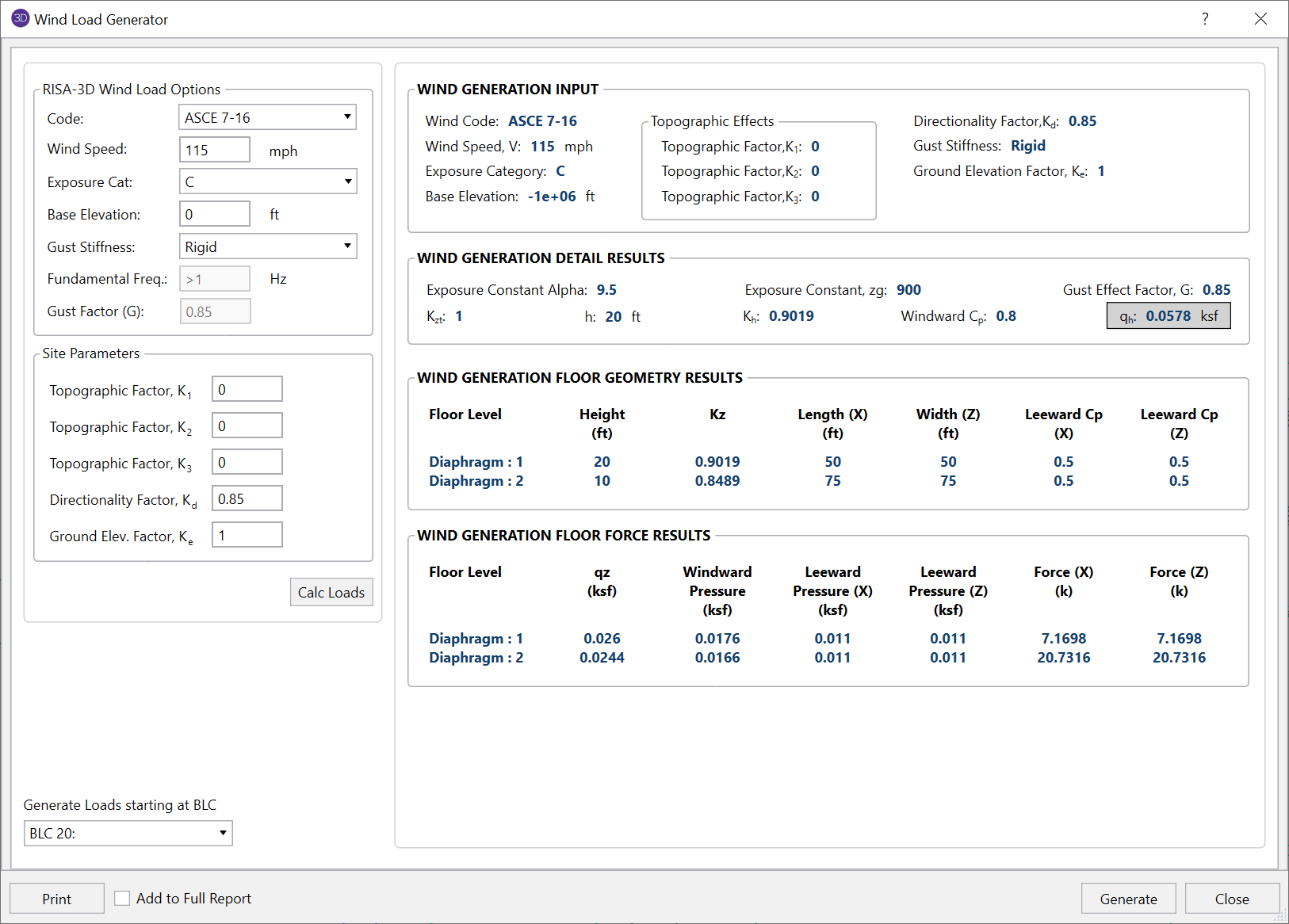
Once the wind loads are generated, use the Load Combination Generator button within the Load Combinations spreadsheet and choose the X and Z w/Quart. Enable the the Reversible checkbox to generate all of the combinations created from Table 27.4-8.

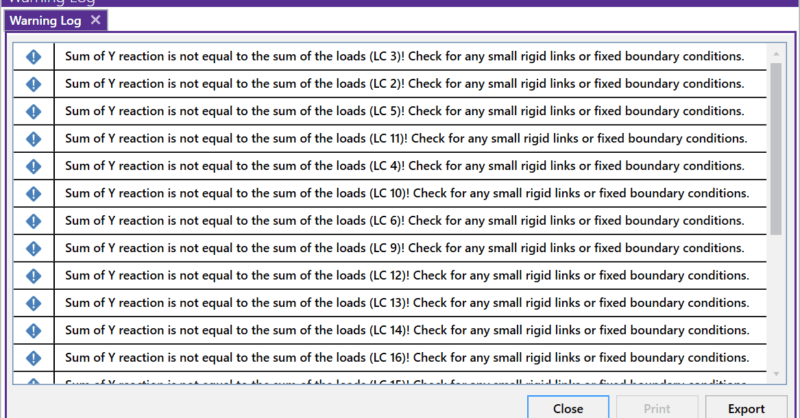
RISA-3D will now check your model for errors by summing the reactions in your model and comparing them to the applied loads. This occurs for the...
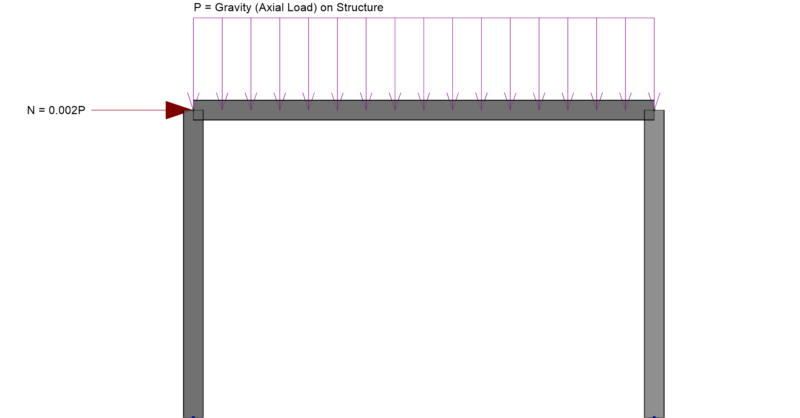
In RISA-3D you can automatically apply notional loads to your structure to comply with your steel code (such as AISC 360). Notional loads take...
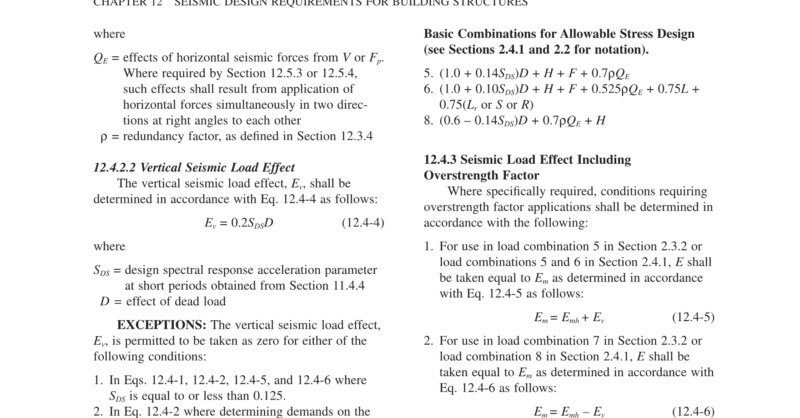
RISA-3D now has the ability to define the seismic parameters Rho, Omega and SDS directly into load combinations. If you open the Basic Load Cases...